YouTube Proxies for Streaming, Scraping, and Account Management
A YouTube proxy routes your traffic through ethically-sourced IPs, making you appear as a local viewer wherever you need to be. Tap into 195+ locations, 125M+ IPs, sub-0.6s response times, and a 99.99% uptime.
125M+
ethically-sourced IPs
195+
locations
99.99%
uptime
99.92%
success rate
24/7
support
Unlock success with our YouTube proxies
What is a YouTube proxy and how does it work?
A YouTube proxy is a server that sits between your device and YouTube, replacing your real IP address with one from Decodo's ethically sourced pool. YouTube sees traffic originating from the proxy's location, not your actual address, helping you to access geo-restricted content or bypass CAPTCHAs while running automation tasks.
How does a YouTube proxy work?
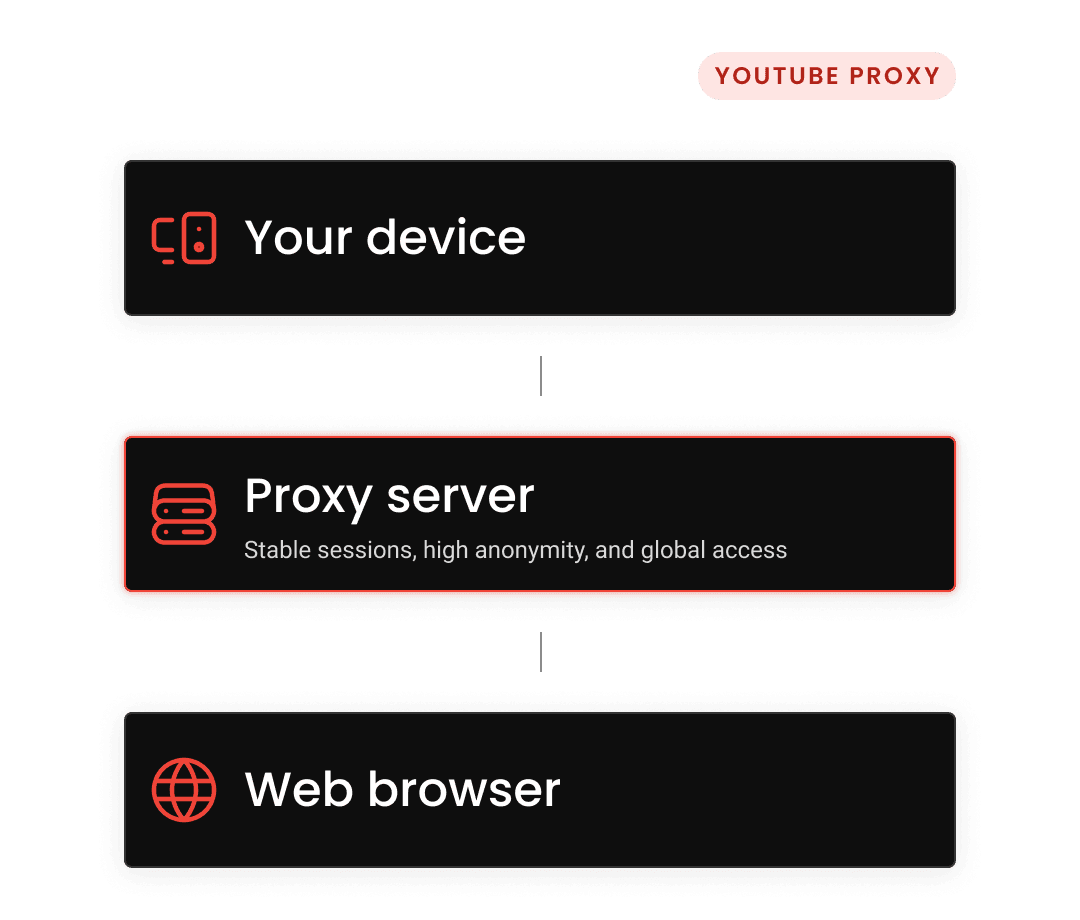
When you connect through a YouTube proxy, your request first goes to the proxy server. The proxy forwards it to YouTube using a residential IP or other proxy type from Decodo’s network. YouTube responds to the proxy, which relays the content back to you. Because you’re routing traffic through the proxy, YouTube doesn’t see your original IP address, minimizing the risk of IP bans, CAPTCHAs, or geo-restrictions.
High-quality YouTube proxies for any use case
YouTube proxies fit just perfectly into almost any workflow, whether you're scraping video metadata at scale, running regional ad verification, or simply need uninterrupted access from a restricted network.

Access geo-restricted content
Connect through proxies in specific countries to view region-locked videos or reach YouTube where access is limited.

Privacy and security
Mask your IP address to prevent tracking. SSL encryption protects your connection, especially on public networks.

Fast and reliable connections
High-speed servers ensure smooth streaming and fast uploads. A large proxy pool provides stable, uninterrupted connections without throttling.
Which locations are available for YouTube proxies?
Access 125M+ residential, datacenter, static residential (ISP), or mobile proxies from 195+ locations worldwide, including all 50 US states. Decodo, awarded Best Value Provider by Proxyway, delivers high-quality services at competitive prices, giving you uninterrupted access to YouTube and other websites online.


What do YouTube proxy plans cost?
YouTube proxies run on Decodo's high-quality proxy infrastructure. Depending on your selected proxy type, you can access advanced geo-targeting, IPs from 195+ locations with HTTP(S) and SOCKS5 protocols.
14-day money-back
SSL Secure Payment
Your information is protected by 256-bit SSL

Solutions trusted for any use case
Thousands of users trust our solutions every day, here's what some of them have to say.
What features do YouTube proxies include?
Stream, scrape, and manage multiple YouTube accounts with a proxy network designed for high-trust and high-performance access to video content.

99.99% uptime
Enterprise-grade infrastructure and advanced monitoring ensure minimal downtime, even during peak traffic hours.

195+ locations
Access location-specific YouTube content, test ads across regions, and manage channels from any country in Decodo's global network.

HTTP(S) and SOCKS5 support
Integrate Decodo proxies across browsers, scrapers, and automation tools without any configurations headaches.

Sticky and rotating sessions
Use up to 24-hour sticky sessions for stable account access, or rotating sessions for large-scale data collection and dynamic routing.

Unlimited connections
Connect as many devices, users, or applications as needed with no performance bottlenecks or connection limits.
125M+ IP pool
Access a constantly refreshed pool of ethically-sourced IPs for high flexibility and low detection risk.
How do I set up YouTube proxies?
Setting up YouTube proxies takes just a few minutes. Our tech support team is available 24/7 via live chat if you need help along the way.
#1 Sign up and access the dashboard
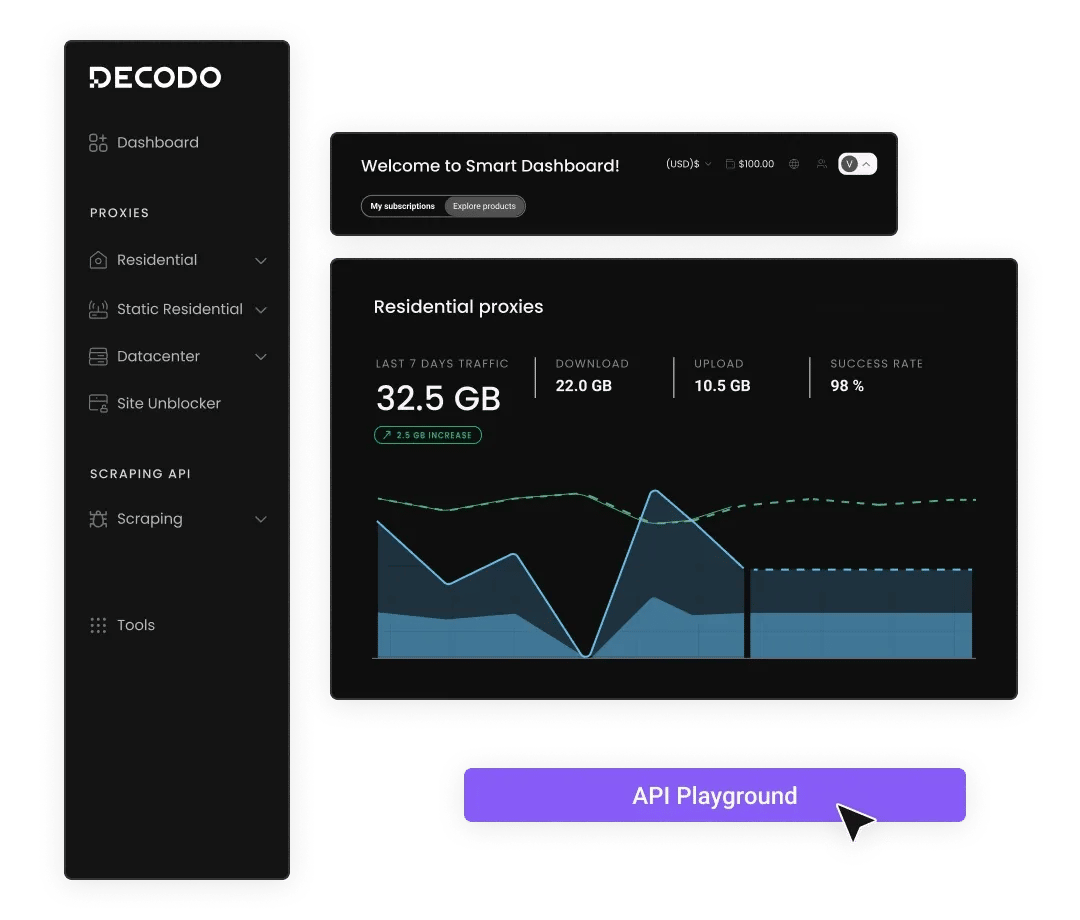
Create your Decodo account and log into the dashboard. Everything you need to manage your proxies, monitor usage, and adjust settings lives here, so take a moment to get familiar with the layout.
#2 Choose your subscription
Choose your preferred proxy type – residential, static residential (ISP), mobile, or datacenter proxies, and pick a subscription that matches your scale and use case. Whether you're running a solo project or managing operations across multiple accounts, there's a plan for that. You can also get started with a 3-day free trial and 100MB to test drive all proxy types.
#3 Set up your proxies
Follow the quick setup guide to configure the proxy on your device or tool of choice. Pick between HTTP(S) or SOCKS5 protocols depending on what your browser, scraper, or automation setup supports.
#4 Select your location
Depending on your proxy type, choose the country, state, or city you want your traffic to appear from. With up to 195+ locations available, you can get as broad or as specific as your use case requires.
#5 Start using YouTube
Your proxy is active and ready to go. Stream region-locked content, run publicly available data collection tasks, or manage multiple accounts, your connection is set up and working.
How do I use sticky and rotating sessions on YouTube?
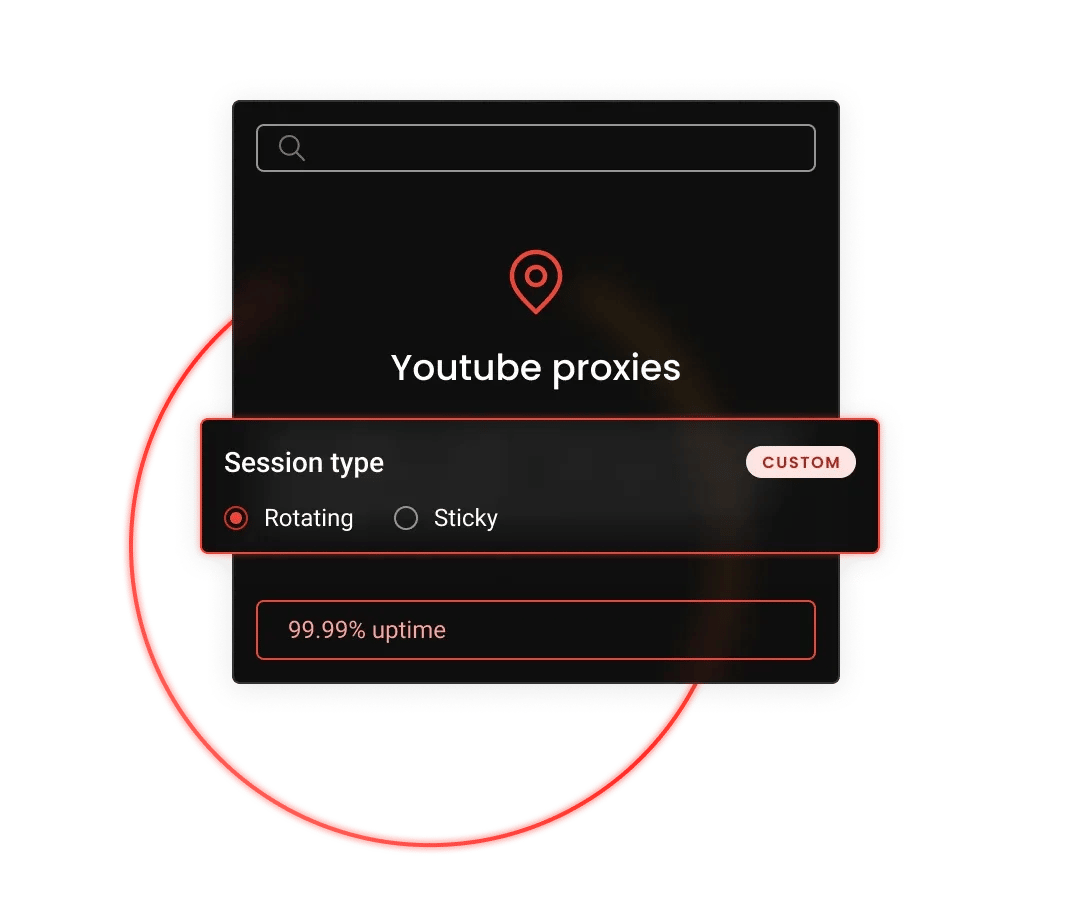
With Decodo, you can choose between sticky and rotating session types, depending on your use case. Sticky sessions keep the same IP for a set period – 1, 10, or 30 minutes, or up to 24 hours for longer workflows. That makes them the go-to for account management, extended viewing sessions, or anything where switching IPs mid-task would cause problems.
Rotating sessions switch to a new IP with each request, which is what you want when you're collecting data at scale and need maximum IP diversity to keep success rates high.
Simple rule of thumb – sticky for anything that needs a consistent identity, rotating for anything that benefits from volume.
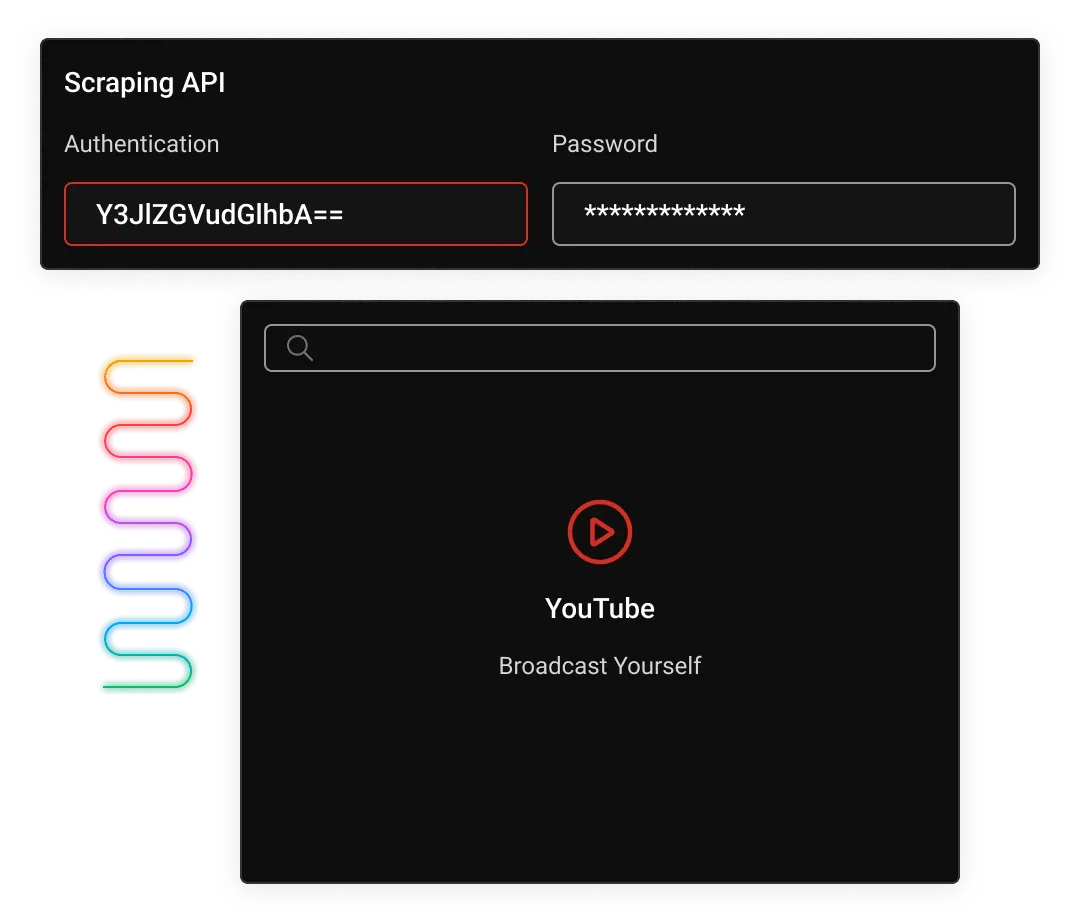
How do I scrape YouTube data with proxies?
YouTube is a goldmine of publicly available data – video metadata, comments, view counts, trending topics, channel stats, and more. Marketers, researchers, and analysts use it for sentiment analysis, competitive research, and tracking what's gaining traction in their space.
The catch is that scraping at scale without proxies gets you blocked fast. Routing requests through a large, diverse IP pool keeps your sessions clean and your success rates high. With 125M+ IPs and rotating sessions, Decodo lets you run millions of unique connections without hitting walls. And for a more complete setup, you can also pair proxies with Decodo's Web Scraping API to build a full end-to-end data pipeline. Decodo also offers a Video Download that allows you to conveniently download YouTube’s audio and video at scale.
What are customers and experts saying about Decodo?
Trusted by 135K+ clients and recognized by leading industry reviewers.

Attentive service
The professional expertise of the Decodo solution has significantly boosted our business growth while enhancing overall efficiency and effectiveness.
N
Novabeyond
Easy to get things done
Decodo provides great service with a simple setup and friendly support team.
R
RoiDynamic
A key to our work
Decodo enables us to develop and test applications in varied environments while supporting precise data collection for research and audience profiling.
C
Cybereg





Featured in:





Learn more about proxies and YouTube data collection
Most recent

ASOS Hacked: App Push Notification Claims Snowflake Breach
ASOS customers found an unwelcome alert on their phones on Tuesday, October 6, 2026. A push notification titled "ASOS HACKED," sent through the official app, claimed attackers had "fully compromised" the retailer's Snowflake instance and threatened a leak unless ASOS made contact via Telegram. ASOS hasn't confirmed the incident, and the claims remain unverified.

Benediktas Kazlauskas
Last updated: Oct 06, 2026
4 min read
Most popular
How to Scrape YouTube Search Results: Complete Guide
YouTube handles over 3B searches every month, making it the world’s second-largest search engine. Tapping into that web data uncovers trending topics, competitor strategies, and content gaps you can exploit. However, extracting that information requires navigating YouTube’s sophisticated CAPTCHAs and technical hurdles. In this guide, you’ll learn some proven approaches on how to scrape YouTube search results at scale and choose the right method for your specific needs.
Kipras Kalzanauskas
Last updated: Jun 25, 2025
9 min read
How to Scrape YouTube Comments: A Complete Guide
Scraping YouTube comments is one of the most direct ways to tap into user sentiment, uncover insights for market research, and even build large datasets for machine learning models. In this blog, we’ll explore what YouTube comment scrapers are, the various methods to scrape comments (both official and unofficial), and how to choose the best approach for your needs.
Dominykas Niaura
Last updated: Sep 12, 2025
10 min read
How to Fix YouTube Error 400 on Desktop & Mobile
While watching videos on YouTube, nothing kills the mood faster than an error screen when you're trying to open the app or watch your favorite channel. One of the most common issues users run into is the YouTube server error 400. In this article, we'll explore why this error occurs and, more importantly, how you can resolve it quickly so you can get back to watching without interruptions.
Kipras Kalzanauskas
Last updated: Sep 30, 2025
7 min read
YouTube Error 403: What It Means and How to Fix It
Do you scrape YouTube using YouTube-dl and yt-dlp packages? Or do you prefer writing a custom YouTube video downloader script? Either way, you might get caught off guard by YouTube error 403 due to issues with tokens, headers, cookies, or IP reputation. Read this insight to understand how disciplined session handling, browser-grade request emulation, and smarter quota-aware YouTube Data API strategies can help you tackle and fix YouTube error 403.
Lukas Mikelionis
Last updated: Oct 16, 2025
4 min read
What is YouTube Error 429 and How to Fix It: Complete Guide for Users and Developers
Error 429 can hit anyone on YouTube, whether you’re looking for what to watch or collecting video analytics with automated tools. While the causes are different, the frustration of getting blocked is all the same. We'll dive into what this error means, why it happens to both everyday users and professional scrapers, and how to fix it.
Robertas Lisickis
Last updated: Oct 09, 2025
4 min read
Frequently asked questions
Does Decodo offer a free trial?
Yes, Decodo offers a 3-day free trial with 100 MB of traffic. If you prefer to get a subscription, it’s backed by 14-day money-back. Note that the money-back doesn’t apply if you started with the free trial. Explore all the terms on our money-back option.
How do I cancel my YouTube proxy plan?
You can cancel your plan at any time from the Decodo dashboard. If you cancel within 14 days of purchase, you're eligible for a full refund (terms apply). After cancellation, your subscription remains active until the end of the current billing cycle.
What is a YouTube proxy?
A YouTube proxy is a server that acts as an intermediary between your device and YouTube. It replaces your real IP address with one from the proxy provider's network, so YouTube sees a different location and identity. This allows you to access geo-restricted content, manage multiple channels, and collect publicly available data at scale.
Which proxy type is best for YouTube?
For most YouTube workflows, residential proxies offer the best combination of trust, speed, and detection resistance. They use real ISP-assigned IPs that appear as regular household connections. For long, stable sessions (e.g., channel management), consider ISP proxies.
How do YouTube proxies work?
When you connect through a YouTube proxy, your device sends requests to the proxy server instead of directly to YouTube. The proxy forwards your request using a residential IP from its pool. YouTube responds to the proxy, which relays the content back to you. Because the residential IP originate from real devices connected to local networks,, YouTube treats the traffic as authentic.
Can I use proxies to scrape YouTube data?
Yes. Proxies are widely used to collect publicly available YouTube data such as video metadata, comments, view counts, and trending information. Rotating residential proxies are ideal for scraping because each request uses a different IP, which reduces rate limiting. For larger pipelines, you can use Decodo's Video Downloader or Web Scraping API.
Ready to Start Using YouTube proxies?
Test ethically-sourced IPs from 195+ locations and region-specific targeting in minutes.
14-day money-back option