
Welcome to Decodo Blog!
Build knowledge on our solutions and streamline your workflows with step-by-step guides and expert tips.
Cloudflare Scraper: Which Tools Still Work in 2026 and How To Build One
Cloudflare offers an anti-bot system that protects over 25% of all websites to date (W3Techs, 2026), and can shut your scraper down in seconds. This is where a Cloudflare scraper, a tool that gets past those defenses to pull data from protected sites, comes in handy. This guide breaks down how Cloudflare spots bots, why most scrapers fail, and how to scrape with Decodo's Web Scraping API.

Robertas Lisickis
Last updated: Sep 22, 2026
11 min read

Context7 MCP: How It Works, Setup, and Pricing in 2026
Context7 MCP is an MCP server from Upstash that brings up-to-date, version-specific library documentation and code examples into AI coding agents such as Cursor and Claude Code. Instead of answering library questions from model knowledge alone, the agent can pull relevant documentation at request time. This guide covers how that works, setup, pricing, and where Context7 stops being useful.

Justinas Tamasevicius
Last updated: Sep 21, 2026
9 min read
Proxies for LLM Training: How to Collect Web Data at Scale
Proxies for LLM training are the routing layer that lets a data collection pipeline fetch web pages at massive scale without being blocked. Training a language model involves fetching millions of pages, and most sites won't serve that volume to a single IP address. This guide covers proxy selection, bandwidth sizing, pipeline design, and compliance.

Mykolas Juodis
Last updated: Sep 21, 2026
12 min read

AI Agent Frameworks Compared: How to Choose in 2026
An AI agent framework gives a language model the structure to plan tasks, call tools, maintain state, and decide what to do next until it reaches a goal. With most frameworks now offering similar core capabilities, choosing one comes down less to feature count and more to language support, orchestration, durability, and your existing stack. This guide compares 9 leading AI agent frameworks and helps you find the right fit for your project.
Mykolas Juodis
Last updated: Sep 21, 2026
8 min read
10 Best MCP Servers for AI Workflows in 2026
Choosing the best MCP servers matters even more now that MCP has shifted from niche adoption to widespread use, with OpenAI, Microsoft, and Google supporting it natively. This guide covers what MCP is, why it matters for real-world AI agents, which 10 MCP servers are currently most useful, and how to safely choose and combine MCPs for your setup.
Mykolas Juodis
Last updated: Sep 21, 2026
9 min read

MCP vs. API: Understanding the Differences and Use Cases
The Model Context Protocol (MCP) is an open standard that lets an AI model discover and call external tools while it runs. The MCP vs. API question comes up because an API (application programming interface) is a contract developers write code against ahead of time, and both connect software to outside systems at different layers. Here's where each fits.

Lukas Mikelionis
Last updated: Sep 18, 2026
8 min read

Agentic Web Scraping: How AI Agents Collect Web Data
Agentic web scraping is web scraping where an AI agent decides what to do, rather than following a fixed sequence of steps. It identifies the information it needs and chooses its own actions, such as following a link, opening another page, or extracting specific content. This guide explains how agentic web scraping works and when to use it, along with the best agentic scraping tools in 2026.

Kipras Kalzanauskas
Last updated: Sep 18, 2026
8 min read

Self-Healing Selectors: How AI Web Scrapers Survive Site Redesigns
Self-healing selectors let a scraper relocate the data it's looking for after a site's HTML changes, instead of breaking and needing a manual fix. Search interest in AI-driven scraping has spiked sharply lately, and open-source tools built around this idea have seen rapid adoption, as site redesigns get more frequent and selector maintenance becomes the real cost of running a scraper.

Zilvinas Tamulis
Last updated: Sep 17, 2026
9 min read

ChatGPT Atlas Is Gone. The AI Browsers That Bypass Detection Aren't
OpenAI shut down ChatGPT Atlas, its standalone AI browser, on August 9, 2026, less than a year after launch, folding browsing into the main ChatGPT app. That matters beyond the product news: Atlas and Perplexity's Comet showed that an AI agent browsing the web can be indistinguishable from a human using Chrome, a structural shift in detection that survives the shutdown.
Zilvinas Tamulis
Last updated: Sep 17, 2026
7 min read

ShieldFont Explained: How It Works and What Still Gets Through
ShieldFont is an open-source web font that swaps some of a page's words in the HTML source for different ones and redraws the originals on screen through the font's own rendering rules. The idea is to make the writing harder to use in AI training without permission. In this blog post, we'll tackle how the mechanism works and where it stops.
Robertas Lisickis
Last updated: Sep 16, 2026
7 min read
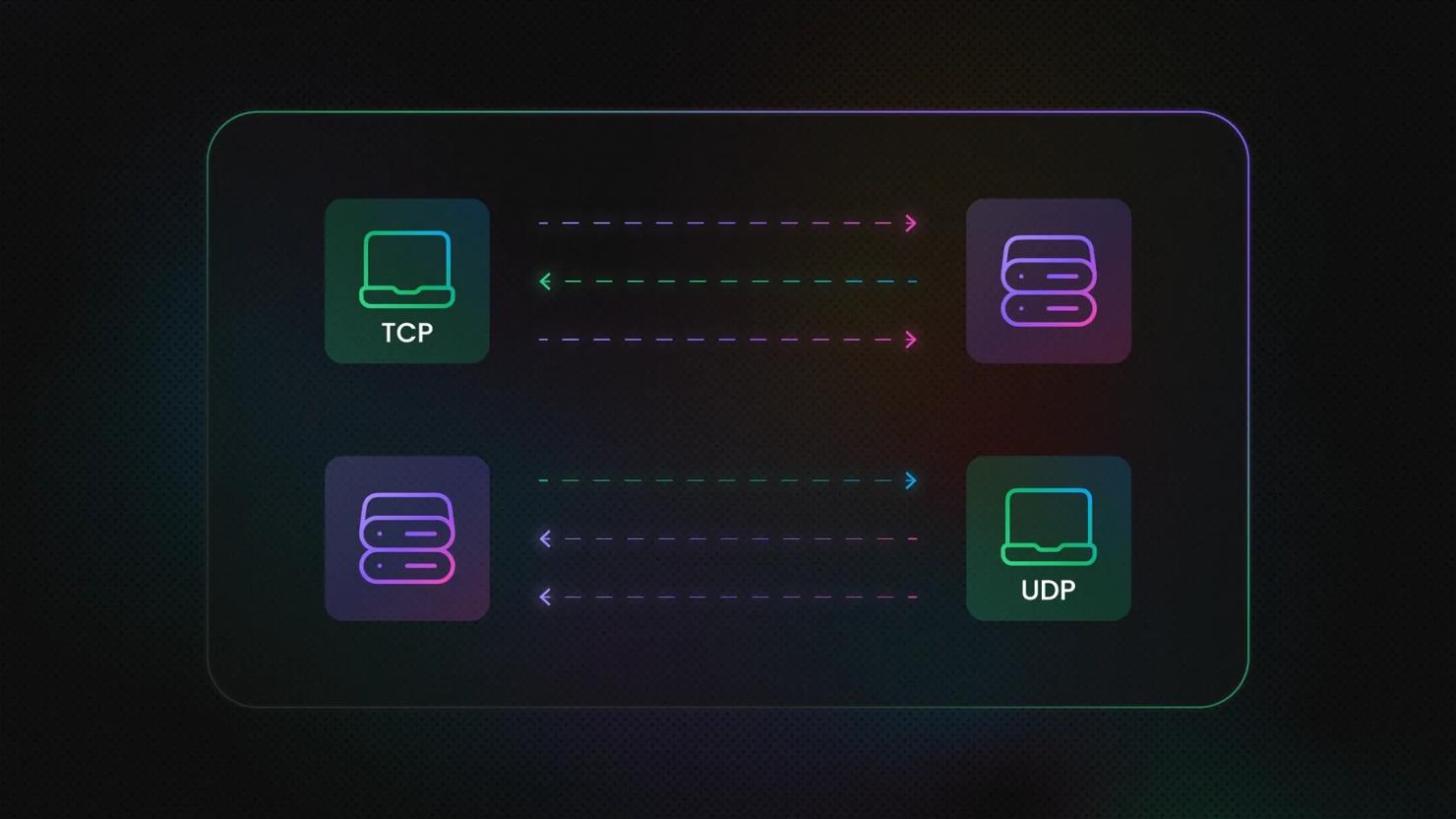
TCP vs. UDP: Key Differences You Need to Know
The difference between TCP and UDP lies in how each protocol handles connections, delivery, ordering, and network overhead. TCP prioritizes reliable, ordered transmission, while UDP favors simplicity and lower latency; the UDP vs. TCP choice is usually a latency-versus-guarantee decision.

Vilius Sakutis
Last updated: Sep 16, 2026
7 min read

Best ISP Proxy Providers in 2026: 8 Services Compared
The best ISP proxies pair ISP-registered IPs with datacenter hosting. This guide compares 8 providers by price, format, coverage, protocol support, and trial terms. Independent 2026 benchmarks place Decodo in the top 3 for its flexible plans, shared and dedicated formats, and low starting price.
Kipras Kalzanauskas
Last updated: Sep 16, 2026
9 min read
MCP Server Examples by Category: What Each One Does (2026)
MCP server examples show a real server giving an AI model one capability: reading files, querying a database, or fetching live web data. Without MCP, every connection means more glue code to maintain. This guide groups examples by category: web data, developer tools, productivity, databases, search, and design and project management, with what each does and a task it powers.
Kipras Kalzanauskas
Last updated: Sep 14, 2026
8 min read

Claude MCP: How To Set Up MCP Servers in Claude Desktop and Claude Code
Claude MCP is the Model Context Protocol as Claude implements it: a server declares tools, and Claude calls them. Claude Desktop and Claude Code both use it, and each reads a different config file. This guide sets up both clients, then measures cost and hidden failures.
Justinas Tamasevicius
Last updated: Sep 14, 2026
12 min read

AI Firms Are Destroying Rare Books for Training Data: Scraping Is the Alternative
Book scraping is the process of collecting public book data, such as titles, ratings, reviews, metadata, and available text, from online sources. It has taken on new relevance as AI companies buy and destructively scan physical books for training data. For material that already exists online, scraping offers a lower-friction, non-destructive way to collect some of the same kind of human-written data.
Justinas Tamasevicius
Last updated: Sep 14, 2026
8 min read
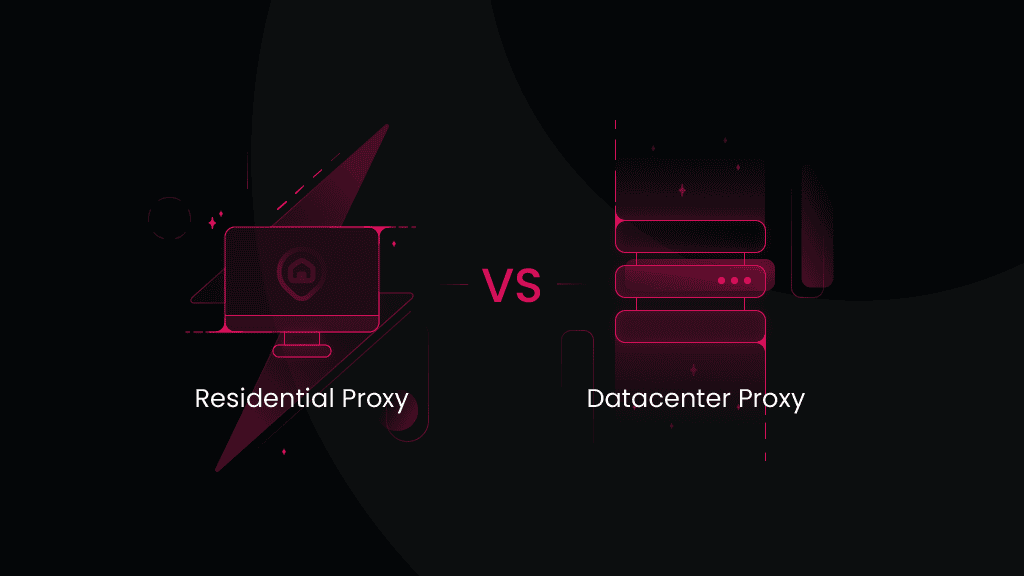
Residential vs. Datacenter Proxies: Which Should You Choose?
Residential and datacenter proxies both act as intermediaries that hide your real IP address, allowing you to access restricted websites and geo-blocked content. However, they differ in IP origin, stability, speed, and how websites perceive them. This residential vs. datacenter proxies guide breaks down their key differences.
Vilius Sakutis
Last updated: Sep 11, 2026
8 min read

Best Residential Proxies in 2026: 9 Providers Tested & Compared
The best residential proxies in 2026 combine high success rates, fast response times, large IP pools, flexible rotation, and competitive pricing. We compared 9 providers on independent benchmark data, pricing, pool size, targeting, and session controls to find the best options for different use cases.
Vilius Sakutis
Last updated: Sep 10, 2026
11 min read
Most Scraped Websites Of 2026: AI Platforms Enter The List
Decodo tracks scraping requests across its user base every year. The most scraped websites of 2026 include ChatGPT and Perplexity for the first time. TikTok, Google, Naver, Make.com, Target, Amazon, GitHub, and Stack Overflow round out the list.

Benediktas Kazlauskas
Last updated: Sep 10, 2026
5 min read