How To Scrape Websites With Dynamic Content Using Python
You've mastered static HTML scraping, but now you're staring at a site where Requests + Beautiful Soup returns nothing but an empty <div> and <script> tags. Welcome to JavaScript-rendered content, where you get the material after the initial request. In this guide, we'll tackle dynamic sites using Python and Selenium (plus a Beautiful Soup alternative).

Justinas Tamasevicius
Last updated: Dec 16, 2025
12 min read
What's dynamic content?
In web scraping terms, "dynamic content" refers to content that's rendered client-side by JavaScript after the initial page load.
Here's what happens when you visit a modern website:
- Your browser requests a URL.
- The server responds with minimal HTML, often just a few div and script tags.
- JavaScript makes asynchronous requests to fetch data from the server.
- JavaScript manipulates the DOM to inject and render that data.
- You see a fully populated page.
The scraping challenge: Tools like Requests only capture step 2. They can't execute JavaScript, so they miss steps 3-5 entirely.
This architecture dominates modern web development. Single-Page Applications (SPAs) built with React, Vue, Angular, or Svelte all work this way. Of course, it's not all done to interrupt scrapers or complicating things for no reason – It offers real advantages: smoother interactions without full page reloads, reduced server load, tailored content for users, and better separation between frontend and backend.
Static vs. dynamic content
To help understand the differences better, here are the key features of each type of content:
Static (server-rendered) content
- Complete HTML is generated on the server before sending the response
- Inspect Element shows the same content you see in the browser
- Each request triggers a full page reload
- Content is embedded directly in the HTML document
- Straightforward to scrape with basic HTTP libraries
Dynamic (client-rendered) content
- Server sends a minimal HTML shell with JavaScript bundles
- Content is fetched and rendered in the browser via API calls
- DOM is manipulated after page load without full refreshes
- Requires JavaScript execution, headless browsers, or API reverse-engineering to scrape
Benefits of dynamic websites
Modern frameworks have made client-side rendering the default for several practical reasons:
- No full page reloads. Navigation between views is instant by swapping components instead of requesting new HTML.
- Better perceived performance. Shows a loading skeleton immediately, then loads in data progressively.
- Richer interactions. Allows building complex, stateful UIs (real-time updates, drag-and-drop, infinite scroll).
- Reduced server load. Offloads rendering work to clients, letting servers focus on data delivery.
- Developer experience. Component-based architecture with reloading makes development faster and more maintainable.
Common examples of dynamic content
- Social media feeds. X, Facebook, LinkedIn (infinite scroll, real-time updates).
- eCommerce product listings. Filters, sorting, lazy-loaded images.
- Dashboards and analytics. Charts, graphs, live data visualization.
- Search results. Google, Bing (autocomplete, instant results).
- Single-page applications. Gmail, Notion, Figma.
- Content platforms. YouTube, Netflix, Spotify (recommendations, player interfaces).
Challenges of web scraping dynamic content
Scraping dynamically rendered sites presents distinct technical challenges compared to static HTML extraction:
- Asynchronous content loading. Data appears after the initial DOM loads, often triggered by user actions or timed events.
- Fragile element selectors. JavaScript frameworks often generate dynamic class names or restructure the DOM between renders.
- Timing and race conditions. Multiple API calls might populate the page in an unpredictable order.
- Resource overhead. Running a headless browser consumes significantly more memory and CPU than simple HTTP requests.
- Steeper learning curve. You need to understand browser automation, async JavaScript execution, the DOM lifecycle, and debugging tools.
Scraping time – what you'll need to get started
Before starting to scrape dynamic content, you'll need a few prerequisites:
- Python 3.9 or higher
- Selenium, Beautiful Soup 4, lxml, Requests, and Webdriver-manager libraries. You can install them all with the pip package manager (comes with Python) through the command terminal:
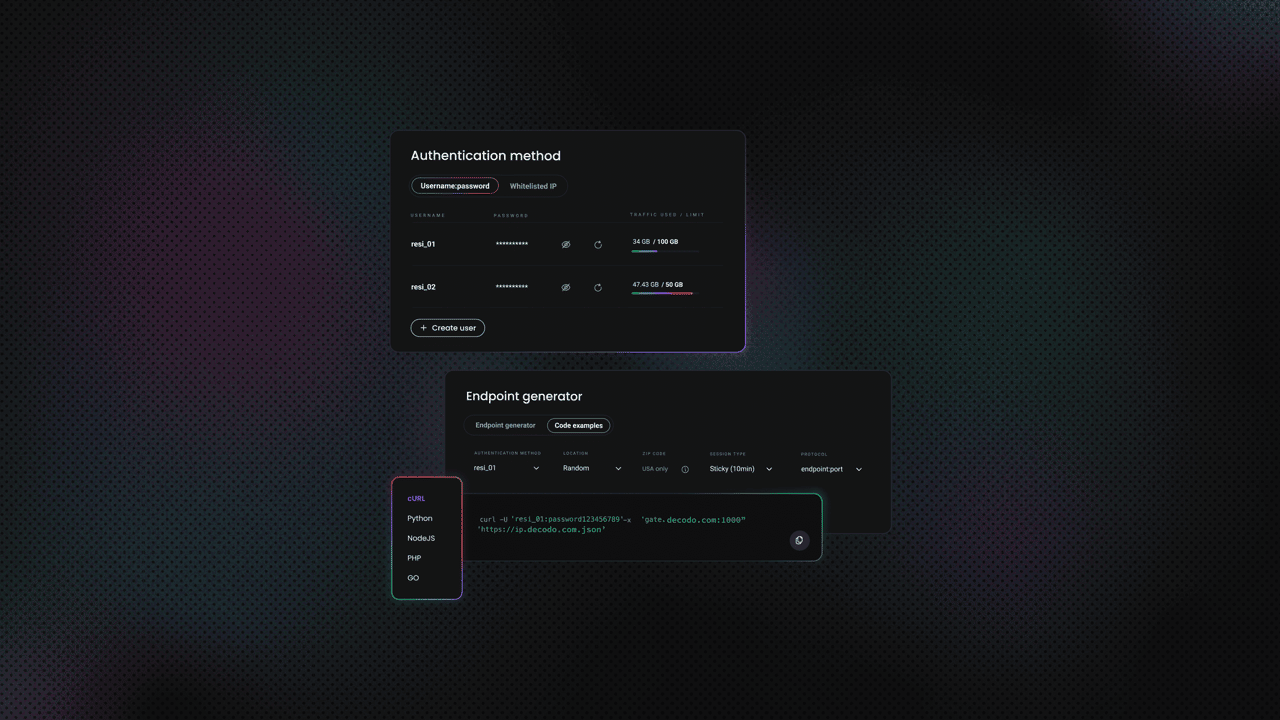
- Decodo residential proxies. For production scraping, proxies are essential to avoid rate limits and blocks.
- A target website that has dynamic content. Scrape This Site's Oscar Winning Films page is a great choice, as it's built to test scrapers with a real JavaScript-rendering simulation.
But why Requests and Beautiful Soup?
You might've noticed that Requests and Beautiful Soup were a part of the installed libraries, despite the target being a dynamic website. The reason is that there's one more way to extract dynamic data – grabbing it "midway".
When JavaScript renders content, it's fetching that data from somewhere. Most modern sites make XHR (XMLHttpRequest) or Fetch API calls to backend endpoints, typically returning JSON or HTML fragments. Instead of running an entire browser to execute JavaScript, you can identify these requests and hit the endpoints directly.

Scraping dynamic content with Python and Selenium: A step-by-step guide
Method 1: Using Selenium (browser automation)
When you need complete JavaScript execution and DOM interaction, Selenium is your tool.
- Set up the driver.
2. Navigate and wait for content.
The script:
- Navigates to the page and wait for elements with the class film to appear
- Executes all JavaScript, triggering the AJAX request
- Extracts data from the rendered DOM
- Prints the first 5 film data
Method 2: Using Requests (API interception)
This is where things get interesting. Instead of running a browser, let's find what the JavaScript is actually requesting.
Step 1: Inspect network traffic
- Open scrapethissite.com/pages/ajax-javascript.
- Choose a year to view films (for this example, 2015).
- Open Chrome DevTools (F12) (or your browser equivalent).
- Navigate to the Network tab.
- Reload the page.
- Filter by Fetch/XHR to see API calls.
- Click through responses to find your target data.
You'll discover a request to: ajax-javascript/?ajax=true&year=2015
Click on it and check the Preview or Response tab that contains JSON.
Step 2: Replicate the request
Performance comparison
So how did both of these scripts perform?
Selenium approach:
- ~5-10 seconds per page
- ~150-200MB memory per browser instance
- Handles any JavaScript complexity
- Harder to scale
Requests approach:
- ~0.5-1 second per request
- ~10-20MB memory
- Only works if you can find the API
- Easy to scale
For this specific site, the Requests method is 10x faster and uses 90% less memory.
When to use each method
Use Selenium when:
- You can't find or replicate the API calls
- The site requires complex interactions (clicking, scrolling, form submissions)
- Authentication involves cookies or tokens set by JavaScript
- You're prototyping and need something working quickly
Use Requests when:
- You've identified the data endpoints
- The API doesn't have complex authentication
- You need to scrape at scale
- Performance and resource usage matter
For production scraping, it's recommended to start with 10 minutes of network inspection. If you can find the API, you'll save hours of execution time down the line.
Using proxies
For production scraping, proxies help you avoid rate limits and IP blocks. Here's how to integrate Decodo's residential proxies into both methods.
Selenium
Requests
Conclusion
Scraping dynamically-rendered content comes down to understanding how modern web apps actually work. Start by checking the Network tab – if you can intercept the API calls, you'll save yourself the overhead of running a headless browser. When that's not possible, Selenium gives you the complete JavaScript execution you need, just at a higher resource cost. The techniques here work for most dynamic sites, but expect to adapt your approach as you encounter different architectures and anti-scraping measures.

Scale without getting blocked
Decodo's residential proxies rotate through 115M+ real IPs to keep your scrapers running smoothly at any scale.
About the author

Justinas Tamasevicius
Director of Engineering
Justinas Tamaševičius is Director of Engineering with over two decades of expertise in software development. What started as a self-taught passion during his school years has evolved into a distinguished career spanning backend engineering, system architecture, and infrastructure development.
Connect with Justinas via LinkedIn.
All information on Decodo Blog is provided on an as is basis and for informational purposes only. We make no representation and disclaim all liability with respect to your use of any information contained on Decodo Blog or any third-party websites that may belinked therein.