How to Integrate Decodo Proxies with AdsPower
Combine AdsPower’s fingerprinting technology with Decodo’s 115M+ residential IPs for secure multiple accounts management.
14-day money-back option

115M+
ethically-sourced IPs
#1
response time
99.92%
success rate
99.99%
uptime
<0.5s
response time
Trusted by:







What is AdsPower?
AdsPower is an anti-detect browser that helps you run multiple accounts on platforms like Amazon, TikTok, or Shopify without them getting linked together. It works by giving each browser profile its own digital fingerprint, things like user agent, canvas, and WebGL, so every session looks like a real, separate user.
That said, a browser fingerprint alone isn’t enough. You still need high-quality residential proxies to make you appear like a regular internet user. When you pair Decodo proxies with AdsPower, each profile gets its own genuine residential IP, making every account appear as if it’s being used by a real person from a real household device. The result is safer account management, fewer bans, and smoother scaling across multiple platforms.
Prerequisites for configuration
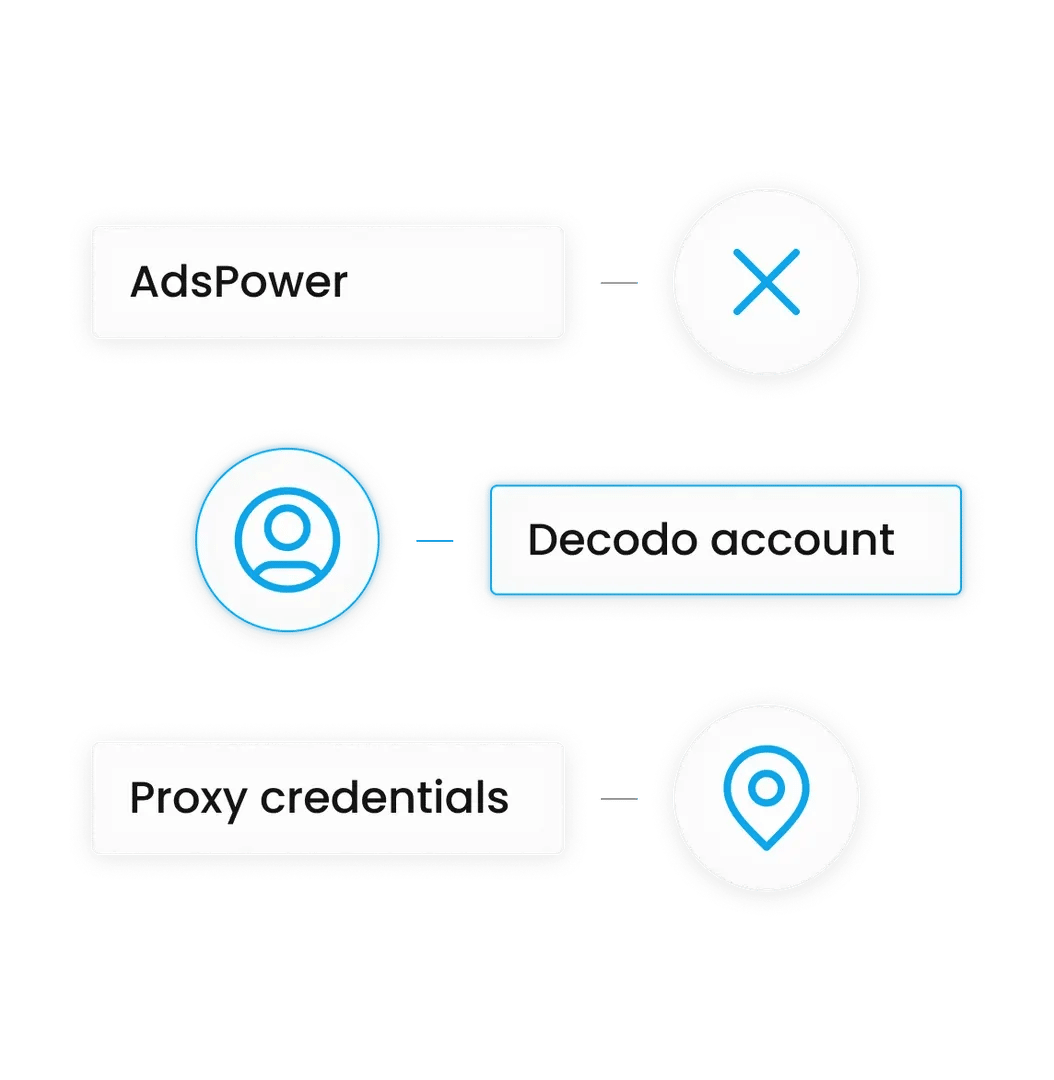
Before getting started, you’ll need:
- AdsPower browser installed and updated
- A valid Decodo account. If you don’t have one, you can create one in just a few clicks.
- Your proxy credentials (Host, Port, Username, and Password).
Step-by-step AdsPower proxy setup
Step #1: Get your proxy credentials
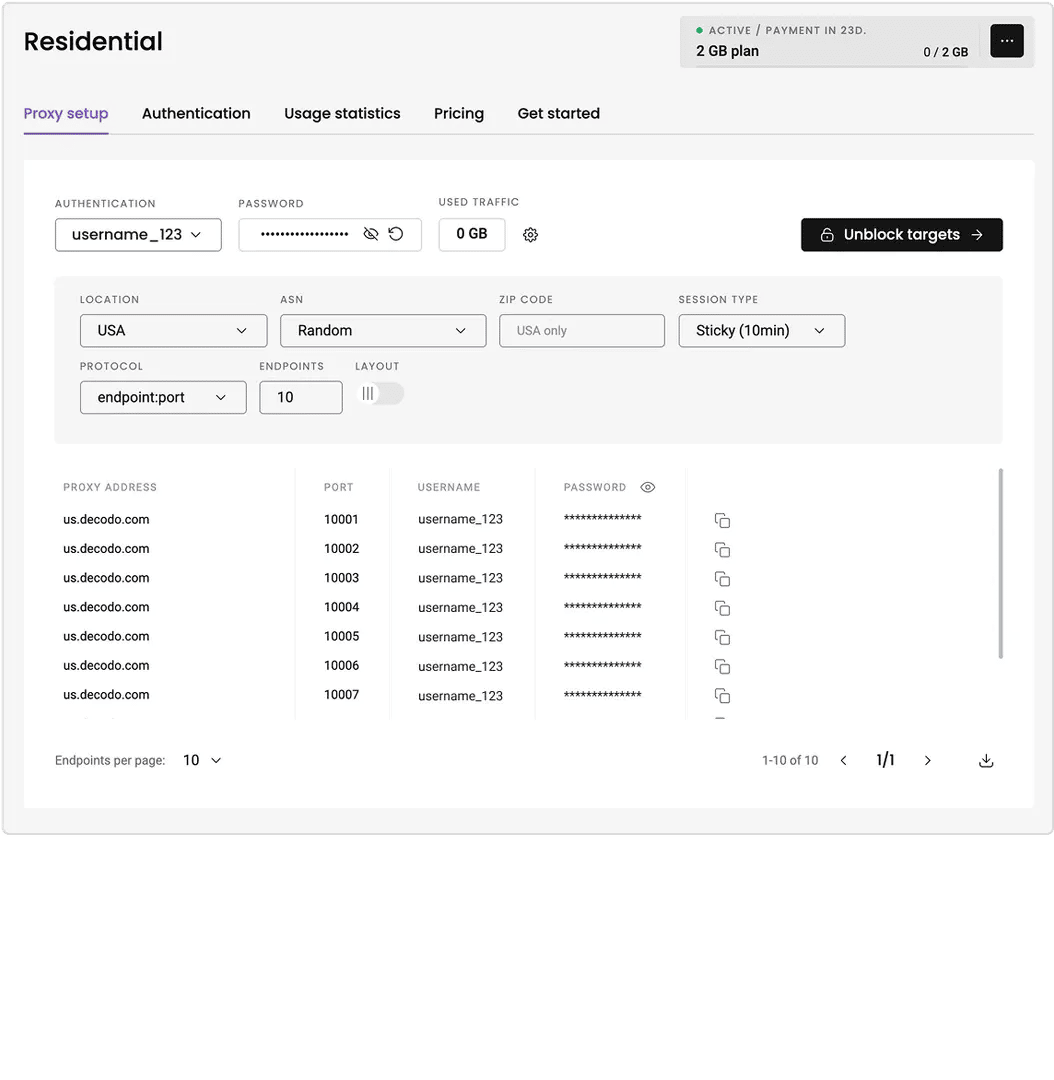
1. Log in to the Decodo dashboard.
2. Navigate to the Residential tab, then Proxy setup.
3. Select your target country (e.g., "USA" for a US account).
4. Copy the host, port, username, and password.
Step #2: Create a new profile in AdsPower
5. Open AdsPower and click New Profile (blue button).
6. Name your profile and tweak the profile settings, if needed.
Step #4: Verify connection
11. Click the Check Proxy button next to the Host:Port field.
12. You should see a Connection Success message displaying your new IP and location.
13. Click OK to save the profile. When you open the browser, it’ll now route your traffic through Decodo.
Troubleshooting AdsPower connection issues
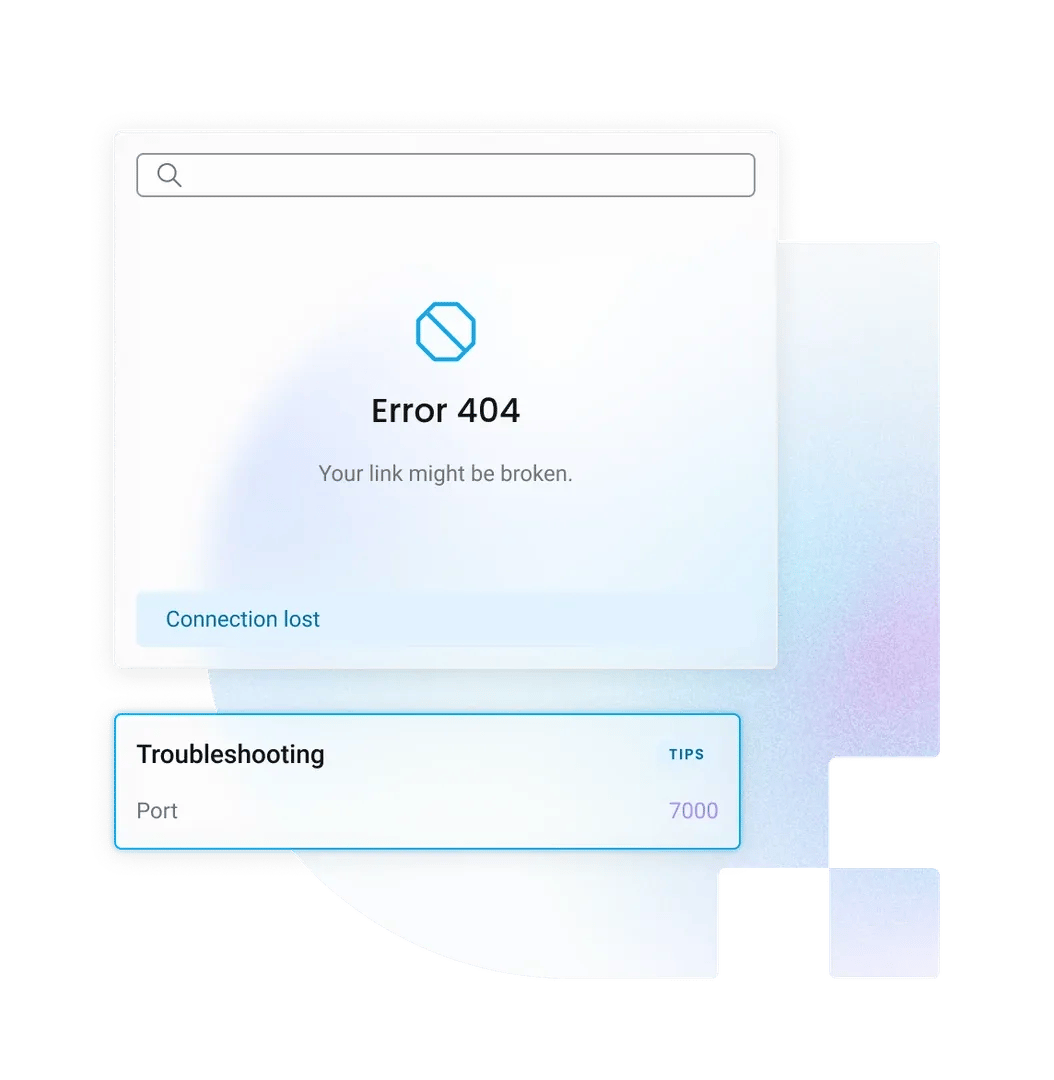
"Proxy Connection Failed" error
Double-check your username and password to see whether there are no typos or extra spaces. If using SOCKS5 fails, try switching the protocol to HTTP, as it’s often more stable for initial handshakes.
IP location mismatch
AdsPower automatically detects the timezone based on IP. If the location seems wrong, regenerate your proxy user with a specific country parameter in your Decodo dashboard.
Slow browser speed
Check if you’re not using a high-latency location relative to your target. For faster performance, choose a proxy location geographically closer to the target server.
Why use Decodo proxies with AdsPower?
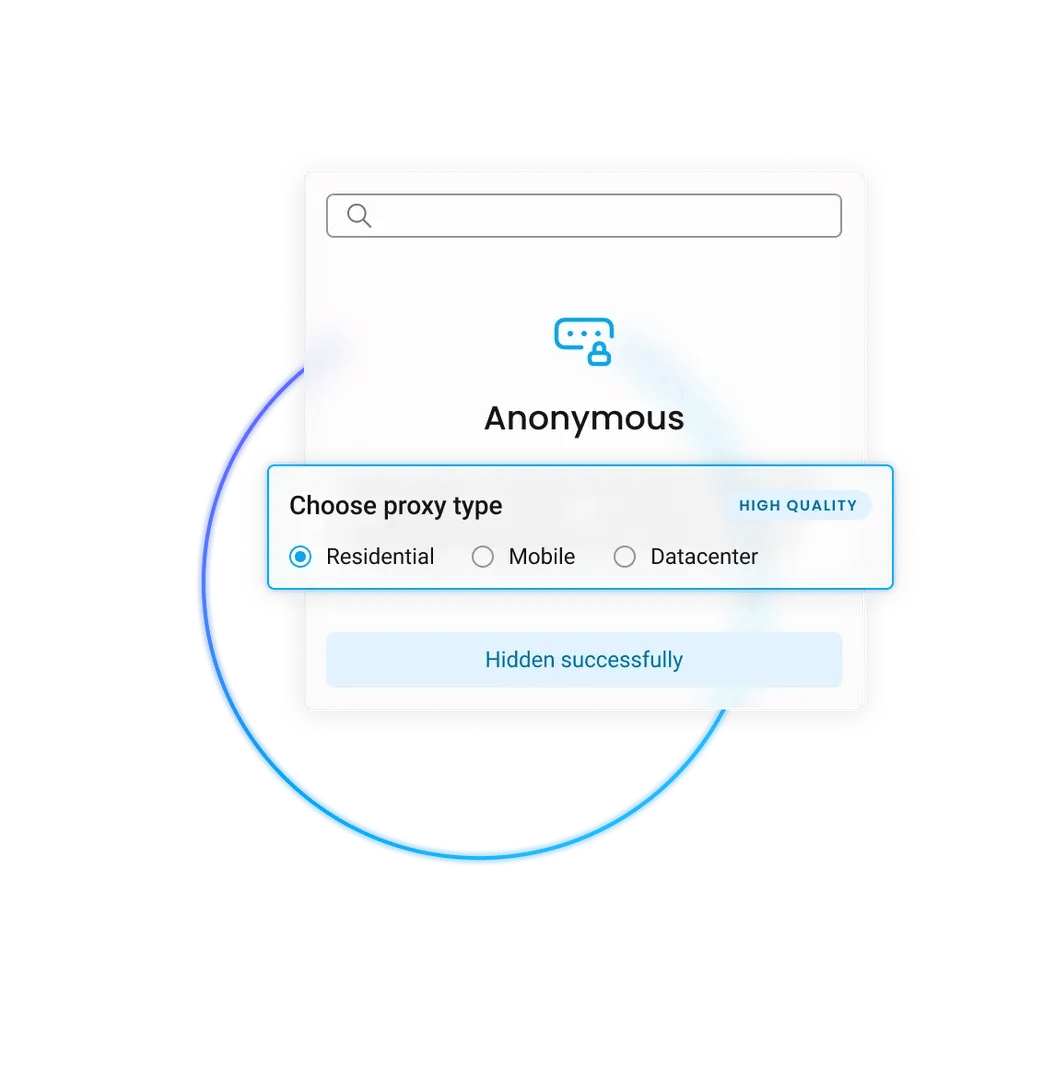
Diverse residential pool
With 115M+ IPs, you can create thousands of unique profiles. Each account gets a distinct, clean IP address, preventing "chain bans" where one flagged account affects others.
Precise location targeting
Match your IP location to your account’s billing address. Target specifically by country, city, or ISP to build maximum trust with platforms like Amazon or eBay.
High connection stability
Our network is optimized for long sessions. Use sticky IPs to keep the same address for up to 30 minutes, ensuring you don't get logged out during critical tasks unnecessarily.
Affordable proxies for multi-accounting
Pick a subscription that suits your needs and upgrade on the go.
With each residential proxy plan, you access:

115M+ ethically-sourced IPs in 195+ locations
HTTP(S) & SOCKS5 support
Continent, country, state, city, ZIP code, and ASN-level targeting
Rotating and sticky session options
<0.5s avg. response time
99.92% success rate
99.99% uptime
Seamless integration with scraping tools and bots
24/7 tech support
14-day money-back
SSL Secure Payment
Your information is protected by 256-bit SSL

Other multi-account browser integrations
Compare setups for other profile management tools:



Find out what people are saying about us
We're thrilled to have the support of our 135K+ clients and the industry's best.

Attentive service
The professional expertise of the Decodo solution has significantly boosted our business growth while enhancing overall efficiency and effectiveness.
N
Novabeyond
Easy to get things done
Decodo provides great service with a simple setup and friendly support team.
R
RoiDynamic
A key to our work
Decodo enables us to develop and test applications in varied environments while supporting precise data collection for research and audience profiling.
C
Cybereg






Recognized by:





Frequently asked questions
Does AdsPower support rotating proxies?
Yes, but be careful. For account management, we recommend using sticky sessions (static IPs), so your IP doesn't change mid-session, which can trigger security verifications or even worse – IP bans. Use rotating proxies only for scraping tasks within AdsPower.
Can I bulk import proxies into AdsPower?
Yes. You can use the "Batch Import" feature in AdsPower. Simply format your Decodo proxies list as host:port:user:pass and paste them directly to create 100+ profiles instantly.
Which protocol is better for AdsPower – HTTP or SOCKS5?
For general browsing and multiple account management, HTTP is faster and sufficiently secure. SOCKS5 is recommended if you need UDP support (e.g., for video streaming or specific WebRTC handling).
Secure Your Accounts Today
Manage unlimited profiles with zero overlaps using the most trusted residential proxy network.
14-day money-back option