Meet The New Web Data API With Scrape, Search, Map, and Crawl Endpoints
AI agents and RAG pipelines need more than single-page scraping. Decodo's Web Data API brings scraping, site discovery, crawling, and web search under one API, giving developers four endpoints and one API key to collect fresh web data at scale, feed it into AI applications, and get started with up to 10K requests on the free plan.

Gabriele Vitke
Last updated: Oct 12, 2026
4 min read
TL;DR
- Use /scrape, /map, /crawl, and /search through one API key
- Discover up to 147K URLs with /map and crawl up to 10K pages with /crawl
- Build web data workflows for AI agents, RAG pipelines, research, and competitive intelligence
- Manage scraping, crawling, site discovery, and web search through one API
Four ways to access web data
A single-page scraper can handle a known URL. Modern AI applications usually need to go further.
An agent might need to find relevant information through web search, discover the available pages on a website, collect hundreds or thousands of those pages, and process individual URLs as new tasks appear.
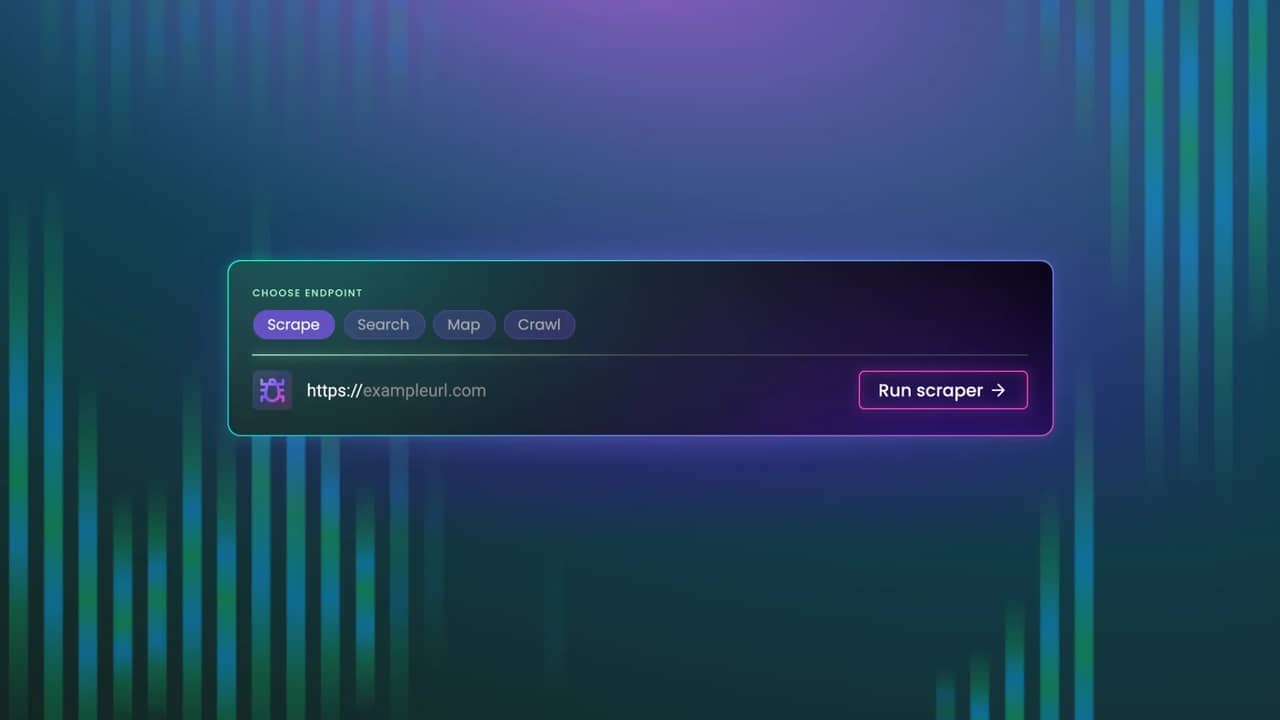
Web Data API covers these workflows through four endpoints:
- /scrape extracts data from a single URL.
- /map discovers pages from a website and its first-level sitemap, returning up to 147K URLs in one call.
- /crawl autonomously collects content from up to 10K pages.
- /search returns organic web search results for applications that need current web information.
And for your convenience, they all sit under the same API key.
Scrape a single page with /scrape
When you already know which page you need, /scrape handles single-URL extraction.
It brings the existing Web Scraping API functionality into the Web Data API, giving developers a straightforward way to collect content from individual pages while using the same authentication as the other endpoints.
That makes /scrape useful for targeted extraction workflows where discovering or crawling the rest of the website isn't necessary.
Discover site URLs with /map
Sometimes you know the website but don't know which pages contain the information you need. /map handles the discovery step.
Send a target website and the endpoint checks the site and, when available, its sitemap. The results are combined into a URL list, with support for discovering up to 147K URLs in a single call.
An AI application can use that list to identify relevant pages before deciding what should be scraped or crawled.
For example, a research tool could map a regulator's website, identify pages relevant to a particular subject, and collect only the material needed for its knowledge base.
Collect up to 10K pages with /crawl
When you need content across a website, /crawl handles the multi-page workflow.
Give it a starting website, and it can autonomously collect content from up to 10K pages. It runs mapping logic internally to build the URL list, filters URLs according to the supplied parameters, and scrapes them in batches.
The endpoint supports Markdown and HTML output, callbacks, and automatic JavaScript retry logic for eligible failed requests.
For a RAG pipeline, /crawl can collect content from a documentation site or knowledge base without requiring developers to build and maintain separate link-following logic.
Search the web with /search
AI applications don't always start with a URL.
An agent answering a new question may first need to find relevant sources. A research application may need current search results before deciding which pages to process.
/search brings organic web search into the same API environment as scraping, mapping, and crawling.
Developers can retrieve search results and use the other endpoints to discover or collect content from the resulting websites.
This gives applications access to web search and web data collection through the same API key and account.
Build the full workflow with one API
Each endpoint can handle a specific task, while combining them opens up broader web data workflows.
An application can use /search to find relevant websites, /map to discover available pages, /crawl to collect content across a site, and /scrape when it needs data from a specific URL.
All four use the same API key and account.
Teams that currently combine separate scraping, crawling, and search tools can manage these workflows through one API surface, with fewer credentials and integrations to maintain.
Built for AI agents and RAG pipelines
Web Data API supports applications that need to collect and process web data beyond individual pages.
- RAG-as-a-Service platforms can use /crawl to collect a documentation site or knowledge base into Markdown for downstream processing and embedding.
- AI grounding workflows can equip /search and /scrape to retrieve current web information and source content that helps agents and LLM-powered applications generate responses grounded in external data.
- MCP-native developer tools can use /search to bring current web results into an agent or IDE without maintaining a separate search API integration.
- Legal and research platforms can use /map to discover relevant pages and documents across primary-source websites before selecting what to collect.
- Competitive and price intelligence teams can combine /map and /crawl to discover and collect product catalogs, pricing pages, and other frequently changing web data.
The four endpoints give teams the flexibility to start from a URL, a website, or a search query and collect the data their application needs.
Web access backed by Decodo infrastructure
Reliable web data starts with reliable access. Web Data API is powered by Decodo's ethically sourced network of 125M+ IPs, giving agents and data pipelines the infrastructure to reach websites that commonly block or restrict automated requests.
The unblocking infrastructure combines residential, datacenter, ISP, and mobile proxies to support access across different targets and collection scenarios. It works behind the API, so developers can focus on the data workflow instead of building and maintaining their own proxy rotation and access infrastructure.
This foundation extends across scraping, mapping, crawling, and search. Whether an agent needs one page or a RAG pipeline needs content across thousands of URLs, Web Data API pairs web data collection with the infrastructure needed to keep requests moving across JavaScript-heavy and protected targets.
For AI teams, that means fewer access bottlenecks and less infrastructure to manage while collecting fresh web data at scale.

Run real workflows for free
Activate your free starter plan with up to 10K monthly requests, no credit card required.
Bottom line
Web Data API brings the core web data workflows AI agents and RAG pipelines need into one place. Search the web, discover site pages, crawl up to 10K pages, or scrape individual URLs through four endpoints and one API key.
Build and test your workflow with up to 10K requests on the free Starter plan, then scale as your data needs grow.
About the author
Gabriele Vitke
Product Marketing Team Lead
Gabriele connects strategy, storytelling, and data to help products find their people. With over a decade of experience across SaaS, B2B, and biotech, she’s led rebrands, built go-to-market strategies, and turned complex tech into something clear and genuinely useful.
Connect with Gabrielė via LinkedIn
All information on Decodo Blog is provided on an as is basis and for informational purposes only. We make no representation and disclaim all liability with respect to your use of any information contained on Decodo Blog or any third-party websites that may belinked therein.