Artificial Intelligence
Artificial intelligence (AI) helps computers think and learn like humans by finding patterns in data. AI can automate tasks, make predictions, and solve problems across many industries. From chatbots that answer questions to AI agents that help to eliminate those time-consuming tasks – the key to successful AI is having good data to train it, enough computing power to run it, and careful planning to make sure it meets your business standards.
What Is T3 Code? Setup, Features and Use Cases
T3 Code is a free, open-source app for managing AI coding agents like Claude Code, Codex, and Cursor from a single desktop, web, or mobile interface. Developed by Theo Browne's T3 Tools team, it has become one of GitHub's fast-growing developer projects in 2026. In this guide, we'll cover what T3 Code does, its main features, how to get started, and how it compares to other coding tools.

Dominykas Niaura
Last updated: Nov 04, 2026
10 min read
Crawl4AI Tutorial: Build Powerful AI Web Scrapers
Crawl4AI is an open-source Python web-crawling library that uses browser automation to turn web pages into clean, structured data for LLMs. Developers use it to collect AI-ready data for AI agents, RAG systems, and scraping pipelines. This tutorial covers setup, extraction, deep crawling, proxies, and when to use a managed crawling API instead.

Justinas Tamasevicius
Last updated: Nov 03, 2026
16 min read

Web Scraping CLI for AI Agents: 6 Tools Tested
A web scraping CLI fetches pages and returns output that an agent can parse and an exit code it can branch on. An agent's built-in fetch tool can return a challenge page or an empty JavaScript shell that looks like success. We ran 6 CLIs, including our open-source pobear, through the same tests and logged every output and exit code.
Justinas Tamasevicius
Last updated: Oct 30, 2026
20 min read

Zapier MCP Server: Connect Agents to Apps and the Web
Zapier MCP is Zapier's hosted MCP server: one connection that lets an AI agent take actions across 9,000+ apps. It solves reach, not data. Your agent still needs a separate way to get fresh information from the web. This guide covers how Zapier MCP works, how to connect it, and how to pair it with Decodo for live web data.

Lukas Mikelionis
Last updated: Oct 21, 2026
9 min read

Best Exa Alternatives For AI Agents
Exa is a neural search API for AI agents. It matches queries to pages by meaning, using embeddings, and returns their contents. It belongs to the retrieval layer, next to search APIs and web data APIs that also crawl and extract. Teams compare Exa alternatives when an agent needs every page of a documentation site or pages behind bot protection.
Justinas Tamasevicius
Last updated: Oct 20, 2026
11 min read
REA (Reverse Engineer Anything): What It Is and How to Use It
Reverse Engineer Anything (REA) is an open-source toolkit that lets AI agents investigate how software works, even without access to its original source code. The project has gained significant attention on GitHub in October 2026. In this guide, we'll explore how REA works, what you can analyze with it, and how to get started. We'll also look at an alternative approach when your goal is collecting public web data rather than reverse engineering software.
Dominykas Niaura
Last updated: Oct 20, 2026
10 min read
Tavily Alternatives: 7 Agentic Search APIs Compared
Tavily is an agentic search API that takes a natural-language query and returns ranked, LLM-ready content instead of raw search result HTML. Many LangChain projects use it by default, and teams compare Tavily alternatives when an agent gives an outdated price or can't read a bot-protected page. This guide shows which alternative fits which use case and how to migrate.
Justinas Tamasevicius
Last updated: Oct 20, 2026
10 min read

Best Cursor MCP Servers in 2026: 10 That Earn Their Tokens
Cursor MCP servers extend the editor beyond local code, connecting APIs, docs, databases, and design tools. Each server used to eat tokens until Cursor's January 2026 dynamic context discovery update cut total agent tokens by 46.9% in runs that called an MCP tool. This guide covers 10 of the best MCP servers for Cursor, with config for each.
Lukas Mikelionis
Last updated: Oct 12, 2026
8 min read

Best AI Agent Development Tools & Platforms in 2026
AI agent development tools are platforms for building agents that take a goal, split it into steps, and act on their own, mostly without code. Picking the wrong layer- no-code, low-code, or framework- is the most expensive mistake. Some builders are closing or have closed, so this guide ranks only active ones, compares pricing, and covers the web access every agent needs.

Kipras Kalzanauskas
Last updated: Sep 29, 2026
18 min read

Browser MCP: What It Is, How to Set It Up, and When to Use It
Browser MCP is an MCP server and Chrome extension. It allows applications such as Cursor, Claude Desktop, and VS Code to control a tab that is already open. And it doesn't launch a new browser. Browser MCP attaches to your existing profile, so the agent works inside the sessions you already have. That one design choice decides what Browser MCP is good for. But the same choice stops it from scaling. This guide explains setup, use cases, and safety, and compares Browser MCP with other browser automation servers.
Justinas Tamasevicius
Last updated: Sep 24, 2026
19 min read
Context Engineering vs. Prompt Engineering: When Each One Wins
Context engineering vs. prompt engineering comes down to "what AI model knows when you ask" vs. "how you ask." Context engineering involves designing a full data system that a model sees before responding. Prompt engineering crafts optimal inputs to get desired outputs. This guide explains the differences, where prompting fails, and when each wins for AI agents in production.

Mykolas Juodis
Last updated: Sep 22, 2026
14 min read

Context7 MCP: How It Works, Setup, and Pricing in 2026
Context7 MCP is an MCP server from Upstash that brings up-to-date, version-specific library documentation and code examples into AI coding agents such as Cursor and Claude Code. Instead of answering library questions from model knowledge alone, the agent can pull relevant documentation at request time. This guide covers how that works, setup, pricing, and where Context7 stops being useful.
Justinas Tamasevicius
Last updated: Sep 21, 2026
9 min read
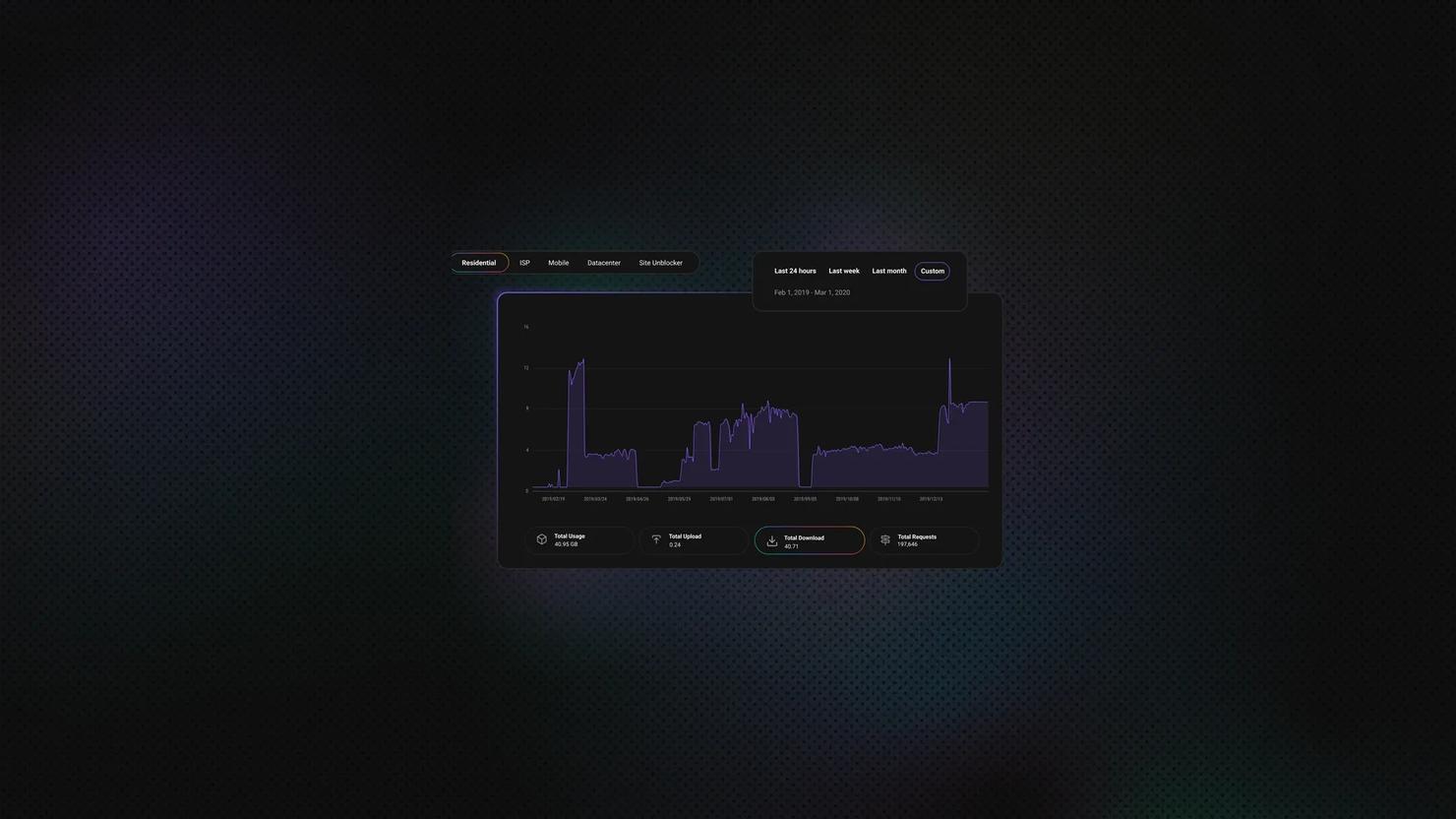
Proxies for LLM Training: How to Collect Web Data at Scale
Proxies for LLM training are the routing layer that lets a data collection pipeline fetch web pages at massive scale without being blocked. Training a language model involves fetching millions of pages, and most sites won't serve that volume to a single IP address. This guide covers proxy selection, bandwidth sizing, pipeline design, and compliance.
Mykolas Juodis
Last updated: Sep 21, 2026
12 min read

AI Agent Frameworks Compared: How to Choose in 2026
An AI agent framework gives a language model the structure to plan tasks, call tools, maintain state, and decide what to do next until it reaches a goal. With most frameworks now offering similar core capabilities, choosing one comes down less to feature count and more to language support, orchestration, durability, and your existing stack. This guide compares 9 leading AI agent frameworks and helps you find the right fit for your project.
Mykolas Juodis
Last updated: Sep 21, 2026
8 min read
10 Best MCP Servers for AI Workflows in 2026
Choosing the best MCP servers matters even more now that MCP has shifted from niche adoption to widespread use, with OpenAI, Microsoft, and Google supporting it natively. This guide covers what MCP is, why it matters for real-world AI agents, which 10 MCP servers are currently most useful, and how to safely choose and combine MCPs for your setup.
Mykolas Juodis
Last updated: Sep 21, 2026
9 min read

Agentic Web Scraping: How AI Agents Collect Web Data
Agentic web scraping is web scraping where an AI agent decides what to do, rather than following a fixed sequence of steps. It identifies the information it needs and chooses its own actions, such as following a link, opening another page, or extracting specific content. This guide explains how agentic web scraping works and when to use it, along with the best agentic scraping tools in 2026.
Kipras Kalzanauskas
Last updated: Sep 18, 2026
8 min read

Self-Healing Selectors: How AI Web Scrapers Survive Site Redesigns
Self-healing selectors let a scraper relocate the data it's looking for after a site's HTML changes, instead of breaking and needing a manual fix. Search interest in AI-driven scraping has spiked sharply lately, and open-source tools built around this idea have seen rapid adoption, as site redesigns get more frequent and selector maintenance becomes the real cost of running a scraper.

Zilvinas Tamulis
Last updated: Sep 17, 2026
9 min read

ChatGPT Atlas Is Gone. The AI Browsers That Bypass Detection Aren't
OpenAI shut down ChatGPT Atlas, its standalone AI browser, on August 9, 2026, less than a year after launch, folding browsing into the main ChatGPT app. That matters beyond the product news: Atlas and Perplexity's Comet showed that an AI agent browsing the web can be indistinguishable from a human using Chrome, a structural shift in detection that survives the shutdown.
Zilvinas Tamulis
Last updated: Sep 17, 2026
7 min read