How to Set Up a Proxy in Mozilla Firefox
Configure Decodo’s 125M+ residential IPs directly within Firefox to isolate your browser traffic and access global content securely.
14-day money-back option
Configure Decodo’s 125M+ residential IPs directly within Firefox to isolate your browser traffic and access global content securely.
14-day money-back option
115M+
ethically-sourced IPs
<0.5s
average response time
99.92%
success rate
7-day
free trial
99.99%
uptime
Trusted by:







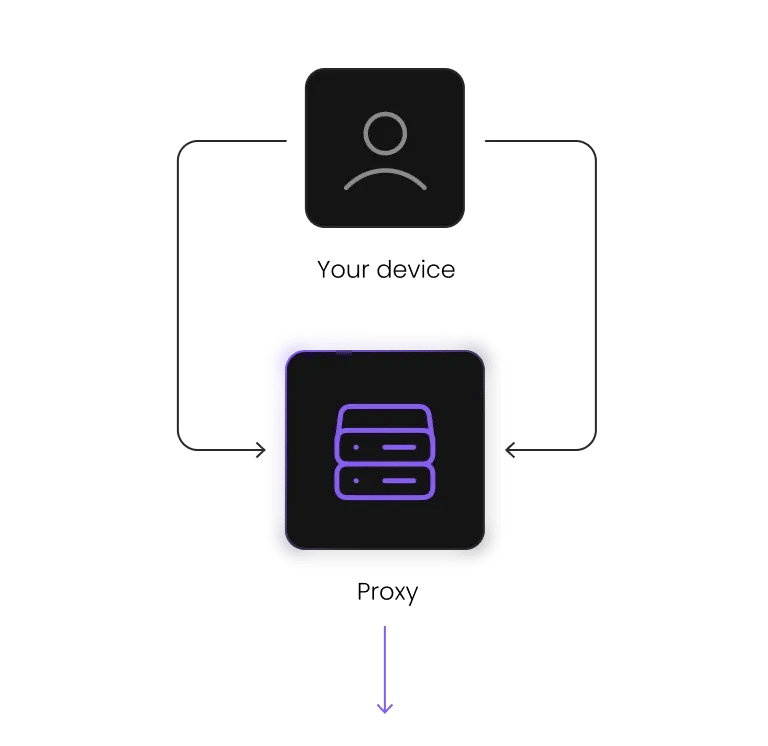
Mozilla Firefox provides a dedicated network configuration that operates independently from your operating system. This allows you to integrate residential proxies in Firefox without impacting other applications on your computer, such as Spotify or Slack.
This browser-level isolation makes Firefox well suited for ad verification, proxy specific workflows, and managing multiple accounts while keeping your primary system connection unchanged.
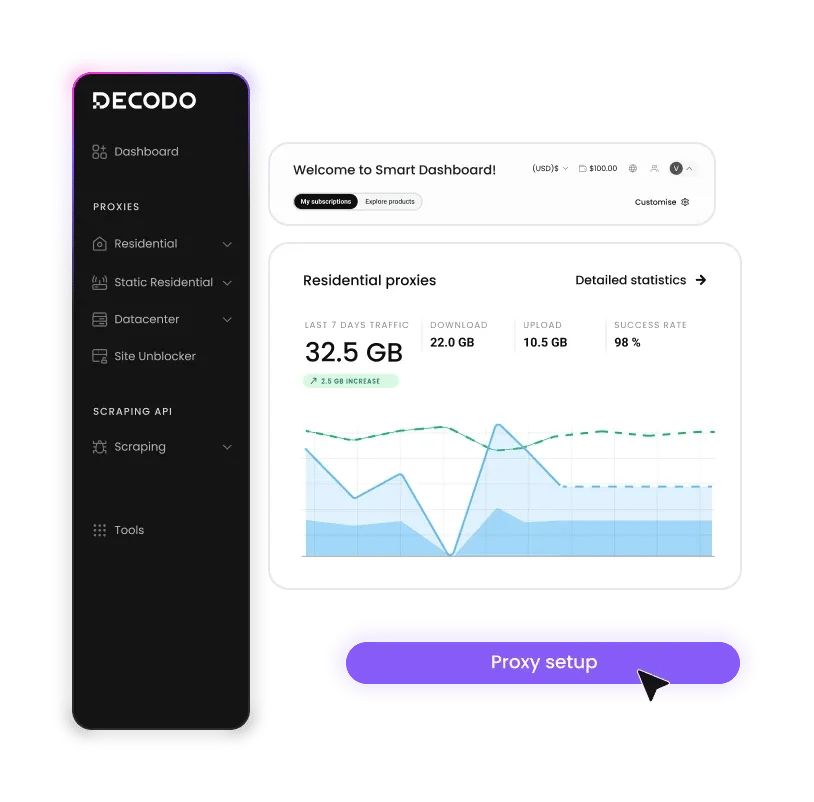
Before you start, make sure you have the following:
Configure a proxy in Firefox without changing your system network settings.
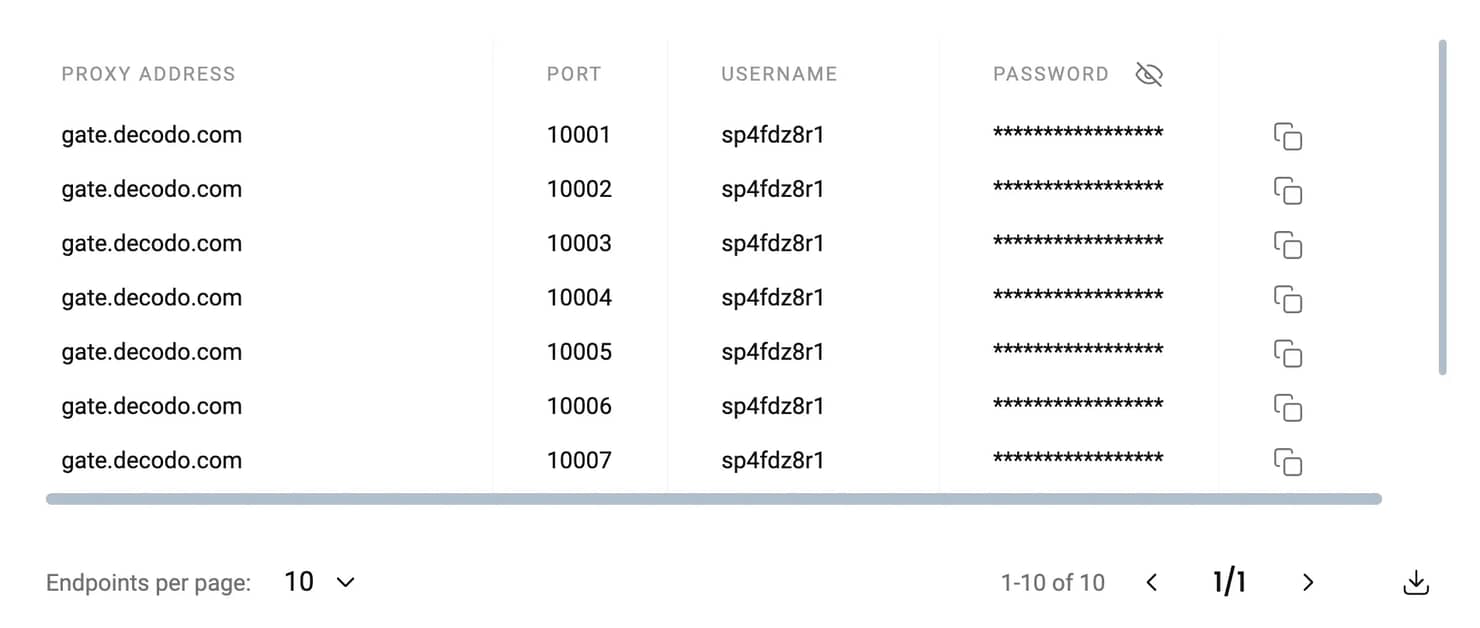
Start by collecting our Decodo proxy details:
See how you can easily fix some of the common Firefox errors.
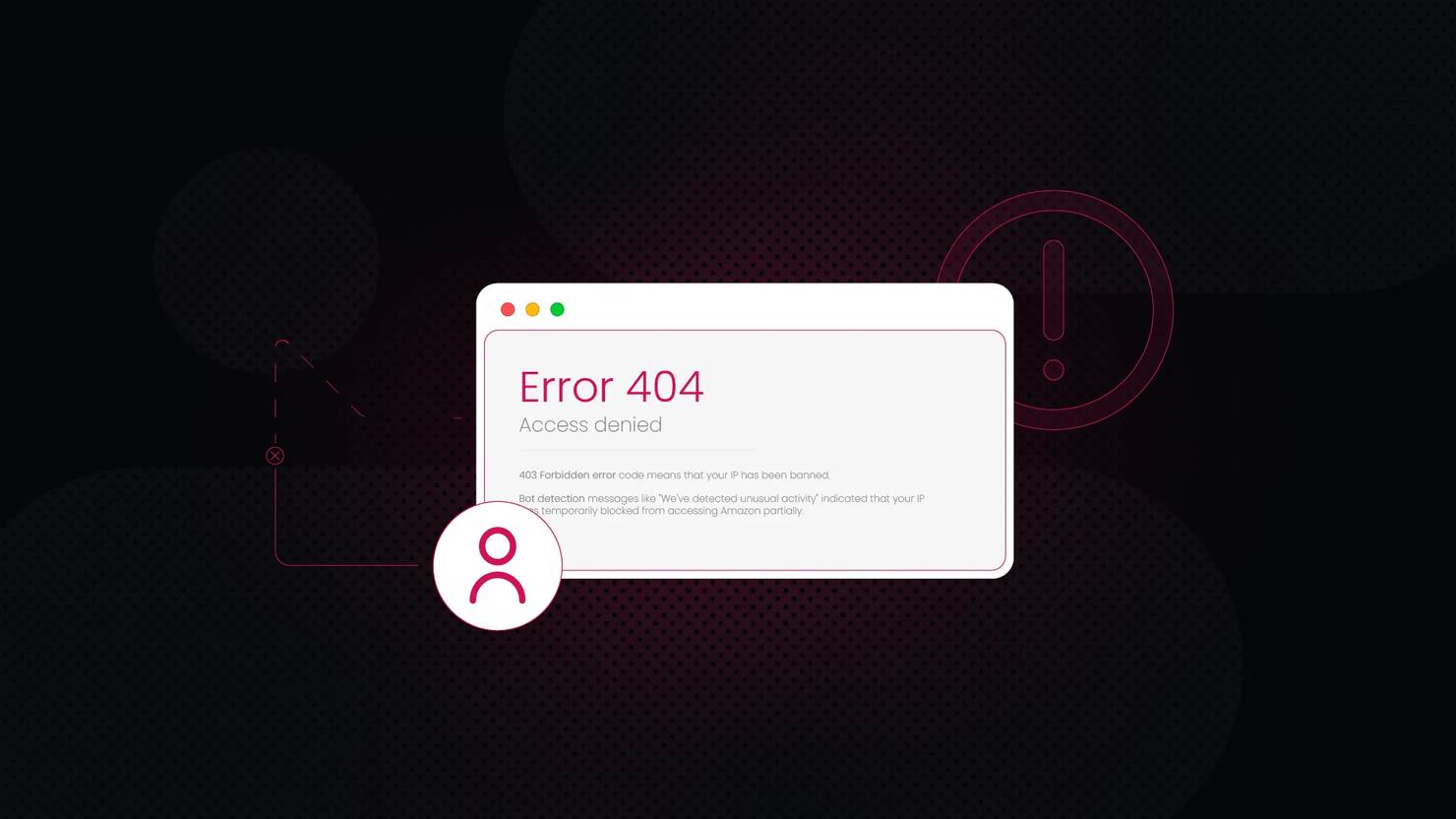
SOCKS5 authentication fails
Firefox has had occasional issues with SOCKS5 username and password authentication. If the login prompt doesn't appear, type about:config in the address bar, search for network.proxy.socks_remote_dns, and set it to true. If the problem continues, switch to the HTTP proxy protocol, which is generally more stable.
"The proxy server is refusing connections" error
This usually indicates an incorrect proxy host or port. Double check the details in your dashboard and make sure they were copied correctly. Also confirm that your firewall isn't blocking your selected port.
DNS leaks
Make sure Enable DNS over HTTPS is disabled in Firefox’s general settings. This ensures DNS queries are routed through the Decodo proxy and remain consistent with your assigned IP.
Run Decodo proxies in Firefox for isolated sessions, native SOCKS5 support, and improved privacy.

Complete browser isolation
Keep your main and routed traffic fully separated by running Decodo only inside Firefox, making multitasking easier without changing networks or system settings.

Native SOCKS5 support
Firefox handles SOCKS5 traffic natively and more reliably than most other browsers, enabling faster connections and smoother SOCKS-based workflows.

Access region-specific content
View localized websites that may be unavailable in your location by routing traffic through Decodo's network of real household devices.
Get unlimited concurrent sessions and comprehensive geo-targeting with our fast residential proxies.
With each residential proxy plan, you access:

115M+ ethically-sourced IPs in 195+ locations
HTTP(S) & SOCKS5 support
Continent, country, state, city, ZIP code, and ASN-level targeting
Rotating and sticky session options
<0.5s avg. response time
99.92% success rate
99.99% uptime
Seamless integration with scraping tools and bots
24/7 tech support
14-day money-back
SSL Secure Payment
Your information is protected by 256-bit SSL

Check out step-by-step tutorials for popular browsers and proxy management tools.
We're thrilled to have the support of our 135K+ clients and the industry's best.

Attentive service
The professional expertise of the Decodo solution has significantly boosted our business growth while enhancing overall efficiency and effectiveness.
N
Novabeyond
Easy to get things done
Decodo provides great service with a simple setup and friendly support team.
R
RoiDynamic
A key to our work
Decodo enables us to develop and test applications in varied environments while supporting precise data collection for research and audience profiling.
C
Cybereg
Yes, you can. When the authentication prompt appears, Firefox will ask you if you want to save your login for the proxy. Click Save to store your credentials. If Firefox continues to prompt you, you can review or remove saved entries in Settings > Privacy & Security > Saved Logins.
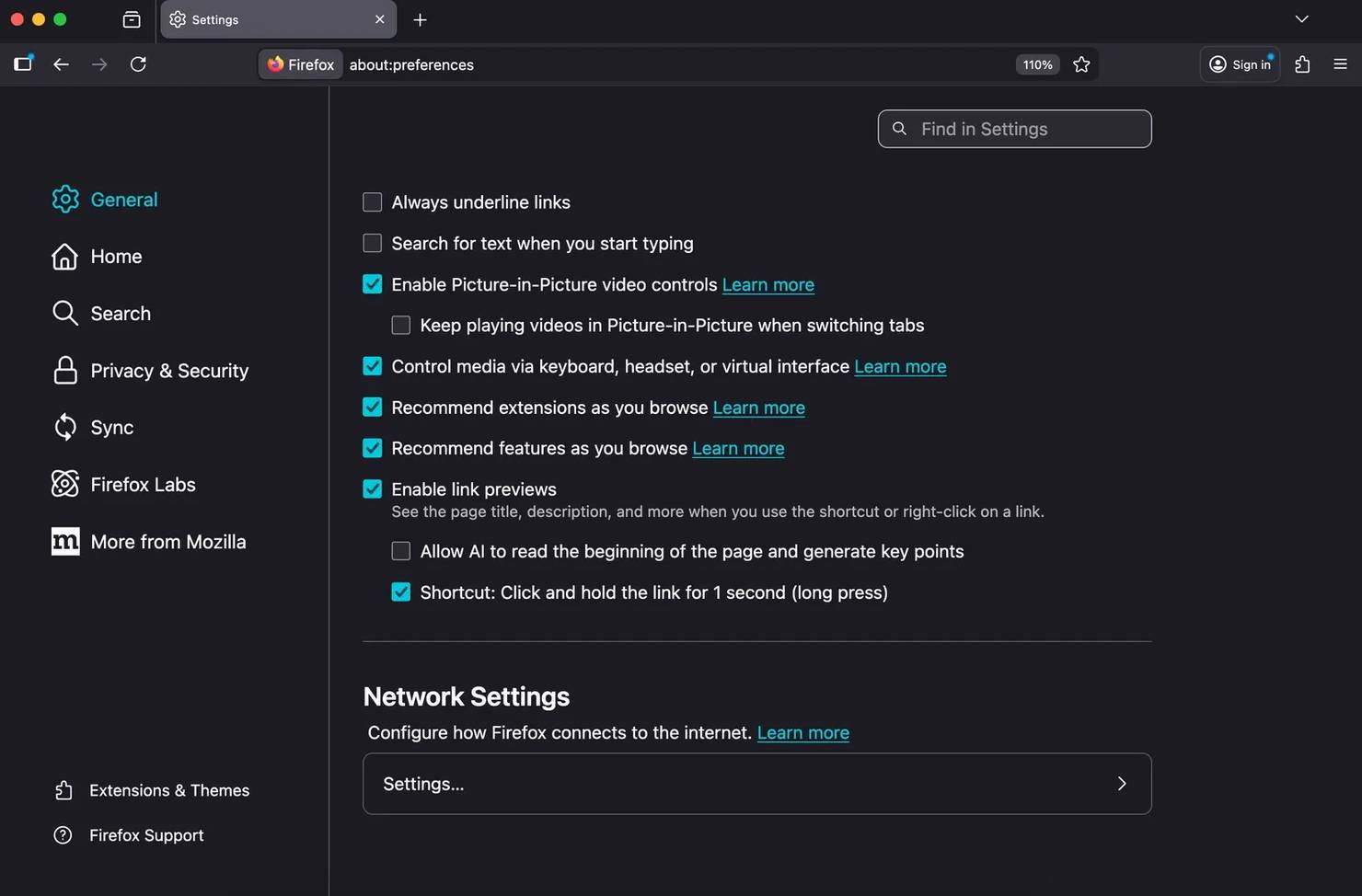
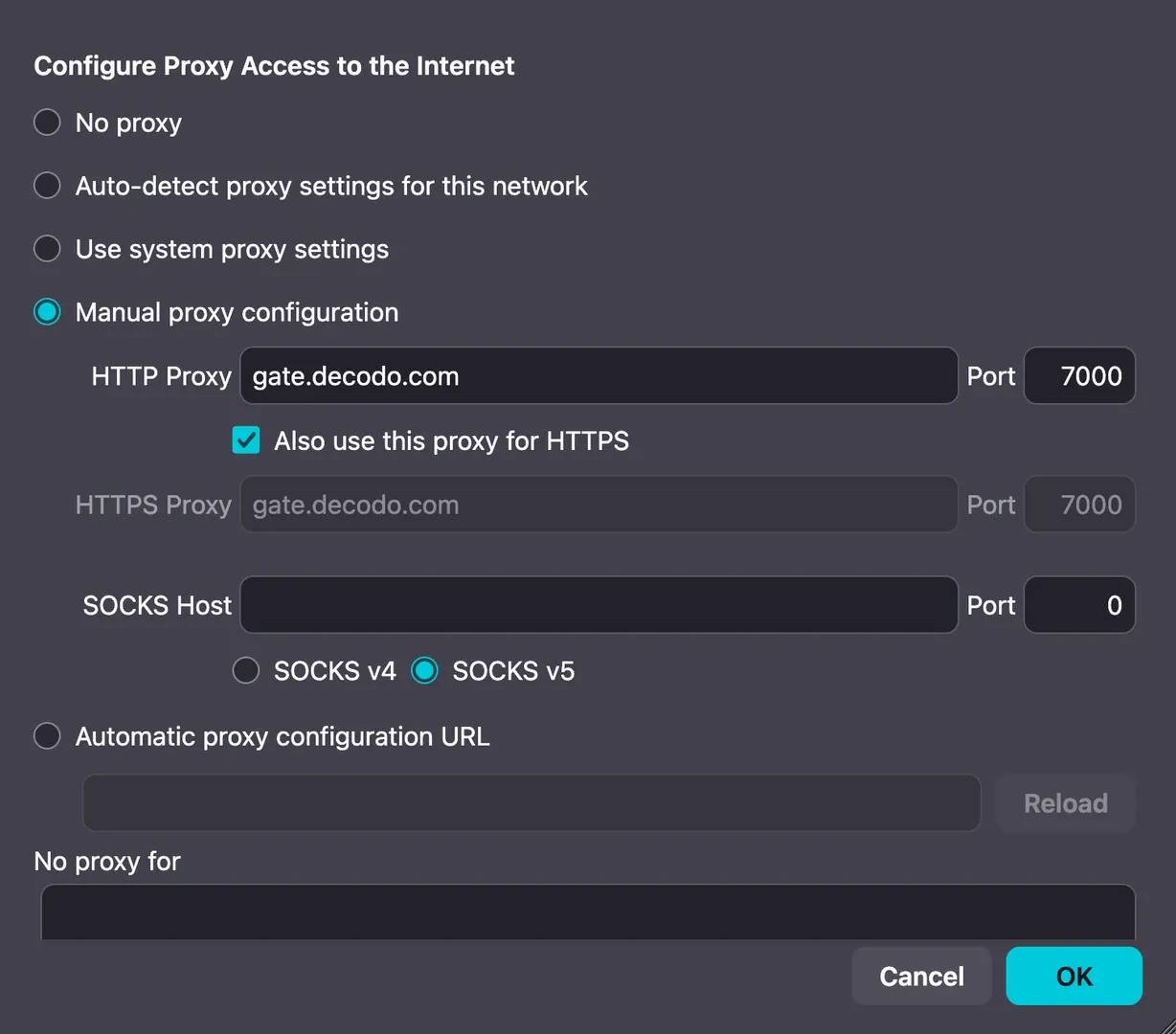
Yes, it does. Firefox uses system proxy settings by default. To use Decodo only within Firefox, go to Network Settings and switch the connection method to Manual proxy configuration.
Open Network Settings, click Settings…, and select No proxy or Use system proxy settings. Click OK. Firefox will immediately revert to a direct connection.
Get instant global access and isolated Firefox browsing with the #1 residential proxy network.