Configure Decodo Proxies in Google Chrome
Mask your identity and location by setting up your very own Chrome proxy, an intermediary configured in Google Chrome, to route your browser traffic through different IP addresses.
14-day money-back option
Mask your identity and location by setting up your very own Chrome proxy, an intermediary configured in Google Chrome, to route your browser traffic through different IP addresses.
14-day money-back option
115M+
ethically-sourced IPs
99.92%
success rate
<0.53s
average response time
3-day
free trial
99.99%
uptime
Trusted by:







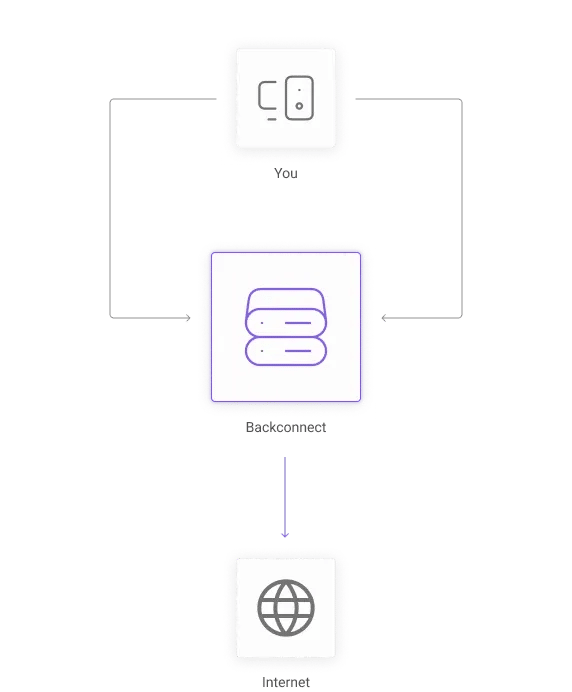
By setting up a high-quality residential proxy, you can mask your real IP address and simulate a user from any country for ad verification, testing, or accessing geo-restricted sites with higher security – all without needing any extra software.
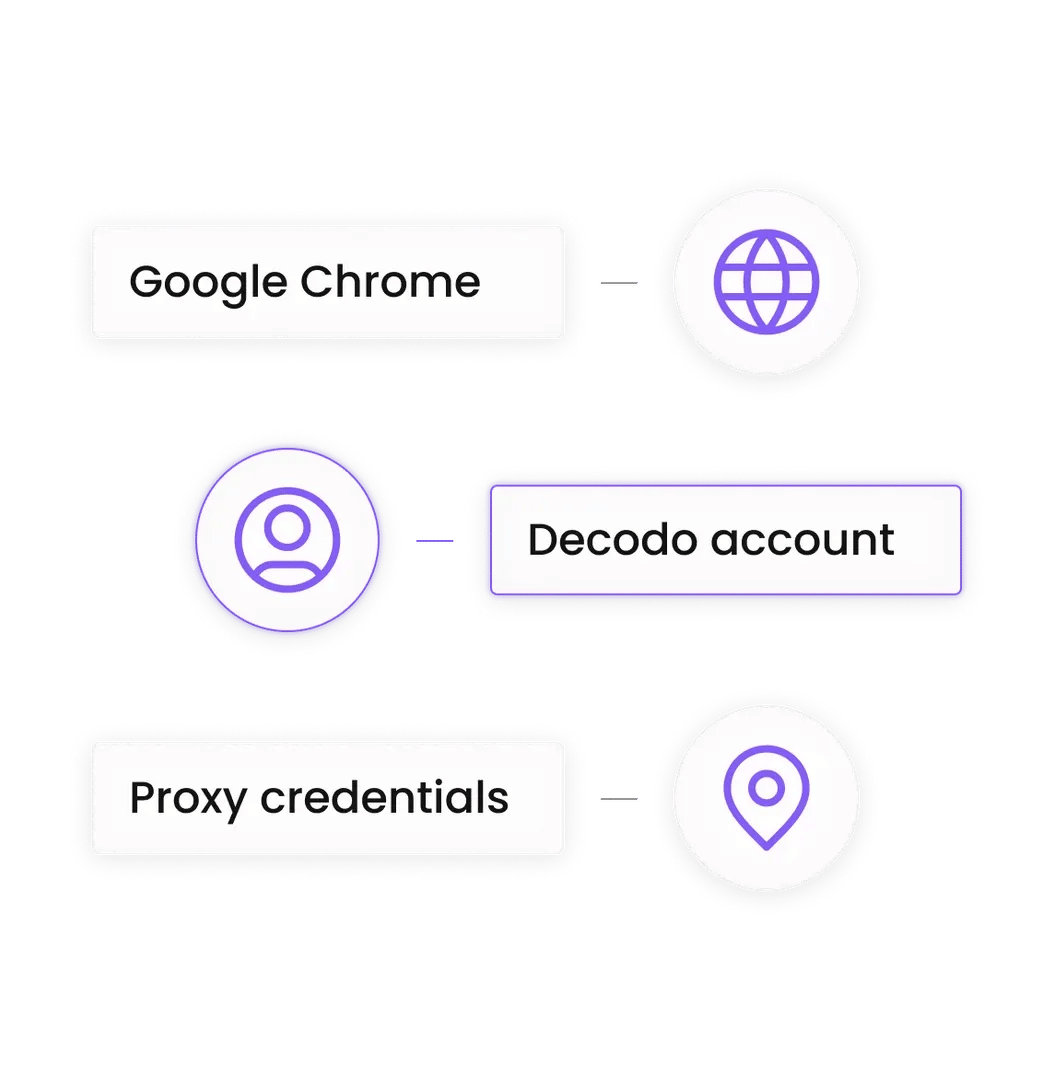
Here’s what you’ll need to set up your Chrome proxy:

1. Log in to your Decodo dashboard
2. In the left sidebar, click Residential.
3. Set your proxy location in the Location field.
4. Copy the Proxy address, Port, Username, and Password.
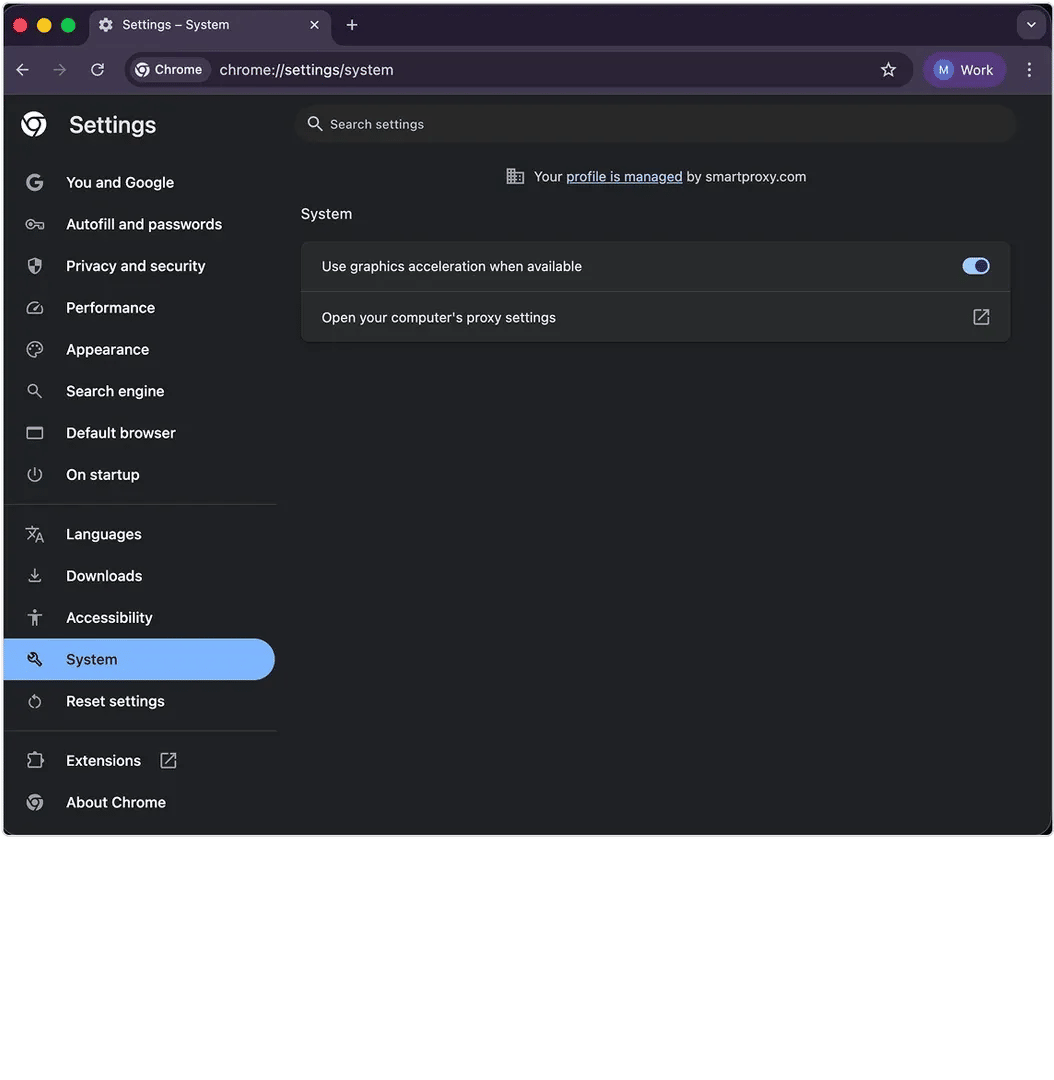
1. Open Google Chrome.
2. Click the three dots (⋮) in the top-right corner and select Settings.
3. In the left sidebar, click System.
4. Click Open your computer's proxy settings.
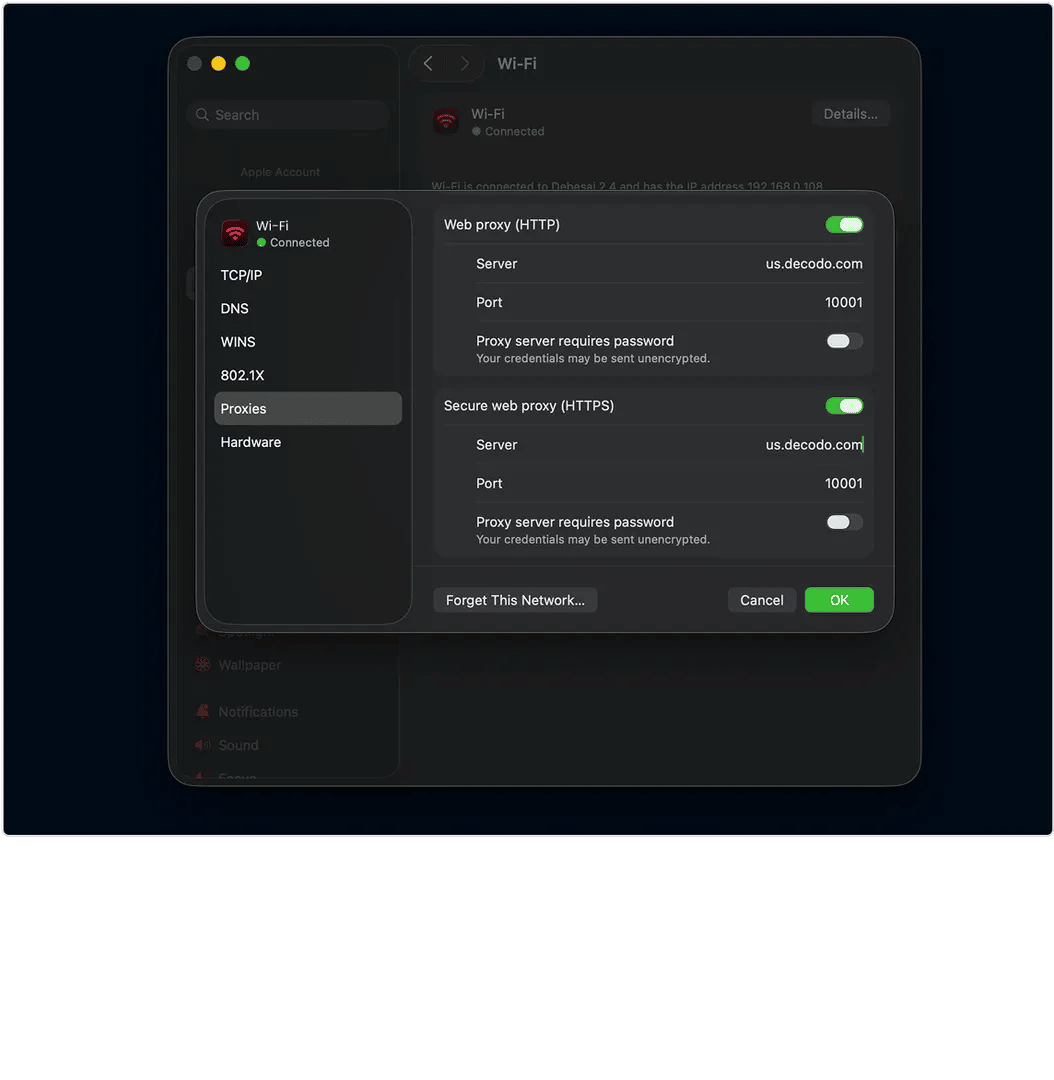
Google Chrome will now redirect you to your OS settings.
For Windows:
1. Under Manual proxy setup, toggle Use a proxy server to On.
2. Paste your host in the Address field.
3. Paste your port into the Port field.
4. Click Save.
For macOS:
1. Select your network, for example, Wi-Fi or Ethernet, and click Details, then Proxies.
2. Toggle on Web Proxy (HTTP) and Secure Web Proxy (HTTPS) features.
3. Enter your host and port into their respective fields of each feature.
4. Click OK to save your proxy settings.
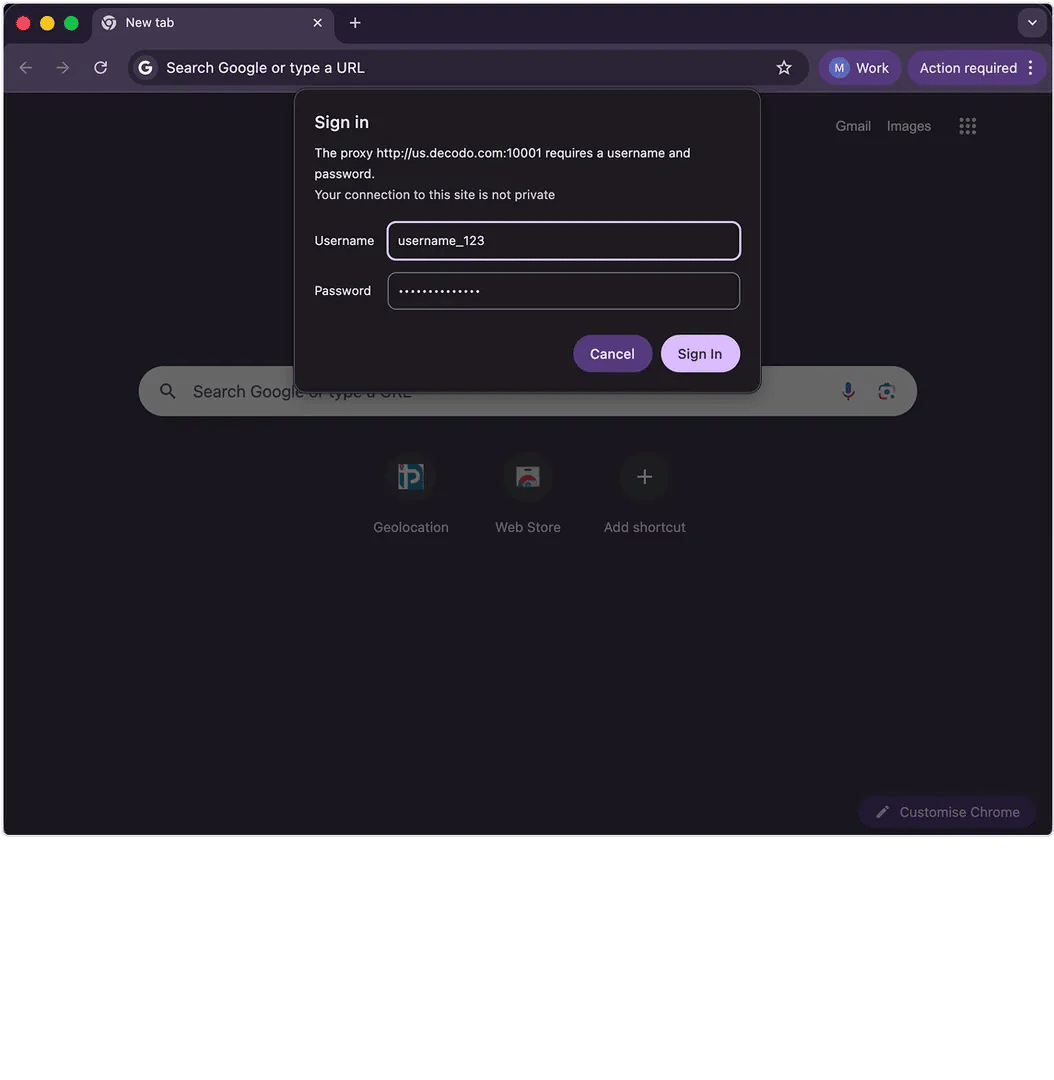
1. Open a new tab in Chrome and visit any website.
2. A pop-up will appear asking for a username and password. Enter your Decodo credentials.
3. Visit https://ip.decodo.com/ to confirm your IP address matches the selected location.
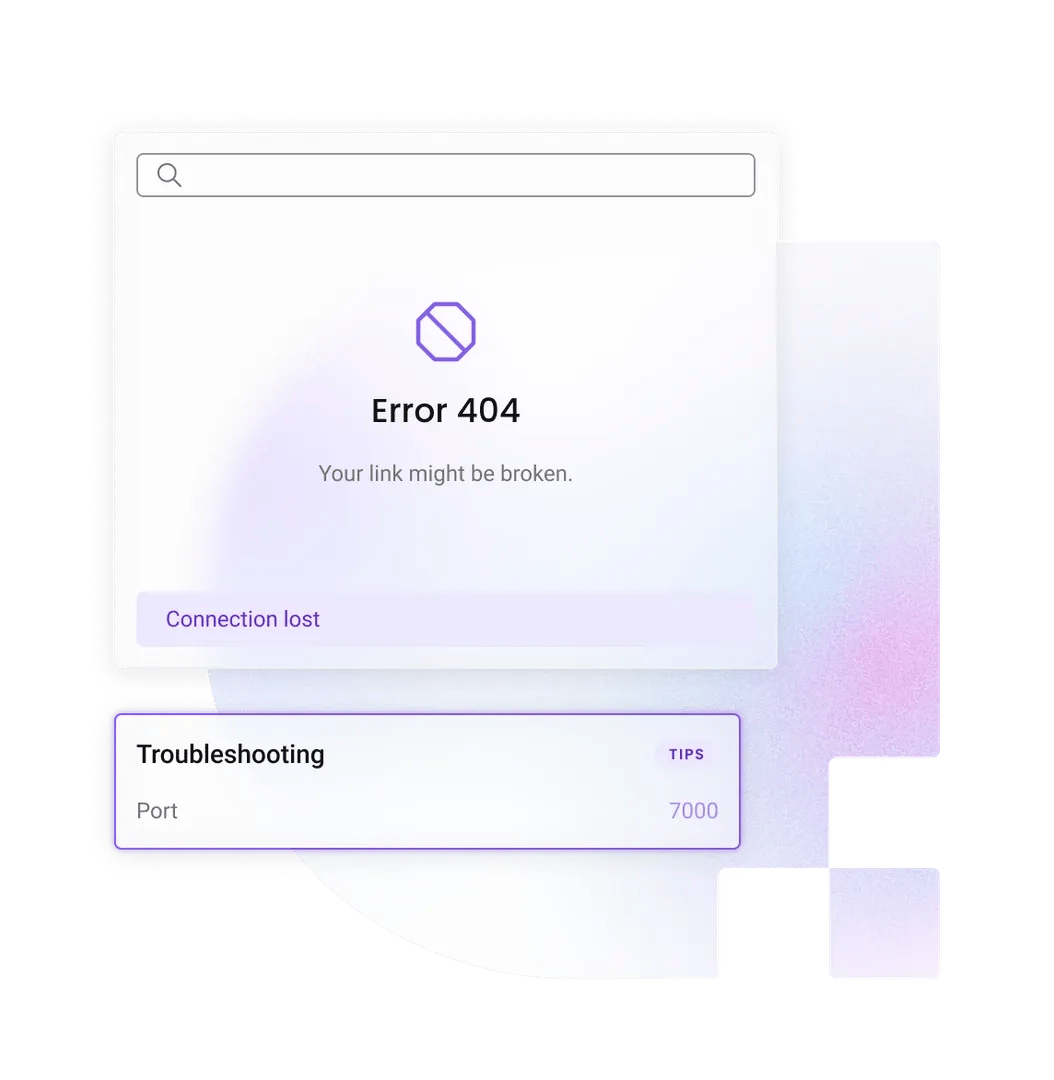
If your proxy authentication pop-up keeps appearing, check if you’ve copied the correct username and password from your Decodo dashboard.
In case you face "No Internet" or connection error, double-check that the host address is spelled correctly and there are no trailing spaces in the Port field.
Browse locally and globally
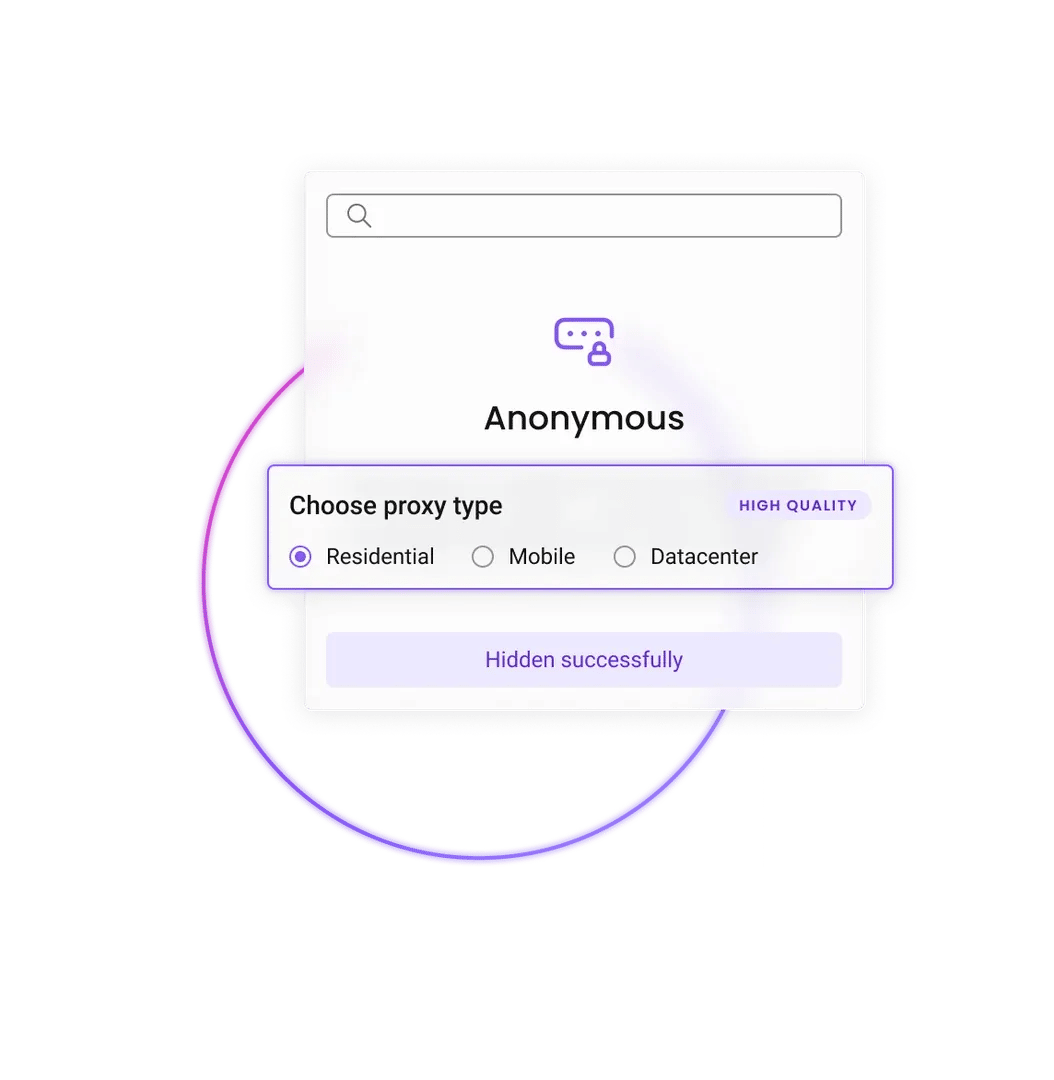
Plug Decodo residential proxies into Chrome and instantly appear as if you're browsing from virtually anywhere in the world. Check local search rankings, view region-specific ads, or compare competitor pricing without even leaving your desk.
Reliable access to high-security sites
Decodo's residential IPs look like genuine user connections, so you can maintain stable sessions without re-authenticating mid-flow. Access complex sites that use advanced security measures without CAPTCHAs or blocks.
Flexible connections
Decodo's sticky sessions let you keep the same IP for up to 24 hours. Progress through checkout flows or multistep forms without getting flagged or forced to re-authenticate.
Find a proxy plan that best matches your needs and scale as you grow.
With each plan, you access:
115M+ ethically-sourced IPs
HTTP(S) & SOCKS5 support
<0.5s average response time
99.92% success rate
Unlimited threads & concurrent sessions
Country, state, city ASN & ZIP code targeting
Rotating and sticky sessions
#1 response time in the market
Free 24/7 tech support
14-day money-back
SSL Secure Payment
Your information is protected by 256-bit SSL

Some figures are based on independent April 2026 benchmarks from Proxyway and each provider's published pricing. Last verified: May 2026.
Decodo
Webshare
IPRoyal
Bright Data
Oxylabs
Total IP pool
125M+
80M+
32M+
150M+
175M+
Locations
195+
195+
195+
195+
195+
Geo-targeting depth
Continent, country, state, city, ASN, & ZIP
Country & city
Continent, country, state, city, & coordinates
Country, state, city, ASN, ZIP
Country, state, city, ASN, ZIP, & coordinates
Average response time
0.53s
0.86s
1.24s
~1.0s
0.60s
Success rate (residential, infrastructure)
99.92%
99.22%
96.11%
~99.0%
99.93%
Sticky session length
Up to 24 hours
As long as the IP is available
Up to 24 hours
As long as the IP is available
Up to 24 hours
Protocol support
HTTP(S), SOCKS5, UDP
HTTP & SOCKS5
HTTP(S) & SOCKS5
HTTP(S), SOCKS5, UDP
HTTP(S), SOCKS5, UDP
IP whitelist authentication
Yes
Yes
Yes
Yes (zone level)
Yes
Free trial
3-day free trial
Free plan available
For businesses only
7-day, businesses only
7-day, for businesses only
Credit card required for trial
No
No
N/A
Yes (verification)
Yes (verification)
Entry price
$4.00/GB (Pay As You Go)
$7.00 (1 GB plan)
$7.00 (1 GB plan)
$8.00/GB (pay as you go)
$30 (5 GB plan)
24/7 live tech support
Yes
Email and tickets only
Yes
Yes (paid tiers prioritized)
Yes (account manager on enterprise)
Money-back option
14-day
2-day
Varies by product and circumstance
None standard
3-day refund
Self-service signup, no sales call
Yes
Yes
Yes
Yes (Pay As You Go); sales call for committed plans
No, sales call for enterprise
Join 135K+ users and industry's best.

Attentive service
The professional expertise of the Decodo solution has significantly boosted our business growth while enhancing overall efficiency and effectiveness.
N
Novabeyond
Easy to get things done
Decodo provides great service with a simple setup and friendly support team.
R
RoiDynamic
A key to our work
Decodo enables us to develop and test applications in varied environments while supporting precise data collection for research and audience profiling.
C
Cybereg
Yes. When you configure proxies directly in Chrome’s System Settings (on Windows or macOS), it changes the proxy for your entire operating system. This means Edge, Safari, and other system-dependent apps will also route through the proxy. To limit the proxy only to Chrome, use a browser extension like the Decodo (Smartproxy) Extension or SwitchyOmega.
Not with the default setup. Chrome allows only one proxy server connection at a time. To manage multiple proxies, you must use Chrome Profiles or an anti-detect browser like Multilogin.
Yes, but with an important technical limitation. While Chrome supports the SOCKS5 protocol, Chromium doesn’t natively support SOCKS5 proxies that require a username and password. If you try to use an authenticated SOCKS5 proxy, the connection will fail. To avoid this issue, try whitelisting your IP or using extensions like FoxyProxy.
No. A proxy only changes your IP address (your location identity). It doesn’t delete cookies, cache, or local history. For a completely fresh identity, you should use Incognito Mode combined with your proxy.
Protect your identity and access content from any region by routing your Chrome traffic through 115M+ ethically-sourced residential IPs.
14-day money-back option