How To Switch From Google to DuckDuckGo
Want to switch from Google to DuckDuckGo? You've got company. DuckDuckGo says traffic to its No AI search page tripled after Google’s I/O 2026 conference on May 19. Daily visits sit around 84% above their old average. This guide explains the move and shows you how to switch.

Benediktas Kazlauskas
Last updated: Jun 02, 2026
3 min read
TL;DR
- DuckDuckGo's No AI search page tripled in traffic by May 28, 2026, and visits stayed about 84% above baseline
- Google's I/O 2026 redesign put AI Overviews and Gemini 3.5 Flash at the center of search results
- U.S. app installs for DuckDuckGo rose 18.1% week over week between May 20 and 25, and iOS installs peaked at 69.9% on May 25
- You can switch in under 2 minutes by changing your default search engine or installing DuckDuckGo's new No AI browser extension for Chrome and Firefox
What happened at Google I/O 2026
Google used its May 19 keynote to rebuild search around AI. The company called it the biggest search upgrade in 25 years, powered by the Gemini 3.5 Flash model.
The redesign added several features that change how results appear:
- AI suggestions that replace standard autocomplete in the search box
- Conversational follow-up questions inside AI Overviews
- Personal intelligence, which connects Gmail and Google Photos to search results
- Search for agents that complete tasks on a user's behalf
Google CEO Sundar Pichai said people love AI Mode, which passed 1B monthly users within a year of launch.
Why users are leaving Google
The complaints cluster around 3 points raised across recent coverage.
First, AI now runs by default, with no simple toggle to remove it. DuckDuckGo's CEO said users feel force-fed AI features they didn't ask for, and shared an overheard phone call where someone said Google just isn't Google anymore.
Second, AI summaries sometimes return wrong answers. In 2024, Google's AI told users to put glue on pizza and to eat rocks for minerals, both pulled from satirical Reddit posts.
Third, Personal Intelligence pulls Gmail and Google Photos data into search. The EU has opened a formal antitrust investigation into Google's use of publisher content for AI Overviews, according to the same report.
According to Cloudflare, Google still holds about 90% of the global search market, and there’s little chance that the user base will shrink significantly. The shift to DuckDuckGo reflects a vocal minority.
How DuckDuckGo's No AI feature works
The page lives at noai.duckduckgo.com. It strips AI-generated images and removes conversational summaries, then returns a plain list of links.
DuckDuckGo also released browser extensions that lock the address bar to the No AI page. The Firefox add-on and Chrome extension filter AI content automatically, with Edge and Opera support in development.
DuckDuckGo still runs an AI-powered search for users who want it. The company offers both options, so the choice stays with the user.
The reported numbers behind the surge:
- Traffic tripled by May 28 and held about 84% above baseline since May 19
- U.S. weekly app installs rose 18.1% between May 20 and 25, peaking at 30.5% on May 25
- iOS installs averaged 33% week over week and peaked at 69.9% on May 25
How to switch from Google to DuckDuckGo
Pick the path that matches your device. Each one takes just a few minutes.
Set DuckDuckGo as the default on desktop browsers
Changing the default sends every address-bar search to DuckDuckGo instead of Google.
- On Chrome, open Settings, go to Search engine, click Manage search engines, then set DuckDuckGo as your default.
- On Firefox, open Settings, select Search, then change the default search engine to DuckDuckGo.
- On Safari on Mac, open Preferences, click Search, then select DuckDuckGo from the dropdown.
- On Edge, open Settings, go to Privacy, search, and services, scroll to Address bar and search, then choose DuckDuckGo.
Set DuckDuckGo as the default on mobile
Mobile defaults route voice and address-bar searches through DuckDuckGo, too.
- On iPhone Safari, open Settings, tap Safari, tap Search Engine, then select DuckDuckGo.
- On Android Chrome, open the Chrome menu, tap Settings, tap Search engine, then pick DuckDuckGo.
- On Samsung Internet, open Settings, tap Search engine, then choose DuckDuckGo.
- On the iPhone Chrome app, third-party search engines are limited here, so install the DuckDuckGo browser app instead.
Install the No AI browser extension
This extension forces searches to the No AI page and filters AI Overviews from results.
- Install the extension from the Chrome Web Store or Firefox Add-ons site.
- Confirm it sets the address bar to noai.duckduckgo.com.
- Run a test search to check that AI summaries no longer appear above the links.
Add DuckDuckGo Privacy Essentials
And if you want even more protection against AI search, you can also download The Privacy Essentials extension, which works for Chrome, Firefox, Safari, Edge, and Opera. It blocks tracker networks, forces HTTPS connections where available, and assigns each site a privacy grade.
How to turn off AI Overviews without leaving Google
Maybe you want Google's index but not its AI summaries. Three workarounds remove the AI panel from your results.
Add the minus AI modifier
Type your query, then add -ai at the end. The search returns without the AI Overview panel. It can filter out a few results that mention AI, so use it for general queries.
Use the udm=14 URL parameter
Run a search, then add &udm=14 to the end of the URL in your address bar. This forces Google's Web-only view. The parameter has worked since May 2024 and still strips AI Overviews in 2026. However, sometimes it might still present a few AI-powered search results.
Click the web filter
After any search, click the Web tab below the search box. Google returns the classic list of links without the AI summary. You repeat this per search, since it doesn't stick as a default.
DuckDuckGo Bang shortcuts that save clicks
Bang sends your query straight to another site's results. Type an exclamation point, the site code, then your search. DuckDuckGo has carried bangs since 2008 and now lists thousands on its Bangs page.
Here are commonly used bangs from DuckDuckGo's directory:
Bang
Sends your search to
!g
Google results for the same query
!w
Wikipedia
!yt
YouTube
!a
Amazon, with a regional redirect based on your settings
!r
!gh
GitHub
!so
Stack Overflow
!gtfr
Google Translate, French output
One catch – a Bang hands your query to the destination site, so that site's tracking and cookies apply once you land there.
Turn off AI images and AI assist in DuckDuckGo
DuckDuckGo added its own AI tools, and you can switch them off for a plain page.
- Open DuckDuckGo's Settings page, then click AI Features.
- Disable Search Assist and Duck.ai prompts to remove AI suggestions.
- Enable Hide AI-Generated Images to filter synthetic photos from image search.
DuckDuckGo vs. other private search engines
DuckDuckGo isn't the only AI-free option. There are competitors that also offer fewer AI features compared to Google.
Engine
What it offers
Cost
DuckDuckGo
Minimalist search with Bing-backed results, tracker blocking, a built-in browser, and Tor access
free
Brave Search
Independent index, an AI toggle, and maps, with results not routed through Big Tech
free
Startpage
Google-sourced results stripped of profiling, plus an Anonymous View proxy
free
Kagi
No ads, no logs, and high relevance for nuanced queries
from $5/month
Move your other Google habits
Search is just a single piece. A fuller switch means replacing the Google tools you open daily.
Browser
Install the DuckDuckGo browser on desktop and mobile for tracker blocking and the No AI default in one app. It keeps no search history tied to you.
Maps
DuckDuckGo uses Apple Maps for location results, which trails Google Maps for business hours and reviews. Keep Google Maps bookmarked for local lookups.
Email aliases
DuckDuckGo's Email Protection generates private @duck.com aliases that strip trackers from messages and forward to your real inbox. It reduces the data tied to your Gmail address.
What you gain and what you give up
The switch changes your daily search in practical ways. Here's the honest split.
What you gain
These are the practical wins after you move over:
- No search history stored and no ad profile built from your queries
- No AI summaries injected above your results
- Bang shortcuts that search other sites directly, such as !a for Amazon and !yt for YouTube
- A link-first results page without conversational filler
What you give up
These gaps show up most for people deep in Google's ecosystem:
- Local results trail Google Maps for restaurant and business lookups
- Google Flights, Shopping, and Knowledge Panels don't carry over
- Niche queries can return fewer results, given DuckDuckGo's roughly 2% market share
Permanent shift or short-term protest?
Install spikes after big product changes, which often reflect curiosity rather than a permanent move. People test an alternative, then drift back.
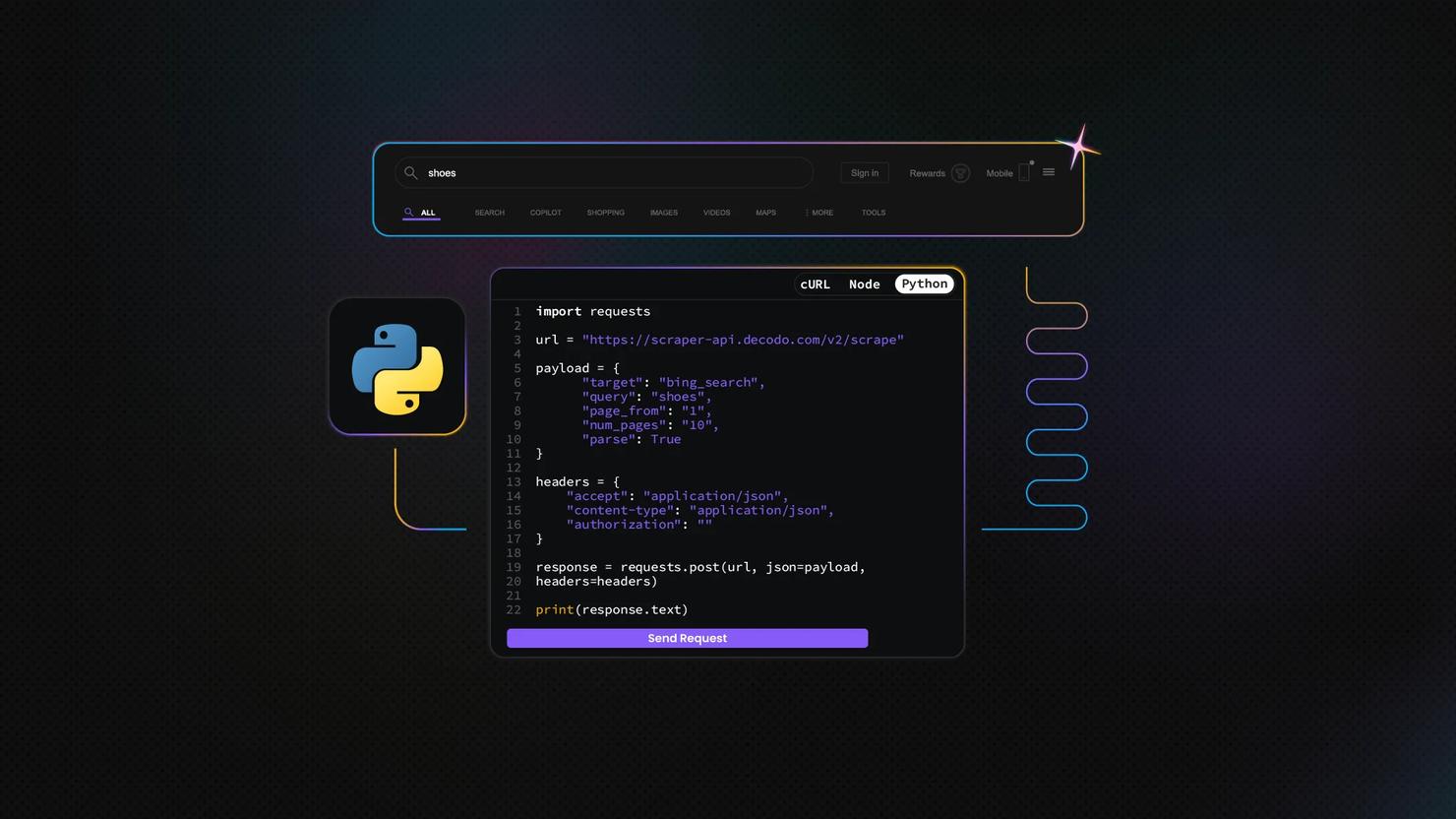
The 84% sustained lift since May 19 suggests some users are staying. DuckDuckGo's pitch rests on control and privacy, and the No AI extension gives switchers a reason to keep the change after the news cycle fades. If you want to measure that shift yourself rather than take install counts on faith, our DuckDuckGo Scraper API returns structured result pages so you can track how rankings and coverage differ from Google over time.

Collect real-time data from the web
Activate your free plan of Web Data API and access publicly available data in just a few clicks.
Bottom line
Google moved AI to the front of search, and a slice of users pushed back hard enough to triple traffic on DuckDuckGo's No AI page. You can join them in under a couple of minutes through a default-engine change or the new No AI extension for Chrome and Firefox. Both options strip out the AI summaries and give you back a clean list of links. The switch is reversible at any time, so there's no real downside to trying it.
About the author

Benediktas Kazlauskas
Content & PR Team Lead
Benediktas is a content professional with over 8 years of experience in B2C, B2B, and SaaS industries. He has worked with startups, marketing agencies, and fast-growing companies, helping brands turn complex topics into clear, useful content.
Connect with Benediktas via LinkedIn.
All information on Decodo Blog is provided on an as is basis and for informational purposes only. We make no representation and disclaim all liability with respect to your use of any information contained on Decodo Blog or any third-party websites that may belinked therein.