Datacenter Proxies Quick Start Guide
A datacenter proxy routes your requests through a server-hosted IP instead of your own, giving you speed and stability at low cost. This guide walks through setup end-to-end.
14-day money-back option
500K+
IPs worldwide
<0.3s
response time
99.94%
success rate
24/7
tech support
99.99%
uptime

What is a datacenter proxy?
A datacenter proxy is an intermediary between your device and a target website. These proxies run on servers hosted in data centers rather than on home or mobile connections, which makes them fast, stable, and affordable. The proxy masks your original IP, and the target website sees the proxy's IP instead of yours.

How does a datacenter proxy work?
Your request goes to a Decodo endpoint, which forwards it to the target using a datacenter IP from the pool. You control which IP is used through location and session type. Decodo's datacenter network averages a <0.3s response time with a 99.94% success rate, as measured by Proxyway’s testing and research.
How do I set up datacenter proxies in the Decodo dashboard?
Setting up datacenter proxies in the Decodo dashboard takes just a few steps. Each step is simple and doesn’t require technical expertise.
How do I choose a datacenter subscription?
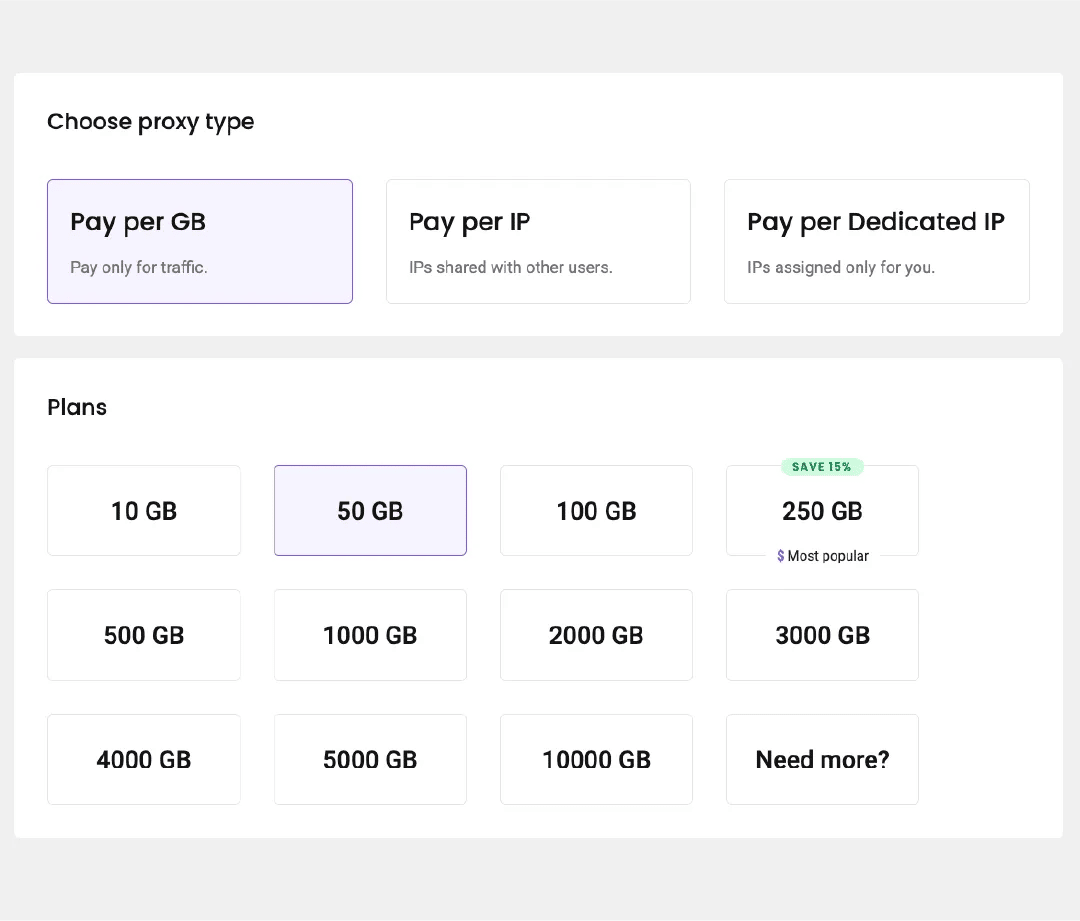
After creating your account, pick the plan that matches how you'll use the proxies. Choose Pay per GB for unlimited access to the whole IP pool while paying only for traffic, or Pay per IP for unlimited traffic across a fixed number of IPs. With Pay per IP, you can use a shared pool or dedicated IPs reserved for you alone. You can upgrade at any point.
How do I authenticate with a username and password?
On Pay per GB plans, authentication settings are in the Proxy setup tab. On Pay per IP plans, go to the Authentication tab. Your first proxy user is created automatically. To remove it, click the 3 dots next to the username, then Edit user, select Remove user, and Confirm. To add one, click Create user, enter a custom username, and the password will be generated for you.
How do I authenticate by whitelisting an IP?
Available on Pay per IP plans. In the Authentication tab, open Whitelisted IPs, select Add IP, enter the address, and click Save - or press + Add IP to whitelist the IP you're currently on. Only IPv4 addresses are supported, and the IP must be your own, so disconnect any proxy or VPN first. To label an entry, use the 3 dots, then Edit IP, select the edit icon beside Name. To remove one, click the trash icon and Confirm.
How do I set a traffic limit for a user?
Click the 3 dots beside the user, then Edit user, select Add traffic limit. Enter the GB ceiling that the user can’t exceed and click Save. Useful for capping spend per project or per team member.
How do I select parameters and generate endpoints?
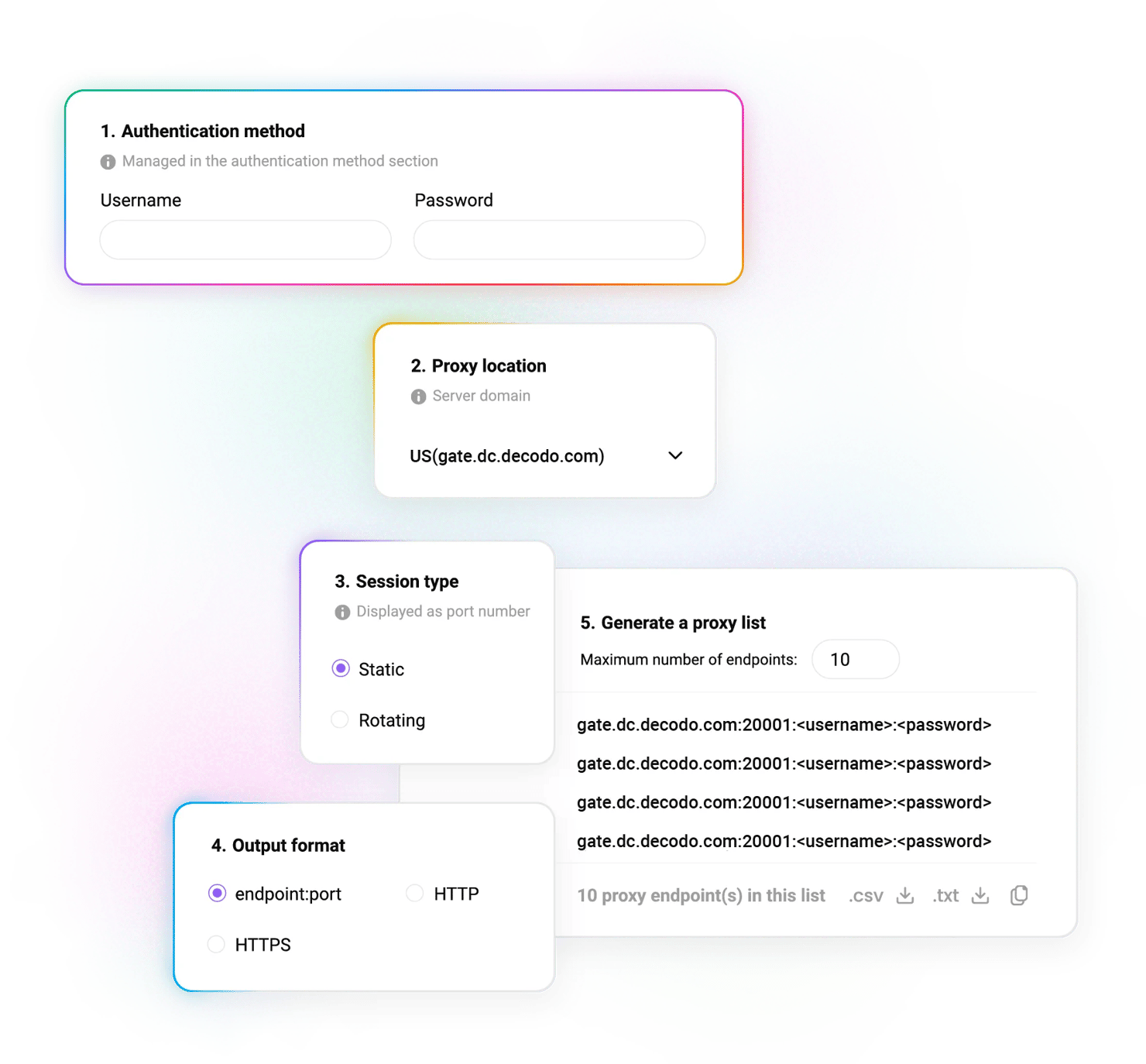
Go to the Proxy setup tab and select a user. Under Location, choose Random to draw from the pool at random, or pick a specific country. Under Session type, choose static sessions to hold 1 IP, or rotating sessions to change the IP on every request. Use the Direct IP menu to pin one or more specific IPs. Datacenter proxies support HTTP, HTTPS, SOCKS5, and endpoint:port configuration. Set how many endpoints to generate, the default is 10, then copy them to your clipboard or download them as CSV or TXT.
How do I track my datacenter proxy usage?
Open the Usage statistics tab to see traffic per user across a week, a month, or a custom range, plus cumulative uploads, downloads, and request counts.
How do I set up datacenter proxies step-by-step?
Watch the full walkthrough from signup to first request.
What should I do if my datacenter proxy isn't working?
Most setup issues fall into 5 categories. We have detailed solution guides for each.
Symptom
Likely cause
Fix
403 Forbidden
Target has blocked the datacenter subnet
Understand 403 errors and consider residential proxies
Whitelisted IP rejected
IPv6 address, or you're connected through a VPN
Only IPv4 is supported – disconnect the VPN and re-add
How do datacenter proxies compare to residential, ISP, and mobile proxies?
Datacenter proxies are the fastest and cheapest option, but they share subnets, which makes them easier for well-defended websites to detect. If your targets run advanced anti-bot systems, another type will serve you better.
IP source
Servers in data centers
Real user devices
Premium ASNs
Mobile carrier networks
Speed
Fastest (<0.3s)
Moderate
Fast
Varies
Cost
From $0.2/IP
From $2/GB
From $0.27/IP
From $2.25/GB
Detection resistance
Lower – shared subnets
High
High
Highest
Locations
Global
195+ locations
Varies
160+ locations
Unlimited traffic
On Pay per IP
No such option
Yes
No such option
Best for
Speed-first scraping, SEO monitoring
Protected targets, geo-accuracy
Logged-in sessions, account management
Mobile-first targets
What can I do with datacenter proxies?
Datacenter proxies are perfect for workflows where speed and cost matter more than blending in.

How do I monitor competitor prices and product data?
Track price movements and catalog changes across marketplaces on a schedule, with enough speed to catch same-day repricing.

How do I scrape public web data at high volume?
Collect public data from targets without advanced anti-bot systems, at the highest throughput and lowest cost per request of any proxy type.

How do I manage multiple accounts without IP overlap?
Assign separate IPs to separate profiles so sessions stay cleanly isolated from one another.
Which free tools can I use with datacenter proxies?
Tool
Description
Manage proxy settings from the browser
Same controls in Firefox, no configuration needed
Test proxy lists before running a job to catch errors early
How much do Decodo datacenter proxies cost?
Datacenter proxies are billed in 2 ways. Pay per GB gives you unlimited IPs and charges for the traffic you use – best for variable or project-based work. Pay per IP gives you unlimited traffic across a fixed set of IPs – best for predictable, high-frequency workloads. Dedicated IPs are reserved for you alone. Every plan includes 24/7 tech support, and you can test the proxies with a free trial.
With each plan, you access:

<0.3s response time
100K+ rotating & static shared IPs
Global locations
99.99% uptime
Top download speed retention
Single endpoint for bulk operations
Compatible with all scraping libraries
HTTP(S) & SOCKS5 support
24/7 tech support
14-day money-back
SSL Secure Payment
Your information is protected by 256-bit SSL

What do people say about Decodo proxies?
We're thrilled to have the support of our 135K+ users and the industry's best.

Attentive service
The professional expertise of the Decodo solution has significantly boosted our business growth while enhancing overall efficiency and effectiveness.
N
Novabeyond
Easy to get things done
Decodo provides great service with a simple setup and friendly support team.
R
RoiDynamic
A key to our work
Decodo enables us to develop and test applications in varied environments while supporting precise data collection for research and audience profiling.
C
Cybereg






Awarded web data collection solutions provider
Users choose Decodo for exceptional performance, advanced targeting options, and reliable access to public data. Our global pool of ethically-sourced residential IPs handles CAPTCHAs, geo-restrictions, and IP blocks across 195+ locations.
Frequently asked questions
How do I set up datacenter proxies for the first time?
Sign up, choose Pay per GB, Pay per IP, or a dedicated IP plan. Set your authentication method, select the location and session type in the Proxy setup tab, then copy the generated endpoints into your tool. The full walkthrough is in the setup section above.
How do I choose between Pay per GB, Pay per IP, and dedicated IP plans?
Choose Pay per GB if your traffic is unpredictable and you need access to unlimited IPs. Pay per IP is a better option if your traffic is steady and high, with unlimited traffic across a fixed number of IPs. Choose Dedicated IPs when you need exclusive IPs for greater consistency and control. See the datacenter pricing plans FAQ for more details.
How do I whitelist my IP?
In the Authentication tab, select Whitelisted IPs, then Add IP. Only IPv4 addresses work, and the address must be your own – remember to disconnect any VPN or proxy first. More detail in the authorization guide.
Which protocols do datacenter proxies support?
HTTP, HTTPS, and SOCKS5, plus endpoint:port configuration. See SOCKS5 vs HTTP for which to pick.
How do I choose between static and rotating sessions?
Static sessions hold 1 IP for the duration – use them for multi-step or logged-in flows. Rotating sessions issue a new IP per request, which makes rotating proxies great for high-volume collection. Learn more about sticky and rotating sessions in Decodo’s guide.
Which locations are available for datacenter proxies?
Shared datacenter proxies cover 18 countries across the Americas, Europe, and APAC. Dedicated datacenter proxies are available in the US, UK, Germany, France, and Japan.
Where can I learn more about datacenter proxies?
Most recent

JavaScript Web Scraping Tutorial (2026)
Ever wished you could make the web work for you? JavaScript web scraping allows you to gather valuable information from websites in an automated way, unlocking insights that would be difficult to collect manually. In this guide, you'll learn the key tools, techniques, and best practices to scrape data efficiently, whether you're a beginner or a developer looking to streamline data collection.

Zilvinas Tamulis
Last updated: Oct 12, 2026
13 min read
Most popular
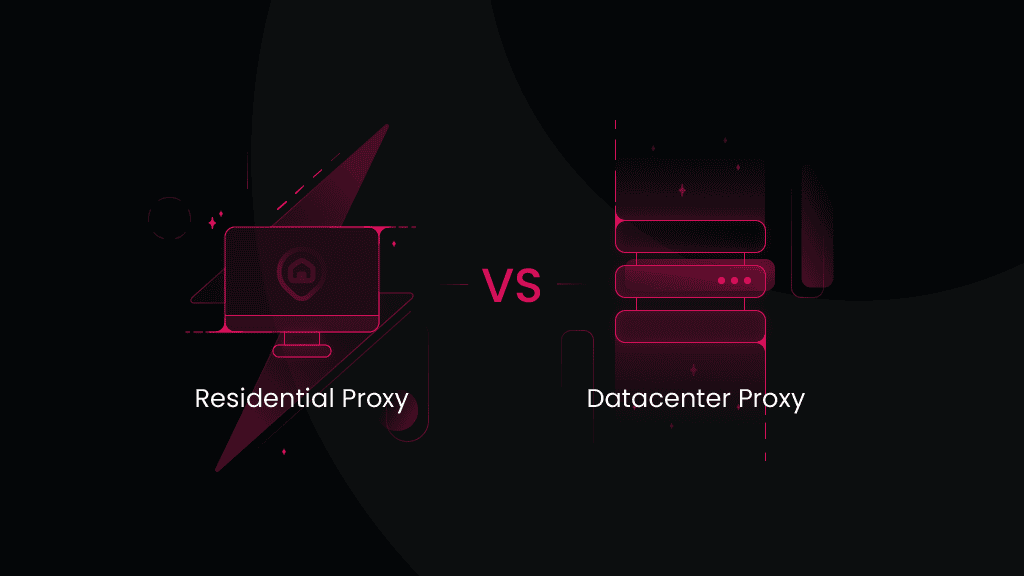
Residential vs. Datacenter Proxies: Which Should You Choose?
Residential and datacenter proxies both act as intermediaries that hide your real IP address, allowing you to access restricted websites and geo-blocked content. However, they differ in IP origin, stability, speed, and how websites perceive them. This residential vs. datacenter proxies guide breaks down their key differences.
Vilius Sakutis
Last updated: Sep 11, 2026
8 min read
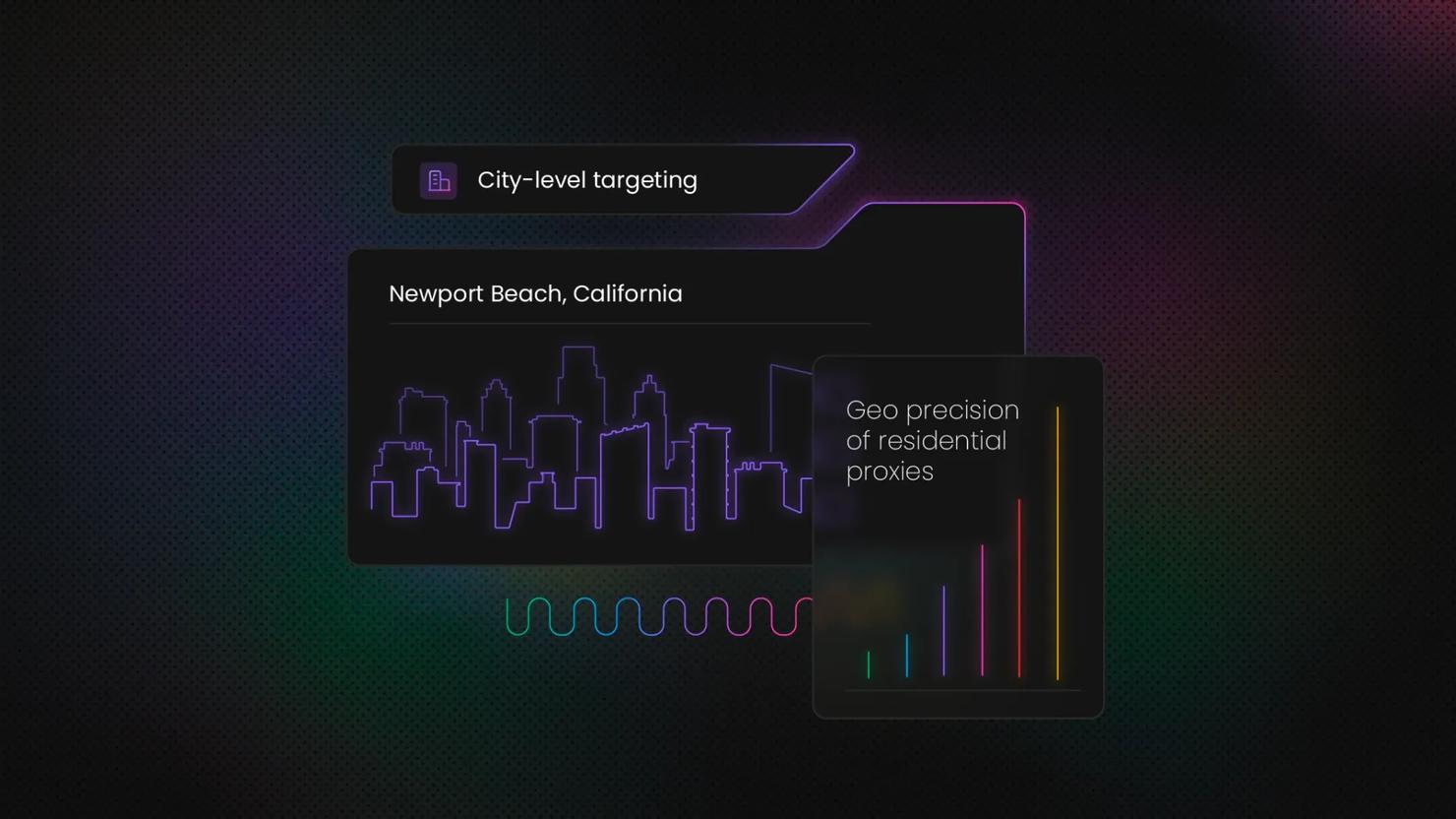
Datacenter & ISP Proxies Now Support City, State & ASN Targeting
City, state, and ASN targeting now works across datacenter and ISP proxies. Country-level targeting set the ceiling before, which pushed some geo-sensitive work to residential. That limit is gone. You can now target a specific metro, a US state, or a named network, all from your current setup.
Gabriele Vitke
Last updated: Jun 19, 2026
3 min read
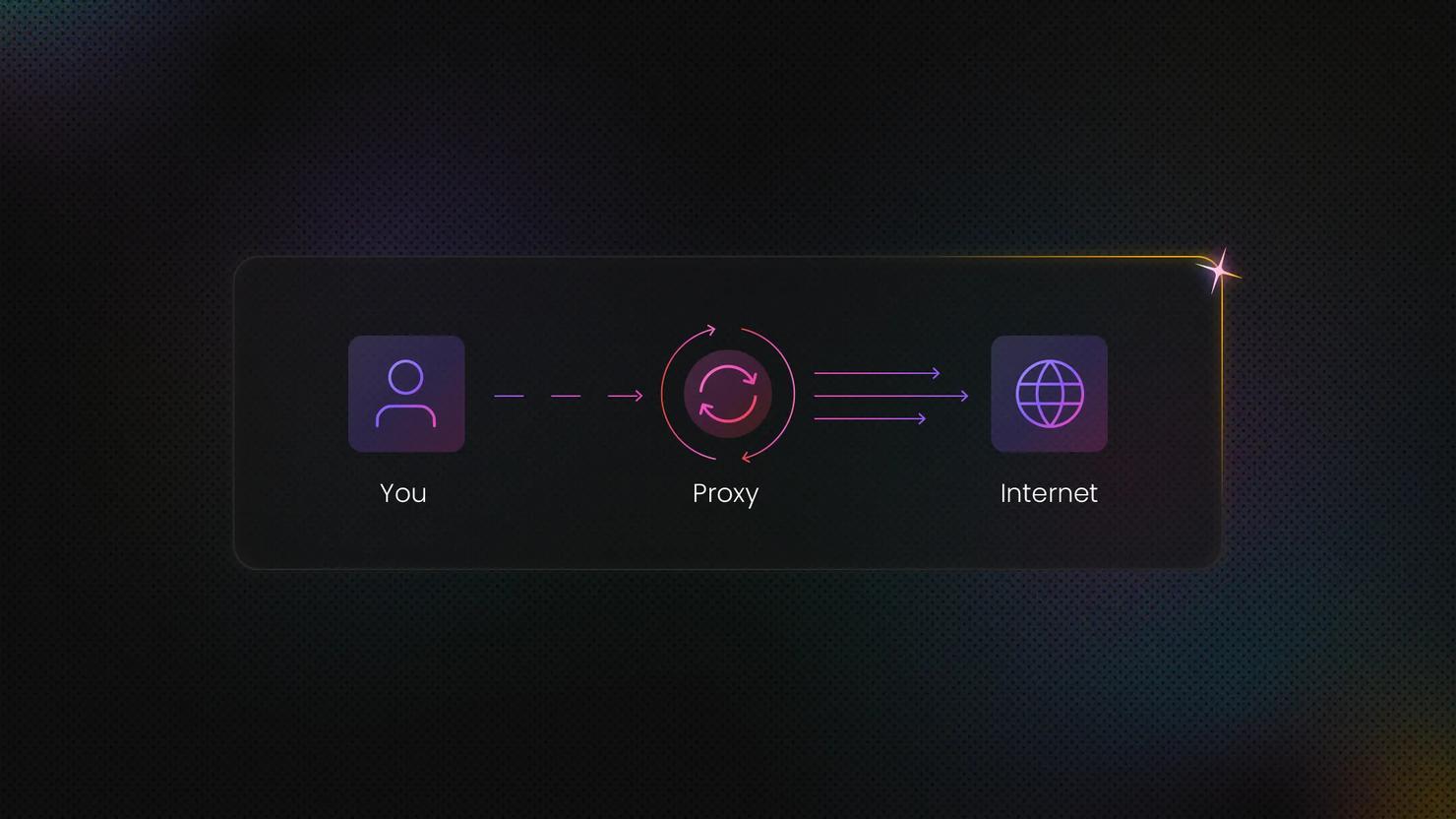
What Are Rotating Proxies? Types, Benefits & Use Cases
A rotating proxy is a proxy server that automatically assigns a new IP address at regular intervals or after each connection. In this guide, we'll delve into how rotating proxies work, the different types available, and the most common use cases where they offer a clear advantage.
Dominykas Niaura
Last updated: Apr 30, 2025
7 min read
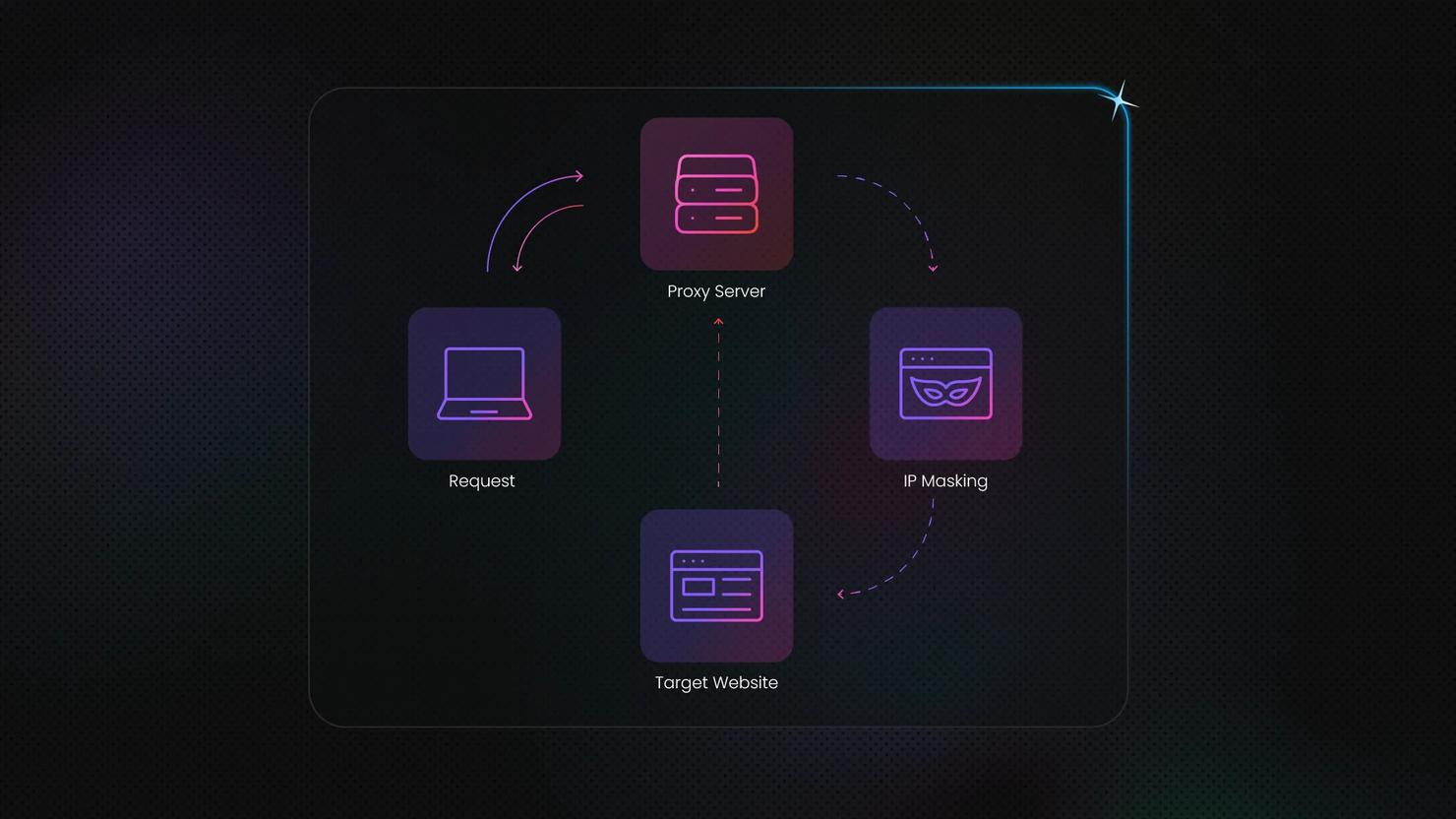
What Is a Dedicated Proxy? Key Types & Benefits
Ever feel like you're sharing a slow lane on the information highway? Standard proxies act as intermediaries, masking your IP address for privacy or accessing geo-specific web data. But when performance and a clean reputation matter most, dedicated proxies step in as a powerful solution offering exclusive access, speed, and stability tailored to your needs.
Lukas Mikelionis
Last updated: May 06, 2025
4 min read
Difference Between SOCKS5 Proxy vs. HTTP Proxy
Choosing the right proxy type is essential for optimizing performance, security, and efficiency in web data collection. SOCKS and HTTP proxies serve different technical needs, from handling large-scale web scraping projects to managing automation and secure connections. In this article, we’ll compare SOCKS (SOCKS5 in particular) and HTTP proxies, explore their advantages, and help you determine which option best supports your data-driven tasks. By the end, you’ll have the clarity to make an informed decision and scale your operations with confidence.
Vilius Sakutis
Last updated: Mar 06, 2025
7 min read
Start Setting Up Your Datacenter Proxies
500K+ IPs, <0.3s response time, and 99.99% uptime. Start and send your first request in minutes.
14-day money-back option