Unblock
Let the truth be told – unfortunately, websites and social media platforms may block the IP you're using. It can happen for various reasons; however, we understand the frustration you feel. And we got ya, pal – there are a couple of ways to unblock your IP and access blocked content without a hassle with proxies.
14-day money-back option


ChatGPT Atlas Is Gone. The AI Browsers That Bypass Detection Aren't
OpenAI shut down ChatGPT Atlas, its standalone AI browser, on August 9, 2026, less than a year after launch, folding browsing into the main ChatGPT app. That matters beyond the product news: Atlas and Perplexity's Comet showed that an AI agent browsing the web can be indistinguishable from a human using Chrome, a structural shift in detection that survives the shutdown.

Zilvinas Tamulis
Last updated: Sep 17, 2026
7 min read
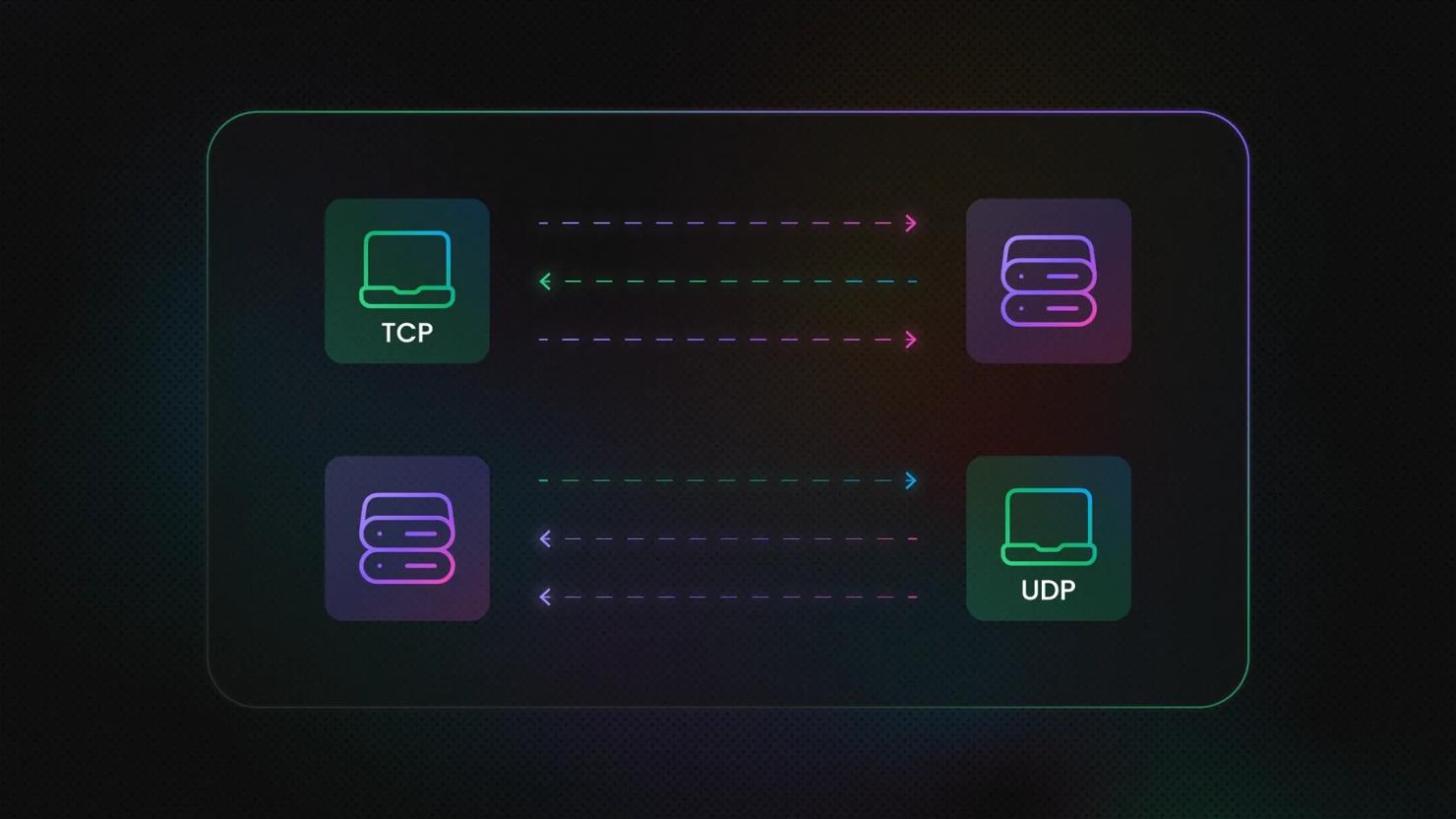
TCP vs. UDP: Key Differences You Need to Know
The difference between TCP and UDP lies in how each protocol handles connections, delivery, ordering, and network overhead. TCP prioritizes reliable, ordered transmission, while UDP favors simplicity and lower latency; the UDP vs. TCP choice is usually a latency-versus-guarantee decision.

Vilius Sakutis
Last updated: Sep 16, 2026
7 min read
Residential vs. Datacenter Proxies: Which Should You Choose?
Residential and datacenter proxies both act as intermediaries that hide your real IP address, allowing you to access restricted websites and geo-blocked content. However, they differ in IP origin, stability, speed, and how websites perceive them. This residential vs. datacenter proxies guide breaks down their key differences.
Vilius Sakutis
Last updated: Sep 11, 2026
8 min read

What Is Browser Fingerprinting? How It Works, Techniques, and How To Prevent It
Browser fingerprinting identifies and tracks your browser by its configuration, not by anything stored on your device. It works even when cookies are cleared or blocked. For users, that makes it a persistent privacy concern; for developers running automation, it's an access obstacle. This article covers how it works, the techniques, why sites use it, and how to reduce yours.
Zilvinas Tamulis
Last updated: Sep 01, 2026
13 min read

Cloudflare Precursor: What It Means for Web Scraping and Browser Automation
Cloudflare Precursor is a behavioral bot-detection system that constantly analyzes how visitors interact with a website throughout a browsing session. It doesn't check your identity once at a single checkpoint (like a CAPTCHA); instead, it monitors how you interact with the site, such as your mouse movement, keyboard activity, and scrolling. So when you're web scraping or running any sort of browser automation, your script now has to behave like a human for the entire browsing session, not just at certain points like the CAPTCHA point.

Justinas Tamasevicius
Last updated: Aug 28, 2026
5 min read
How to Set Up, Configure, and Use SOCKS5 Proxy
SOCKS5 proxies operate as an application-layer protocol, making them highly versatile across different setups. Depending on your goals, you can configure them at the application level to isolate traffic from a specific tool, or apply them system-wide to route traffic across your entire device. This guide shows how to set up and use a SOCKS5 proxy across Windows, macOS, Linux, mobile devices, and selected applications, helping you choose the best configuration for your workflow.

Dominykas Niaura
Last updated: Aug 18, 2026
10 min read
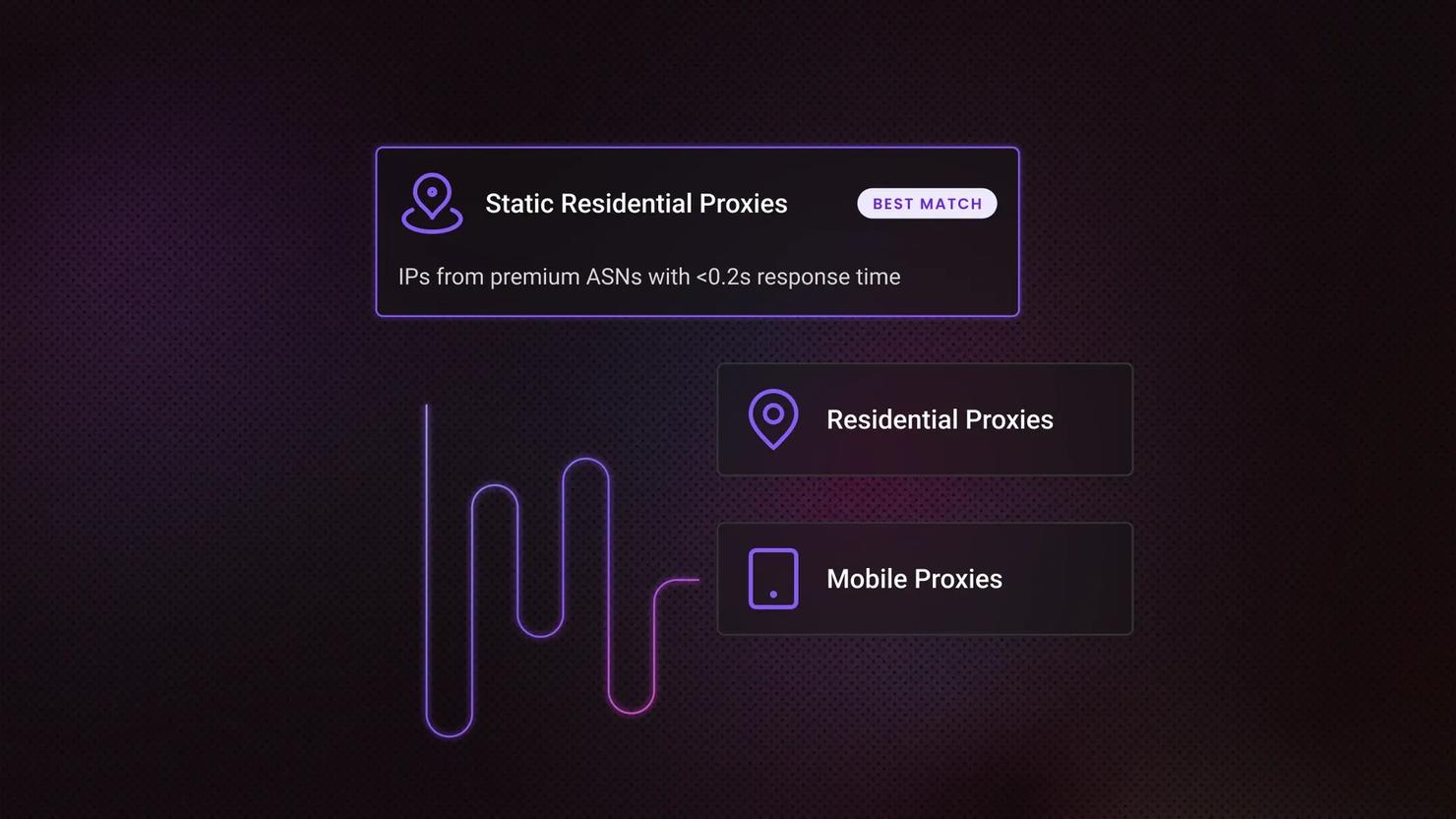
Dedicated IP vs Shared IP Proxies: Key Differences and How to Choose
A dedicated IP is assigned to one user exclusively, while a shared IP serves several users at once. Both come from the same sources – datacenter, ISP (static residential), or residential networks, so exclusivity sits on top of that choice rather than replacing it. Exclusivity also costs more, and what a ban costs you decides whether it's worth paying.

Lukas Mikelionis
Last updated: Aug 17, 2026
8 min read

How to Bypass CAPTCHAs: The Ultimate Guide 2026
CAPTCHAs love to show up right when your scraper's getting somewhere. They exist to sort humans from bots, and if you're seeing them constantly, it's usually triggered by a mix of strict website security policies and a drop in your IP's trust score. That's why CAPTCHA bypass only works long-term if you treat it as a trust fix, not a workaround.

Robertas Lisickis
Last updated: Aug 17, 2026
7 min read
Best Proxy Providers in 2026: 9 Paid Services Tested & Compared
With dozens of proxy providers competing for attention, finding the best option requires looking beyond marketing claims and comparing real-world performance. We looked into the top providers based on proxy pool size, performance, pricing, and support using independent benchmark results, so you can find the right one for web scraping, multi-accounting, or AI data collection.
Justinas Tamasevicius
Last updated: Aug 07, 2026
7 min read

Akamai Bypass: How to Get Past Akamai Bot Detection in 2026
Akamai is one of the most widely deployed bot management systems on the web, and one of the hardest to scrape around. It sits between visitors and a site's servers, analyzing every request across multiple layers to decide what's a real user and what's automated. This guide breaks down how that detection works, the practical techniques for getting past it, and where the technical and legal limits sit.
Zilvinas Tamulis
Last updated: Aug 07, 2026
20 min read

Best Social Media Proxies In 2026 (Compared)
The best social media proxies keep each account on an address that platforms trust: a static ISP or sticky mobile address. Sourcing decides address lifespan and reputation. If you're collecting public data at scale instead, see our Social Media Scraping API. This guide compares 5 providers and gives you 2 checks to run on a trial before you commit.

Kotryna Ragaišytė
Last updated: Aug 06, 2026
10 min read

How to Bypass PerimeterX: Detection Methods, Tools, and Practical Workarounds
PerimeterX, now HUMAN, is a cybersecurity platform that employs multiple detection techniques to accurately identify and block threats to web applications. Since numerous high-traffic websites rely on PerimeterX, it's almost inevitable that developers will encounter it when web scraping. This guide explains how PerimeterX detects bots, how to bypass it (tools and strategies), and how to troubleshoot common failures.
Justinas Tamasevicius
Last updated: Aug 05, 2026
12 min read

DataDome Bypass: How To Detect, Avoid, and Get Past It in 2026
Most anti-bot systems block scrapers based on a single bad signal. DataDome scores dozens at once, weighing your TLS handshake, IP, headers, JavaScript, and behavior into one verdict it reaches in milliseconds. That layered scoring makes it hard to beat, and this guide covers how to bypass it.
Lukas Mikelionis
Last updated: Aug 04, 2026
16 min read
How to Bypass CAPTCHA With Puppeteer: A Step-By-Step Guide
CAPTCHAs have been a website security staple since 2000, drawing a line between human users and bots. They're a savior for website owners and a nightmare for data gatherers. But the challenge has shifted. Modern systems like reCAPTCHA v3, hCaptcha, and Cloudflare Turnstile no longer rely on distorted text and puzzles alone. They score your behavior in the background, which means avoiding them is now as much about how you act as what you click. This guide covers CAPTCHA detection, prevention, real solver integration, and where Puppeteer fits alongside Playwright in 2026.
Dominykas Niaura
Last updated: Aug 04, 2026
10 min read
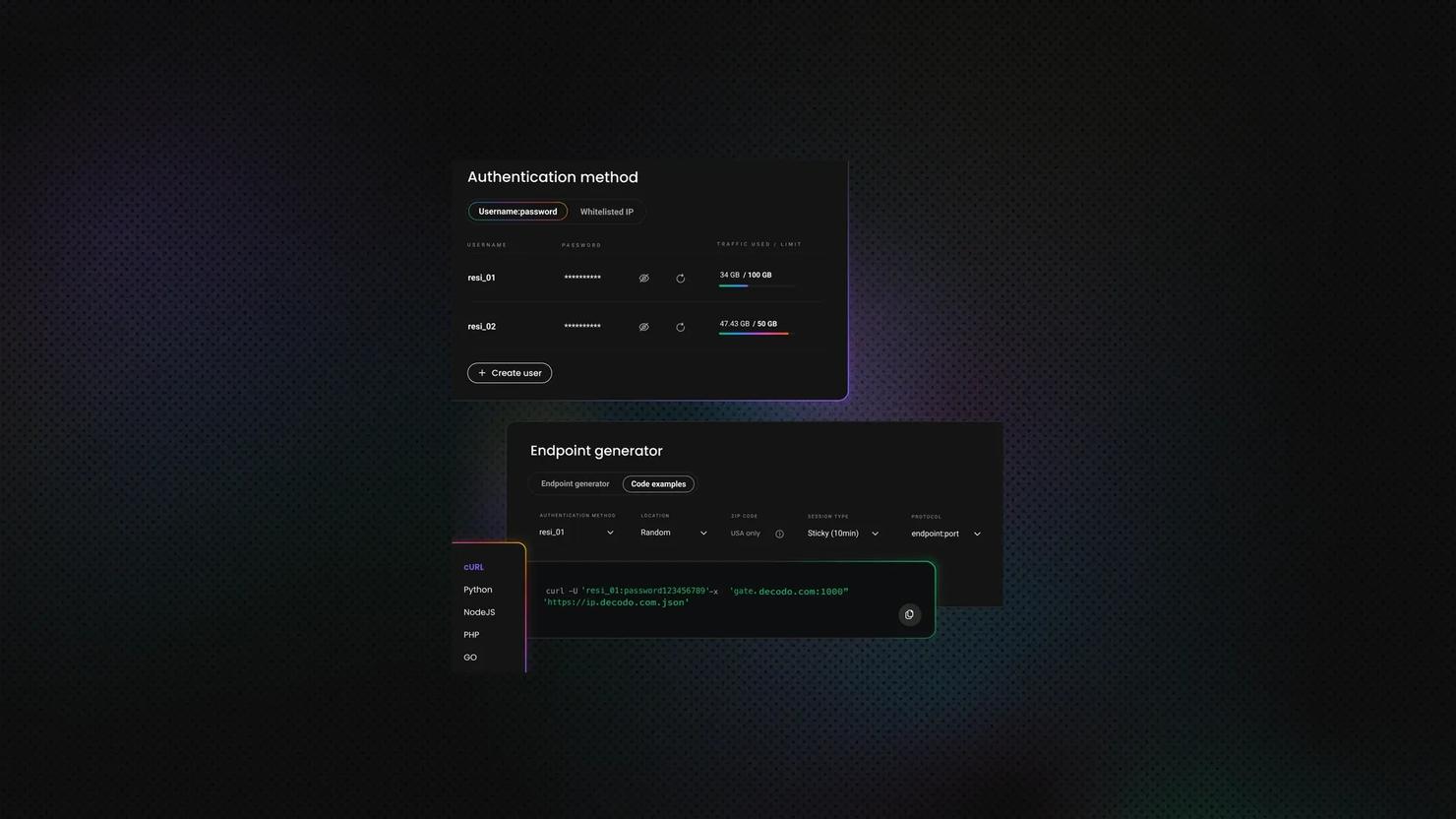
Imperva Bypass: How to Get Past Incapsula Bot Protection in 2026
Imperva (formerly Incapsula) protects many high-traffic retail, real estate, travel, and job listing websites, making it one of the most common obstacles you'll encounter while web scraping. But once you understand how it works, it becomes much easier to work around. In this guide, you'll learn how Imperva detects bots, practical ways to reduce blocks, and where DIY approaches start reaching their limits.
Dominykas Niaura
Last updated: Jul 31, 2026
8 min read
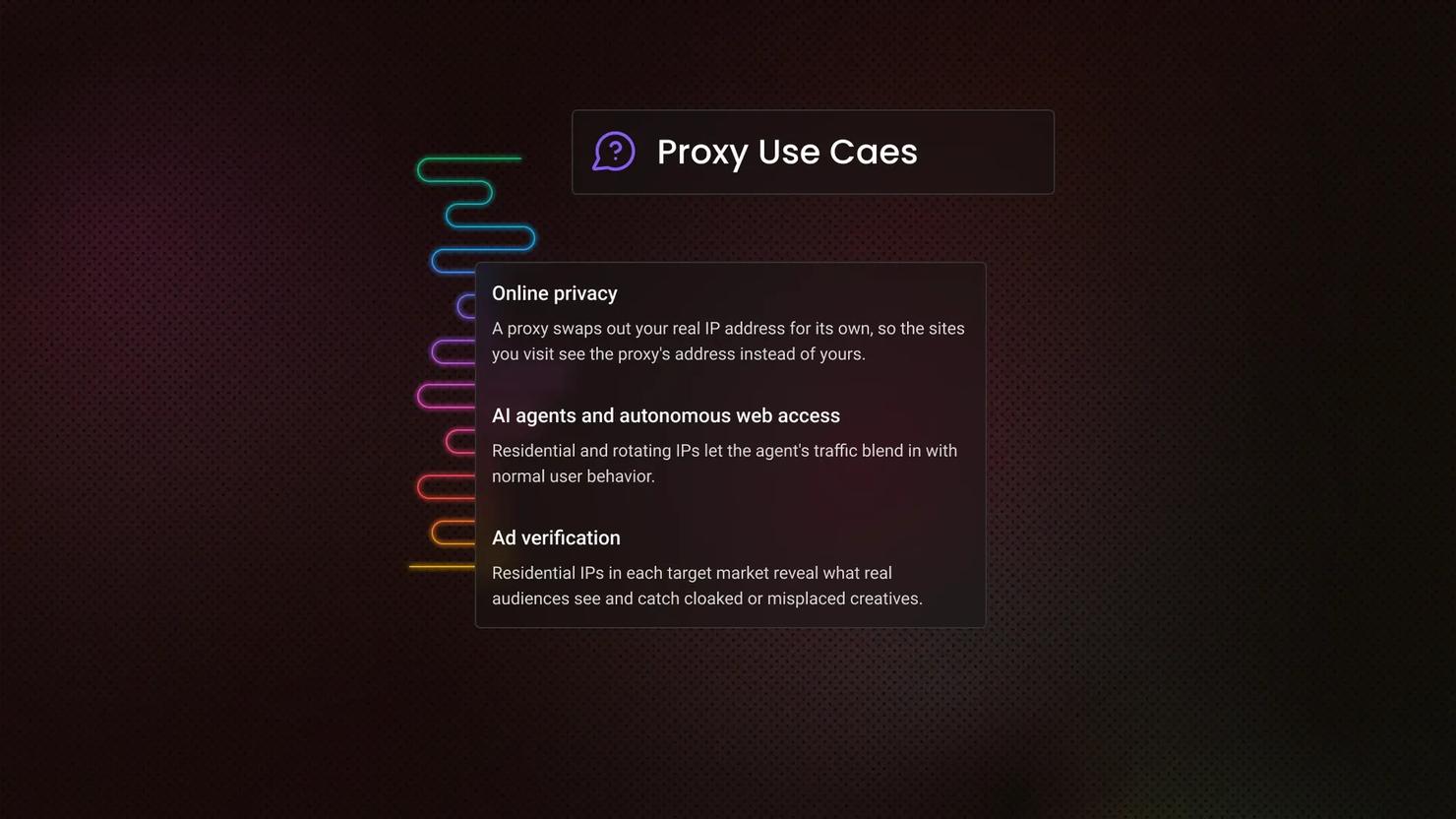
What Are Proxies Used for? 12 Common Proxy Use Cases
A proxy is an intermediary server that routes your request through its own IP address before it reaches the destination. So what are proxies used for? Far more than hiding a single IP. People use them for privacy and access, and businesses use them for scraping, monitoring, and market intelligence. This guide covers both, plus how to pick the right type.

Benediktas Kazlauskas
Last updated: Jul 22, 2026
7 min read

Kasada Bypass: How to Get Past Kasada Anti-bot Protection in 2026
Kasada is a bot-mitigation service protecting ticketing, limited-release retail, and financial platforms. Unlike Cloudflare, Akamai, or HUMAN, it shows no CAPTCHA and runs a proof-of-work challenge that a real browser solves by loading the page. A Kasada bypass, therefore, starts with a browser, not an HTTP client. This guide covers detection, the 5 layers, the tools, and the DIY limit.
Justinas Tamasevicius
Last updated: Jul 20, 2026
10 min read

502 Bad Gateway Error: Causes, Diagnostics, and Fixes for Users and Developers
A 502 bad gateway error means a gateway or proxy contacted an upstream server but didn't receive a valid response. The issue usually sits somewhere in the server path, not on your device. This guide explains what 502 means, why it happens, how to diagnose it, and how to fix it as a visitor, developer, or operator.
Vilius Sakutis
Last updated: Jul 13, 2026
5 min read