cURL
cURL, which stands for client URL, is a free command-line tool. You can use it when you wanna transfer data from and to a server. And by the way – cURL is scriptable and versatile, so it thrives on complex operations.
14-day money-back option


How to Use Wget With a Proxy: Setup, Auth & SOCKS5 (2026)
Wget is a command-line downloader, and a Wget proxy routes its requests through a different IP address so bans and geo-restrictions don't stop your job. It natively supports routing traffic through any HTTP, HTTPS, or FTP proxy server to fetch files securely. This guide covers three ways to configure a Wget proxy, authenticating and rotating it at scale, working around Wget's missing SOCKS5 support, and troubleshooting the errors you'll hit along the way.

Lukas Mikelionis
Last updated: Aug 24, 2026
15 min read

A Comprehensive Guide on Using Proxy with cURL in 2026
Whether you're a developer or an IT professional, data is an essential element of your everyday tasks. One of the most popular tools for data transfer is cURL (client for URL), which is embedded in almost every device that transfers data over different internet protocols.
However, when it comes to transferring data through a proxy, using cURL becomes even more critical. So, let's delve into the basics of cURL and proxies, discuss how it works, and get valuable tips on how to use cURL with proxy settings.
So, buckle up, pal, and get ready to learn how to use cURL with proxy and why it is essential in data transfer.

Vytautas Savickas
Last updated: Jan 14, 2026
7 min read
How to Do Web Scraping with curl: Full Tutorial
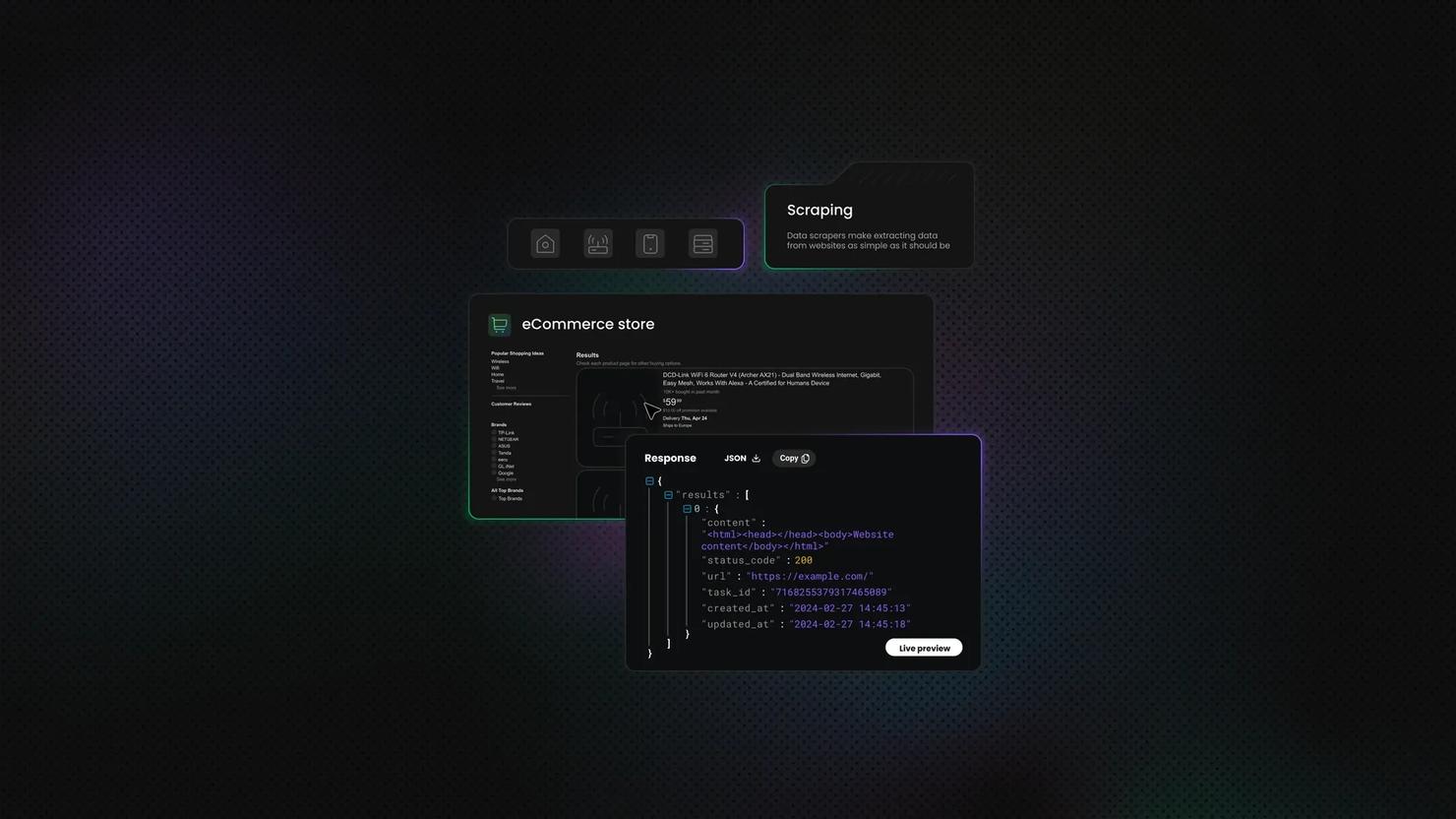
Web scraping is a great way to automate the extraction of data from websites, and curl is one of the simplest tools to get started with. This command-line utility lets you fetch web pages, send requests, and handle responses without writing complex code. It's lightweight, pre-installed on most systems, and perfect for quick scraping tasks. Let's dive into everything you need to know.

Zilvinas Tamulis
Last updated: Dec 02, 2025
16 min read
Sending HTTP headers with cURL
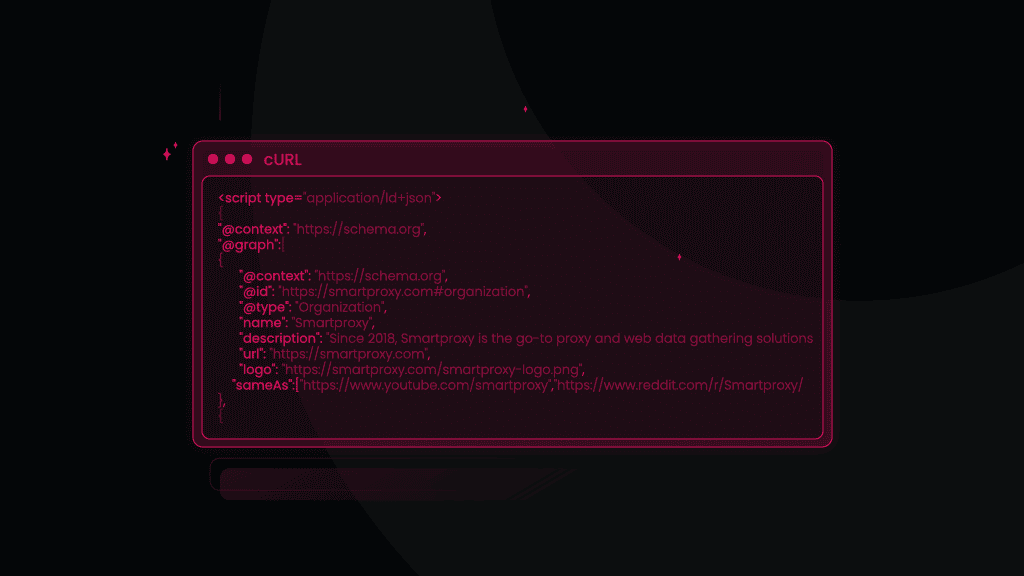
When working with web APIs or making complex web requests, including additional HTTP headers in your cURL commands is essential. These headers give the server critical context about the request, such as specifying content type, providing authentication credentials, or including custom data. For developers, understanding how to manipulate these headers is crucial to ensure that the server processes their requests correctly and efficiently. This guide will explore how to effectively use and customize HTTP headers in cURL requests to optimize your interactions with web servers.

Martin Ganchev
Last updated: Aug 27, 2024
5 min read
How to Download Files With cURL?
When working with the cURL command to interact with web services or APIs, saving the response from a remote server directly to a file is useful for various scenarios, such as logging responses, processing data offline, or simply preserving the output for review at a later time. cURL provides a straightforward way to download files, enhancing the tool's utility for developers and system administrators. In this blog post, we’ll demonstrate how to download files with cURL, including key commands for saving files, handling redirects, and managing authentication.
Martin Ganchev
Last updated: Aug 26, 2024
6 min read
How to POST a File With cURL?
Uploading files to a server is a common task in web development, especially when dealing with user-generated content (UGC) like images, documents, and other media. cURL simplifies this process with cURL POST file request command-line options allowing efficient file uploads. Here's a deeper dive into how to send a file using cURL, including different scenarios and considerations.
Martin Ganchev
Last updated: Aug 21, 2024
6 min read
How to Send a POST Request With cURL?
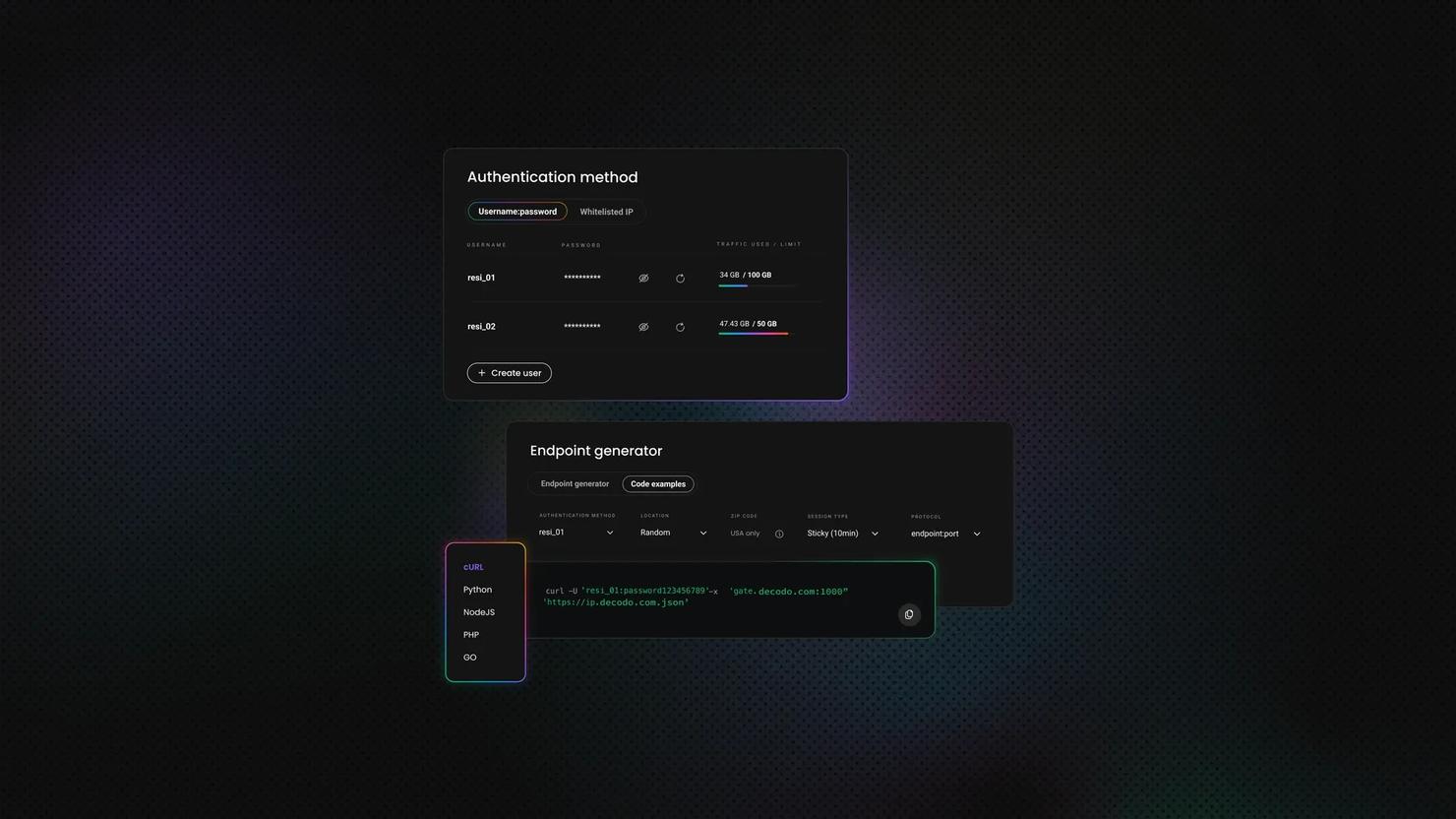
Sending a POST request with cURL is a common task in web development and API interactions. When making a POST request, cURL allows you to send data to a server, often to submit forms or interact with APIs. Understanding how to craft and send POST requests using cURL is essential for testing APIs, debugging, and automating web interactions.
In this guide, we'll explore how to use cURL to send POST requests effectively, with information updated to reflect the latest version of cURL and its current best practices.
Martin Ganchev
Last updated: Aug 21, 2024
8 min read

How to Send a cURL GET Request
Tired of gathering data inefficiently? Well, have you tried cURL? It’s a powerful and versatile command-line tool for transferring data with URLs. Its simplicity and wide range of capabilities make it a go-to solution for developers, data analysts, and businesses alike. Simply put, the cURL GET request method is the cornerstone of web scraping and data gathering. It enables you to access publicly available data without the need for complex coding or expensive software. In this blog post, we’ll explain how to send cURL GET requests, so you’re ready to harness its fullest potential.

Dominykas Niaura
Last updated: Jan 02, 2024
7 min read

Alternative Google SERP Scraping Techniques - Terminal and cURL [VIDEO]
Google has become a gateway to easily-accessible information. And one of the best ways to make use of Google’s limitless knowledge is data scraping. We’ve just released a detailed blog post about scraping Google SERPs with Python, where we cover lots of useful info, including the technical part. So before you dive into this tutorial – check it out.
But what if Python is not exactly your forte? This blog post will show you how to scrape SERPs using a simpler method. One that doesn't require much tech knowledge or downloading loads of applications and software. So, what do you know about web scraping with cURL and Terminal?

Mariam Nakani
Last updated: Dec 23, 2021
10 min read