Screenshot Scraper API
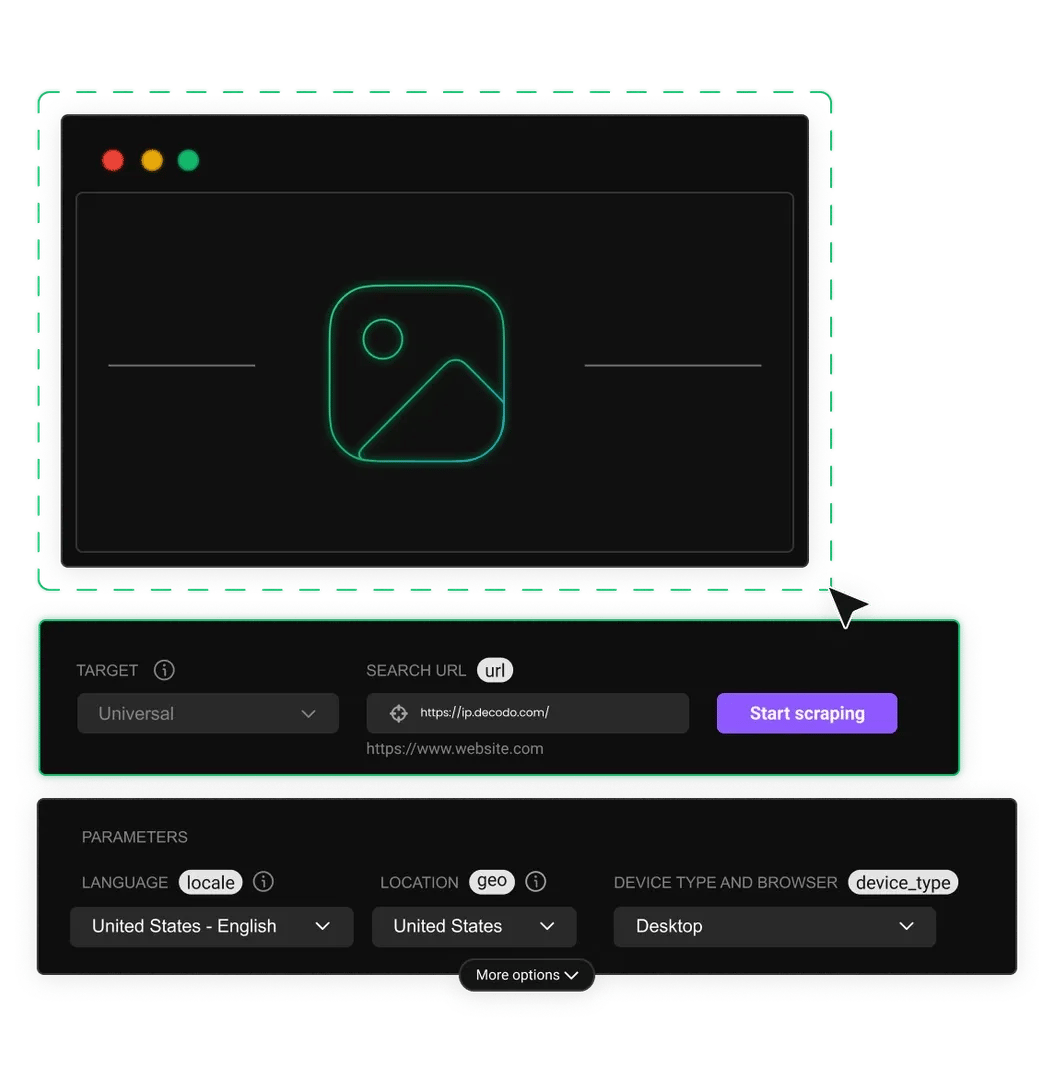
A screenshot scraper API* lets you capture pixel-perfect screenshots of any public webpage through a simple API request. Generate full-page, viewport, or element-level screenshots with built-in ad blocking, geo-targeting, and 125M+ proxy IPs across 195+ locations.
* This scraper is now a part of Web Data API.
14-day money-back option
125M+
ethically-sourced IPs
<0.2s
response time
99.99%
uptime
99.99%
success rate
Free
advanced geo-targeting
Trusted by:


What’s a screenshot scraper API, and how does it work?
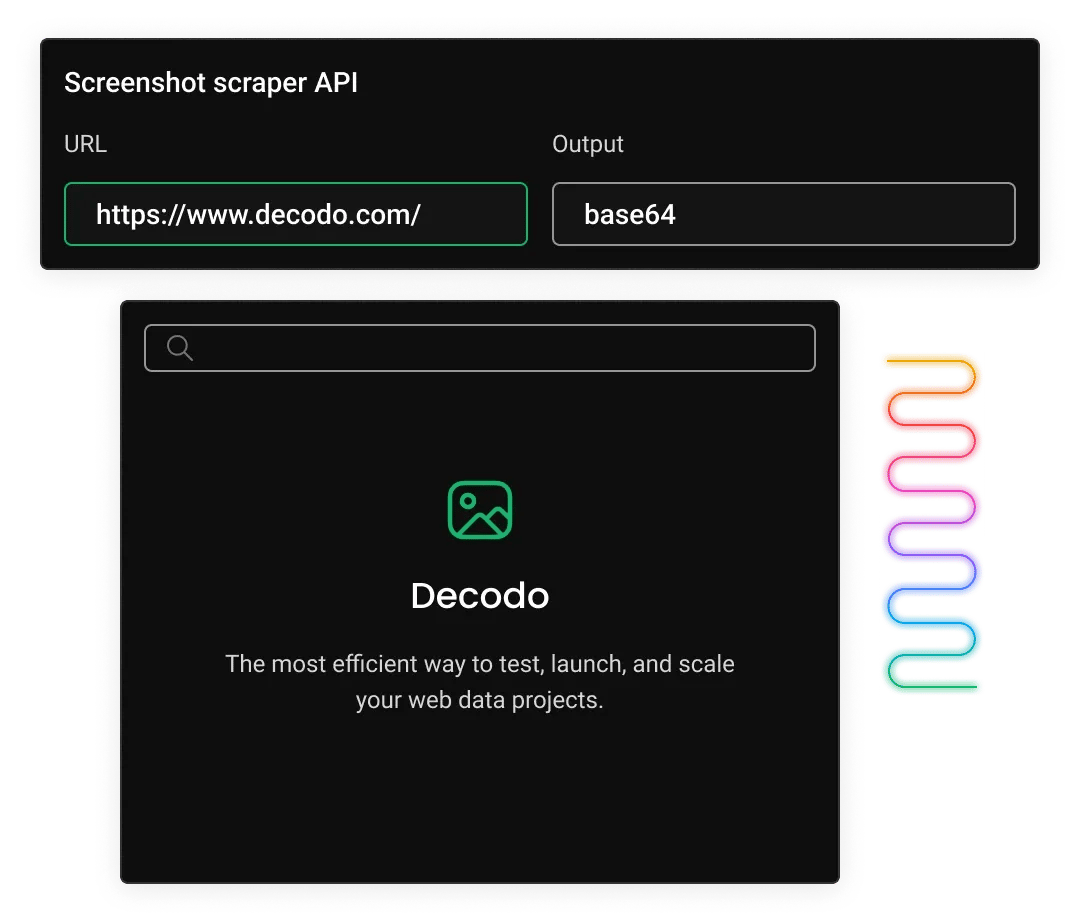
A screenshot scraper API lets you capture high-quality screenshots of any public webpage with a simple HTTP request. Instead of managing your own headless browsers like Puppeteer or Playwright, the API handles the heavy lifting for you, including browser infrastructure, proxy rotation, and scaling. The screenshot scraper API automatically returns the captured data, and with Decodo’s AI Parser, you can turn messy information into structured data for free.
How does Decodo's screenshot scraper API capture a webpage?
#1 Send an API request
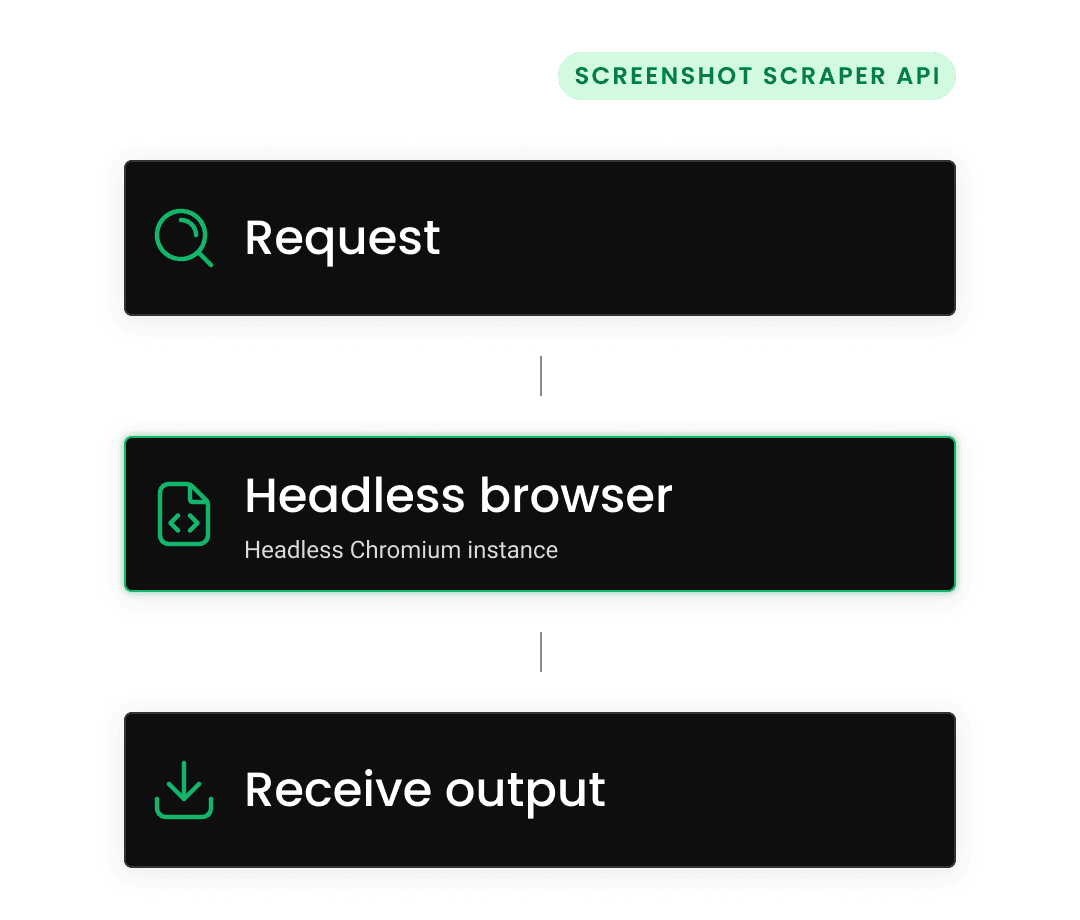
Enter the target URL for a full-page capture via a single GET or POST request.
#2 Headless browser renders the page
Decodo spins up a managed headless Chromium instance, loads the page through one of 125M+ proxy IPs for geo-accurate rendering, executes JavaScript (if chosen), and waits for dynamic content to fully load.
#3 Receive the output
The screenshot scraper API returns the screenshot as a base64-encoded string – ready to store, display, or feed into workflows.
What can you do with Decodo's screenshot scraper API?
Decodo’s screenshot scraper API does more than capture webpage images. Every request is rendered through managed headless Chromium browsers and routed through high-quality proxies for accurate, location-based rendering. Capture clean, pixel-perfect screenshots, customize how pages load, and control the entire rendering process with simple API parameters.

Full-page screenshot
Capture entire webpages from top to bottom in a single request. Generate complete page snapshots without stitching images manually or handling browser automation yourself.

Advanced geo-targeting
Route each capture through a local IP from 195+ locations and 125M+ IPs to view webpages exactly as local users see them. Test localized pricing, search results, ads, and layouts.

Pixel-perfect PNG output
Receive every screenshot as a high-quality PNG image with sharp text, accurate colors, and clear UI details, ideal for testing, monitoring, archiving, and visual comparisons.

Custom JavaScript and CSS
Run custom JavaScript or CSS before capture to control how pages appear. Click buttons, expand hidden sections, fill forms, switch themes, or apply custom styling.
What are the most common screenshot scraper API use cases?
A screenshot scraper API helps teams in engineering, marketing, compliance, and data science capture webpage screenshots at scale. It replaces manual screenshots and fragile browser automation with a simple, reliable API.

Monitor competitor websites
Track how competitor websites change over time by capturing regular screenshots of key pages. Stay on top of pricing updates, new promotions, homepage redesigns, and messaging changes without manual checks.

Test visual regression
Catch UI issues before they reach users by comparing screenshots from staging and production after each deployment. Detect layout shifts, broken styles, and missing assets quickly and reliably.

Archive webpages for records
Store exact visual snapshots of webpages over time for compliance, audits, or internal documentation. Keep a reliable record of how pages looked at specific moments, even if the live content later changes or disappears.

Verify ad placement
Check how ads and branded content appear from different regions by simulating real user views across locations. Ensure campaigns display correctly, avoid unintended variations, and meet compliance requirements.

Feed data into AI
Collect rendered webpage screenshots as structured visual inputs for AI models. Support use cases like vision-language training, layout understanding, and automated UI analysis.
How do I integrate the screenshot scraper API into my project?
Get a screenshot in production with a single HTTP request. Decodo's screenshot scraper API follows standard REST conventions. Just pass the target URL and rendering options as query parameters or in a JSON body, authenticate with your API key, and receive the image directly. Official SDKs and drop-in code snippets for Python, Node.js, and cURL let you integrate in minutes.
What does Web Data API cost?
Choose a plan based on your data collection volume. All plans include the same powerful features – you only pay for what you use. Start with the free plan to test before committing.
See full pricing details in the documentation.
With each plan, you access:

JavaScript rendering
99.99% success rate
HTML, Markdown, XHR, plus JSON, CSV, PNG where supported
One-click AI integrations
LLM-ready Markdown format
100+ pre-built templates
Single API key for all endpoints
/scrape, /search, /map, /crawl
24/7 tech support
14-day money-back
SSL Secure Payment
Your information is protected by 256-bit SSL

What do developers say about Decodo?
Join 135K+ users who trust Decodo for a reliable and scalable web data collection.

Attentive service
The professional expertise of the Decodo solution has significantly boosted our business growth while enhancing overall efficiency and effectiveness.
N
Novabeyond
Easy to get things done
Decodo provides great service with a simple setup and friendly support team.
R
RoiDynamic
A key to our work
Decodo enables us to develop and test applications in varied environments while supporting precise data collection for research and audience profiling.
C
Cybereg





Learn more about web scraping and automation
Most recent
JavaScript Web Scraping Tutorial (2026)
Ever wished you could make the web work for you? JavaScript web scraping allows you to gather valuable information from websites in an automated way, unlocking insights that would be difficult to collect manually. In this guide, you'll learn the key tools, techniques, and best practices to scrape data efficiently, whether you're a beginner or a developer looking to streamline data collection.

Zilvinas Tamulis
Last updated: Oct 12, 2026
13 min read
Most popular
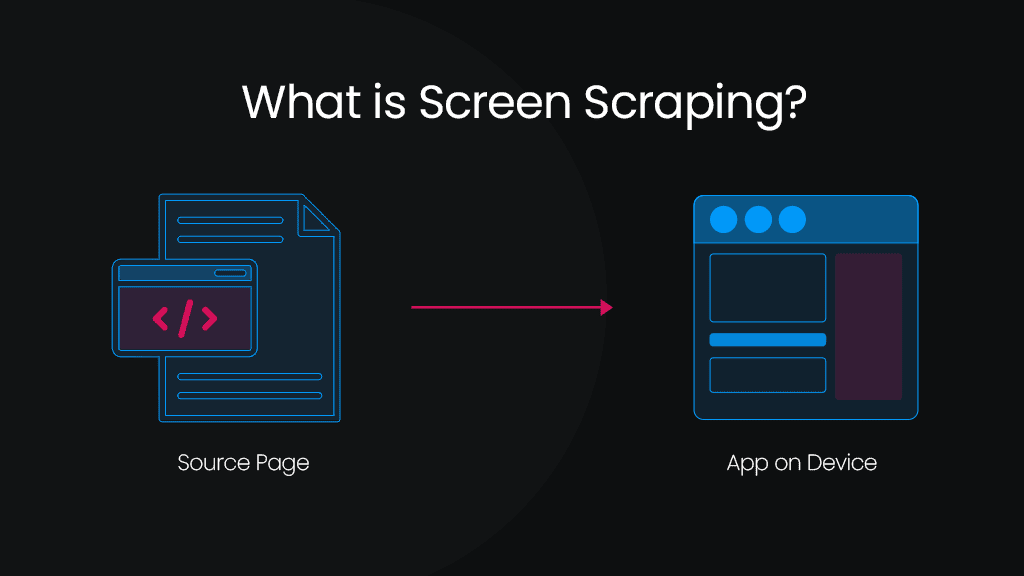
What is Screen Scraping? Definition & Use Cases
Screen scraping is a valuable technique for extracting data from websites and applications when structured access methods, such as APIs, are unavailable. It enables businesses and developers to gather information for market research, automation, and system integration. Unlike traditional web scraping, which directly extracts structured data from HTML, screen scraping retrieves content from a website’s graphical interface, making it useful for capturing dynamic or visually rendered data. When combined with residential proxies, screen scraping becomes even more effective by bypassing IP restrictions and anti-bot measures, ensuring uninterrupted web data extraction and collection.
Vilius Sakutis
Last updated: Mar 06, 2025
5 min read
What is a Headless Browser: A Comprehensive Guide 2026
Do you want to unlock the power of invisible browsing? A headless browser works like a regular browser but without the visual interface. It runs invisibly, automatically visiting websites to test pages or collect data. Faster and lighter than regular browsers, it's perfect for developers. In this guide, we’ll explain how headless browsers work, their uses, pros/cons, and top tools to choose from.
Lukas Mikelionis
Last updated: Jan 06, 2026
5 min read
Playwright Web Scraping: A Practical Tutorial
Web scraping can feel like directing a play without a script – unpredictable and chaotic. That’s where Playwright steps in: a powerful, headless browser automation tool that makes scraping modern, dynamic websites smoother than ever. In this practical tutorial, you’ll learn how to use Playwright to reliably extract data from any web page.
Zilvinas Tamulis
Last updated: Jan 13, 2025
8 min read
How to Bypass CAPTCHA With Puppeteer: A Step-By-Step Guide
CAPTCHAs have been a website security staple since 2000, drawing a line between human users and bots. They're a savior for website owners and a nightmare for data gatherers. But the challenge has shifted. Modern systems like reCAPTCHA v3, hCaptcha, and Cloudflare Turnstile no longer rely on distorted text and puzzles alone. They score your behavior in the background, which means avoiding them is now as much about how you act as what you click. This guide covers CAPTCHA detection, prevention, real solver integration, and where Puppeteer fits alongside Playwright in 2026.
Dominykas Niaura
Last updated: Aug 04, 2026
10 min read
Frequently asked questions
Do I need a credit card to try the screenshot scraper API?
No. Decodo offers a free plan with no credit card required, so you can test screenshot capture, geo-targeting, and all features before committing to a paid plan.
Can I cancel my screenshot API subscription at any time?
Yes. Decodo subscriptions have no long-term contracts. You can cancel, upgrade, or downgrade your plan at any time via Decodo’s dashboard. You can use your available requests throughout the month.
What is a screenshot scraper API?
A screenshot API is a cloud-hosted service that renders a webpage in a headless browser and returns a pixel-perfect PNG image of the rendered output. Instead of managing your own Puppeteer or Playwright infrastructure, you send a single HTTP request with the target URL and rendering options, and the API handles browser orchestration and proxy rotation for you.
Check out Decodo’s blog post explaining what a headless browser is to learn more.
How is a screenshot scraper API different from taking a manual screenshot?
Manual screenshots require a human to open a browser, navigate to a page, and capture the screenshot, which doesn’t scale. A screenshot scraper API automates this process programmatically: you call an endpoint with a URL, and the service returns the rendered image in seconds. This makes it possible to capture thousands of pages from multiple geographic locations without human intervention.
What output format does Decodo's screenshot scraper API use?
Decodo's screenshot API provides every capture as a PNG image. PNG preserves exact pixel detail, text sharpness, and color fidelity without compression artifacts, making it the perfect format for visual regression testing, compliance archiving, and any workflow where pixel-perfect accuracy matters.
How does geo-targeting work for screenshots?
Decodo routes each screenshot request through one of 125M+ proxy IPs across 195+ locations. You specify the continent, country, state, city, or even a ZIP code in your API request, and the headless browser loads the page from that location. Then you’ll see the exact content, pricing, and language a local visitor would see. This is essential for ad verification, competitive monitoring, and localized content QA.
Start Capturing Screenshots in Minutes
Sign up, get your API key, and send your first screenshot request. No credit card required – try it out for free!
14-day money-back option