MCP Server Examples by Category: What Each One Does (2026)
MCP server examples show a real server giving an AI model one capability: reading files, querying a database, or fetching live web data. Without MCP, every connection means more glue code to maintain. This guide groups examples by category: web data, developer tools, productivity, databases, search, and design and project management, with what each does and a task it powers.

Kipras Kalzanauskas
Last updated: Sep 14, 2026
8 min read

TL;DR
- An MCP server gives an AI assistant one capability: reading files, querying a database, and fetching live web data, through the open Model Context Protocol.
- The official reference repo and community directories list hundreds of servers; the examples here cover the categories that matter most: web data and scraping, developer tools, productivity, databases, search, and design and project management.
- Every example below includes what the server does and a concrete task it handles.
- Setup takes minutes in any MCP client: configuration, not coding.
What is an MCP server?
A Model Context Protocol (MCP) server is a program that connects an AI assistant to a tool or data source, like a database, your local files, or a third-party API.
The server is the tool side, and the client is the assistant; Claude, Cursor, and other MCP clients all connect to servers the same way. A single MCP server example: the client sends a request, and the server does the work of talking to the underlying service.
Every server in the official MCP repository exposes 3 core elements to an AI application:
- Tools. Functions the model can execute, like posting a message or running a query.
- Resources. Contextual data the model can read, such as file contents or channel history.
- Prompts. Reusable task templates, standardized for common workflows.
Configuring one of these in a client takes minutes; our guide to setting up an MCP server walks through the exact steps.
MCP server examples by category
This MCP servers list groups servers by the capability they add to an agent. The table below provides a categorized list of MCP servers, detailing what each integration handles and the specific task it offloads to an agent.
Server
Category
What it does
Example task
Decodo MCP Server
Web data and scraping
Gives an agent live web data, scraping, and SERP results across search engines, eCommerce sites, and social platforms
Pull structured Amazon search results for a price-tracking task
Web data and scraping
Fetches one URL and converts the response to Markdown
Load a single article into context before summarizing it
Developer tools
Exposes issues, pull requests, code search, and Actions runs
Open a pull request and attach the CI run that triggered it
Developer tools
Reads, writes, and searches files inside explicitly allowed directories
Edit config files in one scoped project folder
Developer tools
Reads status, diffs, log, branches, and commits on a local repository
Summarize what changed in the last 5 commits before a release
Productivity and communication
Searches messages, reads threads, and posts to channels
Find the thread where a team debated a retry policy
Productivity and communication
Searches, reads, and updates pages and databases
Turn a meeting note into a tracked project page
Google Workspace MCP servers (Google Drive and Calendar)
Productivity and communication
Connects Drive files and Calendar events, with one endpoint per product
Search Drive for a file, then check availability before scheduling
PostgreSQL
Databases
Provides read access to a Postgres database with schema inspection
Answer a schema question without opening a SQL client
SQLite
Databases
Provides access to a local SQLite file for lightweight queries
Query a local analytics database directly from a prompt
Search
Runs web, image, video, and news search through the Brave Search API
Bring current news results into a research task
Search
Runs web search, content fetching, and multi-step research through Exa's API
Chain a search query and a fetch into one research step
Design and project management
Pulls design context, variables, and components from a Figma file into a coding environment
Match a component's spacing tokens during implementation
Design and project management
Finds, creates, and updates issues and projects, with a read-only endpoint available
Update a ticket to "Done" the moment a PR merges
Design and project management
Reads and writes CRM records while enforcing field-level security and sharing rules
Look up an account's open cases before a support call
Web data and scraping
Web data servers take on rendering, proxy rotation, and anti-bot handling so the agent doesn't have to.
- Decodo MCP Server. Headless browser rendering and proxy rotation happen inside the server, so what comes back is parsed SERP, eCommerce, and social data as structured JSON. An agent pulls Amazon search results for a price-tracking task without maintaining a scraping stack of its own.
- Fetch server. One URL goes in, and the page comes back as Markdown, with no rendering or proxy work involved. That keeps every call cheap and fast when all an agent needs is to read one article into context before summarizing it.

Skip the scraping stack
Decodo's MCP Server handles headless rendering and proxy rotation, so your agent gets structured data without you maintaining any of it.
Developer tools
Developer tool servers draw an explicit execution boundary around the agent, splitting on how far past the local checkout it can reach, since unrestricted host access turns every wrong inference into a change you have to undo.
- Filesystem server. Only the directories you allow at startup are visible to it, for reads, writes, and searches alike. A wrong guess stays inside one project folder instead of landing somewhere on the host.
- Git server. Makes a local repository queryable through status, diffs, log, branches, and commits. Asking what changed in the last 5 commits before a release takes one call and not an entire session.
- GitHub server. Reaches past your checkout into issues, pull requests, code search, and Actions runs.
Productivity and communication
Workspace servers open unstructured material, chat threads, meeting notes, shared drives, over remote endpoints, with the OAuth grant doing the gatekeeping, so the model sees exactly what the person who authorized it can see.
- Slack MCP server. Searches messages, reads threads, and pulls user profiles across the channels your token covers.
- Notion MCP server. Pages and databases are both readable and writable here.
- Google Workspace MCP servers. One endpoint per product, covering Drive, Docs, Sheets, and Calendar. Finding a proposal, pulling its review requirements, and checking who is free to review it becomes simply one call away.
Databases
Database MCP servers give the model direct schema inspection and query execution instead of you relaying results from a separate client, and the permissions on the connecting role, not a setting inside the server itself, decide what's actually reachable. These are both archived reference servers.
- PostgreSQL. Documented as read-only access with schema inspection, run against a live Postgres instance. An agent uses it to inspect table structure, then run a read-only query for monthly retention numbers.
- SQLite. A single local file is the whole database, which is what makes it the lightweight, embedded option. An agent inspects the sqlite_master schema table and runs analytical queries straight against that file.
Search
Search servers add live retrieval to an agent's reasoning instead of leaving it to answer from training data alone. Two examples:
- Brave Search. Brave's own server runs locally against your API key and returns web and local results. For example, your MCP client is able to check an open-source library's release notes for all deprecated methods in a single request.
- Exa. Neural search handles semantic discovery and pulls full page content in the same call. That collapses a research step, since finding and reading technical papers on a topic no longer needs a separate fetch.
Design and project management
Figma, Linear, and Salesforce each expose their own system as an MCP server so an agent can reach design files, tickets, and CRM records without you copying data between tools by hand, and each one grants only what the connected user's account already permits.
- Figma. Pulls design variables, component hierarchies, and layout values into the coding environment. This lets the coding AI agent inspect Figma files and use the actual design context when generating UI code.
- Linear. Issues and projects are the surface, with find, create, and update handled by Linear's hosted server and a read-only endpoint available. The server can search Linear issues, create new ones, and update existing issues directly from the MCP client.
- Salesforce. Hosted by Salesforce, with read and write access to CRM objects and pipeline data. The server gives your AI agent a standard way to retrieve an account's open cases or update a deal stage without needing a separate custom integration.
MCP server use cases
One server on its own will rarely finish a job for you. The work you actually want to hand off usually takes two or more, with the output of the first feeding into the second, and on. The four MCP server use cases below pair servers from the table above, so borrow them as starting points:
Agent research
MCP handles this with dedicated tools. Advanced search servers like the Exa or Brave Search MCP servers expose search as tools the model can call to find relevant URLs, while the Decodo MCP Server handles browser rendering and proxy rotation for pages that resist automated requests.
Coding agents
The Filesystem MCP server only exposes the folders you allow, so the agent edits your real repository without seeing the rest of the machine. Those files reach the model as resources it can read, while the commit from the Git MCP server and the push from the GitHub MCP server are tools it can call.
Ops automation
Using MCP servers, the engineer can ask in Slack and get the answer right there. The Slack MCP server handles the conversation, while the PostgreSQL MCP server uses an authenticated, read-only database connection to run the query. The key thing here is that the raw credentials remain on the server-side, keeping the workflow fast while mitigating security risks.
Data collection pipelines
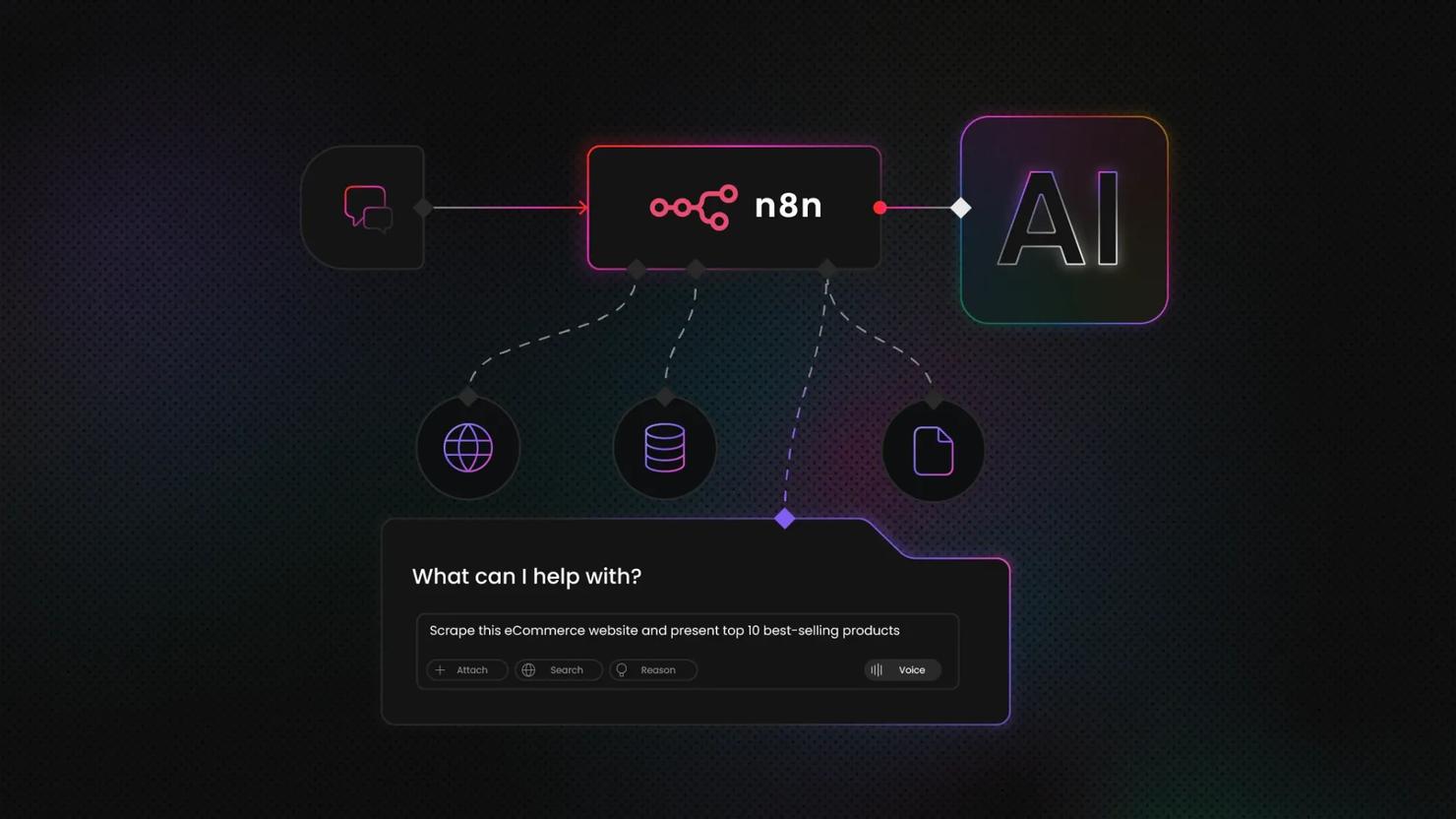
MCP splits data collection into dedicated servers. The Decodo MCP Server handles the scraping and returns structured results. A PostgreSQL or SQLite MCP server takes care of storing that data. Your agent just coordinates the flow. Add a scheduler like n8n and the whole pipeline runs from scrape to database with no custom glue code. Our guide on orchestrating AI agents with n8n and Decodo's MCP Server walks through this flow comprehensively.
Frameworks and reference implementations
The servers in these examples aren't all built or maintained the same way. Some are official reference implementations, while others come from vendors or the community. That distinction matters when deciding which servers to study, use, or even build on.
Fetch, Filesystem, Git, and Memory are official reference servers from the MCP project. They provide practical examples of how MCP servers expose capabilities to an AI agent. Treat them as reference points for learning rather than dependencies to build your setup around. For one, the PostgreSQL and SQLite reference servers have been archived.
If you want to build your own server, the official MCP SDKs for TypeScript, Python, Java, Kotlin, and C# handle the protocol layer. You can then focus on defining the tools and resources your server exposes and connecting them to the underlying service.
Getting started with MCP servers
Getting an MCP server running typically comes down to three main steps: Adding the server to your MCP client, entering its connection details, and connecting to the server. Once connected, the client makes the server's available tools and resources accessible to the model. Our guide to setting up an MCP server walks you through each step of the process.
If you're deciding between MCP and Claude's own extension format, the comparison of Claude Skills and MCP breaks down when each one fits.
Best practices for running MCP servers
Once a server is connected, a few choices matter for keeping it secure, predictable, and efficient:
- Opt for official or vendor-maintained servers. Official servers ship security fixes and track changes to the protocol; a community fork can fall behind on either.
- Use least-privilege credentials. For example, give the MCP server only the access it needs. If it's connecting to a database, a read-only role keeps it from making changes you didn't intend.
- Watch context and token costs. Each connected server exposes tools the model needs to consider. More servers mean more tools and metadata in the model's context, and consequently, increased token usage and cost.
- Pin server versions in production. Pinning keeps new updates from changing your setup without warning. Without a pinned version, the MCP client can resolve a newer release at launch, which can change how your agent behaves.
Developing your own MCP server
None of the examples above will fit every job, and that's why the official SDKs for building your own servers exist. Covering TypeScript, Python, Java, Kotlin, and C#, each one handles the protocol layer, so what you define are the same three primitives discussed throughout this article: the tools, resources, and prompts your service exposes. The develop docs walk through the process end to end.
Community, support, and resources
The official reference repository holds the full set of maintained servers, and the MCP specification documents how the protocol works. Community directories like mcpservers.org list far more servers, but their quality and maintenance can vary, so check each server's documentation and maintenance status before using it. For the web data and scraping use case specifically, Decodo's MCP Server docs and Discord community are worth bookmarking directly.
Final thoughts
With thousands of MCP servers available across registries, you don't need to build a custom integration every time your agent needs access to another service. These example MCP servers show how different servers can give an agent access to web data, code, databases, communication tools, and more.
Start with an existing server that covers the capability you need, and use the official SDKs when you need something more specific. For live web data and scraping, Decodo's MCP Server gives your AI agent access to real-time data from any site, with browser rendering and proxy rotation handled for you.
Reviewed by Abdulhafeez Yusuf

Give your agent real-time data
One config entry connects Decodo's MCP Server to any MCP client, no scraping stack to build or maintain.
About the author

Kipras Kalzanauskas
Senior Account Manager
Kipras is a strategic account expert with a strong background in sales, IT support, and data-driven solutions. Born and raised in Vilnius, he studied history at Vilnius University before spending time in the Lithuanian Military. For the past 3.5 years, he has been a key player at Decodo, working with Fortune 500 companies in eCommerce and Market Intelligence.
Connect with Kipras on LinkedIn.
All information on Decodo Blog is provided on an as is basis and for informational purposes only. We make no representation and disclaim all liability with respect to your use of any information contained on Decodo Blog or any third-party websites that may belinked therein.