AutoTrader Scraper: Extract Car Listings, Prices & Dealer Data

Choose an AutoTrader scraper* that pulls car listings, pricing data, dealer profiles, and market trends programmatically, no public API needed. Get structured automotive data from 195+ locations with 99.99% uptime, so your pipeline never misses a market shift.

* This scraper is now a part of Web Scraping API.

14-day money-back option

99.99%

uptime

125M+

ethically-sourced IPs

200

requests per second

JavaScript

rendering

Free

starter plan

Trusted by:

RTMP.IN logo

What is an AutoTrader scraper?

Padlock

Does AutoTrader have a public API?

AutoTrader doesn’t offer a public API for accessing listing data. AutoTrader Connect, the platform's only official API, is restricted to authorized franchise dealers, and it’s not available for market research, price intelligence, or data collection use cases. An AutoTrader scraper provides programmatic access to the same publicly available listing data without requiring API credentials or dealer authorization.
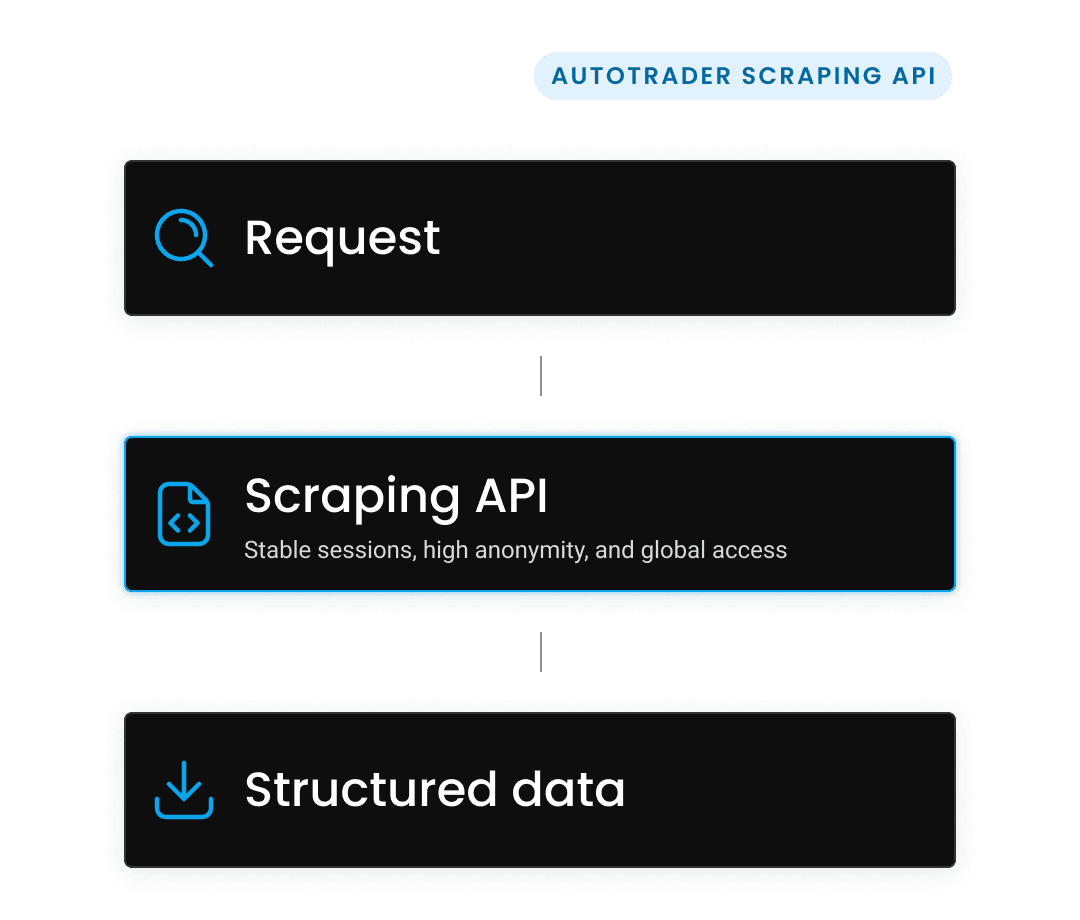
Send a request, Process data, Receive results

How does an AutoTrader scraper work?

The setup is straightforward and built to fit into existing workflows with minimal overhead. Here's how it works under the hood:

  1. Send a request. Submit target listing URLs, search queries, or dealer pages through the API or no-code templates.
  2. Process data. The scraper renders JavaScript, resolves pagination, extracts all visible fields, and structures the output.
  3. Receive results. Get clean data in your preferred format (JSON, CSV, XHR, Markdown) via API or webhook.
Data from search result, dealer page, or individual listing

What data can you extract from AutoTrader?

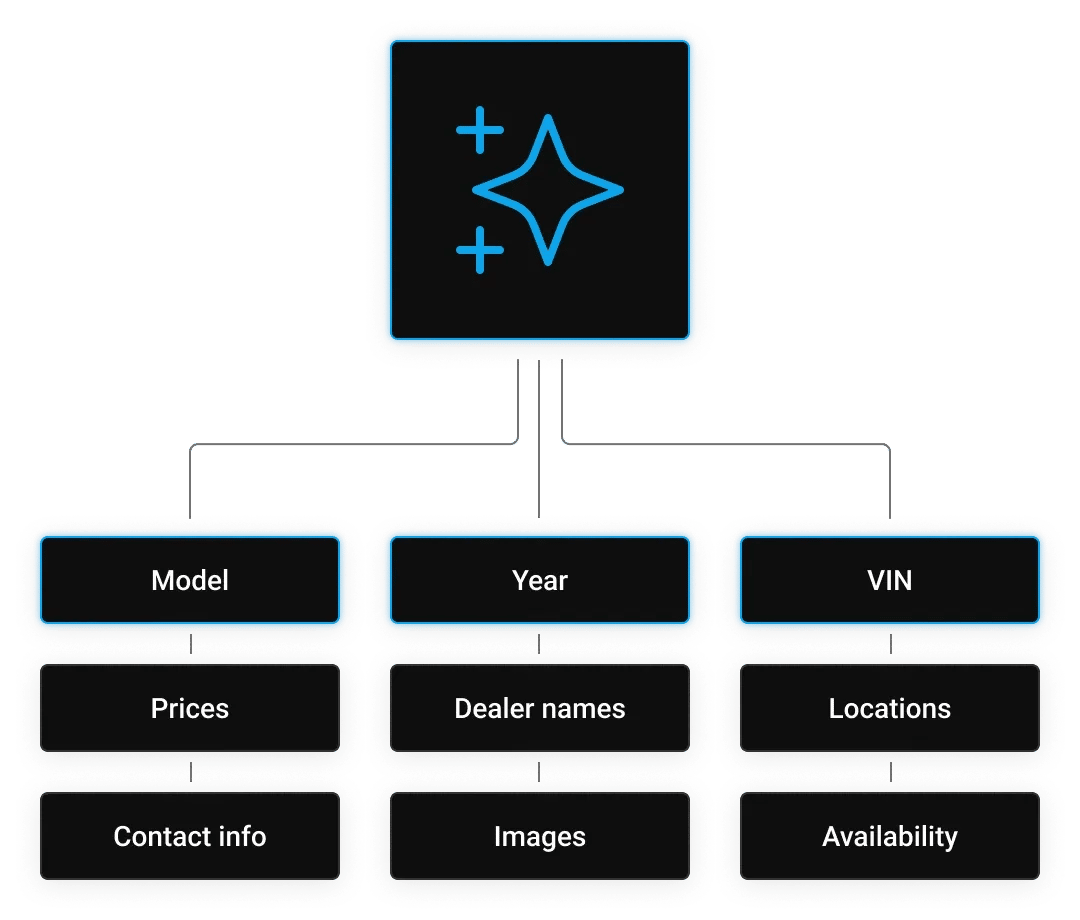
Every AutoTrader listing packs in more data than it looks. Here's what you can pull from any search result, dealer page, or individual listing:

  • Vehicle make, model, year, trim, and VIN
  • Listed prices 
  • Dealer names, locations, and contact details
  • Mileage, condition, and vehicle specifications
  • High-resolution image URLs
  • Search result rankings and featured placements
  • Private seller vs dealer listings
  • Certified pre-owned and warranty information
  • Regional availability and ZIP-level inventory

Why use Decodo's AutoTrader Scraping API?

Feature

Decodo

Manual scraping

Free Tools

Uptime

99.99%

No guarantee

No guarantee

JavaScript rendering

Automatic

Requires setup

Not available

Anti-bot handling

Built-in

Manual config

Not available

Structured output

JSON/CSV-ready

HTML

Limited

Proxy rotation

125M+ IPs

Buy separately

Not available

Maintenance

Managed

Your responsibility

Breaks often

Scale capacity

Unlimited

Infrastructure limits

Rate limited

Integration options

API, webhooks, AI integrations (OpenClaw, LangChain, n8n)

Custom code

Manual export

What makes Decodo's AutoTrader scraper different?

99.99% uptime

Enterprise reliability with continuous monitoring.

JavaScript rendering

Extract dynamic content without browser setup.

Smart IP rotation

125M+ IPs across 195+ locations under the scraper’s hood.

Structured output

Pre-parsed JSON with normalized field names.

Template library

100+ pre-built extraction templates for faster data collection.

Integration ready

Works with n8n, LangChain, OpenClaw, and MCP-compatible tools.

Format flexibility

Export data in JSON, CSV, XHR, PNG, and Markdown.

Real-time extraction

Live accreditation status and reviews on every request.

What are the use cases for the AutoTrader scraper?

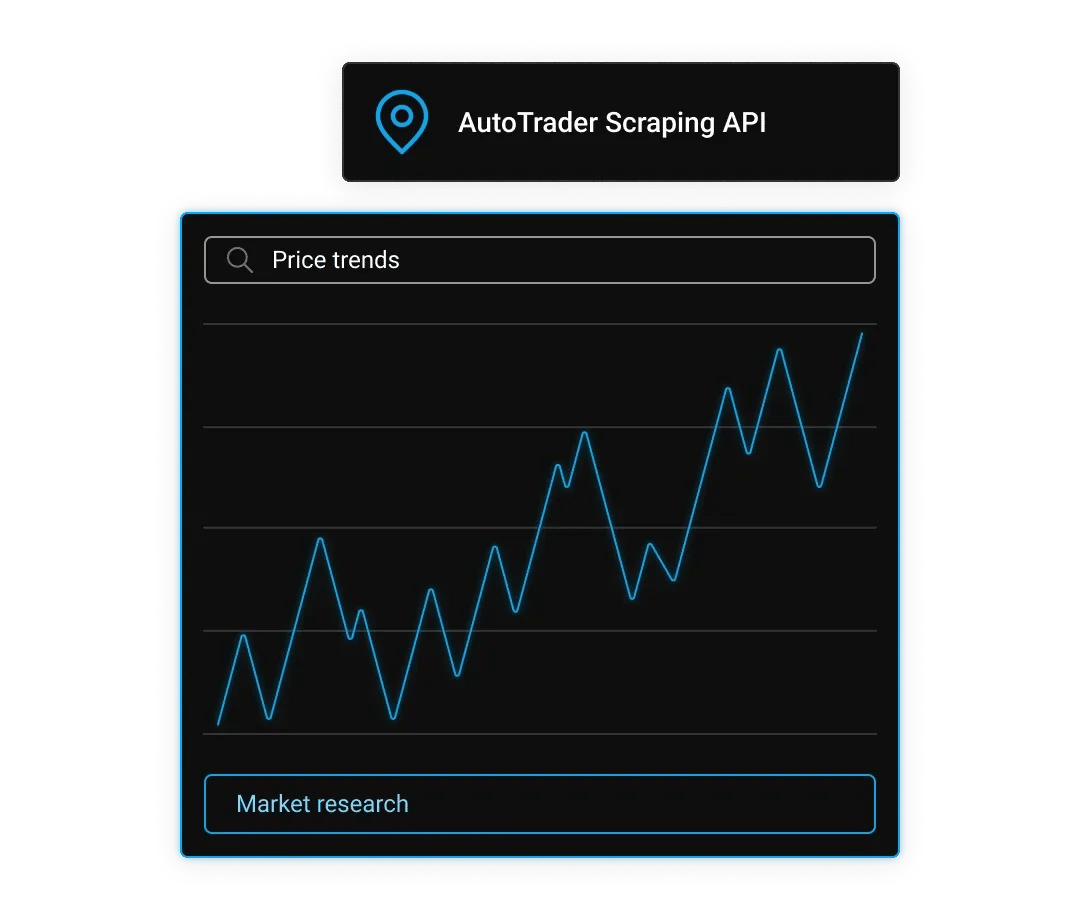
How do I track used car price trends across AutoTrader listings?

Market research

Extract listing prices at scale across makes, models, years, and regions to map out pricing trends, seasonal swings, and depreciation curves over time.

The more listings you collect, the clearer the patterns get – you can pinpoint exactly when and where prices dip, how fast specific models lose value, and how dealer pricing stacks up against private seller listings. Run extractions on a schedule to build a living price index instead of a one-time snapshot.

How do I monitor competitor dealer inventory on AutoTrader?

Market research

Pull dealer profiles, inventory counts, listing durations, and pricing strategies from any dealership on AutoTrader. Track which vehicles move fast, how dealers reprice aging inventory, and which segments are underserved in your target markets.

Whether you're a dealer, a market analyst, or building a competitive intelligence tool, consistent data collection gives you a clearer picture than manual browsing ever could.

How do I build automotive market intelligence databases?

Market research

Collect structured vehicle data, like specs, prices, mileage, geographic availability, and feed it into valuation models, insurance underwriting tools, or investment analysis pipelines.

A one-time pull gives you a starting point, and a scheduled extraction keeps the dataset current as inventory turns over and prices shift. The result is a reference database that reflects the market as it actually is, not as it was last quarter.

How do I analyze days-on-market and listing velocity?

Market research

Scrape listing timestamps, price change history, and removal dates to calculate average days-on-market by segment, region, or price range. You can identify which vehicle categories sell fastest, which price points tend to stall, and how listing velocity shifts by season or geography. It's the kind of granular timing data that's impossible to track manually at any meaningful scale.

How do I power automotive AI models with AutoTrader data?

Market research

Large-scale vehicle datasets, prices, specs, images, and dealer metrics are the raw material for price prediction models, valuation APIs, and AI-assisted recommendation systems.

AutoTrader is one of the richest sources of real-world automotive data available, and scheduled extraction keeps your training sets current without manual effort. The more consistently you collect, the more reliable your model outputs become over time.

Which AutoTrader data types can you access?

AutoTrader data types
  • New and used vehicle listing pages
  • Search result pages with filter and sort parameters
  • Dealer storefront and inventory pages
  • Private seller listings
  • Price history and listing activity data
  • Vehicle specification and feature data
  • Regional market pages by ZIP code or city
  • Certified pre-owned program listings
  • Featured and promoted listing placements
  • Image galleries and media assets

How do you integrate AutoTrader scraper with Python, Node.js, or cURL?

Target template

Proxy pool

8 countries
193 countries

Parameters

Premium proxy pool only
curl --request 'POST' \
--url 'https://scraper-api.decodo.com/v1/tasks' \
--header 'Accept: application/json' \
--header 'Authorization: Basic xxxxxxxxxxxxxxxx' \
--header 'Content-Type: application/json' \
--data '{
"target": "universal",
"url": "https://ip.decodo.com",
"proxy_pool": "premium",
"headless": "html",
"locale": "en-us"
}'

How do you get started with the AutoTrader scraper?

Can I extract AutoTrader data without writing code?

Data extraction without code

Select the AutoTrader template from the template library, paste your target listing or search URLs, and click extract. Results download instantly in your chosen format – no coding required.

How do I connect the AutoTrader scraper to my application via API?

Data extraction without code

Get your API key, send a POST request with target URLs, and receive structured JSON responses. If you need any tips on your setup, you can contact our 24/7 tech support or explore our extensive documentation and code examples.

Is there a free trial for the AutoTrader scraper?

Data extraction without code

Decodo offers a free plan with up to 2K requests to test drive all the features of the Web Scraping API.

How is the AutoTrader scraper priced?

AutoTrader scraper pricing

The AutoTrader scraper is available as Decodo's Web Scraping API, priced on a pay-per-successful-result basis. You're charged only for requests that return complete, usable data – retried and failed requests don't count toward your usage total. Depending on your use case and the volume of listings you plan to collect, you can choose a subscription with a request count that best matches your needs. AutoTrader uses JavaScript rendering and dynamic content loading, so the scraper automatically handles both, no extra configuration required. Switch to a premium proxy pool if you need higher throughput or more geographic coverage across regional inventory.

What does Web Scraping API cost?

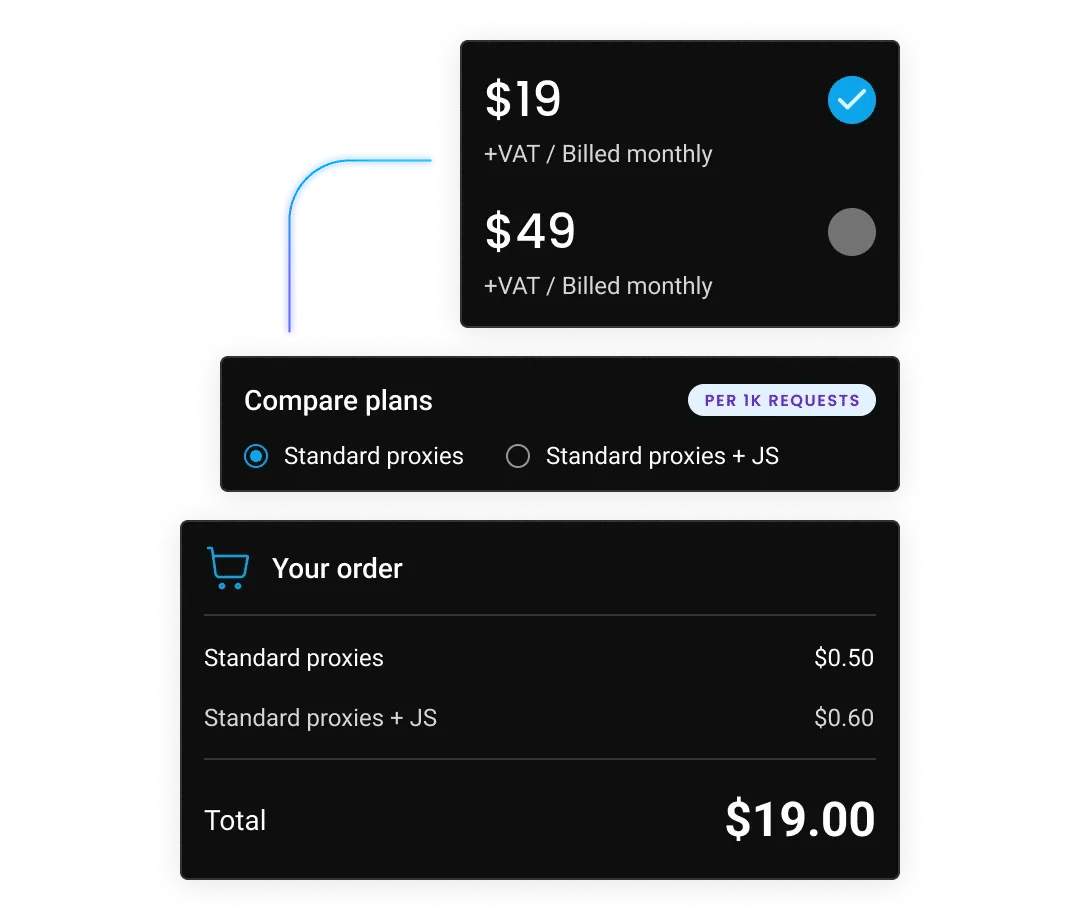
Choose a plan based on your scraping volume. All plans include the same powerful features – you only pay for what you use. Start with the free plan to test before committing.

Plan price

$0

+VAT / Billed monthly

Request type

Price per 1k req.

Standard proxies

2K req.

$0.50

Standard proxies + JS

1K req.

$0.75

Premium Proxies

1K req.

$1.00

Premium proxies + JS

667 req.

$1.50

Rate limit

10 req/s

Start for free

Plan price

$19

+VAT / Billed monthly

Request type

Price per 1k req.

Standard proxies

38K req.

$0.50

Standard proxies + JS

25K req.

$0.75

Premium Proxies

19K req.

$1.00

Premium proxies + JS

12K req.

$1.50

Rate limit

10 req/s

Buy now

Plan price

$49

+VAT / Billed monthly

Request type

Price per 1k req.

Standard proxies

163K req.

$0.30

Standard proxies + JS

75K req.

$0.65

Premium Proxies

54K req.

$0.90

Premium proxies + JS

39K req.

$1.25

Rate limit

25 req/s

Buy now
Most popular

Plan price

$99

+VAT / Billed monthly

Request type

Price per 1k req.

Standard proxies

707K req.

$0.14

Standard proxies + JS

165K req.

$0.60

Premium Proxies

116K req.

$0.85

Premium proxies + JS

82K req.

$1.20

Rate limit

50 req/s

Buy now

Need more?

Request type

Price per 1k req.

Standard proxies

Custom

Standard proxies + JS

Custom

Premium Proxies

Custom

Premium proxies + JS

Custom

Rate limit

Custom

Contact sales
Standard proxies

For low-security sites and simple access

Premium proxies

For accessing guarded or sensitive pages

Test our scraping API

With each plan, you access:

99.99% success rate

Results in HTML, JSON, CSV, XHR or PNG

MCP server

JavaScript rendering

AI integrations

100+ pre-built templates

Supports search, pagination, and filtering

LLM-ready markdown format

24/7 tech support

14-day money-back

SSL Secure Payment

Your information is protected by 256-bit SSL

What do customers say about Decodo?

We're proud to support a thriving community of 135K+ users and the industry’s best.

Attentive service

The professional expertise of the Decodo solution has significantly boosted our business growth while enhancing overall efficiency and effectiveness.

Easy to get things done

Decodo provides great service with a simple setup and friendly support team.

A key to our work

Decodo enables us to develop and test applications in varied environments while supporting precise data collection for research and audience profiling.

Decodo-best-usability-award-2025-by-G2

Best Usability 2025

Awarded for the ease of use and fastest time to value for proxy and scraping solutions.

Decodo-Highest-User-Adoption-2025-award-by-G2

Best User Adoption 2025

Praised for the seamless onboarding experience and impactful engagement efforts.

Decodo-best-value-by-Proxyway-2025-award

Best Value 2025

Recognized for the 5th year in a row for top-tier proxy and scraping solutions.

What else should I know about scraping eCommerce data?

Most recent

XPath Using Text: How to Select Elements by Text Value

​​HTML structure shifts constantly, but the visible text on a page tends to remain more stable. That stability is what makes text-based selectors useful in web scraping. This guide covers the core functions you need to work with text in XPath: text()contains()starts-with()normalize-space(), and translate(), including where each one breaks and how to combine them to build selectors that survive page updates.

Most popular

How to Scrape Products from eCommerce Sites: The Ultimate Guide

How to Scrape Products from eCommerce Sites: The Ultimate Guide

Web Scraping at Scale Explained

AI Web Scraping With Python: A Comprehensive Guide

JavaScript Web Scraping Tutorial (2026)

How to Scrape Zillow Data: Complete Guide for Real Estate Data

Frequently asked questions

Does AutoTrader have a public API?

AutoTrader doesn’t offer a public API for listing data. The only official API, AutoTrader Connect, is restricted to franchised UK dealers for inventory management and isn’t available for data collection, research, or third-party applications. Decodo's scraper provides structured access to AutoTrader's publicly available listing data programmatically.

Can you collect data in bulk with Decodo’s Web Scraping API?

Yes. Send as many requests as your use case demands – individual listing URLs, paginated search results, or large sweeps across makes, models, and regions. Data comes back in your preferred format and plugs directly into your database, pipeline, or downstream tool through the API or webhook.

How do I monitor AutoTrader listings in real time?

Each extraction captures current listing status, pricing, and availability.

How do I export AutoTrader data to my database or data pipeline?

Configure webhook delivery to receive structured data directly in your system, or use integrations with n8n, LangChain, and OpenClaw for automated pipeline setup. MCP-compatible integration is also supported for AI agent workflows.

Can I scrape AutoTrader dealer pages and private seller listings separately?

Yes. Target dealer storefront URLs directly to extract full inventory and dealer metrics, or use private seller search parameters to isolate consumer listings. Both page types return structured output in the same JSON schema.

Start Extracting AutoTrader Data Today

Get instant access to structured automotive market data with enterprise reliability.

14-day money-back option

© 2018-2026 decodo.com (formerly smartproxy.com). All Rights Reserved