AI Web Scraping With Python: A Comprehensive Guide
AI web scraping with Python lets you extract data from websites without relying on fragile parsing rules. AI helps handling page inconsistencies and dynamic content, while Python continues to manage fetching. In this guide, you'll see how models extract data from unstructured pages, reduce manual parsing rules, support automation, and scale into reliable pipelines.

Mykolas Juodis
Last updated: Dec 23, 2025
6 min read
Quick answer (TL;DR)
AI web scraping with Python usually follows a simple flow:
- Python fetches a page and prepares the content.
- An AI model receives the HTML or text and returns structured JSON with fields like title, price, or rating.
- Validation and automation then turn this into a repeatable workflow.
This approach reduces manual parsing, handles layout changes more reliably, and scales better than rule-based scrapers. For a quick example of this pattern, the ChatGPT web scraping guide shows how AI models can extract structured data directly from web pages.
How AI improves Python web scraping
Traditional Python web scraping works when pages are stable and predictable. You write selectors, map fields, and start scraping. But what if the website layout changes? The scraper breaks, and you're back to debugging HTML instead of working with data.
AI changes that dynamic by shifting the focus from structure to meaning. Instead of telling your code where a value lives in the DOM, you let a model interpret the page as a whole.
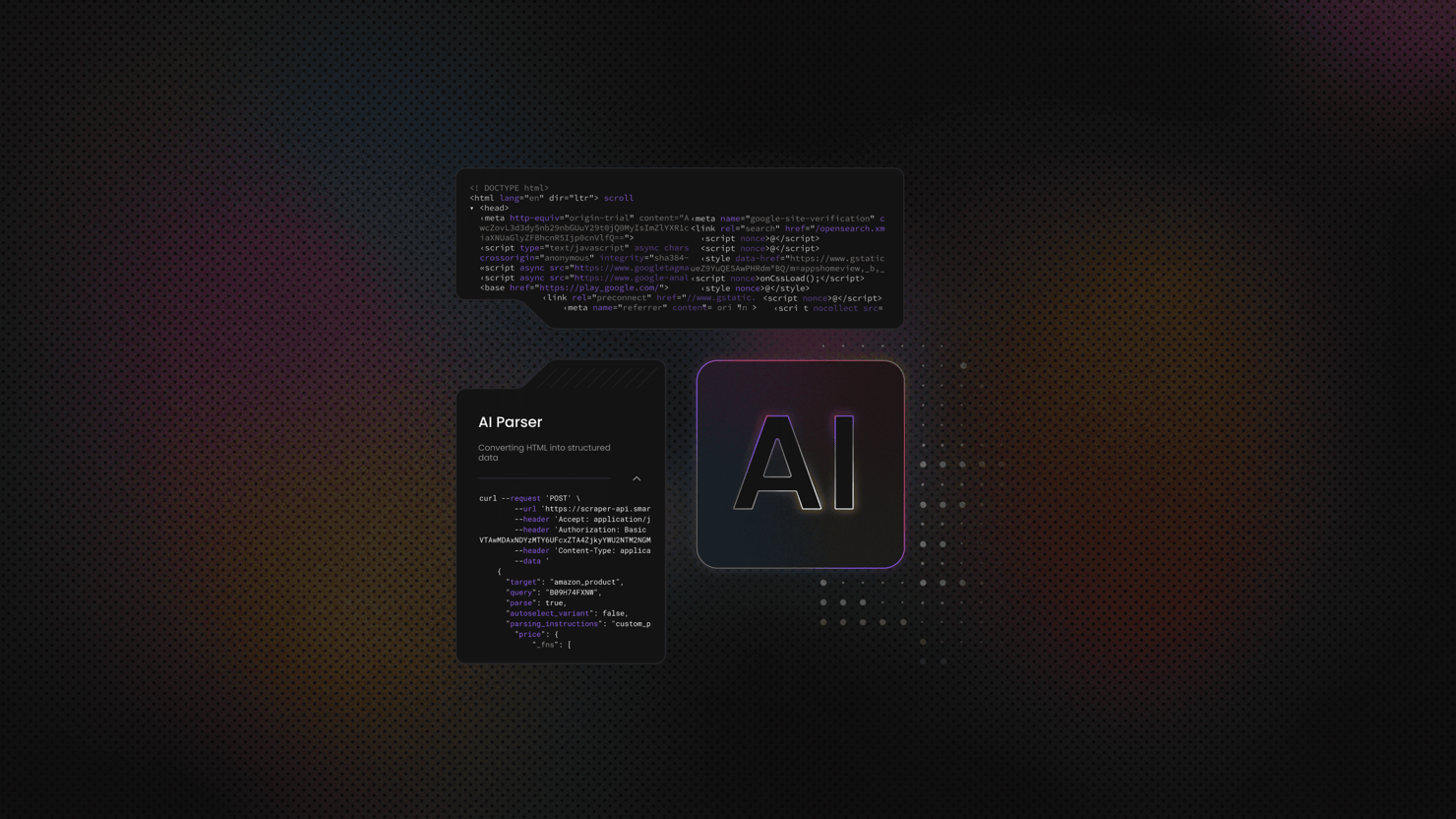
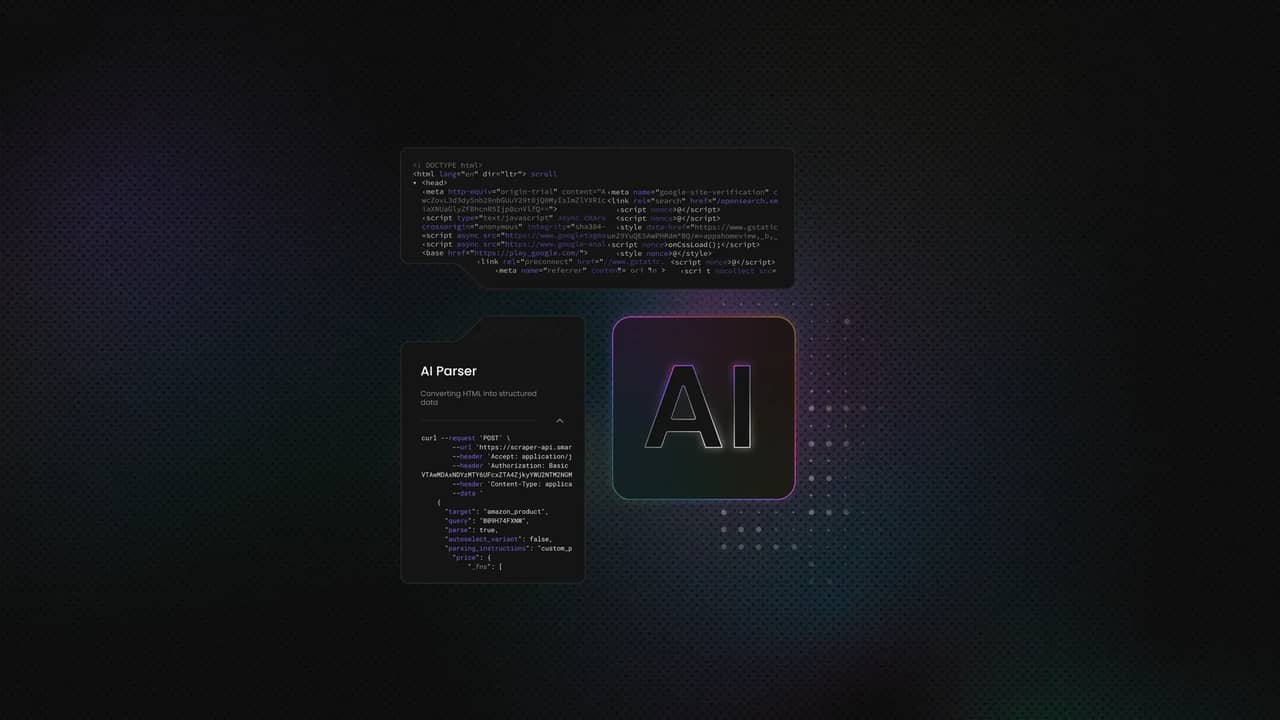
From a workflow perspective, this shifts effort from rule-writing to validation. Python still fetches pages and handles retries, and AI handles interpretation. Tools like AI Parser follow this model, letting you add AI extraction to existing pipelines without redesigning them.
Handling unclear HTML
Real web pages often contain nested elements and inline scripts that can contaminate the HTML structure. For example, a page can show a product name, price, and availability in different formats across listings.
With AI, you don't have to constantly adjust CSS selectors to keep up, because it can still understand what's on the page and extract the proper values every time.
Handling HTML layout changes
When a site updates its layout, classic scrapers fail silently or return empty fields. On the other hand, AI-based extraction usually keeps working because the meaning of the content hasn't changed, only its presentation.
Handling dynamic content
AI also helps with dynamic content. Once the page is rendered, you can pass the HTML or text to a model and extract structured data. The model doesn't depend on whether the content came from server-side HTML or client-side rendering. It processes the input you provide.
Using AI for data extraction
Data extraction is a standard part of any scraping workflow. When the HTML is clean and the layout is consistent, traditional parsing works like a charm and there's no reason to reinvent how it's done.
Problems start when structure stops being reliable. Layouts change between pages. The same field appears in different places. At that point, extraction logic becomes the bottleneck, even if the scraper itself is still working.
This is where AI becomes useful. Instead of depending on exact tags or paths, you pass the full HTML or text to a model and describe the fields you want back. The model focuses on the content, not the layout, and can return the same fields even when pages don't look the same.
That approach works great for product data, articles, and listings, where structure often varies but the underlying information stays consistent. Python still handles fetching, retries, and validation. AI handles interpretation. The Claude scraping workflow shows how this separation helps keep extraction stable when page structures change.
Using AI for automation
Automation in scraping usually breaks down around decisions. After you inspect pages, you decide what matters and write the rules that follow the decision. But if something on the page changes, you need to completely rewrite the rules to accommodate these changes.
AI helps by helping you automate those judgment-heavy steps. That way, scraping projects move faster. You spend less time maintaining rules and more time running stable workflows, even as pages change.
AI discovers patterns on the page
When pages follow a loose structure, AI can recognize repeating sections and infer where useful information is likely to appear. You don't need to define every selector upfront. The model can focus on areas that look like titles or prices.
AI filters content for you
Pages often include navigation, ads, footers, and other sections that aren't relevant to your dataset. Instead of removing these manually, the model can identify which parts of the page are useful and ignore the rest. That keeps inputs cleaner before extraction even starts.
AI classifies content for you
After content is collected, AI can label it automatically. It can distinguish between product descriptions, technical details, and unrelated text. In Python, this reduces the need for custom rules and conditional logic.
Python tools for AI workflows
You don't need a new Python stack to work with AI scraping. Most AI-powered scrapers are built from familiar tools, just with a clearer split of responsibilities.
At the start of the pipeline, Python handles page collection. Libraries like Requests fetch HTML and manage headers and cookies. This step stays the same as in traditional scraping and gives you full control over how pages are accessed.
Next, you can still use Beautiful Soup to clean the page by removing unnecessary scripts and content. By doing that, you prepare the page so that an AI model can process more easily.
AI fits at the interpretation stage. Instead of traversing the DOM and maintaining selectors, you pass the prepared HTML or text to a model and request structured output. The model handles entire field identification for you.
Python then finishes the workflow by validating the responses and storing the data.
For a refresher on the traditional way of setting this workflow up, the Python scraping guide covers these steps in detail.
Simple AI workflow in Python
- First, you request the page over HTTP(S) through a residential proxy. This helps avoid blocks and rate limits while appearing as a regular user.
- Next, you clean the content by removing script and style blocks, collapsing whitespace, and truncating the result so the model sees only the core text and structure.
- Then you send the cleaned HTML or extracted text to an AI model (in this example, OpenAI's ChatGPT) with a clear instruction and strict JSON schema. This is where you stop writing selectors and let the model handle semantic mapping. In this example, the script targets a single demo URL rather than paginating multiple pages.
- After that, you validate the response. Treat model output like user input. Parse the JSON, rely on the schema to enforce required fields, and handle missing values defensively.
- Finally, you save the result. JSONL (JSON Lines) works well for pipelines because you can append one record per page without holding everything in memory.
Below is a short example that shows the flow end to end, using OpenAI's ChatGPT to extract product titles and prices from scrapeme.live and save them as JSONL. For the script to work, you first have to install all necessary dependencies:
Before running the script, you need to configure your residential proxy credentials:
- Create an account on the Decodo dashboard.
- Find residential proxies by choosing Residential on the left panel.
- Choose a subscription, Pay As You Go plan, or opt for a 3-day free trial.
- In the Proxy setup tab, configure the location, session type, and protocol according to your needs.
- Replace
YOUR_PROXY_USERNAMEandYOUR_PROXY_PASSWORDin the script with your actual credentials.
Then, get access to OpenAI API key:
- Go to platform.openai.com and sign in (or create an account if you don't have one).
- Click on your profile icon in the top right corner.
- Select API keys from the dropdown menu.
- Click the Create new secret key button
- Give your key a name (optional).
- Copy the key immediately and save it somewhere secure (you won't be able to see it again).
- Set up billing by going to Settings → Billing and adding a payment method.
- Set usage limits in the billing section to control spending.
Note that the API is separate from ChatGPT Plus subscription: they're different products with different billing. You need an active payment method to use the API (free trial credits may be available for new accounts).
To use your API key, you need to "export" it. Exporting sets an environment variable that makes the key available to your script without hardcoding it in the file.
Make sure this command and the script run command are executed from the same terminal session so the environment variable is available:
Finally, if you’re not sure how to run Python scripts, check out our guide on how to run Python code in terminal, and run this AI web scraping script:
If you want to automate this beyond a single script by scheduling runs, handling failures, and shipping results downstream, the n8n automation example shows how the same steps translate into a repeatable pipeline.
Modern AI integrations for Python scraping
Once you start processing hundreds or thousands of pages, the main challenge starts to become how to actually coordinate scraping at scale. The same workflow repeats for each page – you fetch a page, prepare the content, send it to an AI model, store the result.
Workflow engines are designed to help you handle this repetition. They queue tasks, run them in parallel, and retry failures so your Python code stays focused on the core logic.
Orchestration layers add reliability on top of that. For example, if a request fails or an AI call times out, the system can retry, pause, or reroute the task without crashing the entire run. Because of that, there's no need to build complex control flow into every single script.
With these tools, you can also manage concurrency. Instead of sending requests blindly, you can control how many pages are processed at once.
If you don't want to manage scraping logic yourself, an MCP server can simplify the setup. The MCP server for scraping lets you connect your preferred language model directly to Decodo's scraping infrastructure, giving the model controlled, real-time access to web data. You get a more reliable environment without building and maintaining the scraping layer yourself.
Building stronger pipelines with AI
Instead of stopping at structured output, you can add AI steps that improve data quality and make the pipeline more useful over time:
- Data validation. After extraction, AI can check whether values make sense in context. If a price looks like text instead of a number or a title is missing, the model can flag the record or attempt a correction.
- Data enrichment. You can ask the model to normalize units, infer categories, or generate short summaries. For eCommerce pages, this often means turning long descriptions into consistent feature lists or tagging products by type. The data becomes easier to query and compare.
- Summarizing data. Many pages contain more information than you need for downstream systems. AI can condense that content into short, structured fields while keeping key details. This is useful when you're building catalogs, internal search, or reporting views from scraped data.
A common pattern is scraping eCommerce pages and turning them into structured catalogs that stay consistent over time. The RAG scraping approach shows how the same data can support extraction, enrichment, and retrieval in a single production pipeline.
End-to-end AI scraping workflows
An end-to-end AI scraping workflow works best as a sequence of small, reliable steps:
- Scraping. Python fetches pages over HTTP(S), handles retries, and returns either content or an error message.
- AI extraction. Instead of parsing each page by hand, you pass cleaned content to a model and request structured output. The model interprets the page and returns consistent fields, even when layouts differ. This is where most manual work disappears.
- Validate the data. Required fields are checked, formats are normalized, and partial results are handled intentionally. AI can assist here as well by flagging anomalies or filling small gaps, which helps keep datasets usable as they grow.
- Automate. Workflow engines run the same process across many pages, handle errors, and move results downstream. You don't babysit scripts. You monitor outcomes. This is how small experiments turn into repeatable systems.
For beginners, this approach lowers the barrier to scale. You don't need to predict every edge case upfront. You start with a simple flow and add validation and automation as needed. The LangChain scraping workflow shows how these steps come together in a production-style pipeline.
Final thoughts
AI web scraping with Python simplifies extraction by letting models interpret page content instead of relying on fragile HTML rules. Python still handles fetching, validation, and storage, while AI delivers consistent structured data even as layouts change. As workflows grow, tools like the MCP server for scraping and n8n automation make it easier to scale, handle retries, and move results downstream without adding complexity to your scripts. This approach works equally well for quick experiments and production-ready pipelines.

Get Decodo's all-in-one scraper
Claim your free 7-day trial of Web Scraping API and extract data from any website.
About the author

Mykolas Juodis
Head of Marketing
Mykolas is a seasoned digital marketing professional with over a decade of experience, currently leading Marketing department in the web data gathering industry. His extensive background in digital marketing, combined with his deep understanding of proxies and web scraping technologies, allows him to bridge the gap between technical solutions and practical business applications.
Connect with Mykolas via LinkedIn.
All information on Decodo Blog is provided on an as is basis and for informational purposes only. We make no representation and disclaim all liability with respect to your use of any information contained on Decodo Blog or any third-party websites that may belinked therein.