An ISP (static residential) proxy routes your requests through an internet service provider, which means that you get residential-level trust with datacenter-level stability and the same IP for as long as you need it. This guide covers plans, authentication, parameters, and endpoints.
14-day money-back option
Premium
ASNs
<0.2s
response time
Free
3-day trial
99.99%
uptime
24/7
tech support

An ISP proxy is a static residential IP address, issued by an internet service provider, but hosted on datacenter infrastructure. Target websites treat it as a genuine residential connection, while the datacenter hosting keeps it fast, stable, and permanently online. That combination is why ISP proxies are also called static residential proxies.

Your request travels to Decodo's gateway, which forwards it through the ISP IP assigned to you. The target website sees a residential IP that never changes – ideal when a task requires a consistent identity. Choose static sessions to keep the same IP indefinitely, or rotating sessions to change the IP on every request.
Experience a simple setup process by following our video guide.
It’ll only take you 8 steps and about 5 minutes to set up ISP proxies. Each step matches a tab in the Decodo dashboard.
How do I choose a subscription?

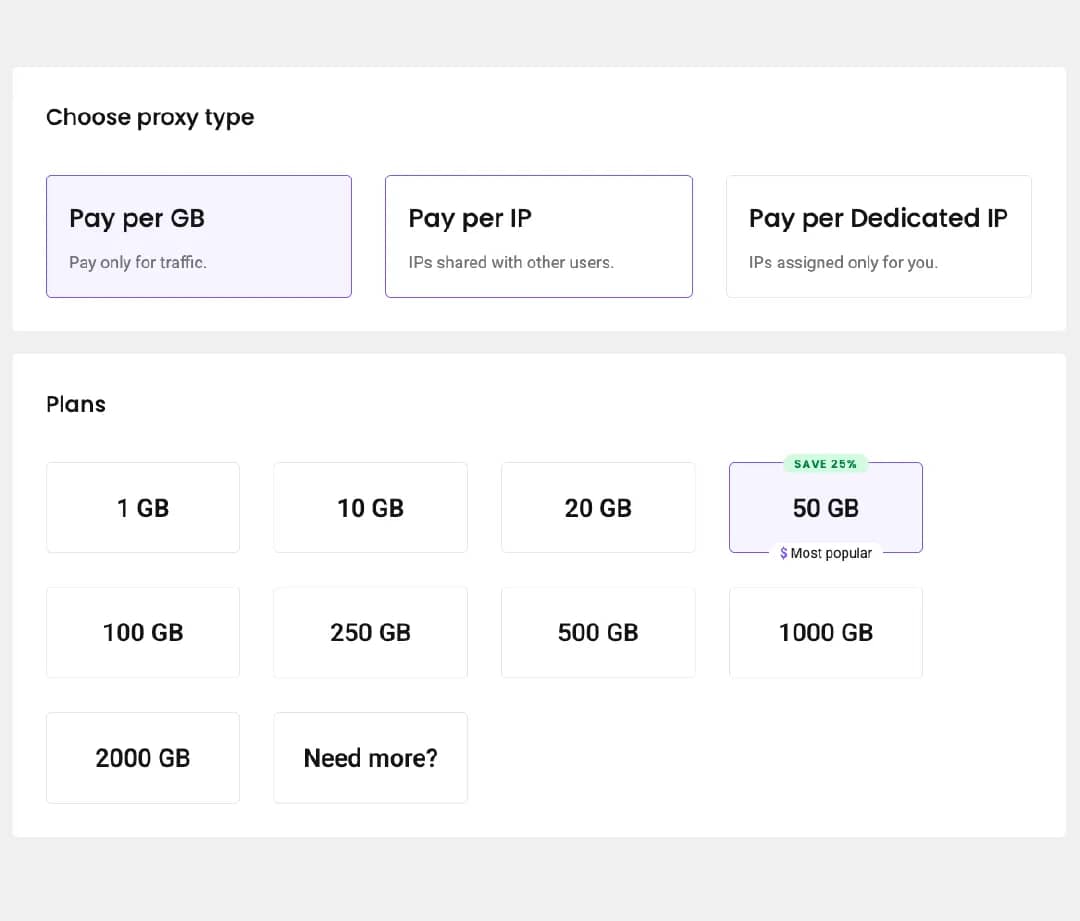
After creating your account, pick the pricing plan that fits the job. Pay per GB gives you unlimited access to the entire IP pool – you’ll pay for the traffic you use. Pay per IP gives unlimited traffic on a set number of IPs, with a choice between a shared pool and dedicated IPs that belong only to you.
How do I authenticate with a username and password?

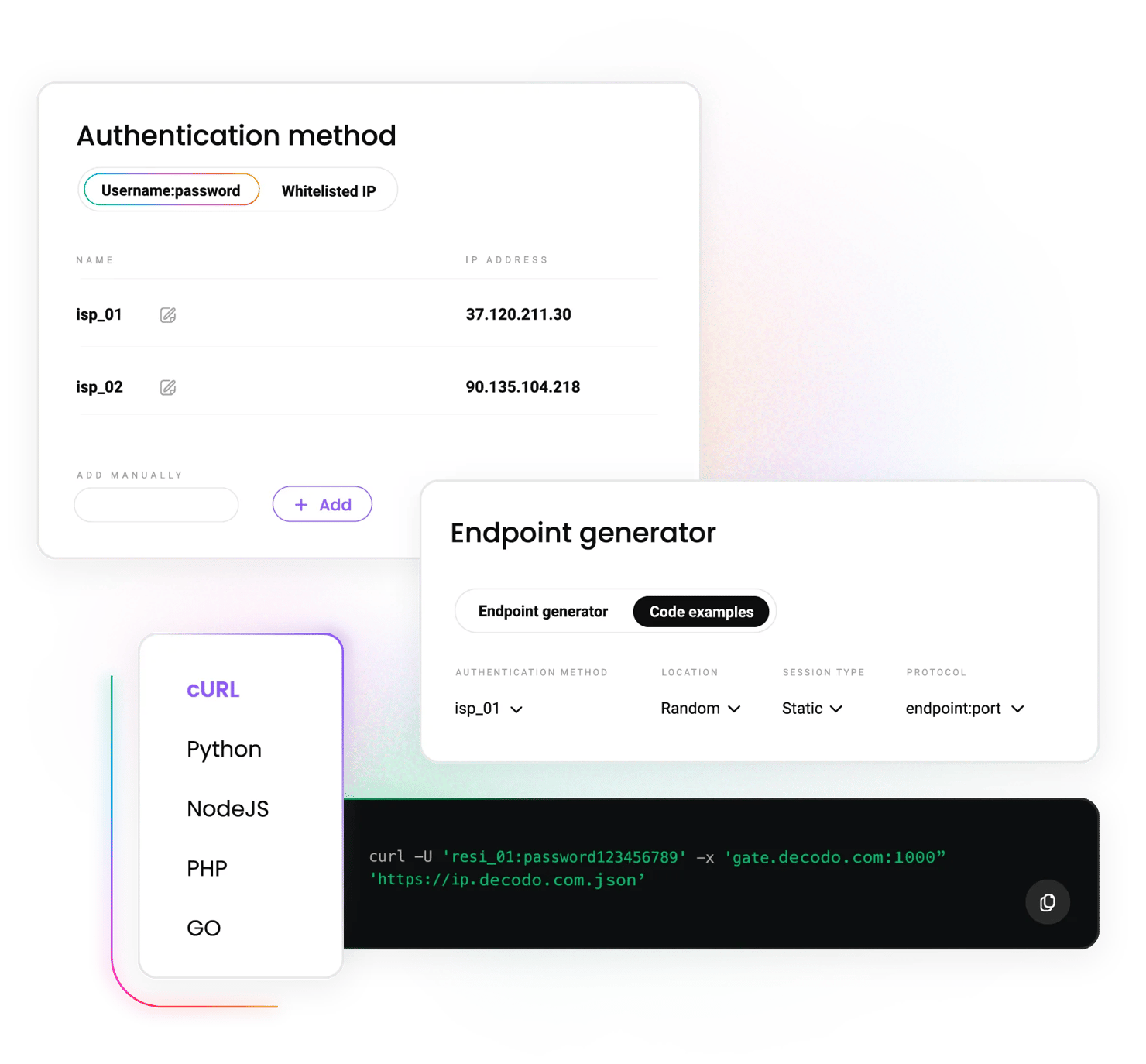
Open the Authentication tab. Your first proxy user is created automatically. To remove it, click the 3 dots next to the username and select Edit user, then Remove user, and Confirm. To create a new user, click Create user, enter a custom username, and the password will be generated automatically.
How do I authenticate by whitelisting an IP?

In the Authentication tab, open Whitelisted IPs. Click + Add IP and enter it manually, or press + Add to whitelist your current IP. Only IPv4 addresses are supported, and the IP must be yours – turn off any proxy or VPN before adding it. Use the three-dot menu to name an entry or the trash icon to remove it.
How do I set a traffic limit?

Click the 3 dots next to a user, select Edit user, then Add traffic limit, enter the number of GBs the user can't exceed, and save it. Useful for keeping team members or automated jobs within budget.
How do I select parameters?

Open the Proxy setup tab and pick a user – this is where static residential proxy setup happens. Under location, choose Random to draw from the whole pool or select a specific country, state, city, or ASN. Under session type, choose static sessions to keep the same IP or rotating sessions to change the IP with each request. ISP proxies support HTTP, HTTPS, SOCKS5 protocols, and endpoint:port configuration.
How do I generate and export endpoints?

Set the number of endpoints to generate – the default is 10. Copy a single endpoint or the whole list to your clipboard, or download it in CSV or TXT format for your tools.
How do I track my usage?

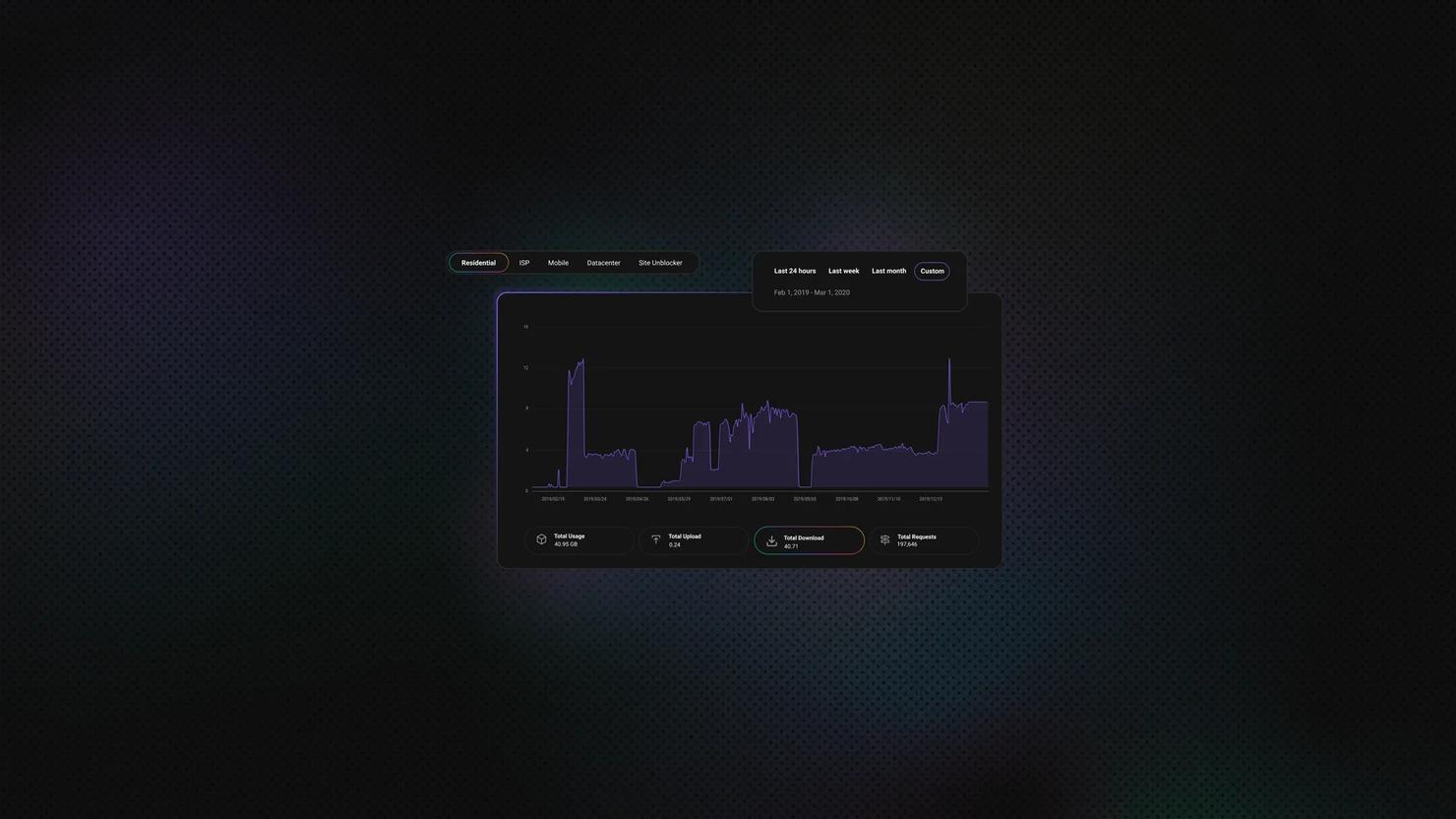
The Usage statistics tab shows traffic per user over a week, a month, or a custom period, plus cumulative uploads, downloads, and requests. Check it after the first test run to confirm everything routes as expected.
How do I use the proxies in my tools?

Apply the endpoint and, if required, the credentials to any application. Decodo's static residential (ISP) proxies integrate with a range of third-party tools – browsers, antidetect setups, and scraping frameworks alike.
IP source
ISP ranges, datacenter-hosted
Real user devices
Cloud servers
Carrier-assigned, phones and tablets
Session control
Sticky or rotating
Static or rotating
Static or rotating
Sticky or rotating
Trust level
High
Highest
Lower on protected targets
Highest
Speed
High
Variable
Highest
Carrier-dependent
Best for
Stable identities: accounts, monitoring, long sessions
Toughest targets, wide geo coverage
Speed and cost at scale
Mobile app testing, advanced targets, multi-accounting
Unbeatable uptime and advanced targeting – match made in heaven for every task.
Price aggregation
Gather real-time pricing from major eCommerce websites with an IP that never changes mid-session – dynamic pricing analysis without re-authentication.
Web scraping
Collect public web data from advanced targets without IP bans or CAPTCHAs, on infrastructure that holds 1 identity as long as the job needs.
Multi-account management
Run accounts that expect a stable and fast IP – each profile keeps its own dedicated ISP IP indefinitely.
ISP proxy plans are billed by traffic (Pay per GB, whole-pool access) or by IP (Pay per IP, unlimited traffic, shared or dedicated). Every plan includes static and rotating sessions, country, state, city, ASN targeting, and endpoint export at no extra charge, with a 14-day money-back option.
With each plan, you access:
Premium ASNs
Static IPs with ISP origin
100% dedicated IPs
High bandwidth & concurrency support
No CAPTCHAs or IP bans
Live usage statistics
Global locations
HTTP(S) & SOCKS5 support
24/7 tech support
14-day money-back
SSL Secure Payment
Your information is protected by 256-bit SSL
We're thrilled to have the support of our 135K+ users and the industry's best
Attentive service
The professional expertise of the Decodo solution has significantly boosted our business growth while enhancing overall efficiency and effectiveness.
N
Novabeyond
Easy to get things done
Decodo provides great service with a simple setup and friendly support team.
R
RoiDynamic
A key to our work
Decodo enables us to develop and test applications in varied environments while supporting precise data collection for research and audience profiling.
C
Cybereg
Setup deep-dives, comparisons, and use cases from the Decodo blog.
Most recent

Best Mobile Proxies in 2026: 7 Providers Compared
A mobile proxy routes your web requests through a cellular network. You can use one to check carrier- or region-specific content and see how websites respond to mobile traffic. This guide explains how mobile proxies work and compares the best mobile proxy providers based on coverage, rotation options, pricing, and use cases.
Lukas Mikelionis
Last updated: Sep 23, 2026
12 min read
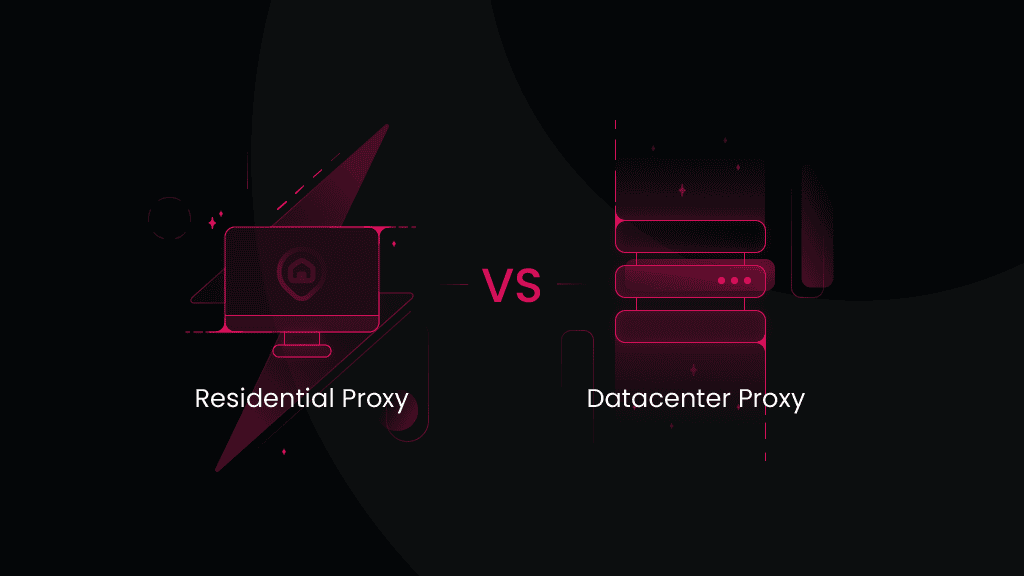
ISP proxies are static residential IPs hosted in data centers – you keep 1 IP indefinitely at datacenter speed. Residential proxies come from real user devices and rotate by default, which suits the toughest targets. Check out a more detailed comparison of ISP vs. residential proxies.
There are 2 methods: username and password (created in the Authentication tab) or IP whitelisting (add your IPv4 address and skip credentials entirely). Both work with every plan.
Yes – that's the point of static sessions on ISP proxies. The IP stays yours for as long as the subscription runs; with dedicated Pay per IP plans, nobody else ever uses it.
Use static sessions when a task needs 1 consistent identity – logged-in accounts, monitoring, long checkouts. Use rotating sessions when you're collecting data at volume, and each request is independent.
Industry-leading ISP proxies – only at Decodo.
14-day money-back option