The Ultimate Guide to Web Scraping Job Postings with Python in 2026
Since there are thousands of job postings scattered across different websites and platforms, it's nearly impossible to keep track of all the opportunities out there. Thankfully, with the power of web scraping and the versatility of Python, you can automate this tedious job search process and land your dream job faster than ever.

Vilius Sakutis
Last updated: Mar 31, 2026
5 min read

TL;DR
To scrape job postings using Python, either build a custom script with proxies (best for simple static pages) or use Web Scraping API (best for bypassing CAPTCHAs, IP blocks, and any anti-bot challenges).
How to scrape job postings with Python
Python's ecosystem of extensive web scraping libraries provides multiple options for scraping job postings. These options can be classified into two main categories, depending on your technical know-how and resources:
1. Building a custom web scraper from scratch.
2. Relying on Web Scraping APIs to handle complex web scraping logic and return structured results.
The following sections are deeper dives into these approaches.
How to build a custom Python web scraper
Let's walk through how to build a custom scraper for job postings step by step.
Step 1: Identify your data needs
Start by defining what information you want to extract, such as job titles, companies, locations, URLs, and descriptions.
Step 2: Understand your target website's structure
Before writing any code, it's important to understand your target's design and landscape.
Web scraping isn't a one-size-fits-all task. Therefore, to successfully extract job posting data, you must build your script around how your target organizes and displays its content.
Job boards typically fall under 3 main categories:
Job board category
How listings are typically structured
What this means for scrapers
Large aggregator job boards (Indeed, foundit, SimplyHired)
- Listings accessed through keyword search interfaces
- Results displayed as paginated job cards
- Consistent fields such as title, company, location, and summary preview
- Scrapers must handle pagination and search query parameters
- Requests may trigger rate limiting or temporary blocks
- Some listings load dynamically through AJAX requests
Company career pages / ATS platforms (Workday, Greenhouse, Lever)
- Job data delivered through applicant tracking systems (ATS)
- Each company may customize layouts or fields
- Often rendered through JavaScript-driven front-ends
- Requires rendering JavaScript or identifying underlying API endpoints
- Scraping logic often differs between ATS platforms
- Field mappings may vary across companies
Specialized or niche job boards (Wellfound, Stack Overflow Jobs, Dribbble)
- Focused on specific industries or talent pools
- Listings may include specialized fields such as skills, tech stacks, or portfolio links
- Smaller datasets compared to large aggregators
- APIs may exist but aren't always documented
- Scrapers must adapt to unique metadata fields
- Some sites require authentication or filtering to access listings
Step 3: Set up your web scraping tool
This is a Python guide, so ensure you have Python running on your machine. The rest of your stack depends on how your target website delivers its data.
As an example, consider an Indeed search results page for a role like "data analyst."
1. Open the page in your browser.
2. Right-click anywhere and select the Inspect to open DevTools.
In the Elements tab, you’ll see the HTML structure of the page. Try searching for a visible piece of text, such as a job title.
If you can find it directly in the HTML, the page is likely static enough to parse with traditional tools. If not, the data is probably being injected dynamically or stored in a JavaScript object.
In practice, many job boards fall into the second category. The listings may not be fully present in the DOM, but instead appear inside embedded JSON or are rendered after the page loads.
This distinction determines your tooling:
- For static pages or simple hidden JSON, libraries like Requests and Beautiful Soup can suffice.
- For dynamic pages, you need a browser automation tool like Playwright or Selenium to render the page and access the underlying data.
For Indeed, the job listings are available inside a JavaScript data structure on the page, which makes a browser-based approach more reliable than parsing HTML alone.
Step 4: Use proxies to reduce blocking
When scraping job boards at scale, requests may be rate limited or blocked. To reduce this risk, route your traffic through a residential proxy. This allows your scraper to rotate IP addresses and behave more like real user traffic.
In this script, the proxy is configured when initializing the browser session, ensuring that all page requests go through the proxy network.
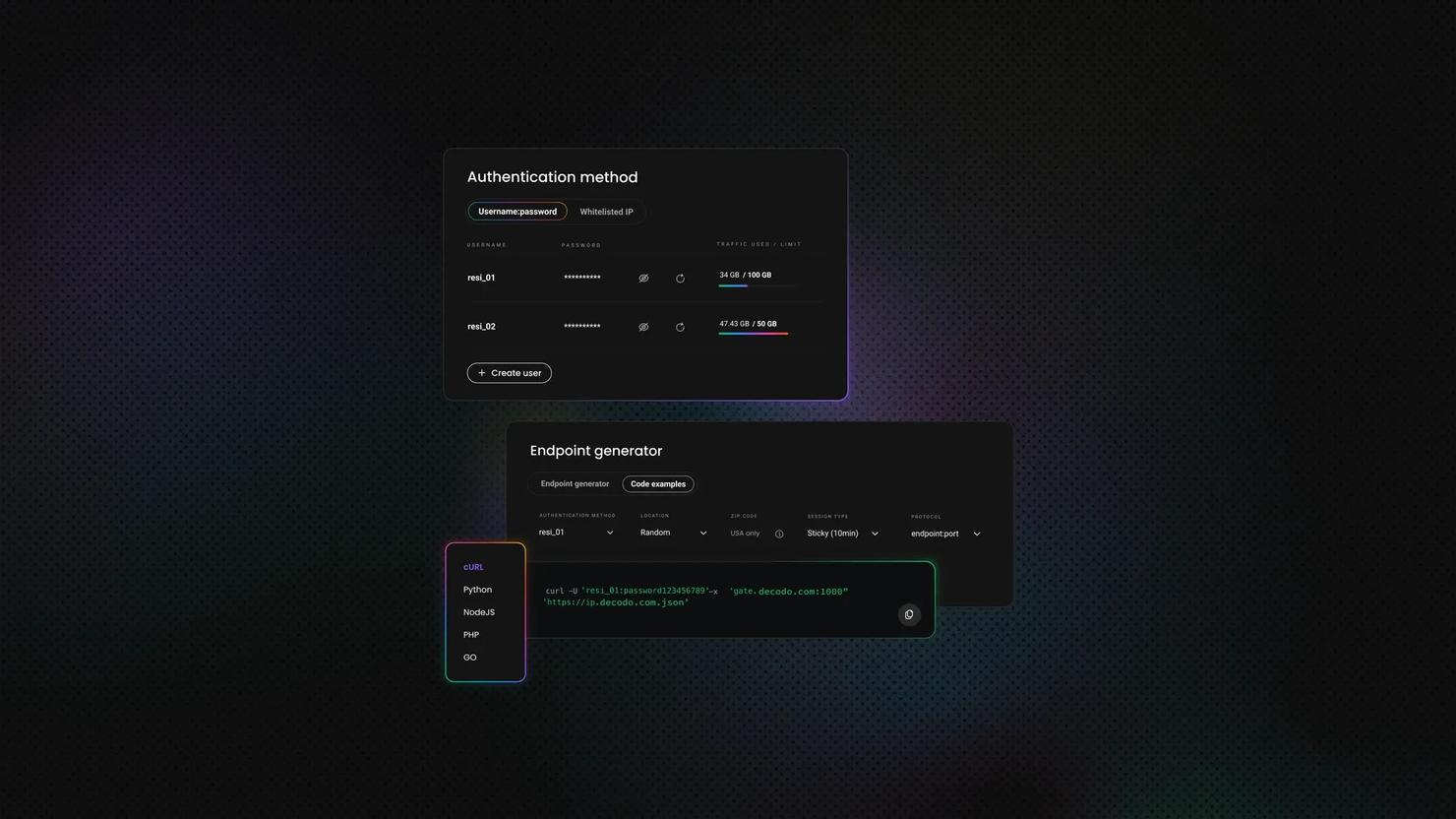
Decodo offers high-performance residential proxies with a 99.86% success rate, response times under 0.6 seconds, and geo-targeting across 195+ locations. Here's how to get started:
- Create your account. Sign up at the Decodo dashboard.
- Select a proxy plan. Choose a subscription that suits your needs or start with a 3-day free trial.
- Configure proxy settings. Set up your proxies with rotating sessions for maximum effectiveness.
- Select locations. Target specific regions based on your data requirements or keep it set to Random.
- Copy your credentials. You'll need your proxy username, password, and server endpoint to integrate into your scraping script.

Get residential proxies for web scraping
Unlock superior scraping performance with a free 3-day trial of Decodo's residential proxy network.
Step 5: Write your first web scraping code
Now that you understand how the target website delivers its data, it’s time to build the scraper.
Instead of relying on simple HTTP requests, this implementation uses a browser automation tool to load the page and access the underlying job data. This allows you to work with dynamically rendered content and reduces the chances of being blocked.
Start by installing the required libraries:
Next, import the necessary modules and define your scraper structure. The core of the script is organized into a class that handles the full scraping workflow.
Load the page and retrieve data
The scraper builds a search URL using parameters such as role, location, radius, and pagination offset. For each page, it opens the URL in a browser session:
Using a real browser session allows the page to fully render, including any JavaScript content that wouldn't be available in a simple HTTP response.
Extract structured job data
Instead of selecting elements from the DOM, the scraper looks for a JavaScript object embedded in the page that contains job listings.
This pattern captures Indeed’s internal data structure, which includes job titles, companies, locations, and links in a structured format.
Process and normalize results
Once the data is extracted, it is converted into a clean list of dictionaries:
This step ensures that each listing contains consistent fields that can be easily stored or analyzed later.
Loop through pages and collect results
The scraper iterates through multiple pages by updating the pagination parameter (start). Each page is processed in the same way, and results are added to a single list.
Delays and retry logic are included to handle failed requests and reduce the likelihood of being blocked.
Save and export results
Finally, once listings from all pages are collected, the scraper removes duplicates and saves the final dataset as JSON. The save_jobs() function handles the export step, while main() ties the full workflow together by creating the scraper instance, running the search, and saving the results if any jobs were found.
Full code
Below is the complete script that brings everything together. Update the search parameters and proxy credentials as needed, then run the file from your terminal:
The scraper will open a browser session, collect job listings across multiple pages, and save the results to a JSON file in your working directory.
Output example
Here’s a sample of the jobs.json file with structured data returned by the scraper:
Step 6: Handle pagination
The steps above focus on extracting job data from a single page. To collect more listings, you need to handle pagination.
Pagination simply means accessing additional result pages beyond the initial search. This can be done in different ways depending on how the website is built. Some sites use query parameters in the URL to load the next set of results, while others rely on buttons, links, or dynamic loading.
In this script, pagination is handled by iterating through multiple result pages and updating the request URL for each iteration. Each page is loaded, processed, and added to the final dataset.
LinkedIn, for instance, uses infinite scroll, a dynamic pagination structure that loads content automatically as you scroll down the page. Scraping these pages often requires simulating the scroll action using browser automation tools, such as Selenium and Playwright. That said, some infinite-scroll designs also load the same content from an API. In that case, you can replicate the API request to get the data.
Step 7: Store scraped job data
After collecting job listings, the final step is to store the data in a structured format.
In this script, each job is represented as a dictionary containing fields such as job key, title, company, location, description snippet, URL, and relative posting time. These dictionaries are stored in a list, which serves as the final dataset.
Once all pages are processed and duplicates are removed, the data is saved as a JSON file. This makes it easy to:
- review results manually
- reuse the data in other scripts
- import it into databases or analytics tools
While JSON is a convenient default, you can export the data in other formats depending on your needs. For example, you might store it in a CSV file for quick analysis or insert it into a database for long term storage and querying.
By structuring and saving your results properly, you turn raw scraped data into something that can be easily used, shared, or extended in future workflows.
Scrape job postings using Web Scraping API
Aside from writing custom scraping scripts, the other popular option is using a dedicated scraper API. It's one of the most effective approaches for scraping job postings. Such solutions eliminate the need to build a complex web scraping logic, allowing you to retrieve data by making a single API call.
The best ones, such as Decodo Web Scraping API, enable you to extract job data from any website, regardless of structure or page design, handling CAPTCHAs, IP blocks, and any anti-bot measures automatically, under the hood.

Try Web Scraping API for free
Activate your free plan with 1K requests and scrape structured public data at scale.
Getting started with Python for web scraping
At this point, it’s helpful to step back and look at why Python is such a widely used programming language for web scraping. Python has a rich ecosystem of libraries and frameworks specifically designed for web scraping, making it incredibly intuitive and convenient to work with.
Not only is Python popular among developers, but it also offers powerful tools such as Beautiful Soup and Scrapy, which simplify the process of extracting data from websites. These libraries provide a wide range of features, enabling you to:
- navigate web pages
- select specific elements
- extract the desired information with just a few lines of code
Python's popularity in the web scraping community isn't without reason. Its versatility allows you to tackle various scraping tasks, from simple data extraction to complex web crawling.
With Python, you can easily handle different data types, including HTML, XML, JSON, and more. This flexibility gives you the freedom to scrape information from various sources and formats, making Python an invaluable tool for any web scraping project.
Common challenges in web scraping with Python
As we become more proficient in web scraping, we may encounter more complex scenarios that require advanced techniques. Here are a couple of challenges you might encounter and how to overcome them:
Handling pagination and dynamic content
Many websites paginate their job listings, meaning that you'll need to navigate through multiple pages to gather all the information. To handle pagination, you can create a loop that iterates through the pages, extracting the desired data from each page.
But what if the website you're scraping has dynamic content loaded using JavaScript? The content you're looking for might not be in the initial HTML response. This can be a real challenge, but fear not! There's a solution.
One way to handle dynamic content is by using a powerful Selenium tool. Selenium allows you to interact with the website as if you were a real user, enabling you to access the dynamically loaded content. With Selenium, you can automate actions like clicking buttons, filling out forms, and scrolling through the page to ensure you capture all the data you need.
Dealing with CAPTCHAs and login forms
Some websites implement CAPTCHAs or require user authentication to access their job postings. CAPTCHAs, those pesky little tests designed to differentiate humans from bots, can be a major roadblock in your web scraping journey.
One option to overcome this is to use services like proxies, which can help avoid getting CAPTCHAs in the first place. Another way is to use services like AntiCaptcha, which can automatically solve CAPTCHAs for you. These services employ advanced algorithms to analyze and solve CAPTCHAs, saving you valuable time and effort. Alternatively, you can also solve CAPTCHAs manually using Selenium. You can streamline your web scraping workflow by automating the process of solving CAPTCHAs.
Now, what if the website you're scraping requires user authentication? In such cases, you must include the necessary credentials in your script to log in before scraping the data. This can be achieved by sending POST requests with the login information or using Selenium to automate the login process. You can access the restricted content and extract the desired data by providing the required credentials.
Remember, the key to successful web scraping is adapting to the unique challenges presented by each website. By combining your programming skills with a deep understanding of HTML structure and web page dynamics, you'll be able to tackle any scraping project that comes your way.
Bottom line
So why not dive into the world of web scraping and see how it can supercharge your job hunt? Whether you're a seasoned programmer or just starting your coding journey, web scraping opens up a world of opportunities by automating the job search process. With the ultimate guide to web scraping job postings with Python in your hands, you have the tools to take your job search to the next level. Happy scraping!
About the author

Vilius Sakutis
Head of Partnerships
Vilius leads performance marketing initiatives with expertize rooted in affiliates and SaaS marketing strategies. Armed with a Master's in International Marketing and Management, he combines academic insight with hands-on experience to drive measurable results in digital marketing campaigns.
Connect with Vilius via LinkedIn
All information on Decodo Blog is provided on an as is basis and for informational purposes only. We make no representation and disclaim all liability with respect to your use of any information contained on Decodo Blog or any third-party websites that may belinked therein.