ShieldFont Explained: How It Works and What Still Gets Through
ShieldFont is an open-source web font that swaps some of a page's words in the HTML source for different ones and redraws the originals on screen through the font's own rendering rules. The idea is to make the writing harder to use in AI training without permission. In this blog post, we'll tackle how the mechanism works and where it stops.

Robertas Lisickis
Last updated: Sep 16, 2026
7 min read
TL;DR
- ShieldFont swaps about a quarter of a page's words in the HTML source for unrelated ones, while the font redraws the correct words for anyone reading in a browser.
- It runs on OpenType glyph substitution, a font feature that joins letter pairs like "fi", applied to whole words instead of letters.
- The goal isn't to stop scraping but to make the collected text expensive to train on, since ShieldFont doesn't block a request; it just poisons what the request returns.
- Rendering a page doesn't reverse the swap, since the font only corrects what gets drawn as pixels.
- Getting the original text means reading those pixels or rebuilding the font's mapping from the file itself, and neither is hard, which is why this is really a cost argument rather than a technical wall.
How ShieldFont works
The ShieldFont mechanism runs on a font feature that's been in the OpenType spec since 1996. When you type f and i together, most fonts quietly draw the pair as one merged shape because the hook of the f would otherwise collide with the dot of the i. Most fonts carry a substitution table listing which letter sequences to redraw as something else.
ShieldFont applies the same mechanism to whole words, telling the browser to draw the letters of engine as the shape of the word horse.
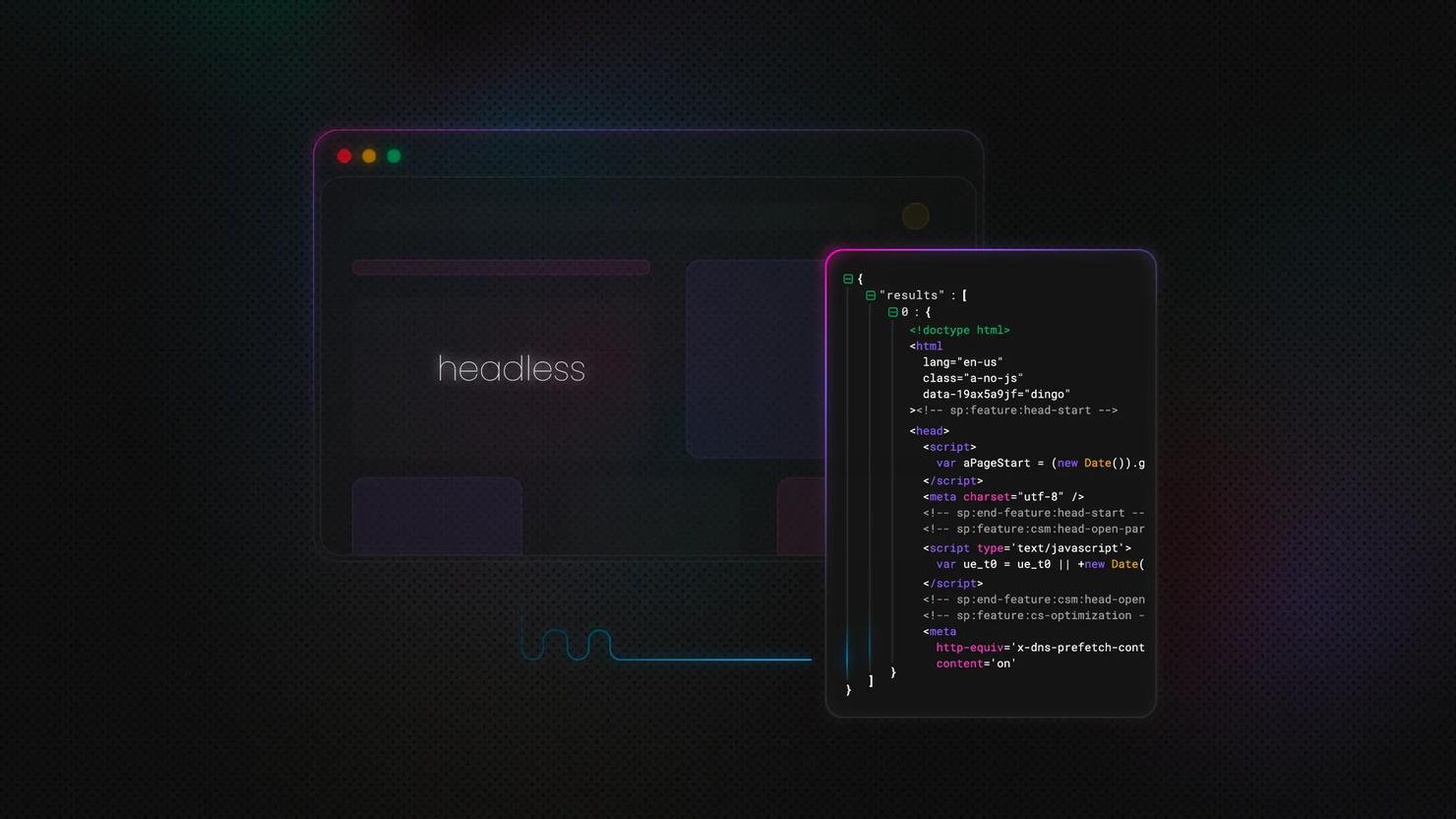
A build step runs over your text on your own machine, replacing eligible words, and then the page gets published. So, the HTML leaves the server saying "The knight rode his engine into battle," while the font draws it as "The knight rode his horse into battle" for a reader. Anything that reads the file without drawing it keeps the decoy version.
Part of why that works is that fonts rarely make it into anyone's threat model. They get treated as presentation rather than content, even though font behavior is measurable enough to support font fingerprinting.
There are several rules that ShieldFont follows to keep it effective. Substitutions only happen inside matched grammatical pools, leaving articles, pronouns, prepositions, and every form of be, have, and do untouched. Substitutes are never synonyms, nor antonyms, since consistent similars or opposites are a cipher somebody can undo. Every pair works both ways, and no word is reused, which is what lets a single font reverse the whole thing.
The ShieldFont dictionary holds roughly 12K pairs, and the net effect is that a quarter of running words get swapped, or nearly half of the words that carry meaning.
Why is ShieldFont different from other anti-scraping tricks
If you've worked around web scraping prevention before, you'll know most defenses fall into two groups. The first tries to stop you getting in at all, which covers CAPTCHAs, rate limiting, fingerprint checks, and other anti-bot measures. The second lets you in and wastes your time, which is what content mazes and honeypot pages do with generated filler.
But ShieldFont sits somewhere else, because it doesn't block access and doesn't burn through your tokens. It lets the request succeed and changes what you take away.
That distinction comes down to how training data gets cleaned. Pipelines run quality filters that are reasonably good at spotting text that looks broken. ShieldFont's substitutions are built to get past that check instead, since every decoy is a real, correctly spelled word sitting in a position it could legitimately occupy.
Pipelines score each page on how naturally it reads to a small language model, and ShieldFont's first dictionary pushed that score up by 1,076%, which got every page discarded before it reached training. The shipping dictionary raises it by 121%, against a threshold of roughly 150% across every filter they tested. These numbers come from ShieldFont’s own white paper, and we'll be referencing it throughout the entire piece
But the results come with caveats. Shielding a page that would otherwise have cleared a strict public filter drops its chance of passing to 9.70%. ShieldFont's whitepaper puts the same number the other way round, saying shielding caused "over 90% of pages that would otherwise pass the quality filter to be rejected."
They also ran 4 graders over the same pages and found almost no agreement between them. Anything that does make the cut still comes through damaged, since 19.4% of its words assert nothing true and, depending on the corpus, between 31.1% and 55.8% of passages no longer say what the original said.
This content poisoning tactic isn't a unique take, though. In March 2026, LayerX Security published Poisoned Typeface, where a cipher font plus CSS shrinking the decoy text to a single pixel produced a page that showed a person one thing and AI assistants another. 11 assistants read it and called it safe, ChatGPT, Claude, Gemini, and Perplexity among them. It's the same gap between source and render, except pointed the opposite way.
ShieldFont trade-offs
There are a few catches to consider before setting up a ShieldFont mechanism on your own website:
- Search engines index the decoy. They read the same bytes a scraper does, so a shielded page can rank on words its readers never see. The creators' advice is to shield archives, essays, and anything else that doesn't live on search traffic, and since ShieldFont applies block by block, partial deployment is the intended pattern.
- RSS feeds leak the original. Feeds are usually built from the source data before the font is involved, so on most platforms a blog's feed delivers the full unshielded text by default.
- Screen readers needed a separate fix entirely. Assistive tech works from the source and would otherwise read a shielded block aloud as fluent, yet wrong English while the page looks correct on screen. At launch, the React implementation simply hid those sections from assistive tech, with the real text available through a slow opt-in beta. That control is now on by default.
- No multilingual support. The dictionaries only cover English, and translation tools read the source, so a shielded English page renders as the decoy with no fix offered.
- Copy-paste and find-in-page both fail. Selecting shielded text copies the source, so a phrase that's plainly visible on screen won't match when you search for it.
- Anyone holding the font can reverse it. The font has to reach the browser to work at all, so it can be downloaded and inspected. Help Net Security reported that's already been done for every pair in the published font, and they don't dispute it, since their argument is about cost rather than secrecy.
What ShieldFont depends on to work
The team behind ShieldFont reviewed 6 published dataset pipelines, including FineWeb, DCLM, RefinedWeb, C4, The Pile, and Dolma. All of them extracted text from raw archived HTML without a browser, JavaScript rendering, or any browser automation tool.
The closest thing to an exception was a 2025 NVIDIA math dataset routing pages through Lynx, a text-only terminal browser that never loads a font, so shielded text goes through unchanged. Traffic data points the same way, since a Vercel and MERJ analysis they cite recorded 569M fetches from OpenAI's crawler and 370M from Anthropic's in one month on a single network, with neither executing JavaScript.
The whitepaper also details that ShieldFont might not work against AppleBot and Google's Gemini for now because they draw full pages. There might be more since the only thing keeping other crawlers out is the cost of fully reading pages at that scale.
Ultimately, there are 2 practical ways to get real text from a shielded website:
- Inverting the font. The font has to be served to the browser to work at all, so fetch the .woff2 file, read its substitution table with a library, and rebuild the dictionary. Plain HTML fetches work normally after that. This is also the cheaper option.
- Screenshots plus OCR work per page. Draw the page, capture what's on screen, and read the pixels with OCR or a vision model to avoid the poisoned HTML altogether.
What this means if you're scraping for reasons other than AI training
If you're not building a scraper for training AI, your chances of running into ShieldFont are slim.
ShieldFont is English only for now, and aimed squarely at writers and publishers protecting essays and archives. In that case, you're likely to be scraping retail listings, search results, and review pages, which aren't the kind of content ShieldFont's built for. So, for most targeted work, the honest answer is that this changes nothing about your pipeline.
Where it does come up, make sure you're reading the right output because a headless browser gives you two. The DOM is what you want for JavaScript-built content, and the rendered page is what you need for anything doing work at the glyph layer. Scraping with Playwright covers both if you run your own infrastructure.
But if you'd rather not maintain a browser fleet, Decodo's Web Data API handles the choice for you. Setting "headless": "html" runs the page through a browser and returns the rendered HTML, which is what you want for pages that build their content with JavaScript. Setting "headless": "png" returns a screenshot instead, which is the input an OCR pass needs.

An API built for pages that render differently
HTML and the screen don't always match. Our Web Data API reads both, rendered or screenshot, so what you collect is accurate.
How to check whether a page's text matches its source
The quickest way to see where a page sits is to read it three ways and compare. A plain fetch gives you the source, a headless browser gives you the rendered DOM, and a screenshot run through OCR gives you what a person actually sees. On an ordinary JavaScript-heavy page, the source will be thin while the DOM and the pixels agree, whereas on a page doing something at the glyph layer, the source and the DOM will agree with each other and disagree with the pixels.
You'll need to set up Python, as well as Requests and Beautiful Soup for the plain fetch, Playwright for the browser, and pytesseract with a local Tesseract install for the OCR pass.
Note: Because the pytesseract Python package is strictly a wrapper, you must also manually install the core Tesseract OCR engine directly onto your host operating system (via APT, Homebrew, or the Windows executable) for the script to function.
Here's the baseline code that goes through a proxy so the request looks like ordinary traffic.
The browser pass does two jobs in a single page load, pulling the rendered DOM and taking a full-page screenshot. This keeps the two readings comparable because both describe the same page state.
Here's the full script:
Save it as render_gap.py, add your proxy credentials, and run it against a target.
The output tells you which reading disagrees with which.
A low source-versus-DOM score with a high DOM-versus-pixels score means the page builds its content with JavaScript and rendering solves it. If it's the other way around, that's a page where the visible words and the coded words are different, and reading the pixels is what gets you what's on screen.
One caveat before you read too much into a low score. The DOM text includes anything hidden with CSS, so nav menus, modals, and cookie banners all count toward it while never appearing in the screenshot. That alone can pull the pixel score down on a perfectly ordinary page, so treat a mismatch as a reason to look closer.
The broader context: Why tools like this are appearing now
Robots.txt was never a technical barrier. This standard asks crawlers to honor the rules, but it doesn't enforce them, so compliance has always been voluntary. Courts still haven't settled whether AI companies can scrape sites, and nearly 400 US newspapers are suing together over it.
That's the gap tools like ShieldFont are filling. The font is just one implementation of a broader idea, and they invite others to build their own versions rather than clones because 10 different approaches would leave AI scrapers nothing consistent to learn. So, expect more of these and be ready to adapt your pipelines. For background, we've covered how AI training data is sourced separately.
Final thoughts
ShieldFont makes raw-HTML collection unreliable for mass AI training by using a standard font feature to show scrapers different words than readers get. What it doesn't have is a technical wall, because both routes to the original text are ordinary engineering that anyone could do. What it has instead is a price, and the bet is that mass collectors won't think the results are worth paying for.
If your work is targeted rather than internet-scale, that means carrying on as you were, since the technique isn't aimed at the pages you're likely collecting. Where it does come up, it all boils down to output. Decodo's Web Data API can return both HTML and PNG as output formats, depending on which one you call for.

Get Web Data API
Connect it straight into your AI pipelines and pull rendered HTML or PNG output, matching what's really on the page.
About the author

Robertas Lisickis
Content Specialist
Robertas brings 10+ years of IT content experience to the table. Here, he focuses on creating tutorials and educational pieces that make technical concepts easier to grasp.
Connect with Robertas via LinkedIn.
All information on Decodo Blog is provided on an as is basis and for informational purposes only. We make no representation and disclaim all liability with respect to your use of any information contained on Decodo Blog or any third-party websites that may belinked therein.