Python
Python is deffo an A-lister of worlds' programming languages. It's free, powerful, easy to read and understand. By the way, besides web and software development, you can use Python for data analytics, machine learning, and more.
14-day money-back option

How to Save Your Scraped Data
Web scraping without proper data storage wastes your time and effort. You spend hours gathering valuable information, only to lose it when your terminal closes or your script crashes. This guide will teach you multiple storage methods, from CSV files to databases, with practical examples you can implement immediately to keep your data safe.

Dominykas Niaura
Last updated: Aug 29, 2025
10 min read
How to Scrape Data and Export in Markdown Format
Want to scrape a website to Markdown? Markdown is a plain-text format that uses simple symbols for structure, making it easy to read, write, and convert. Loved by developers and platforms like GitHub, it keeps content clean and portable. In this guide, you’ll learn how to capture site content and instantly export it in this streamlined format.

Zilvinas Tamulis
Last updated: Aug 14, 2025
12 min read
Ultimate Guide to Error 1020: Causes, Fixes, and Prevention
When the website's firewall security settings block your request, Error 1020 will appear. This means that the restriction has been enforced even before your device gets to the website. People using automation tools, website administrators, and ordinary internet users encounter this problem. This post will help you understand what causes it and how to fix it.

Justinas Tamasevicius
Last updated: Aug 12, 2025
8 min read
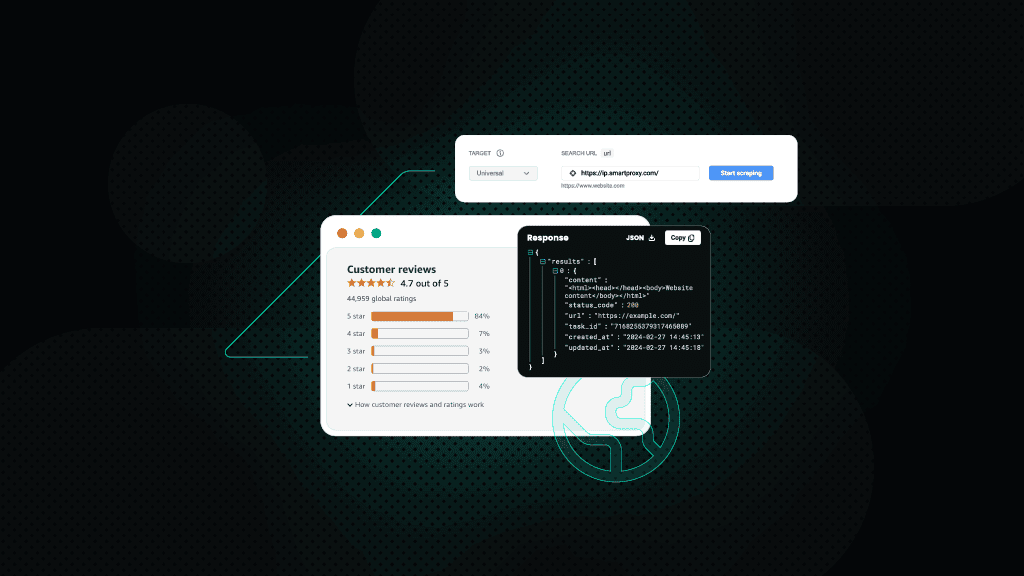
How to Scrape Amazon Reviews
Amazon is the go-to destination for online shoppers – and with that comes a treasure trove of customer reviews. These reviews provide invaluable insights for businesses looking to understand consumer preferences, researchers tracking market trends, and shoppers making well-informed decisions. In this guide, we’ll explore the types of data you can extract from Amazon reviews, outline various scraping methods, and show you how to efficiently scrape reviews using Python and our powerful residential proxies.
Dominykas Niaura
Last updated: Aug 04, 2025
10 min read
Scraping the Web with Selenium and Python: A Step-By-Step Tutorial
Modern websites rely heavily on JavaScript and anti-bot measures, making data extraction a challenge. Basic tools fail with dynamic content loaded after the initial page, but Selenium with Python can automate browsers to execute JavaScript and interact with pages like a user. In this tutorial, you'll learn to build scrapers that collect clean, structured data from even the most complex websites.
Dominykas Niaura
Last updated: Jul 30, 2025
10 min read

How to Scrape Google Lens: A Step-By-Step Guide
Google Lens has revolutionized how we interact with visual content – it allows users to search the web using images rather than text queries. This powerful visual search engine can identify objects, text, landmarks, products, and much more from uploaded images. In this guide, we'll explore the types of data that can be scraped from Google Lens, examine various methods for extracting this information, and demonstrate how to efficiently collect visual search results using our Web Scraping API.
Dominykas Niaura
Last updated: Jul 24, 2025
10 min read
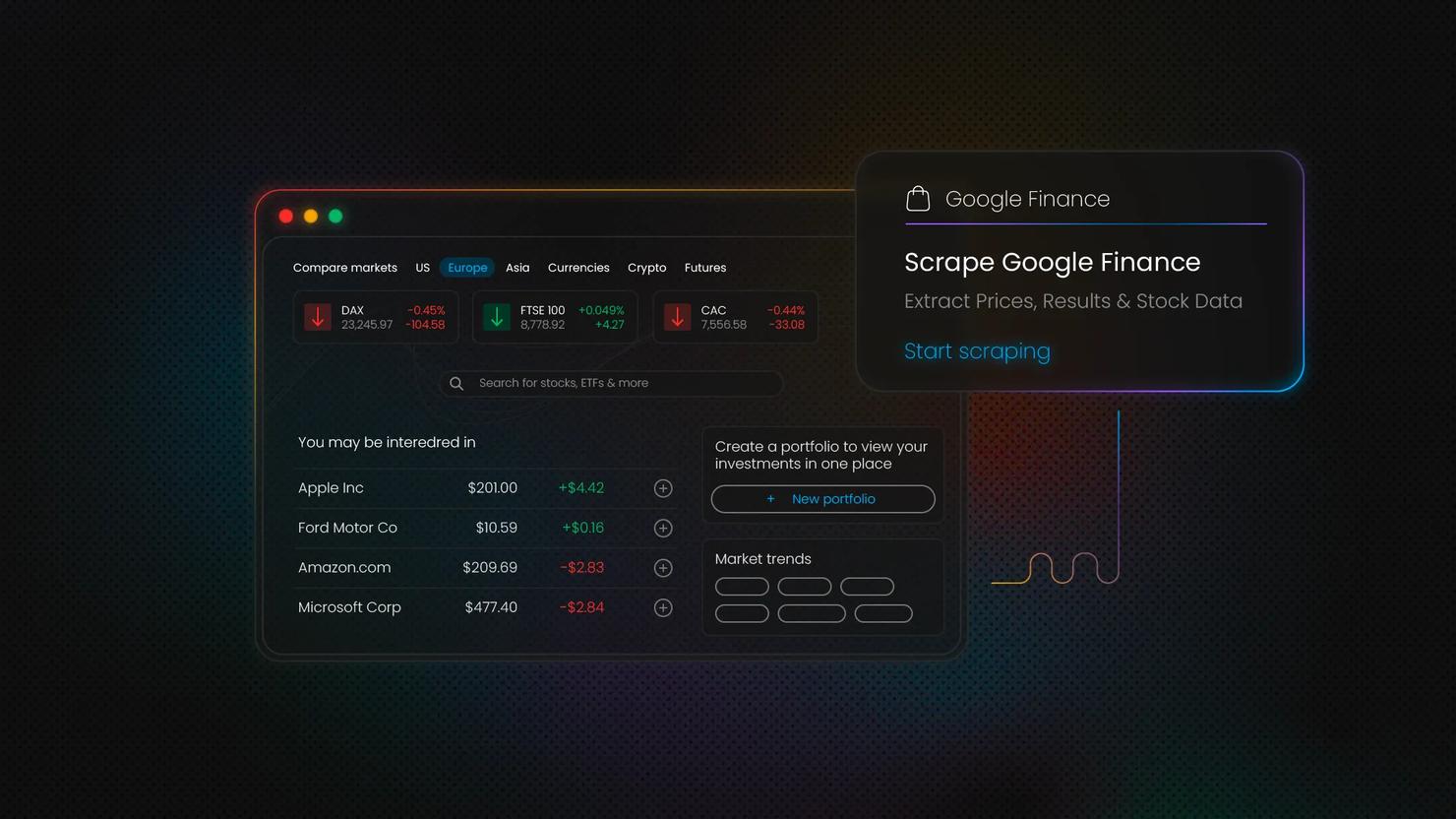
How to Scrape Google Finance
Google Finance is one of the most comprehensive financial data platforms, offering real-time stock prices, market analytics, and company insights. Scraping Google Finance provides access to valuable data streams that can transform your analysis capabilities. In this guide, we'll walk through building a robust Google Finance scraper using Python, handling anti-bot measures, and implementing best practices for reliable data extraction.
Dominykas Niaura
Last updated: Jun 25, 2025
10 min read
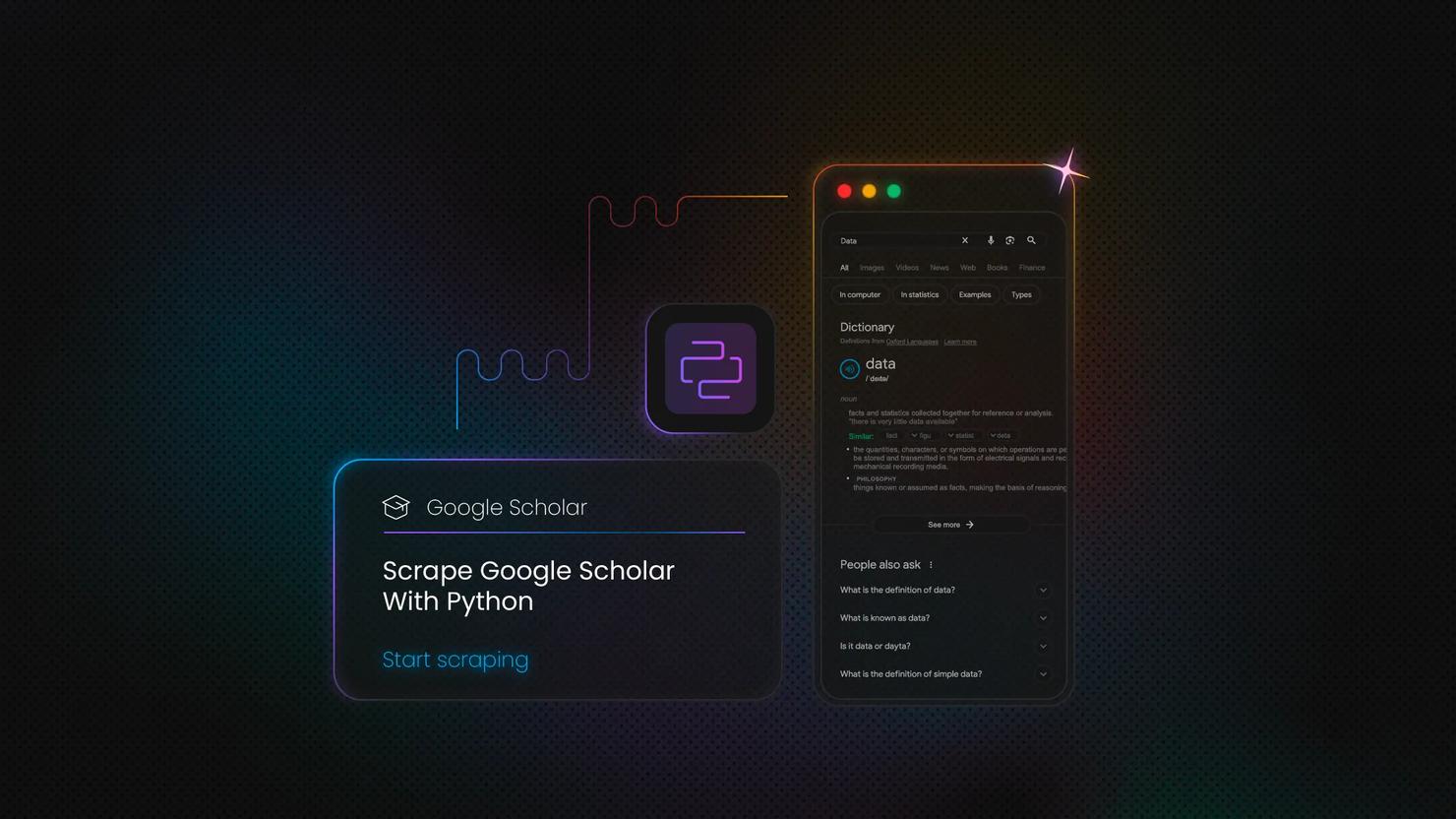
How to Scrape Google Scholar With Python
Google Scholar is a free search engine for academic articles, books, and research papers. If you're gathering academic data for research, analysis, or application development, this blog post will give you a reliable foundation. In this guide, you'll learn how to scrape Google Scholar with Python, set up proxies to avoid IP bans, build a working scraper, and explore advanced tips for scaling your data collection.
Dominykas Niaura
Last updated: May 12, 2025
10 min read
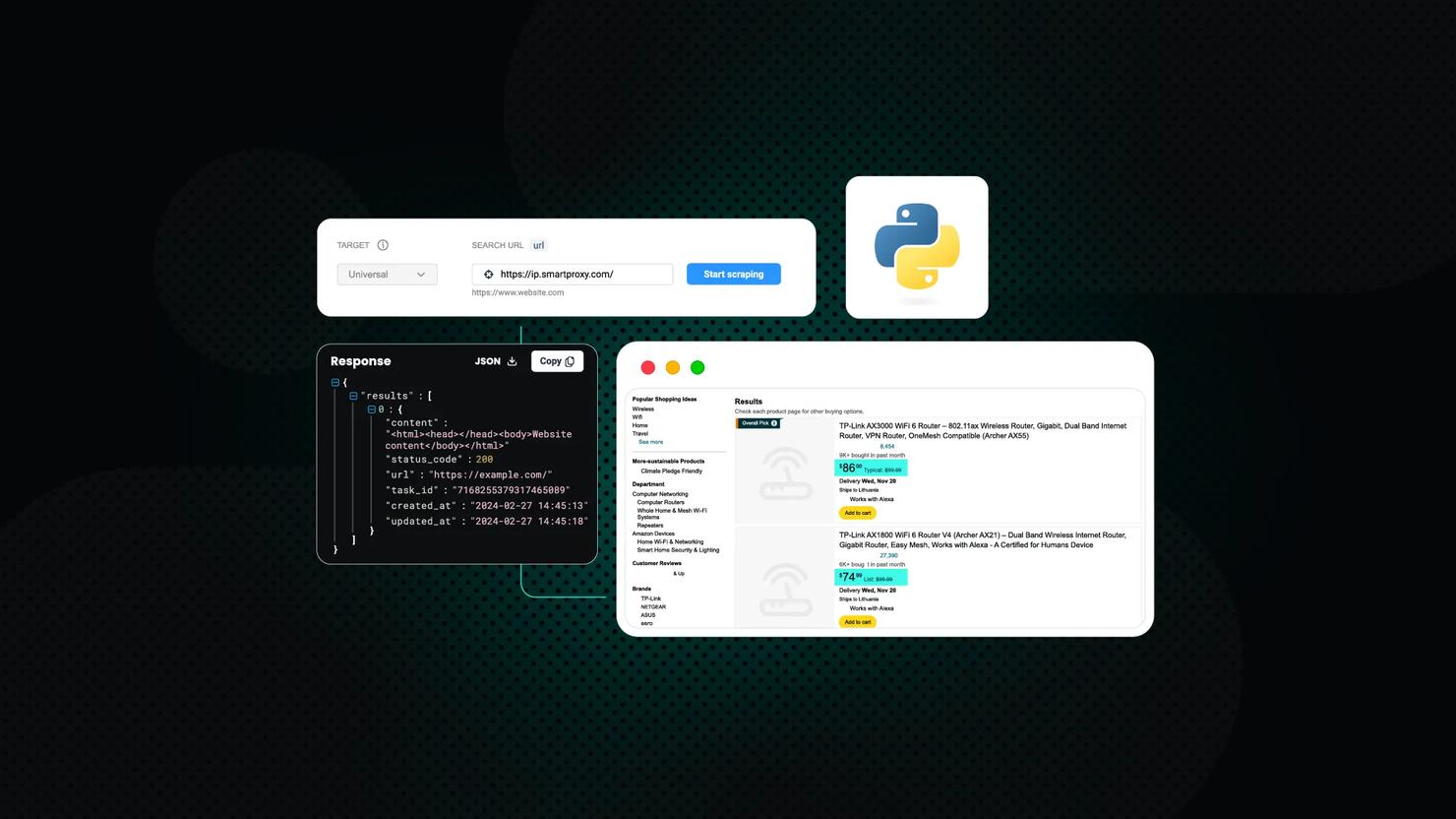
Scraping Amazon Product Data Using Python: Step-by-Step Guide
This comprehensive guide will teach you how to scrape Amazon product data using Python. Whether you’re an eCommerce professional, researcher, or developer, you’ll learn to create a solution to extract valuable insights from Amazon’s marketplace. By following this guide, you’ll acquire practical knowledge on setting up your scraping environment, overcoming common challenges, and efficiently collecting the needed data.
Zilvinas Tamulis
Last updated: Mar 27, 2025
15 min read
🐍 Python Web Scraping: In-Depth Guide 2026
Welcome to 2026! What better way to celebrate than by mastering Python? If you’re new to web scraping, don’t worry – this guide starts from the basics, guiding you step-by-step on collecting data from websites. Whether you’re curious about automating simple tasks or diving into more significant projects, Python makes it easy and fun to start. Let’s slither into the world of web scraping and see how powerful this tool can be!
Zilvinas Tamulis
Last updated: Jan 16, 2025
15 min read
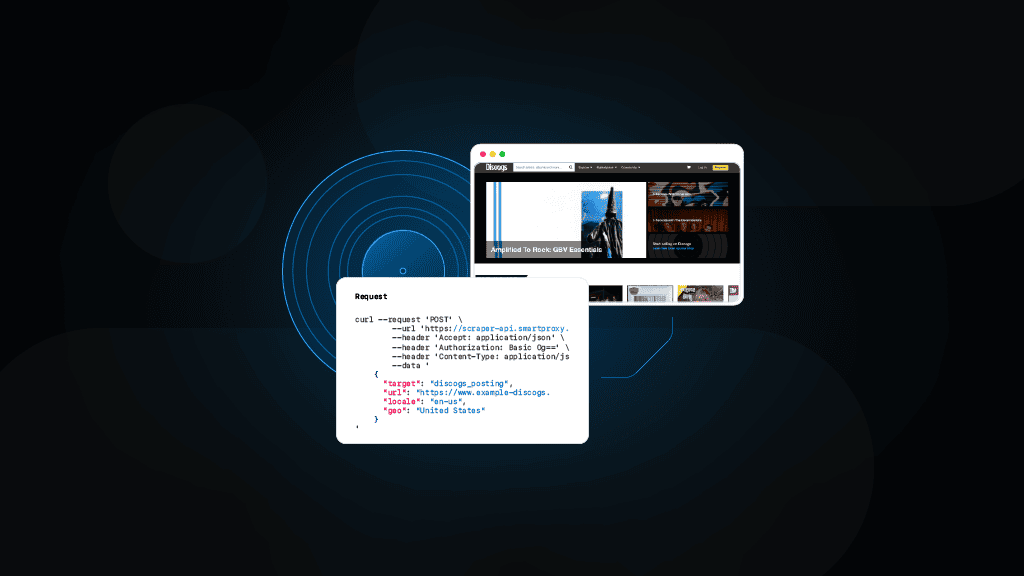
Scrape Discogs Marketplace with Python: A Step-By-Step Tutorial
Online marketplaces are beloved for offering everything from items we don’t need to treasures we didn’t know we were missing. For music lovers and collectors, Discogs stands out as the go-to destination – think of it as the IMDb of music records. Whether you're analyzing vinyl market trends, tracking the value of rare releases, or building a personal archive, Discogs is an unmatched resource. In this tutorial, you’ll learn how to scrape Discogs using Python, step by step, to unlock the data behind the music.
Dominykas Niaura
Last updated: Jun 19, 2024
10 min read
Mastering Python Requests: A Comprehensive Guide to Using Proxies
When using Python's Requests library, proxies can help with tasks like web scraping, interacting with APIs, or accessing geo-restricted content. Proxies route HTTP requests through different IP addresses, helping you avoid IP bans, maintain anonymity, and bypass restrictions. This guide covers how to set up and use proxies with the Requests library. Let’s get started!
Zilvinas Tamulis
Last updated: Feb 29, 2024
12 min read
Parsing XML in Python – The Ultimate Guide
Standards are a means to clear and define communication between people and things in the world. For example, the human language, USB sockets on computers, or the fact that you must add cereal before pouring milk. When it comes to computer applications and systems, one standard stands out above the rest as the most popular choice for developers – XML (eXtensible Markup Language). In this article, we’ll explore how you can parse data from XML files using Python’s built-in libraries, see the best methods to do so, and understand the importance of effectively reading information.
Zilvinas Tamulis
Last updated: Feb 28, 2024
13 min read

Python Errors and Exceptions: An Ultimate Guide to Different Types and Solutions
In this article, we’ll explore the different kinds of errors and exceptions, what causes them, and provide solutions to solving them. No more headaches and cursing your code until it gets scared and starts working – master the language of Python to understand precisely what it wants from you.
Zilvinas Tamulis
Last updated: Feb 05, 2024
6 min read

What to do when getting parsing errors in Python?
This one’s gonna be serious. But not scary. We know how frightening the word “programming” could be for a newbie or a person with a little technical background. But hey, don’t worry, we’ll make your trip in Python smooth and pleasant. Deal? Then, let’s go!
Python is widely known for its simple syntax. On the other hand, when learning Python for the first time or coming to Python after having worked with other programming languages, you may face some difficulties. If you’ve ever got a syntax error when running your Python code, then you’re in the right place.
In this guide, we’ll analyze common cases of parsing errors in Python. The cherry on the cake is that by the end of this article, you’ll have learnt how to resolve such issues.

James Keenan
Last updated: May 24, 2023
12 min read
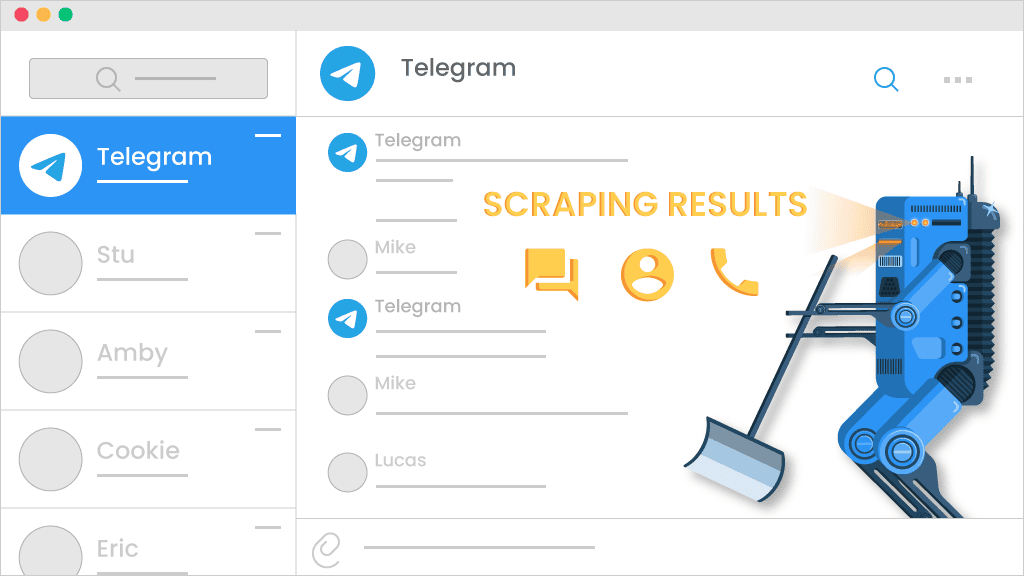
Python Tutorial: Scraping Telegram with Datacenter Proxies
Social media scraping can look like a tough nut to crack due to strong anti-bot systems. Gladly, it’s not a rule, at least in Telegram’s case. This platform supports various Telegram bot automation, making the scraping process easier.
There’re a lot of ready-built solutions for that, but you can easily make one yourself with a bit of coding and the Telegram API. Yes, this platform even has its own API! Dope, innit?

Ella Moore
Last updated: Aug 31, 2022
11 min read

lxml Tutorial: Parsing HTML and XML Documents
Keepin’ it short and sweet: data parsing is a process of computer software converting unstructured and often unreadable data into structured and readable format. Parsing offers a lot of benefits, some of which include work optimization, saving time, reducing costs, and many more; in addition, you can use parsed data in plenty of different situations.
Even tho that sounds epic, parsing itself can be quite complicated. But hold on, buddy, and get ready to explore a step-by-step process on how to parse HTML and XML documents using lxml.
James Keenan
Last updated: Mar 10, 2022
5 min read
![desired_capabilities['proxy'] = { "httpProxy":PROXY, "ftpProxy":PROXY, "sslProxy":PROXY, "noProxy":None } with 'Se' logo](https://decodo.com/cdn-cgi/image/width=1480,quality=75,format=auto/https://images.decodo.com/proxies_for_selenium_4e066d8f0b/proxies_for_selenium_4e066d8f0b.png)
Looking for a Selenium proxy?
Selenium is the perfect web development and testing tool. It lets you use every major browser and access any site or service you want to test. This versatility makes Selenium indispensable for more than just testing. For example, you can use Selenium with Python to scrape websites. Of course, you will need a proxy service to not get blocked. This is why we are doing this short introduction about how a Selenium proxy network can help you.
James Keenan
Last updated: May 28, 2021
5 min read