Get Search Results and App Data with Apple App Store Scraper API
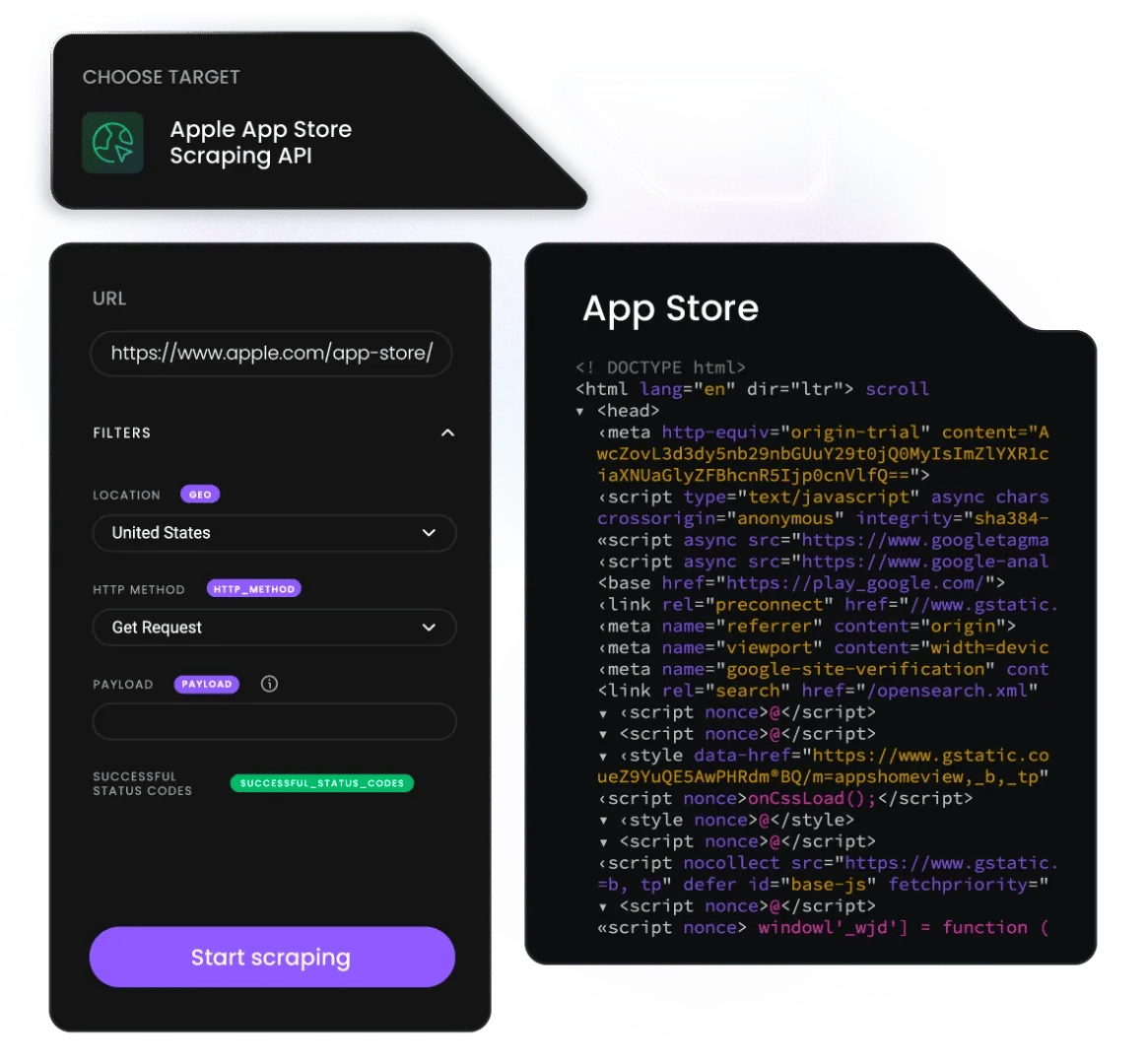
The Apple App Store scraper API* sends a search query or app identifier and returns structured app data, listings, ratings, reviews, and pricing, via a single API request with 99.99% uptime.
* This scraper is now a part of Web Data API.
14-day money-back option
125M+
IPs worldwide
No
credit card
100+
ready-made templates
99.99%
uptime
Free
starter plan
Trusted by:


What is the Apple App Store scraper API?
What does the Apple App Store scraper API do?
The Apple App Store scraper API is a tool that accepts a search query, app name, or App Store URL as input and returns structured data from Apple's App Store, including app listings, ratings, review counts, pricing, developer details, and category rankings, via a single API request. No browser automation, no proxy management, and no CAPTCHA handling required on your side.
How does the Apple App Store scraper API work?
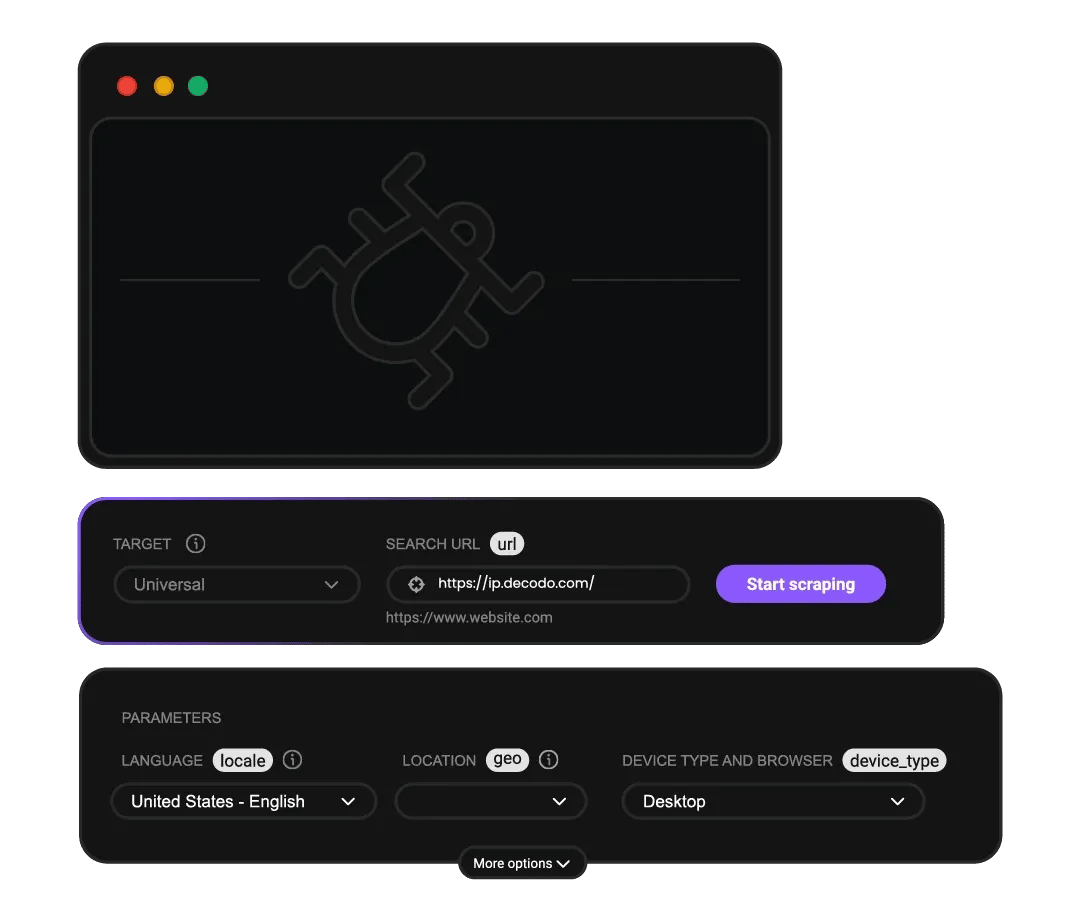
With Decodo’s Web Data API, you can get the data from Apple’s App Store in just a few simple steps:
- Submit a search query, app identifier, or App Store URL to the API endpoint in your preferred format – Python, Node.js, or cURL.
- Decodo handles JavaScript rendering, anti-detection, and request routing automatically across its infrastructure.
- Receive structured results in HTML, JSON, CSV, XHR, PNG, or AI-ready Markdown output, and pay only for successfully delivered results.
What data can you get from the Apple App Store?
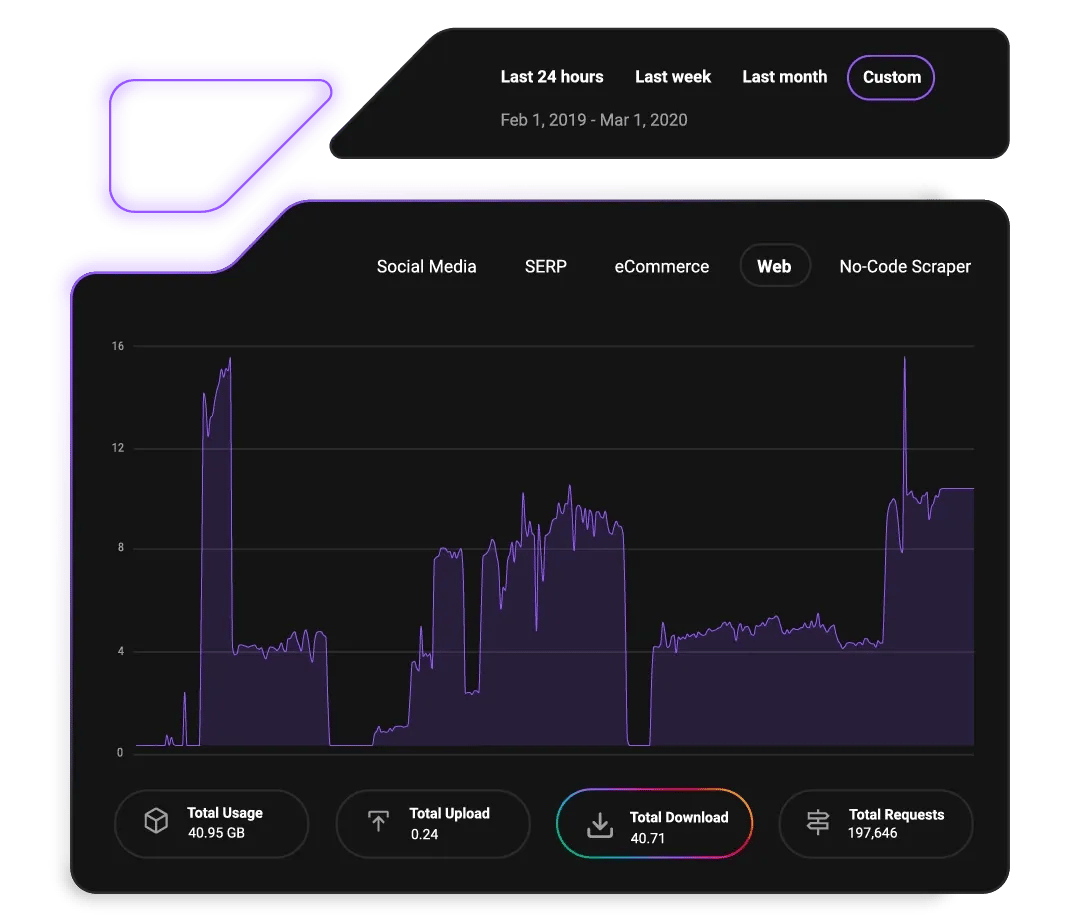
Whether you’re tracking your competition or doing market research, there’s a range of data points you can extract from Apple’s App Store, including:
- App name, developer name, and App Store URL
- App category and subcategory
- Star rating and total review count
- Price and in-app purchase availability
- App description and what's new section
- Screenshots and preview video availability
- Release date and last updated date
- App size and minimum iOS version required
- Age rating and content advisory
- Download count indicators where available
Why use Decodo's Apple App Store scraper API?
Decodo's Apple App Store scraper API eliminates the infrastructure overhead of building and maintaining your own scraping stack for App Store data.
Decodo App Store scraper
Raw Python with proxies
Free tools
Input type
Search query, app ID, URL
URL only
URL only
Setup
Single API call
Build and maintain a scraper
Variable
Success rate
99.99% uptime SLA
Variable
Low, frequently blocked
JavaScript rendering
Automatic
Manual
None
Output formats
HTML, JSON, CSV, XHR, PNG, Markdown
Custom
Limited
Anti-detection
Built-in
Manual
None
Bulk processing
Yes, batch queries
Manual
No
Pricing model
Pay per successful result
Proxy + infra cost
Free but unreliable
What makes the Apple App Store scraper API different?

Flexible output
Choose the format that fits your pipeline – JSON, HTML, CSV, XHR, PNG, or AI-ready Markdown.

99.99% uptime
Pay only for successfully delivered results, failed requests are never charged.

JavaScript rendering
Turn on JavaScript rendering for dynamic pages and get real-time data from any website.

100+ pre-built templates
Choose a scraper with pre-set settings and collect data with just a few clicks.

AI-ready Markdown output
Results delivered in LLM-ready format for direct ingestion into AI pipelines and RAG systems.


Multi-country App Store
Scrape any regional storefront, US, UK, DE, JP, and more, in a single integration.

24/7 technical support
Our award-winning customer support is available via LiveChat, and you’re always first in line.
What are the use cases for the Apple App Store scraper API?
How do I track competitor app ratings and reviews over time?
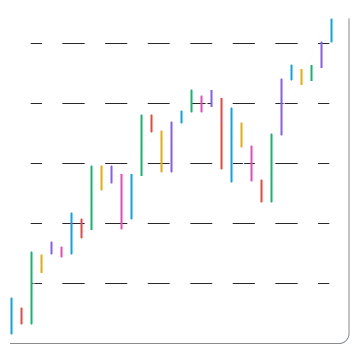
Monitor a competitor's star rating, review count, and review sentiment across regional App Store storefronts. Schedule flexible data collection tasks to track rating changes after app updates, marketing campaigns, or feature releases, feeding the data directly into your in-house infrastructure or AI tools.
How do I collect app market research data at scale?
Research entire app categories by scraping search results for a given keyword or category URL. Extract app names, developers, ratings, pricing, and download indicators across hundreds of apps in a single batch job – building the dataset needed for market sizing, competitive positioning, or opportunity analysis.
How do I monitor my own app's ranking and listing data?
Track your app's search ranking position for target keywords, verify listing accuracy across regional storefronts, and monitor whether your screenshots, descriptions, and pricing display correctly after App Store Connect updates.
How do I build an AI training dataset from App Store reviews?
Collect large volumes of user reviews by app, category, or rating tier. App Store reviews are a high-signal natural language dataset for sentiment classification, feature extraction, and product feedback analysis. Deliver in Markdown format for direct LLM ingestion.
How do I power an app discovery or recommendation tool?
Scrape App Store search results, category charts, and editorial picks to populate a recommendation engine or app discovery product with fresh, structured data – without depending on Apple's official API rate limits or approval process.
Which App Store data types can you scrape with this API?
Beyond ASIN-based product lookups, the same API handles a range of App Store data types – all with the same 99.99% uptime and zero infrastructure setup.

App Store search results
Ranked app list – names, developers, ratings, pricing, and App Store URLs as they appear in search.

Individual app listings
Full listing detail for a specific app – description, screenshots, version history, rating breakdown, and metadata.

App Store reviews
Reviewer name, rating, review body, date, and developer response. Paginates across all available reviews.

App Store category charts
Top free, top paid, and top grossing charts by category and country – app name, rank, developer, and rating per position.
How do you integrate the Apple App Store scraper API with Python, Node.js, or cURL?
The Apple App Store scraper API supports all popular programming languages for integration with your existing tools and data workflows.
How do you get started with the Apple App Store scraper API?
How do I use the no-code template?
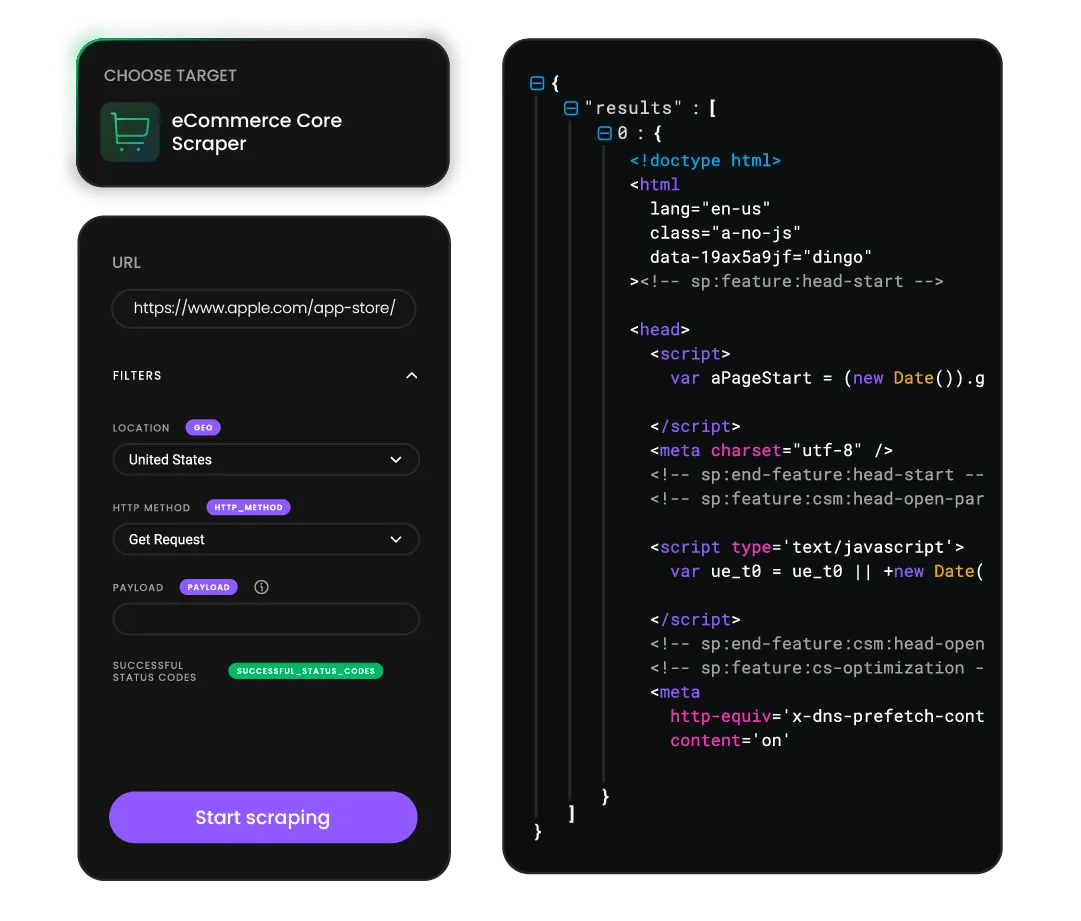
If you'd rather skip coding entirely, the no-code template gets you scraping in under a minute. It's built for users who need structured data without managing proxies or writing scripts.
To get started with a ready-made scraping template:
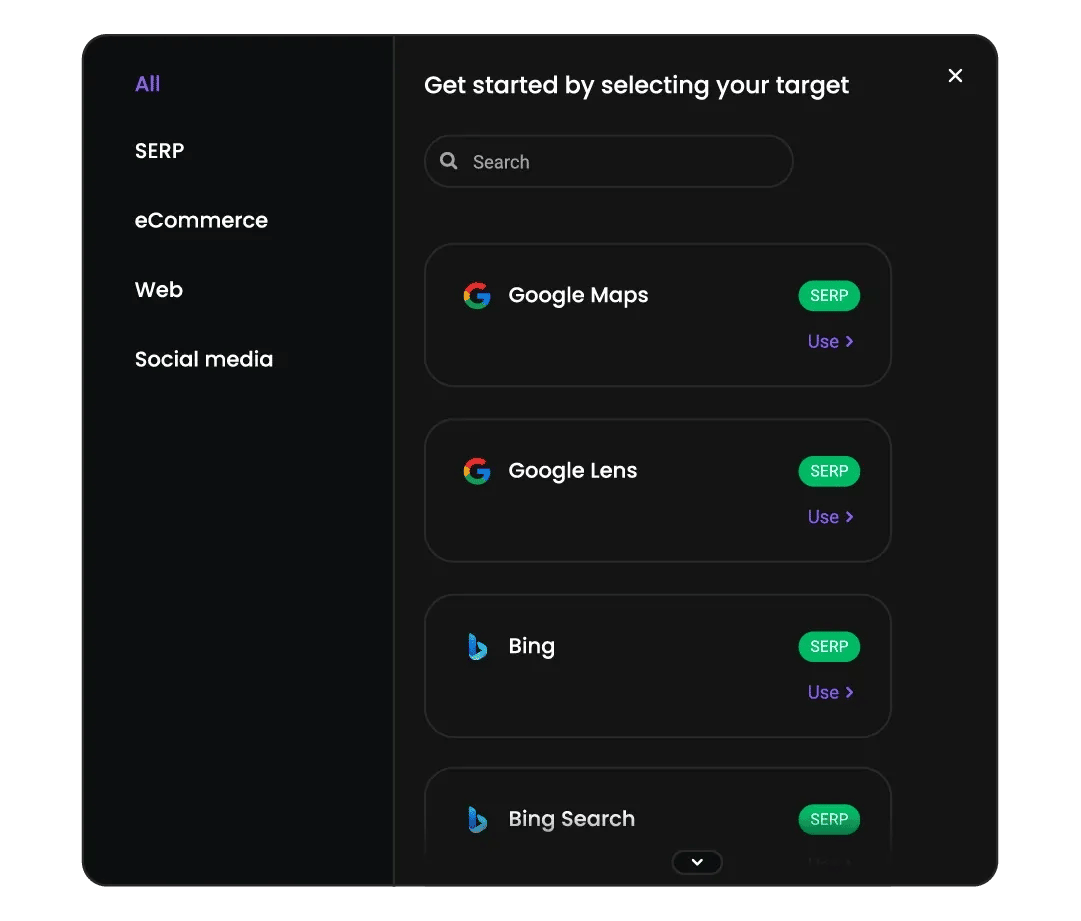
- Open your Decodo dashboard and navigate to Target Templates, and choose your preferred target.
- Enter your query, choose your output, and click Send request.
- Results are returned within seconds – no proxy setup or custom code required. The template supports scheduling for recurring data collection.
How do I integrate via API?
Use the code examples to connect directly. Paste your Base64-encoded credentials into the authorization header, set your target and query parameters, and send a POST request to the scraping endpoint. You can get full parameter reference and response schemas in our documentation.
Read documentationHow do I try the Apple App Store scraper API for free?
You can test the full Apple App Store scraping experience before committing to a paid plan. Decodo offers a free tier so you can evaluate the API on your own terms with real data.
Sign up for a free plan that includes up to 2K requests, with no credit card required. You'll get full API access, dashboard access, template access, and 24/7 technical support. No commitment, upgrade only when you're ready.
Start free trialHow is the Apple App Store scraper API priced?

The Apple App Store Scraper API uses a flexible, usage-based pricing model that lets you control both cost and capability at the request level, so you never overpay for scraping power you don't need. You only pay for successfully delivered results – failed requests are never charged.
Depending on your data needs, you can choose regular or premium proxies, and enable JavaScript rendering only when scraping dynamic pages.
All prices are shown per 1K requests, billed monthly, excluding VAT. Start with a free plan, no credit card required.
What does Web Data API cost?
Choose a plan based on your data collection volume. All plans include the same powerful features – you only pay for what you use. Start with the free plan to test before committing.
See full pricing details in the documentation.
With each plan, you access:

JavaScript rendering
99.99% success rate
HTML, Markdown, XHR, plus JSON, CSV, PNG where supported
One-click AI integrations
LLM-ready Markdown format
100+ pre-built templates
Single API key for all endpoints
/scrape, /search, /map, /crawl
24/7 tech support
14-day money-back
SSL Secure Payment
Your information is protected by 256-bit SSL

What do customers say about Decodo?
We're proud to support a thriving community of 135K+ users and the industry’s best.

Attentive service
The professional expertise of the Decodo solution has significantly boosted our business growth while enhancing overall efficiency and effectiveness.
N
Novabeyond
Easy to get things done
Decodo provides great service with a simple setup and friendly support team.
R
RoiDynamic
A key to our work
Decodo enables us to develop and test applications in varied environments while supporting precise data collection for research and audience profiling.
C
Cybereg





Apple App Store scraping guides and resources
Most recent

Zapier MCP Server: Connect Agents to Apps and the Web
Zapier MCP is Zapier's hosted MCP server: one connection that lets an AI agent take actions across 9,000+ apps. It solves reach, not data. Your agent still needs a separate way to get fresh information from the web. This guide covers how Zapier MCP works, how to connect it, and how to pair it with Decodo for live web data.

Lukas Mikelionis
Last updated: Oct 21, 2026
9 min read
Most popular
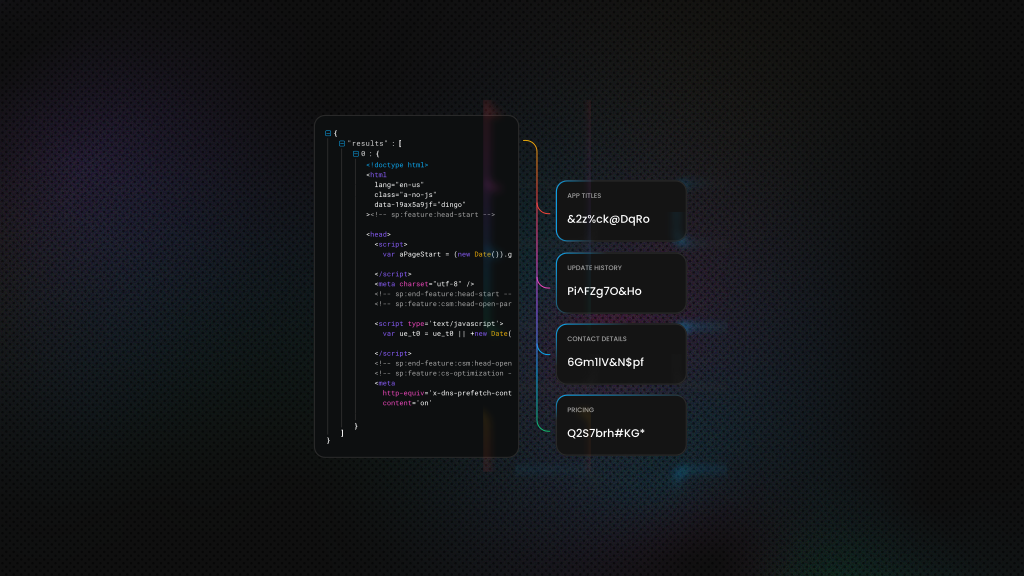
How to Scrape Data from Google Play Store
Ever wondered how some app developers always seem one step ahead on Google Play? The secret often comes down to data – lots of it. Instead of waiting around for monthly “Top Charts” updates, the smartest teams use Google Play scrapers to track real-time metrics and stay ahead of the competition. In this article, you’ll learn how to do exactly that, gaining the tools to effortlessly scrape everything from download totals to one-star rant emojis.
Lukas Mikelionis
Last updated: Jul 07, 2025
6 min read
Unlock Market Insights: How Web Scraping Transforms Modern Market Research
Traditional market research is the business equivalent of using a flip phone in 2026. Sure, it technically works, but why limit yourself when superior technology exists? In this guide, we'll show you how web scraping for market research gives you a competitive advantage that makes conventional research look outdated.
Lukas Mikelionis
Last updated: Sep 29, 2025
7 min read

AI Training Data: Definition, Sources & Best Practices
After years of progress, AI has gotten a lot better at acting like human thinking. Whether that’s in machine learning, robotics, natural language processing (NLP), or training AI agents. But one thing still holds true – AI is only as good as the data it learns from. In this post, we’ll look at why high-quality training data matters so much when building strong AI systems.
Mykolas Juodis
Last updated: May 30, 2025
6 min read
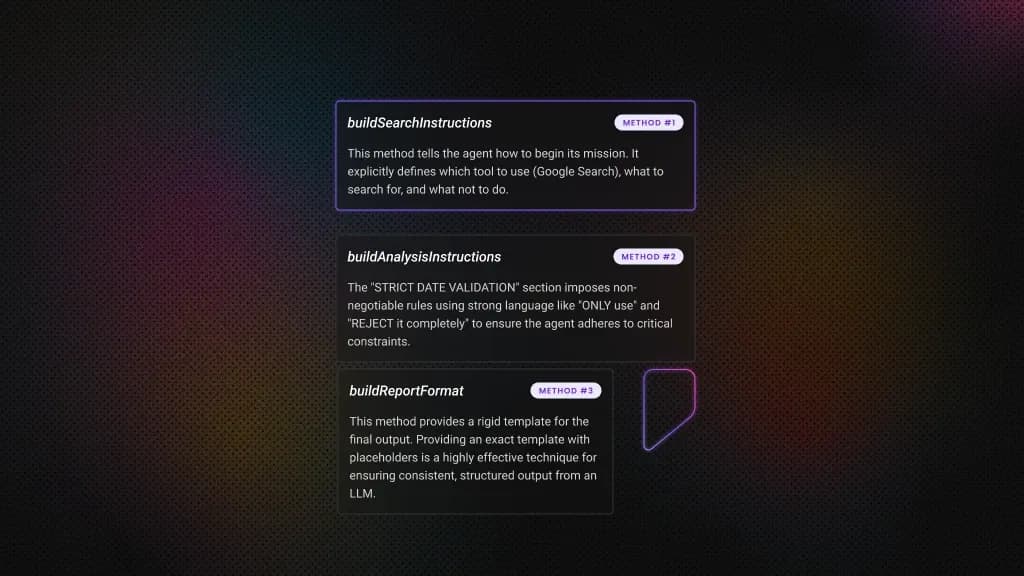
End-to-End AI Workflows with LangChain and Web Data API
AI has evolved from programs that just follow rules to systems that can learn and make decisions. Businesses that understand this shift can leverage AI to tackle complex challenges, moving beyond simple task automation. In this guide, we'll walk you through how to connect modern AI tools with live web data to create an automated system that achieves a specific goal. This will give you a solid foundation for building even more sophisticated autonomous applications.
Vytautas Savickas
Last updated: Oct 22, 2025
11 min read
How to Build Production-Ready RAG with LlamaIndex and Web Scraping (2026 Guide)
Production RAG fails when it relies on static knowledge that goes stale. This guide shows you how to build RAG systems that scrape live web data, integrate with LlamaIndex, and actually survive production. You'll learn to architect resilient scraping pipelines, optimize vector storage for millions of documents, and deploy systems that deliver real-time intelligence at scale.
Justinas Tamasevicius
Last updated: Oct 24, 2025
16 min read

How to Automate Web Scraping Tasks: Schedule Your Data Collection with Python, Cron, and Cloud Tools
Web scraping becomes truly valuable when it is automated. It allows you to track competitor prices, monitor job listings, and continuously feed fresh data into AI pipelines. But while building a scraper that works can be exciting, real-world use cases require repeatedly and reliably collecting data at scale, which makes manual or one-off scraping ineffective.
Scheduling enables this by ensuring consistent execution, reducing errors, and creating reliable data pipelines. In this guide, you will learn how to automate scraping using 3 approaches: in-script scheduling with Python libraries, system-level tools like cron or Task Scheduler, and cloud-based solutions such as GitHub Actions.
Justinas Tamasevicius
Last updated: Apr 01, 2026
12 min read
Frequently asked questions
How do I start the free trial without a credit card?
Sign up at dashboard.decodo.com and activate the Web Data API free plan. No payment details required. The free plan gives you up to 2K requests, access to ready-made scraping templates, and 24/7 support.
How do I cancel my subscription if it's not right for me?
- Cancel at any time from your dashboard account settings. No minimum contract length, no cancellation fee. If you cancel within the first 14 days of a paid plan, a money-back option is available – see the billing FAQ for details.
How do I check whether scraping the App Store is allowed?
Scraping publicly available data from the App Store is generally permissible for research and analysis purposes, though you should review Apple's terms of service for your specific use case. For a full overview of scraping legality, see Is Web Scraping Legal? and How to Check if a Website Allows Scraping. Also, when in doubt, it’s best to consult a legal professional.
How do I get structured JSON output instead of raw HTML?
Set "parse": true in your request payload. For AI pipeline use, set the output format to Markdown and feed directly into your RAG pipeline or AI data pipeline.
How do I schedule automated App Store data collection?
Use the built-in scheduling feature in the Decodo dashboard – set a daily, weekly, or custom interval and choose your delivery method: email, webhook, or Google Drive. For code-based scheduling, see how to schedule web scraping tasks and n8n web scraping automation. For storage, see how to save your scraped data.
How does Decodo handle anti-bot measures on the App Store?
Decodo's infrastructure handles JavaScript rendering, request fingerprinting, and IP rotation automatically. You choose the parameters, send a query, and Decodo manages the connection layer. You pay only for successfully returned results.
Start Scraping Apple App Store Data Today
Extract real-time App Store listings, ratings, and reviews at any scale, no proxy setup, no anti-detection logic, no infrastructure overhead.
14-day money-back option