Proxy Anonymity Levels: Transparent vs Anonymous vs Elite
Not all proxies actually protect your identity. Some proxies openly tell websites, "This request came through a proxy," while some can even leak your real IP if they're configured poorly. There are three proxy anonymity levels: transparent, anonymous, and elite. This article will walk you through each one, explain how they work, and help you choose the most suitable option for you.

Vytautas Savickas
Last updated: Feb 20, 2026
7 min read
TL;DR
Proxy anonymity levels indicate how much your proxy reveals to a website through IP signals and request headers. There are three levels:
- Transparent (Level 3): Easiest to detect and may leak your real IP. These are great for content filtering and network management in schools and offices, but poor for scraping.
- Anonymous (Level 2): Hides your real IP, but still announces proxy usage. Anonymous proxies can work for casual browsing and simple geo-unblocking, but many sites still flag them.
- Elite (Level 1): These hide your real IP and strip common proxy headers. Elite proxies are best for web scraping, Ad verification, market research, and multi-account automation.
But anonymity level is only part of the picture. Sites detect proxies using multiple signals:
- Header inspection: They check the REMOTE_ADDR, Via, and X-Forwarded-For headers for obvious tells or IP leaks.
- Other signals: Browser fingerprints, IP reputation, and session behavior all feed into detection.
A Quick way to check:
- If a Via header is present in your request, the destination can usually tell that a proxy is involved
- If X-Forwarded-For contains your real IP, that’s likely a leak
How to test: Hit an IP echo endpoint and check if the site sees the proxy IP or yours. Also, inspect the headers.
If the headers look clean but you still get blocked, the cause is often fingerprinting or request behavior rather than the proxy itself.
What is a proxy server?
A proxy server is simply a remote computer that sits between you and the rest of the internet. When you connect through a proxy, your requests go out using the proxy's IP address and location instead of your own, so websites see the proxy as the visitor rather than your device.
Proxy type vs. proxy anonymity
A common mistake we see too often is treating "proxy type" and "proxy anonymity" as the same when they're not.
The proxy type indicates the source of the IP. For example, a proxy can be residential proxies, mobile, or datacenter. Read more on different types of proxies
Proxy anonymity refers to the level of privacy and the amount of personal information a website can learn from your connection. These include your real IP address, rough location, or ISP. This information is usually found in the request metadata and headers.
This is why a proxy can look premium on paper but still behave like a low-anonymity proxy if it leaks too much information about you or clearly announces that it's a proxy.
How servers detect proxies
Every time you connect to a website, your browser sends HTTP headers along with the request. These headers carry details about your device, language, and other preferences. The server also sees a network-level IP for your connection.
When you use a proxy, it can add extra headers or change existing ones. This is where detection often starts, because some headers make proxy usage obvious or even leak the original IP. Some of the key headers and fields websites look at are:
- REMOTE_ADDR. The IP address the server sees as the source of the connection. If you're using a proxy, this is usually the proxy IP, not your real IP.
- HTTP_VIA. This header is a clear proxy indicator. It often includes the proxy server IP or hostname and basically says, "This request passed through a proxy."
- X-Forwarded-For. This is a common place where proxies put the original client IP. If this header contains your home or office IP, the site knows who is really behind the request.
- Forwarded. A more modern standard that can include the original IP, protocol, and more.
Proxy anonymity comes down to one question: what does the proxy add, hide, or pass through? Sites don't guess – they read those signals and determine whether the traffic looks like a real user or a proxy.
Beyond headers, modern detection systems also use more advanced signals, for example:
- TLS fingerprinting (JA3). This is a technique websites use to identify your client by the unique pattern of settings your device uses during the TLS handshake. If that JA3 fingerprint does not match a normal browser profile, it can raise suspicion.
- Browser fingerprint mismatch. If your headers claim to be a certain browser and device, but your behavior does not match, the request starts to look automated.
- ASN and IP reputation. Traffic from datacenter networks or known proxy ranges is often treated as higher-risk than residential traffic.
- Session consistency and behavior. Very fast, repetitive, or perfectly regular requests can mark a session as bot-like, even if the proxy itself looks clean in the headers.
Transparent, anonymous, and elite proxies explained
The easiest way to think about proxy anonymity levels is this: what does the website learn about your real identity, and how obvious is the proxy? In most cases, the proxy anonymity level comes down to what your request data and headers reveal or hide.
Transparent proxies (level 3)
Transparent proxies are the most basic form of proxy servers. They don't hide your IP address from the server you are connecting to, so they do not provide any privacy. This is because, unlike other proxy setups, transparent proxies typically don't require configuration on the user's device. Instead, the proxy sits between you and the website you're accessing and can decide whether to allow access, redirect you, or block you.
Most of the time, if you are on a transparent proxy, you will not even be aware of it. Transparent proxies typically identify themselves as proxies by including their own IP address in the Via header and forwarding the user's original IP address in the X-Forwarded-For header.
Transparent proxies are a poor fit for scraping and automation because blocks tend to happen quickly. The destination server can confidently label the traffic as proxied or potentially automated, and react accordingly.
Use cases for transparent proxies
You'll often find transparent proxy servers in public places where the data is not so sensitive. They're commonly used for:
- User/staff authentication
- Policy enforcement
- Content filtering
- Traffic monitoring and logging
- Caching and bandwidth control
Anonymous Proxies (level 2)
Anonymous proxies (also called distorting proxies) provide more privacy than transparent proxies, but they are not fully stealthy. An anonymous proxy won't reveal your real IP address, but it does reveal that you're using a proxy server.
Your IP address isn't sent in the X-Forwarded-For header. Instead, this header is either removed or filled with the proxy's own IP, sometimes along with additional forwarding data. However, the Via header still announces that a proxy is involved.
Anonymous proxies can work for basic privacy and simple geo-unblocking, but there's a big limitation: many sites treat "proxy detected" as a risk flag by itself. So yes, they can see you are using a proxy, even if they don't have your real IP.
Elite proxies (Level 1)
Elite proxies are the highest level of anonymity. They aim to look as close as possible to a normal direct user connection. Along with hiding your real IP address, elite proxies remove detectable headers so there is almost no obvious trace that a proxy is being used.
Typically, an elite proxy strips proxy-identifying headers, so the destination does not get obvious signals like Via, and it avoids leaking the original IP address through X-Forwarded-For. An elite proxy also masks other indicators that might reveal proxy usage.
The following headers are typically removed or adjusted to prevent proxy identification by the remote site:
- Authorization
- From
- Proxy-Authorization
- Proxy-Connection
- Via
- X-Forwarded-For
This is why elite proxies are usually the best fit when you care about staying undetected and keeping requests looking like regular traffic.
Use cases for elite proxies
Elite proxies are preferred for most use cases that involve anonymity, web scraping, or automation. Anonymous proxies are simply inferior, and transparent proxies have a different set of uses. You can use elite proxies for most of demanding tasks, such as:
- Web scraping at scale and automation workflows
- Ad verification and location-sensitive checks
- Market research and localized SERP or product page analysis
- Avoiding frequent bans
- Multi-accounting for eCommerce workflows
Transparent vs. anonymous vs. elite comparison
Here's a bite-sized cheat sheet so you can quickly match the anonymity level to your use case.
Proxy level
Detectability
Privacy
Cost
Best for scraping
Typical users
Level 1: Elite
Low (hardest to spot)
Highest
Highest
Best overall (high anonymity)
Businesses, data teams, serious automation users
Level 2: Anonymous
Medium (proxy is noticeable)
Medium
Medium
Sometimes (light use)
Casual users, basic geo-unblocking
Level 3: Transparent
High (easy to spot)
Lowest
Lowest
Poor (blocks happen fast)
Schools, offices, public Wi Fi networks
Why proxy anonymity matters for scraping & automation
In scraping, most failures aren't random. Many modern anti-bot systems score and classify traffic using multiple methods, including fingerprinting and behavioral analysis. Once your traffic is flagged, you usually see one or more of these outcomes:
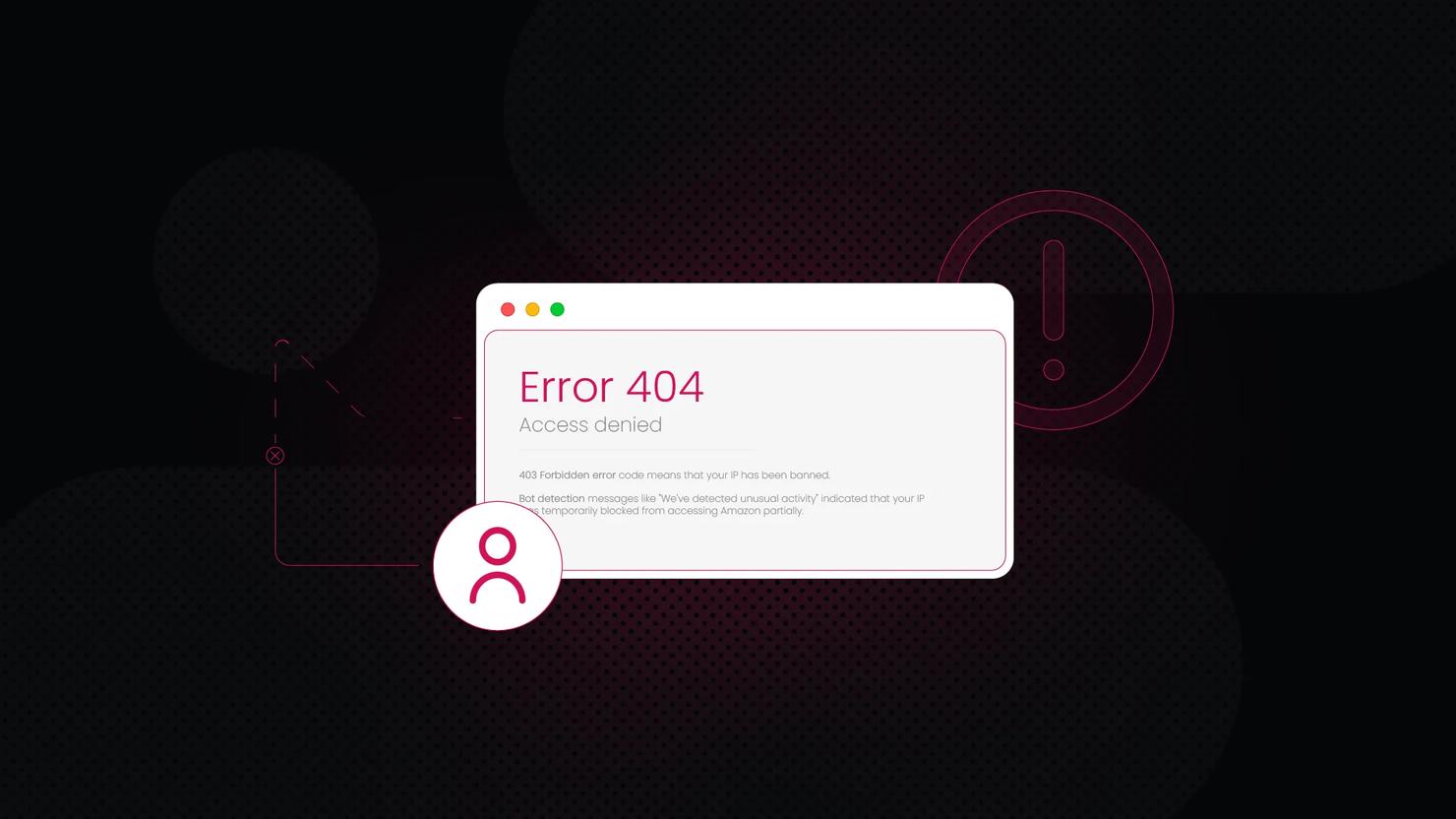
- Hard blocks/access denied. This includes messages like "your IP address has been banned" or Cloudflare errors such as 1006, 1007, and 1008.
- Rate limiting. Pages start loading slowly, some requests time out, and certain endpoints stop responding after a threshold.
- CAPTCHA or challenge flows. You may be forced to solve CAPTCHAs or pass interactive challenges before each request or page load.
- Proxy errors and instability. Shared or overused proxy IPs can become fragile, leading to more 403/429 responses and broken sessions.
Your proxy anonymity level influences how quickly you hit these problems. Transparent proxies tend to get flagged fastest, anonymous proxies last a bit longer, and elite proxies usually survive the longest in production workloads.
However, advanced anti-bot systems can still use fingerprinting, machine learning, and behavioral checks to score your traffic, even if the proxy itself looks clean. This is why "our scraper worked yesterday" doesn't guarantee it will continue to work tomorrow.
Elite proxies work best when you combine them with realistic request behavior, rotating user agents, and a good session strategy.
Note: If you are getting IP bans frequently, this guide can help.
How to test your proxy's anonymity level
You do not need a complicated setup to test anonymity. You just need to compare what a website sees with what you expect it to see. If you don't see headers like Forwarded, Via, or the common X- forwarding headers, then your proxy server is likely elite.
A simple way to test this is:
- Check the IP the destination sees. Use an IP echo endpoint (such as httpbin.org/ip or ProxyDB) and confirm that the reported IP is your proxy IP, not your home or server IP.
- Inspect headers that commonly reveal proxying. Use a headers echo endpoint and look for Via, X-Forwarded-For, and Forwarded. If these appear in a way that exposes your original IP or clearly signals "this is a proxy", you are not getting elite anonymity.
- Confirm your real IP is not leaking. If you see your original IP inside X-Forwarded-For (or Forwarded), treat that as a leak unless you intentionally configured it for an internal, trusted environment.
Don't worry if that sounds intimidating. Here's a simple command-line check:
If you want a more user-friendly workflow, Decodo's Free Proxy Checker lets you test proxies by pasting connection details and verifying performance and status.
Summary
Proxy anonymity levels explain how much information leaks when you connect through a proxy. Transparent proxies are the easiest to detect and may even expose your real IP address. Anonymous proxies usually hide your IP, but they still look like proxy traffic to most sites. Elite proxies take it a step further. They hide your real IP and remove the common proxy headers that give you away, so your requests look as close to normal, direct connections as possible.
If you are doing serious scraping or automation, an elite proxy provider like Decodo helps you reduce bans, avoid CAPTCHA loops, and maintain stability as you scale.

Avoid CAPTCHAs and IP bans with residential proxies
Access 115M+ IPs from 195+ locations and get #1 response time for every task.
About the author

Vytautas Savickas
Former CEO
Vytautas Savickas led Decodo as CEO for the better part of a decade, bringing 15+ years of management experience to the role. His background in scaling startups, B2B SaaS, and product management pushed Decodo's growth in ways that left a real mark.
Outside the 9-to-5, Vytautas follows MMA matches and attends motorsport events.
Connect with Vytautas via LinkedIn.
All information on Decodo Blog is provided on an as is basis and for informational purposes only. We make no representation and disclaim all liability with respect to your use of any information contained on Decodo Blog or any third-party websites that may belinked therein.