
Welcome to Decodo Blog!
Build knowledge on our solutions and streamline your workflows with step-by-step guides and expert tips.

How To Scrape JSON Data in Python: Complete Tutorial
JSON is the format that most web APIs and modern websites use to send their data. This tutorial shows how to scrape JSON data in Python – fetching it, parsing it, modifying it, and exporting clean files. You'll also learn about the tools for messy or oversized responses, and how to get data when sites block you with fingerprinting.

Justinas Tamasevicius
Last updated: Jul 03, 2026
19 min read

Introducing Web Data API: Sub-Second Google SERP Data
We’re proud to announce that our latest product, Web Data API, is live today and available for all self-service and Enterprise users. Our new Google SERP API returns only the top organic results or top stories, in clean, structured JSON, with sub-second latency. We built it for teams running AI agents, RAG pipelines, and real-time dashboards that need search data fast, without ads, widgets, or scraping overhead.

Vaidotas Juknys
Last updated: Jul 02, 2026
3 min read

Scrapy With JavaScript: How To Scrape Dynamic Sites Without Losing Your Pipeline
Scrapy is an asynchronous Python framework for crawling and extracting data at scale, but it doesn't execute JavaScript on its own. A spider can get a clean 200 response and still return empty selectors on a modern site. This guide covers the rendering options (Splash, Selenium, Playwright, managed APIs) and the cache and concurrency settings that matter once browser rendering comes into play.

Vilius Sakutis
Last updated: Jul 01, 2026
14 min read

BotBrowser: What It Is, How To Set It Up, and Why It Matters for Fingerprint Defense
Browser fingerprinting allows websites to identify and track users across devices and sessions without relying on cookies. The W3C and major browser vendors flag it as a privacy threat that regulators are actively working to address. BotBrowser is an open-source, privacy-focused Chromium-based browser core designed to maintain a consistent fingerprint across operating systems. This guide covers its features, setup, validation, and practical use cases.
Justinas Tamasevicius
Last updated: Jul 01, 2026
8 min read

How to use a proxy with Ruby: configure, authenticate, and rotate with Net::HTTP and Faraday
As a Ruby developer, you must have used proxies for multiple applications, including web scraping, API integration, and geo-targeted testing. Without a proxy, every request leaves from the same IP, which is the fastest way to get rate-limited or blocked. In this guide, you'll learn how to configure a Ruby proxy with Net::HTTP and Faraday, add authentication, rotate IPs, and connect Ruby applications to Decodo residential proxies.
Justinas Tamasevicius
Last updated: Jun 26, 2026
7 min read

Webmaster Unblockers in 2026: Best Tools, Features & Buyer's Guide
Traditional proxies hide your IP, but struggle against anti-bot systems like Cloudflare, DataDome, and Akamai. Webmaster unblockers, also known as Site Unblockers, are managed request layers that take a URL and return rendered HTML. This guide explains how they work, when to pick 1 over a proxy or Web Data API, and which 5 tools stand out in 2026.

Kipras Kalzanauskas
Last updated: Jun 22, 2026
11 min read
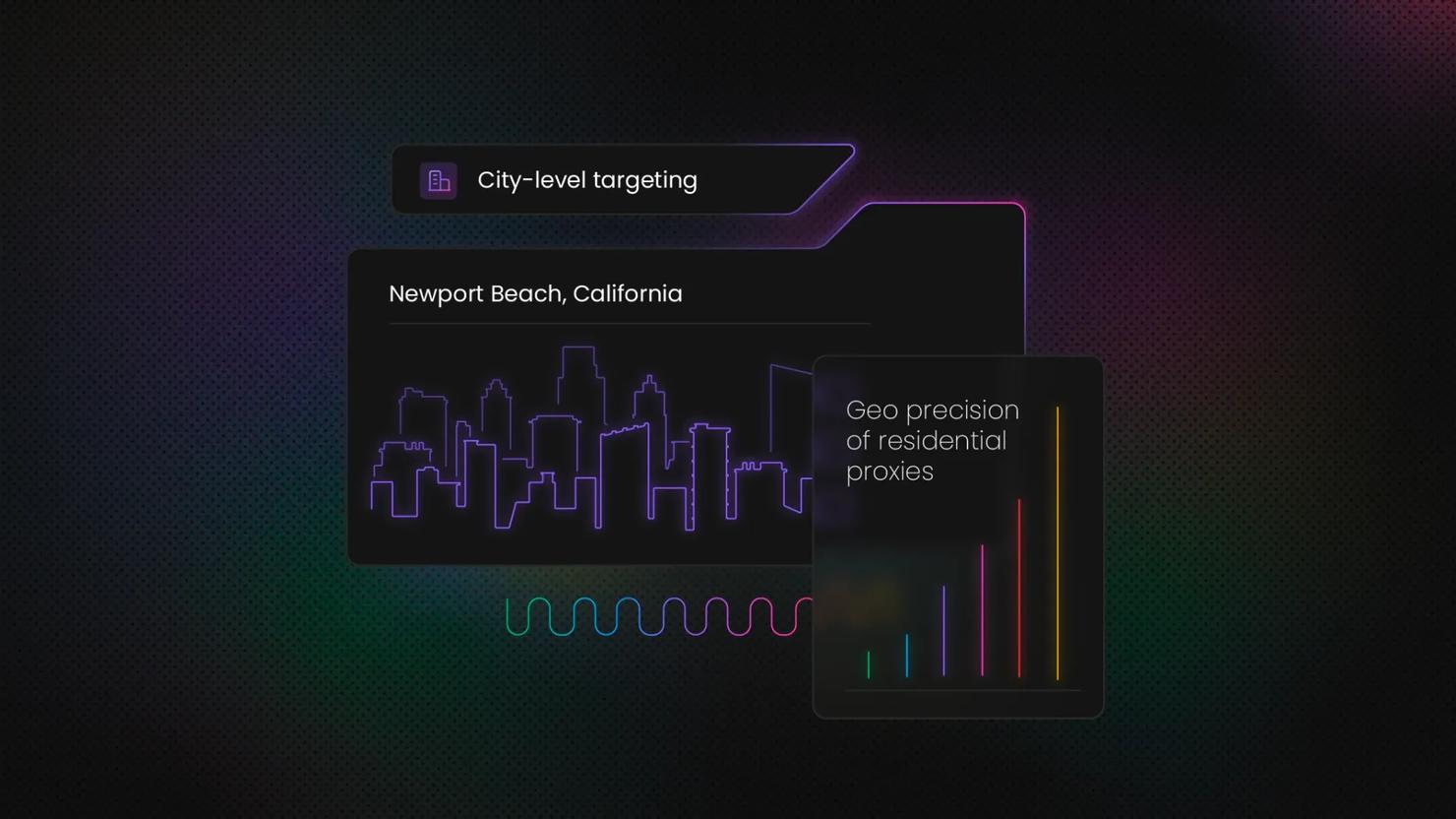
Datacenter & ISP Proxies Now Support City, State & ASN Targeting
City, state, and ASN targeting now works across datacenter and ISP proxies. Country-level targeting set the ceiling before, which pushed some geo-sensitive work to residential. That limit is gone. You can now target a specific metro, a US state, or a named network, all from your current setup.

Gabriele Vitke
Last updated: Jun 19, 2026
3 min read
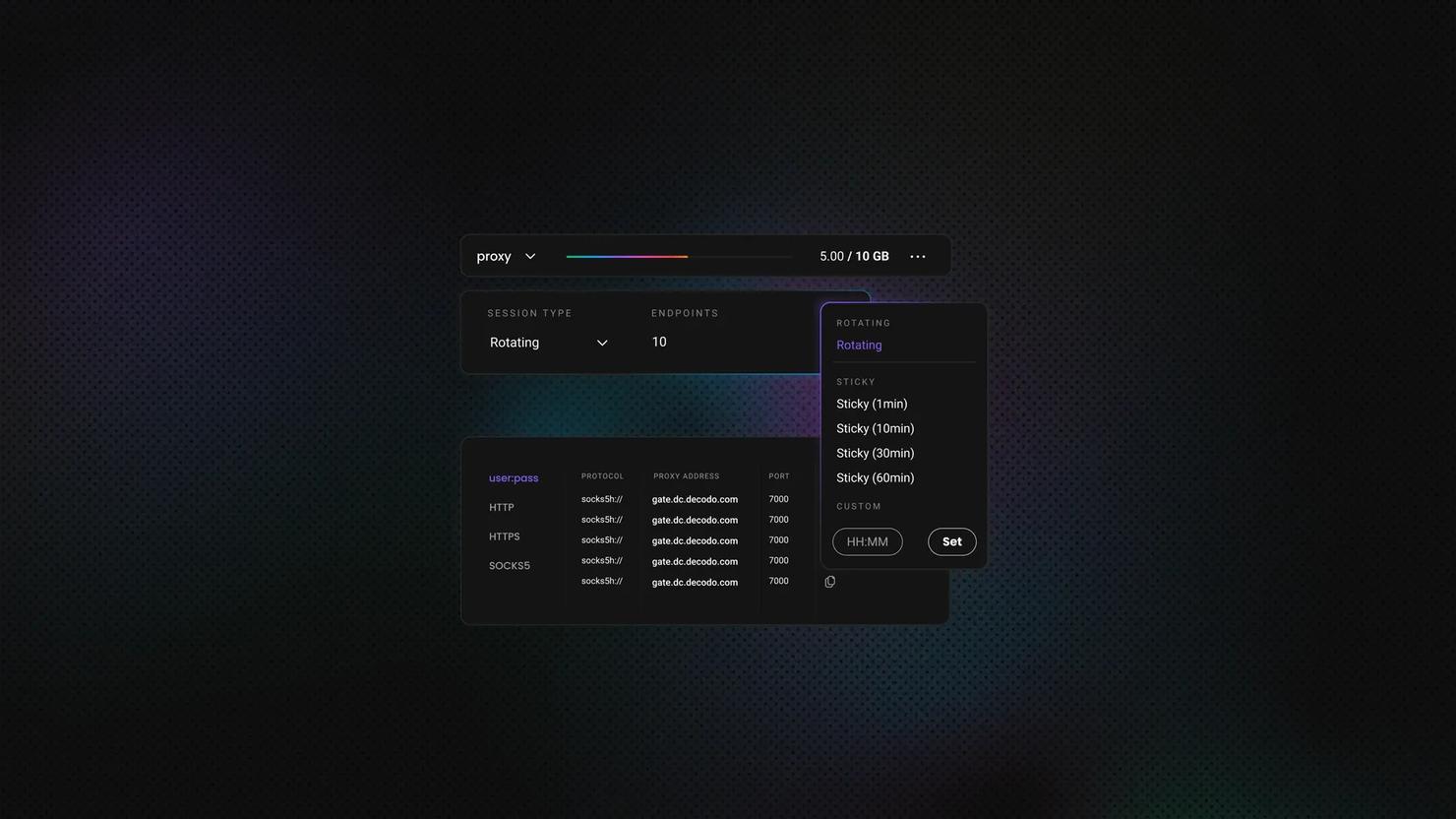
Puppeteer in Python With Pyppeteer: Setup, Scraping, and 2026 Alternatives
Pyppeteer is an unofficial Python port of Puppeteer, the Node.js library that drives headless Chromium through the DevTools Protocol. It brings the same async model to Python for clicking, filling forms, waiting, and scraping JavaScript-heavy sites. It works, but it's no longer the 2026 default. This guide covers using it and when to switch to Playwright or nodriver.

Lukas Mikelionis
Last updated: Jun 18, 2026
10 min read

Rank Tracker Getting Blocked? Why It Happens and How to Fix It
Rank tracker getting blocked is a frustrating problem that SEO teams will certainly run across while they’re collecting search engine rankings. They open their rank tracking dashboard only to find empty SERP positions, error logs, stale data, or unexplained errors, with the rank tracker getting blocked. A rank tracker monitors where each page appears in search engine results pages (SERPs), but today’s anti-bot systems will often stand in the way of the requests, interrupting them before position data can be collected. This guide shows how to diagnose and fix the issues: why blocks happen, how to identify them, and what to do to get valid data.
Vilius Sakutis
Last updated: Jun 17, 2026
7 min read
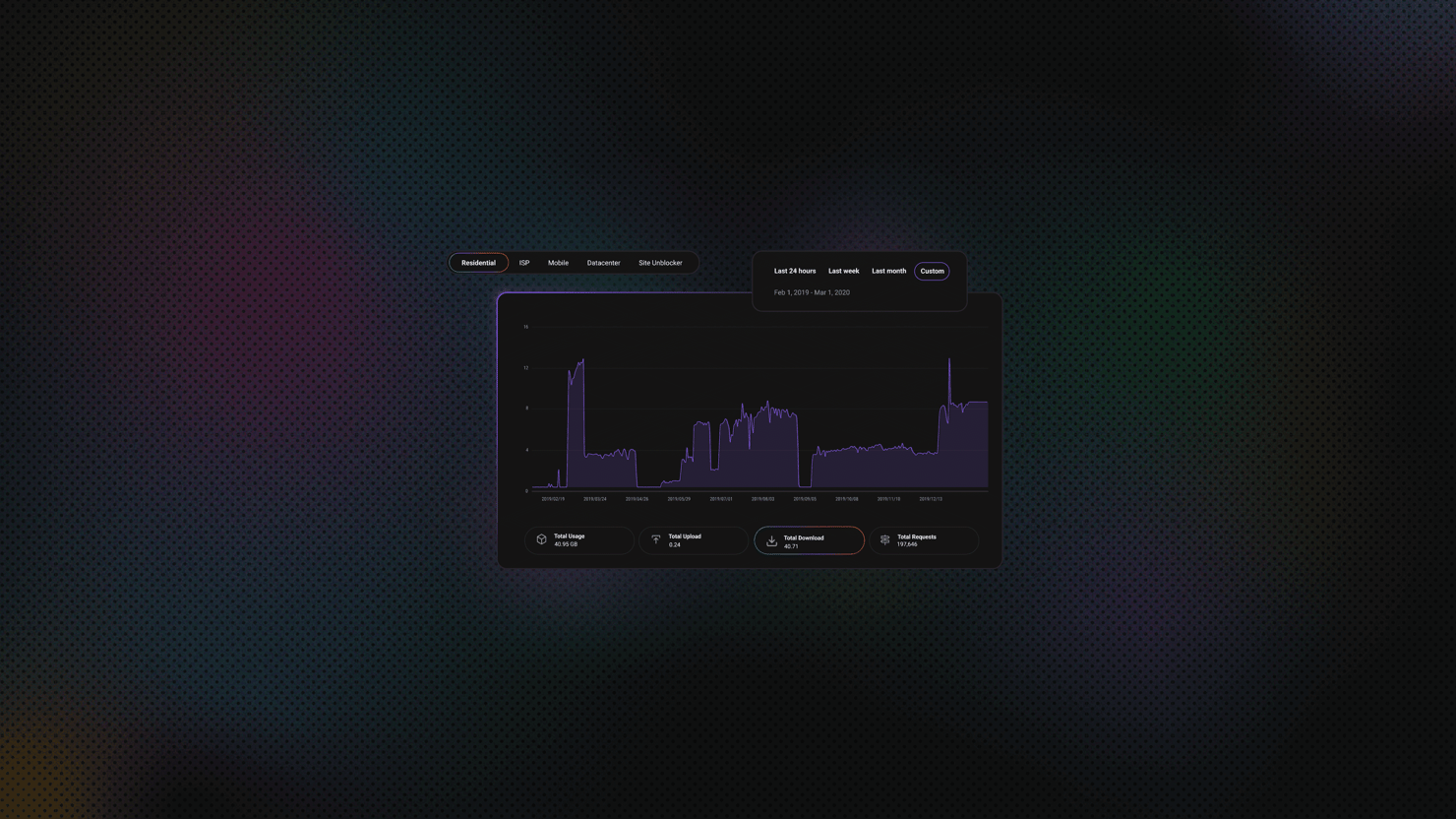
Crawlee Python: Complete Tutorial with Beautiful Soup, Playwright, and Proxies
Building reliable web scrapers can get complex and difficult to maintain, but Crawlee aims to simplify the process. As project needs grow, developers often encounter challenges that require multiple tools and configurations. Crawlee eliminates the need to build these configurations from scratch or migrate to a different tool mid-crawl, allowing you to focus on your scraping logic instead. In this guide, you'll learn how to scrape using Crawlee's 3 main crawler classes. We'll also explore the routing architecture, proxy integration with Decodo, and data storage.
Kipras Kalzanauskas
Last updated: Jun 16, 2026
15 min read
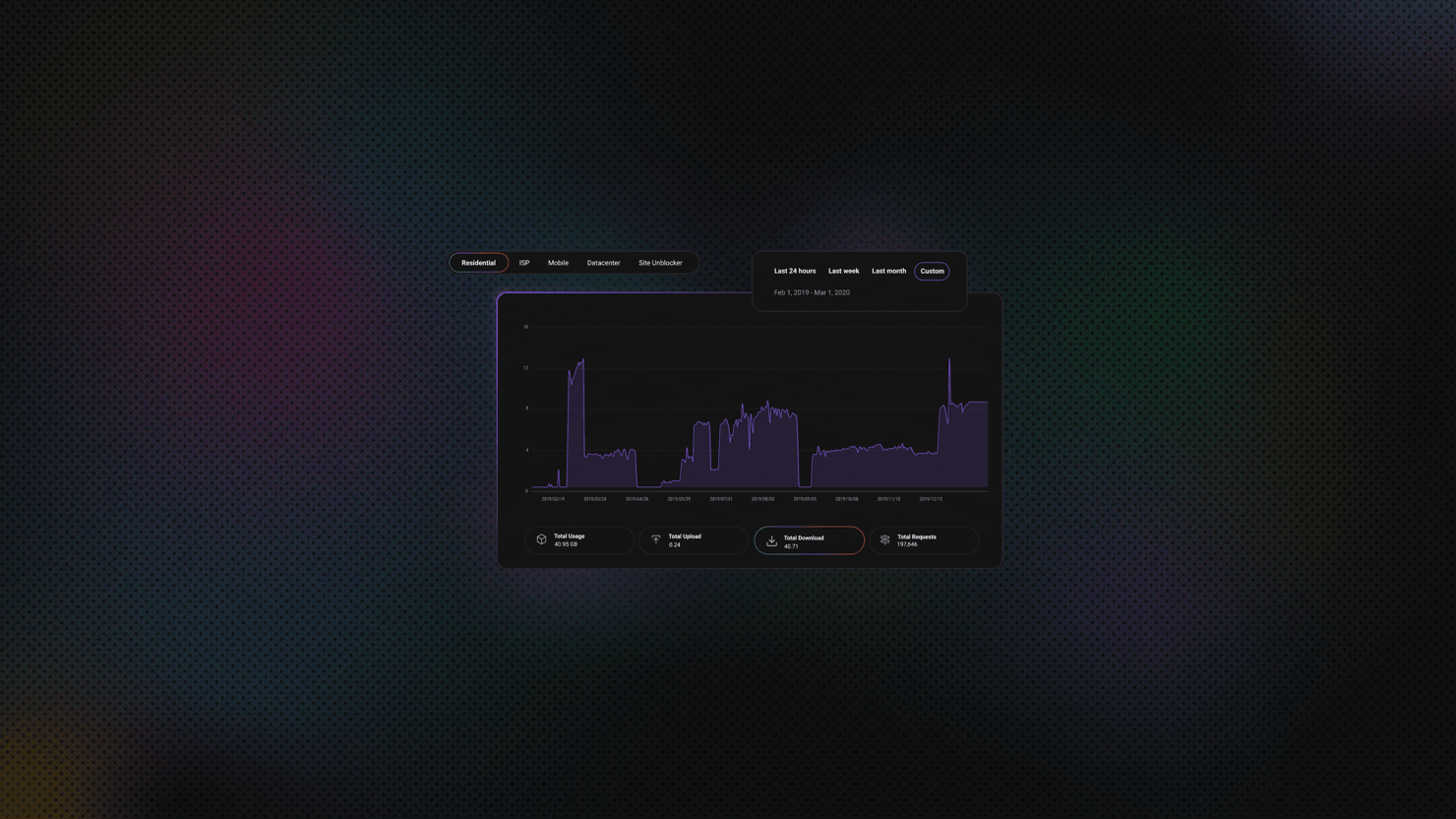
Python Cloudscraper: Bypass Cloudflare Protection, Configure Proxies, and Handle Common Errors
Most Python scrapers that use Requests stop working as soon as a site is protected by Cloudflare. You might see a 403 error, get stuck in a redirect loop, or land on a "Just a moment..." page that never loads. Cloudscraper solves this problem without needing a headless browser. It builds on Requests, handles Cloudflare's JavaScript challenges, and gives you a working session. This guide explains how to set up Cloudscraper, configure proxies, choose an interpreter, handle CAPTCHAs, parse data, fix common errors, and understand the library's limitations. If you're new to Python scraping, start with the Python web scraping guide first.

Mykolas Juodis
Last updated: Jun 16, 2026
17 min read

Block Requests in Puppeteer: A Practical Guide to Faster, Leaner Scraping
When you scrape the web with Puppeteer, you almost always pull in data you want alongside extras you don't need, like images, fonts, and tracking scripts that increase your request count, slow your pages, and drain your proxy bandwidth. In this guide, you'll learn how to block unnecessary requests with request interception and Chrome DevTools Protocol (CDP) so your scraper runs faster and scales more efficiently.
Justinas Tamasevicius
Last updated: Jun 16, 2026
16 min read

Web Scraping with Kotlin: A Complete Guide with Jsoup, OkHttp, and Coroutines
Kotlin developers don't need to reach for Python to scrape. The JVM ecosystem covers the full stack: Jsoup for HTML parsing, OkHttp for HTTP requests, and coroutines for concurrency. This guide is for JVM and Android developers, as well as Java teams evaluating a migration. By the end of this piece, you'll have a working scraper that handles pagination, runs concurrent requests, integrates proxies, and exports data to CSV.
Lukas Mikelionis
Last updated: Jun 16, 2026
8 min read

How to Parse HTML With Regex: A Practical Guide
Yes, you can parse HTML with regex – but only for specific tasks. Regex works well on flat targets like meta tags, sitemap URLs, or inline JSON-LD. But on nested or JavaScript-rendered markup, it fails silently, and you often don’t notice until the data is already wrong. This guide explains when regex works on HTML and when it breaks, includes working Python for the common extraction tasks (meta tags, JSON-LD, bulk extraction), and covers when to switch to a parser or get past a page that blocks you.
Justinas Tamasevicius
Last updated: Jun 15, 2026
7 min read

How To Use a Proxy in Puppeteer: Setup, Rotation, and Authentication
Puppeteer is a Node.js library that controls headless Chromium for browser automation and web scraping. Without proxies, every request goes out from your real IP, and on protected sites, that IP gets blocked fast. This guide covers every method for configuring, authenticating, and rotating proxies in Puppeteer, plus how to troubleshoot the failures you'll actually run into. Not familiar with how proxies work? Check out what a proxy server is before continuing.
Vilius Sakutis
Last updated: Jun 15, 2026
18 min read

Scala Web Scraping: A Step-by-Step Guide for Developers
Scala web scraping fits naturally into JVM data pipelines, sharing types and libraries with your Spark, Akka, and Kafka code. This guide covers everything you need to ship a production scraper: environment setup, library selection, pagination, JavaScript rendering, anti-bot mitigation, and structured data export. Including when a managed scraping API is the smarter call.
Kipras Kalzanauskas
Last updated: Jun 12, 2026
14 min read

Hermes Agent vs. OpenClaw: Features, Scraping, and Proxy Setup Compared
If you're choosing Hermes Agent vs. OpenClaw, you're looking at the two most popular open-source agent frameworks of the year. Both run AI agents on their own, work inside your messaging apps, and call tools for you. This guide compares both of these agents' features, use cases, and possible third-party integrations.

Benediktas Kazlauskas
Last updated: Jun 12, 2026
4 min read

Web Scraping With Node Fetch: A Practical Guide
Web scraping with Node Fetch offers a lightweight way to collect data in Node.js. By fetching raw HTML or JSON responses and pairing them with parsers like Cheerio, developers can transform unstructured pages into structured datasets. This Node Fetch tutorial explains request handling, response parsing, data extraction, proxy integration, and when managed scraping APIs are necessary to effectively bypass advanced anti-bot protections.
Lukas Mikelionis
Last updated: Jun 11, 2026
17 min read