Unblock
Let the truth be told – unfortunately, websites and social media platforms may block the IP you're using. It can happen for various reasons; however, we understand the frustration you feel. And we got ya, pal – there are a couple of ways to unblock your IP and access blocked content without a hassle with proxies.
14-day money-back option


BotBrowser: What It Is, How To Set It Up, and Why It Matters for Fingerprint Defense
Browser fingerprinting allows websites to identify and track users across devices and sessions without relying on cookies. The W3C and major browser vendors flag it as a privacy threat that regulators are actively working to address. BotBrowser is an open-source, privacy-focused Chromium-based browser core designed to maintain a consistent fingerprint across operating systems. This guide covers its features, setup, validation, and practical use cases.

Justinas Tamasevicius
Last updated: Jul 01, 2026
8 min read

Webmaster Unblockers in 2026: Best Tools, Features & Buyer's Guide
Traditional proxies hide your IP, but struggle against anti-bot systems like Cloudflare, DataDome, and Akamai. Webmaster unblockers, also known as Site Unblockers, are managed request layers that take a URL and return rendered HTML. This guide explains how they work, when to pick 1 over a proxy or Web Scraping API, and which 5 tools stand out in 2026.

Kipras Kalzanauskas
Last updated: Jun 22, 2026
11 min read

Rank Tracker Getting Blocked? Why It Happens and How to Fix It
Rank tracker getting blocked is a frustrating problem that SEO teams will certainly run across while they’re collecting search engine rankings. They open their rank tracking dashboard only to find empty SERP positions, error logs, stale data, or unexplained errors, with the rank tracker getting blocked. A rank tracker monitors where each page appears in search engine results pages (SERPs), but today’s anti-bot systems will often stand in the way of the requests, interrupting them before position data can be collected. This guide shows how to diagnose and fix the issues: why blocks happen, how to identify them, and what to do to get valid data.

Vilius Sakutis
Last updated: Jun 17, 2026
7 min read
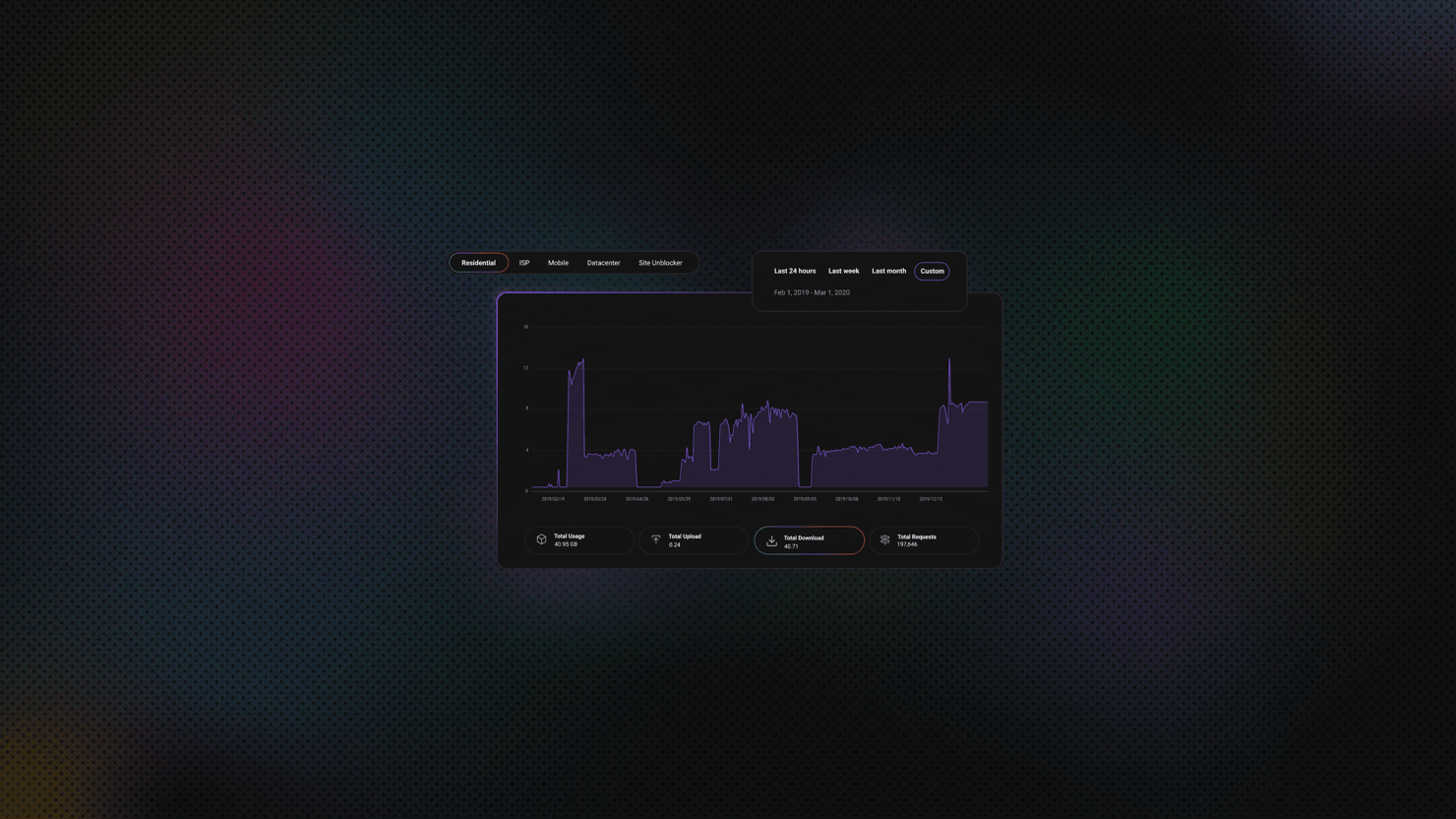
Python Cloudscraper: Bypass Cloudflare Protection, Configure Proxies, and Handle Common Errors
Most Python scrapers that use Requests stop working as soon as a site is protected by Cloudflare. You might see a 403 error, get stuck in a redirect loop, or land on a "Just a moment..." page that never loads. Cloudscraper solves this problem without needing a headless browser. It builds on Requests, handles Cloudflare's JavaScript challenges, and gives you a working session. This guide explains how to set up Cloudscraper, configure proxies, choose an interpreter, handle CAPTCHAs, parse data, fix common errors, and understand the library's limitations. If you're new to Python scraping, start with the Python web scraping guide first.

Mykolas Juodis
Last updated: Jun 16, 2026
17 min read

Block Requests in Puppeteer: A Practical Guide to Faster, Leaner Scraping
When you scrape the web with Puppeteer, you almost always pull in data you want alongside extras you don't need, like images, fonts, and tracking scripts that increase your request count, slow your pages, and drain your proxy bandwidth. In this guide, you'll learn how to block unnecessary requests with request interception and Chrome DevTools Protocol (CDP) so your scraper runs faster and scales more efficiently.
Justinas Tamasevicius
Last updated: Jun 16, 2026
16 min read

How Residential Proxies Work: A Technical Guide to Types, Networks & IP Sourcing
A residential proxy network routes your traffic through real ISP-assigned home IPs. But how routing actually happens, which proxy types you end up using, and how IPs are sourced have a much bigger impact on success rates. This guide breaks down how residential proxy networks work, including ASN-level routing, the different types of IPs, and the protocols they support.

Robertas Lisickis
Last updated: Jun 11, 2026
11 min read
Node Unblocker: A Comprehensive Guide
Node Unblocker is an open-source web proxy built on Node.js that allows users to bypass internet censorship, evade network filters, and access restricted content. Whether you are dealing with strict corporate firewalls, educational network restrictions, or geo-blocked websites, Node Unblocker acts as a seamless intermediary to securely route your web traffic.

Zilvinas Tamulis
Last updated: Jun 08, 2026
8 min read

How to Bypass Cloudflare: Complete Guide to Anti-Bot Evasion
Cloudflare is a massive global cloud network that sits firmly between your scraper and the data you need, blocking all requests that fail its multi-layered detection system. It powers nearly 21% of all websites globally, meaning that 1-in-5 sites rely on this network. Therefore, knowing how to bypass it is essential for serious scrapers. This practical walkthrough covers detection methods, tools like Puppeteer and Playwright, and both DIY approaches and managed solutions, including proxy strategies and web scraping APIs.
Vilius Sakutis
Last updated: Jun 02, 2026
10 min read

How to Use a Proxy With node-fetch: Setup, Rotation, and Troubleshooting Guide
A node-fetch proxy routes your fetch requests through an intermediary server, so the target site sees the proxy's IP instead of yours. It's the standard fix for IP blocks, geo-restrictions, and rate limiting in Node.js scraping. The catch: neither node-fetch nor Node's native fetch supports proxies natively, so you need an external agent library to bridge the gap.
Justinas Tamasevicius
Last updated: May 26, 2026
9 min read
500 Internal Server Error: Causes, Fixes, and How to Prevent It
A 500 Internal Server Error means the server encountered a generic internal error while processing your request. It's frustrating because the message is deliberately vague. This guide is for you if you run a website, build or maintain applications, or send programmatic requests, whether you are fixing your own site or dealing with 500s from external targets while collecting data from the web.
Justinas Tamasevicius
Last updated: May 05, 2026
9 min read
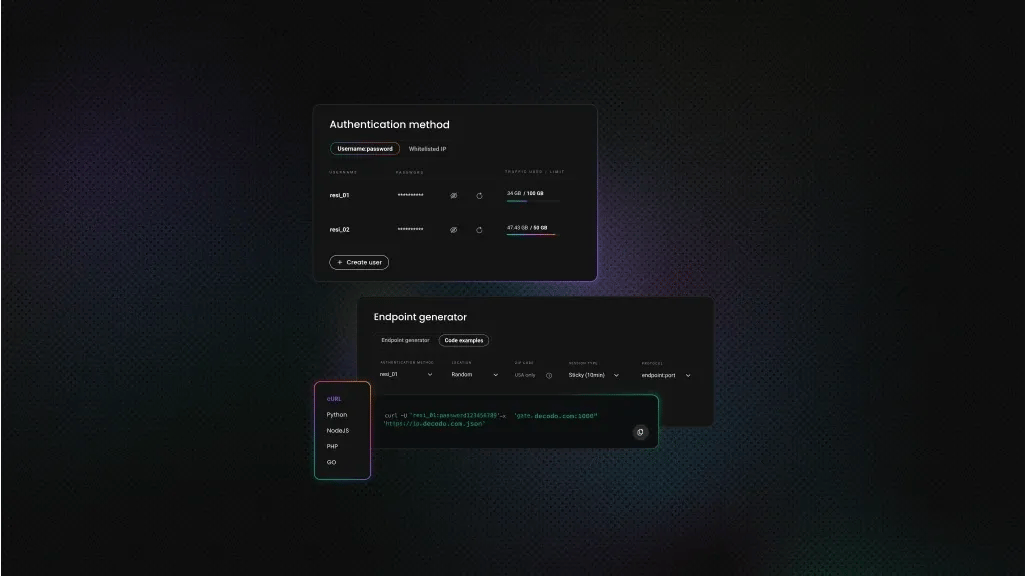
How to Bypass Google CAPTCHA: Expert Scraping Guide 2026
Scraping Google can quickly turn frustrating when you're repeatedly met with CAPTCHA challenges. Google's CAPTCHA system is notoriously advanced, but it’s not impossible to avoid. In this guide, we’ll explain how to bypass Google CAPTCHA verification reliably, why steering clear of Selenium is critical, and what tools and techniques actually work in 2026.

Dominykas Niaura
Last updated: Apr 08, 2026
10 min read

How to bypass CreepJS: tested methods and benchmark results
CreepJS is a browser fingerprinting audit tool used to test how detectable your automated browser is. If you’re trying to bypass CreepJS or improve browser fingerprinting, it helps you spot inconsistencies across signals like WebGL, fonts, and navigator data. This guide shows what actually gets flagged and how to fix the parts that still give your browser away.
Vilius Sakutis
Last updated: Apr 07, 2026
12 min read

nodriver Explained: How Undetected Chromedriver's Successor Actually Works
nodriver is a Python package for browser automation and web scraping built as the successor to undetected-chromedriver. It skips the usual WebDriver layer, talks to Chrome more directly than Selenium, and uses an async-first design. In this guide, you'll learn what nodriver is, how it works in Python, and where it fits for scraping JavaScript-heavy pages when basic browser automation starts showing its limits.

Lukas Mikelionis
Last updated: Apr 01, 2026
8 min read

Web Scraping with Camoufox: A Developer's Complete Guide
If you're scraping with Playwright or Selenium, you've hit this. Your script works on unprotected sites, but Cloudflare, PerimeterX (HUMAN Security), and DataDome detect the headless browser and block it within seconds. Stealth plugins help, but each browser update breaks the patches. Camoufox takes a different approach – it modifies Firefox at the binary level to spoof browser fingerprints, making automated sessions look like real user traffic. This guide covers Camoufox setup in Python, residential proxy integration, real-world test results against protected targets, and when browser-level tools aren't enough.
Justinas Tamasevicius
Last updated: Mar 31, 2026
14 min read
How to Fix the “Your IP Address Has Been Banned” Error
Web scraping is one of the most effective ways to collect publicly available data at scale, but without the right infrastructure, it often leads to a familiar roadblock: the “Your IP Address Has Been Banned” error. This message means a website has blocked your IP address after detecting automated or unusually frequent requests. Fortunately, IP bans are both fixable and preventable. In this guide, we explain what causes IP bans during web scraping, how to recover when one happens, and the best practices for keeping your scraping operations running smoothly without interruption.
Justinas Tamasevicius
Last updated: Mar 23, 2026
6 min read
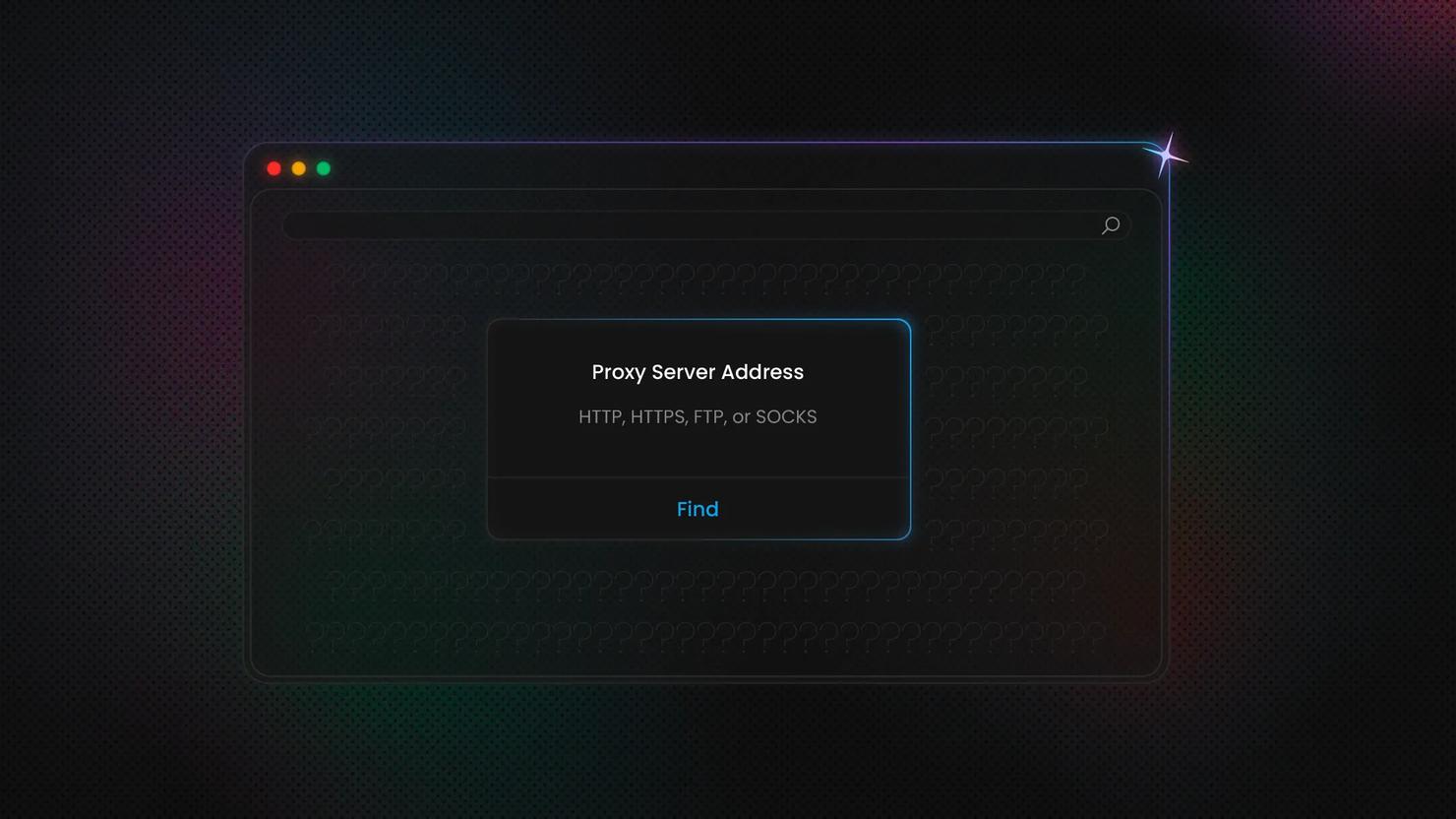
How to Find Proxy Server Address On Any Device
A proxy server sits between your device and the internet and routes your traffic through an intermediary IP. It's core infrastructure for privacy, access control, and large-scale data operations. If you need to locate your proxy address and port, to set up a scraper, debug a failed connection, or audit your network, you'll want to know exactly where each platform stores these details. This guide covers every major OS, browser, and device, step by step.
Kipras Kalzanauskas
Last updated: Mar 17, 2026
6 min read

Error 1005: What It Means and How to Fix It
You're trying to load a website, and instead of the page, you get a blank screen telling you access is denied. No explanation, no obvious reason. That's Error 1005, a Cloudflare security response that blocks your entire network rather than just your IP. This guide breaks down what triggers it, how to diagnose the cause, and what actually works to fix it.
Lukas Mikelionis
Last updated: Mar 16, 2026
6 min read
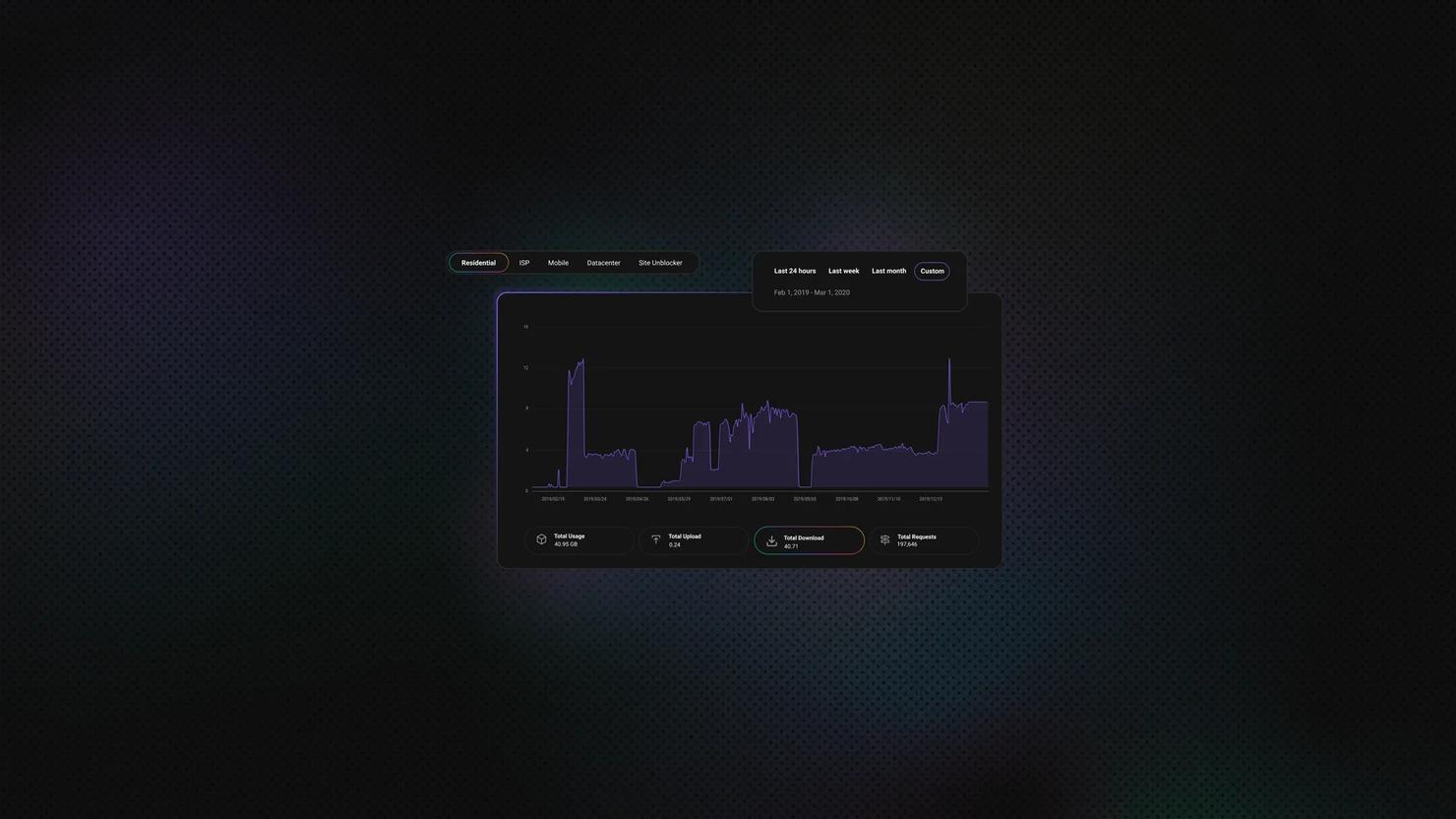
What Is a Proxy Server? How It Works, Types, and Use Cases
TL;DR: A proxy server acts as an intermediary between your device and the internet, masking your IP address and routing your requests through alternative IPs. Businesses use proxies to bypass geo-restrictions, avoid blocks and CAPTCHAs, scrape web data at scale, verify ads, monitor prices, and maintain online anonymity. With the proxy market projected to reach USD 3.12 billion by 2032, understanding which proxy type fits your needs can make the difference between seamless data collection and constant roadblocks.
Mykolas Juodis
Last updated: Feb 12, 2026
8 min read