
Welcome to Decodo Blog!
Build knowledge on our solutions and streamline your workflows with step-by-step guides and expert tips.
How to Set Up, Configure, and Use SOCKS5 Proxy
SOCKS5 proxies operate as an application-layer protocol, making them highly versatile across different setups. Depending on your goals, you can configure them at the application level to isolate traffic from a specific tool, or apply them system-wide to route traffic across your entire device. This guide shows how to set up and use a SOCKS5 proxy across Windows, macOS, Linux, mobile devices, and selected applications, helping you choose the best configuration for your workflow.

Dominykas Niaura
Last updated: Aug 18, 2026
10 min read
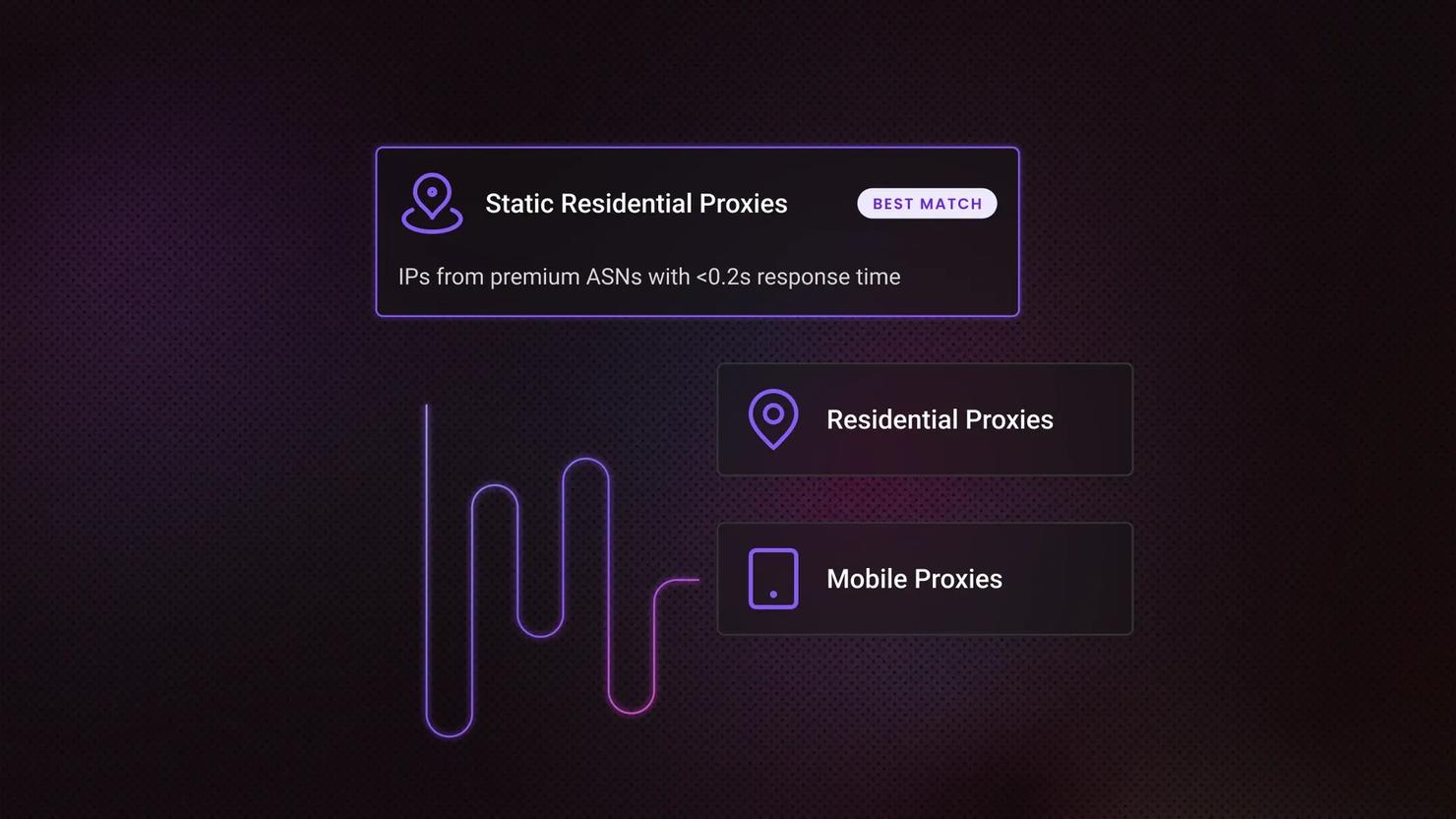
Dedicated IP vs Shared IP Proxies: Key Differences and How to Choose
A dedicated IP is assigned to one user exclusively, while a shared IP serves several users at once. Both come from the same sources – datacenter, ISP (static residential), or residential networks, so exclusivity sits on top of that choice rather than replacing it. Exclusivity also costs more, and what a ban costs you decides whether it's worth paying.

Lukas Mikelionis
Last updated: Aug 17, 2026
8 min read

How to Bypass CAPTCHAs: The Ultimate Guide 2026
CAPTCHAs love to show up right when your scraper's getting somewhere. They exist to sort humans from bots, and if you're seeing them constantly, it's usually triggered by a mix of strict website security policies and a drop in your IP's trust score. That's why CAPTCHA bypass only works long-term if you treat it as a trust fix, not a workaround.

Robertas Lisickis
Last updated: Aug 17, 2026
7 min read

DeepSeek Harness Web Scraping: MCP, Skills, and CLI
DeepSeek Harness (dsh) is an open-source agent runtime released in August 2026 under the MIT license, where models, tools, and skills all load as plugins. The plugin model means external data sources mount cleanly, but the built-in fetch and search tools still return blocked pages, empty JavaScript shells, and geo-wrong results on real sites. No commercial scraping provider has shipped a dsh integration yet, so this walkthrough uses tested config instead. You'll leave with three tested ways to give a dsh agent structured data from live sites.

Zilvinas Tamulis
Last updated: Aug 07, 2026
21 min read
Best Proxy Providers in 2026: 9 Paid Services Tested & Compared
With dozens of proxy providers competing for attention, finding the best option requires looking beyond marketing claims and comparing real-world performance. We looked into the top providers based on proxy pool size, performance, pricing, and support using independent benchmark results, so you can find the right one for web scraping, multi-accounting, or AI data collection.

Justinas Tamasevicius
Last updated: Aug 07, 2026
7 min read

Akamai Bypass: How to Get Past Akamai Bot Detection in 2026
Akamai is one of the most widely deployed bot management systems on the web, and one of the hardest to scrape around. It sits between visitors and a site's servers, analyzing every request across multiple layers to decide what's a real user and what's automated. This guide breaks down how that detection works, the practical techniques for getting past it, and where the technical and legal limits sit.
Zilvinas Tamulis
Last updated: Aug 07, 2026
20 min read
Wikimon Scraper: Build a Digimon Data Scraper in Python
Wikimon.net is a community-maintained Digimon wiki, but it doesn't offer a public API, so web scraping is the most practical way to pull structured data from its Visual List. In this guide, you’ll build a working Python scraper with Requests and Beautiful Soup to extract Digimon names and image URLs, then save the results to either a CSV file or a MySQL database for later use.
Lukas Mikelionis
Last updated: Aug 06, 2026
15 min read

Mobile Proxy vs. Residential Proxy: How to Choose
You can’t get any more "real" than mobile and residential proxies. Both are sourced from genuine user devices, with mobile drawing from phones on carrier networks and residential from homes with broadband. In this blog post, we’ll tackle the difference between the two, explaining how each proxy type affects trust, speed, and cost, and how to decide which one belongs in your projects.
Robertas Lisickis
Last updated: Aug 06, 2026
8 min read

Best Social Media Proxies In 2026 (Compared)
The best social media proxies keep each account on an address that platforms trust: a static ISP or sticky mobile address. Sourcing decides address lifespan and reputation. If you're collecting public data at scale instead, see our Social Media Scraping API, or the Pinterest scraper API for pins, boards, and profile data.. This guide compares 5 providers and gives you 2 checks to run on a trial before you commit.

Kotryna Ragaišytė
Last updated: Aug 06, 2026
10 min read
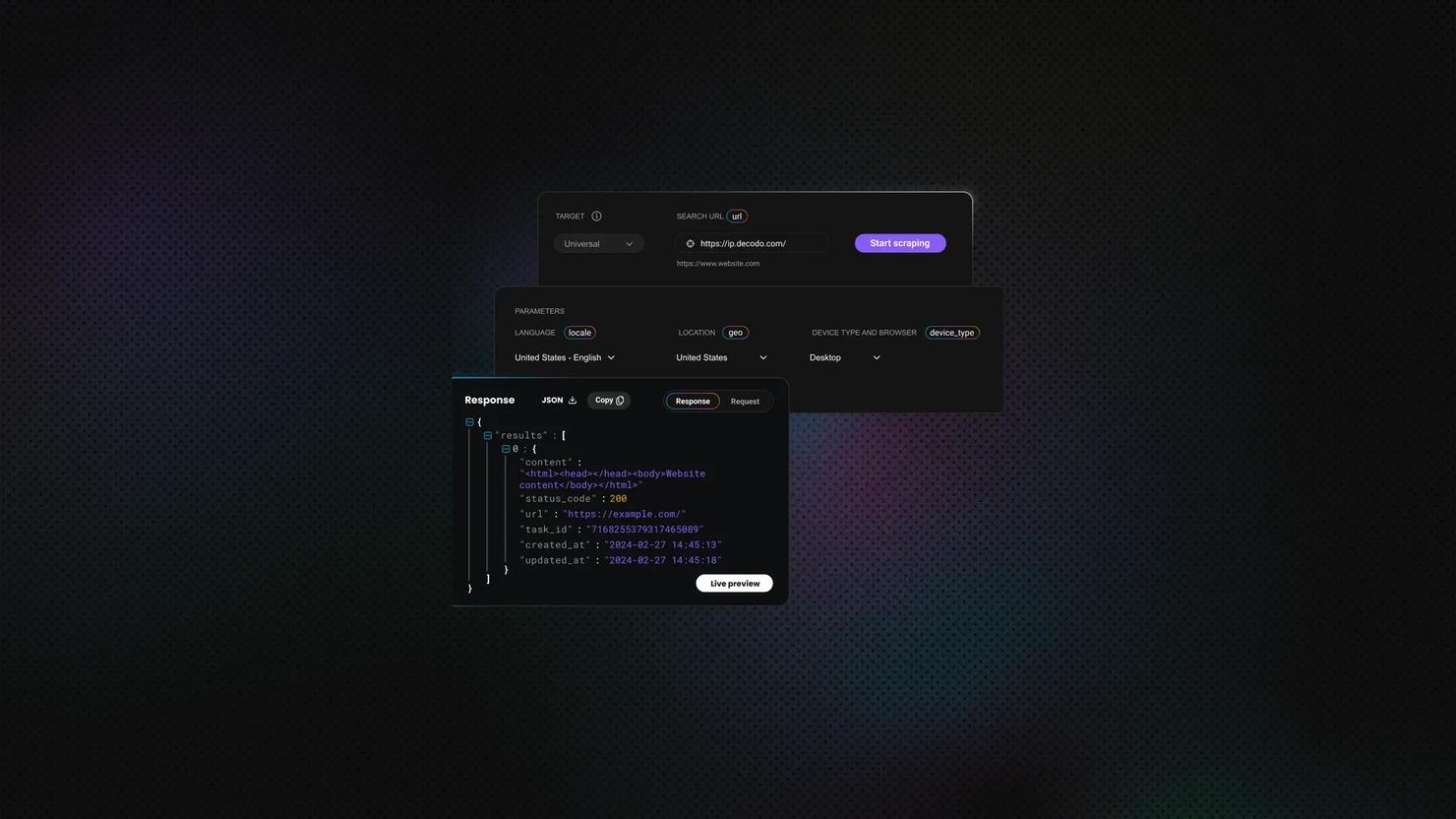
How to Scrape Hidden APIs (With a Worked Example)
A hidden API is an undocumented endpoint that a website's frontend calls in the background, usually through XHR, Fetch, or GraphQL, to load data as JSON. Scraping hidden APIs means calling that endpoint directly instead of parsing the rendered HTML. Many modern websites load the page first, then fetch the actual data this way, so the clean JSON you need is often just one request away. In this guide, you'll learn how to find these hidden APIs and use them to collect structured data faster, without a headless browser.
Justinas Tamasevicius
Last updated: Aug 06, 2026
20 min read

How to Bypass PerimeterX: Detection Methods, Tools, and Practical Workarounds
PerimeterX, now HUMAN, is a cybersecurity platform that employs multiple detection techniques to accurately identify and block threats to web applications. Since numerous high-traffic websites rely on PerimeterX, it's almost inevitable that developers will encounter it when web scraping. This guide explains how PerimeterX detects bots, how to bypass it (tools and strategies), and how to troubleshoot common failures.
Justinas Tamasevicius
Last updated: Aug 05, 2026
12 min read

DataDome Bypass: How To Detect, Avoid, and Get Past It in 2026
Most anti-bot systems block scrapers based on a single bad signal. DataDome scores dozens at once, weighing your TLS handshake, IP, headers, JavaScript, and behavior into one verdict it reaches in milliseconds. That layered scoring makes it hard to beat, and this guide covers how to bypass it.
Lukas Mikelionis
Last updated: Aug 04, 2026
16 min read
How to Bypass CAPTCHA With Puppeteer: A Step-By-Step Guide
CAPTCHAs have been a website security staple since 2000, drawing a line between human users and bots. They're a savior for website owners and a nightmare for data gatherers. But the challenge has shifted. Modern systems like reCAPTCHA v3, hCaptcha, and Cloudflare Turnstile no longer rely on distorted text and puzzles alone. They score your behavior in the background, which means avoiding them is now as much about how you act as what you click. This guide covers CAPTCHA detection, prevention, real solver integration, and where Puppeteer fits alongside Playwright in 2026.
Dominykas Niaura
Last updated: Aug 04, 2026
10 min read

How To Scrape Christie's Auction Data: A Complete Guide
Christie's has published more than 4 million sold-lot results online since the mid-1990s, and none of them come with a public API. A Christie's scraper pulls that lot data from christies.com into a structured format like JSON or CSV, using the endpoint that the site's own search calls. This guide shows you how to build it, then covers the buyer's premium, the 10,000-result cap, and the proxy costs.
Justinas Tamasevicius
Last updated: Aug 03, 2026
17 min read

RAG Data Sources: Types, How to Build Them, and How to Keep Them Clean
Retrieval-augmented generation (RAG) lets a language model answer questions using external data rather than frozen training data alone. The sources you feed it decide how accurate, fresh, and relevant those answers are. This guide covers what RAG is, how it works, the available data source types, comparisons with related methods, and the pitfalls to plan for.

Vilius Sakutis
Last updated: Jul 31, 2026
6 min read
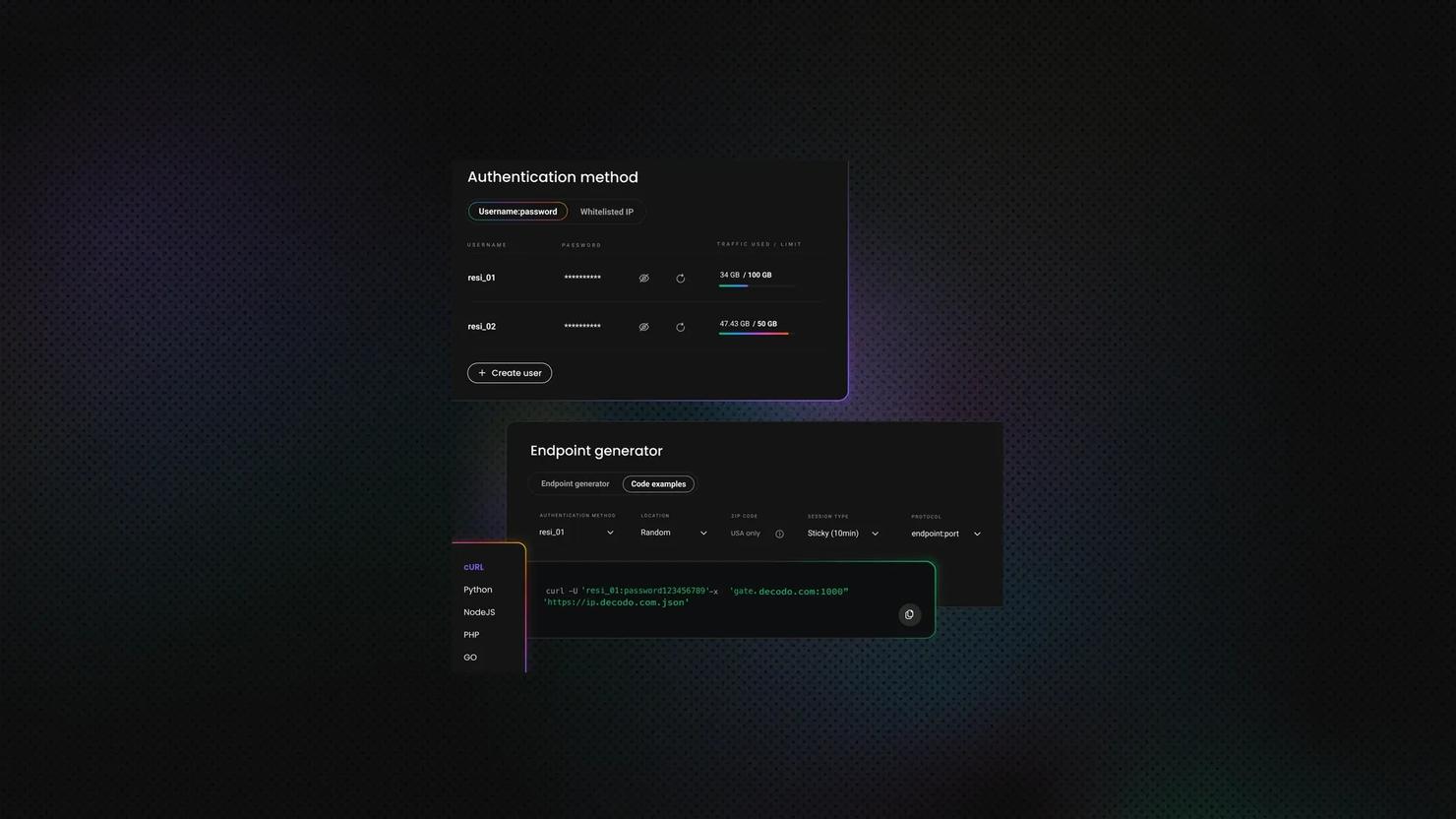
Imperva Bypass: How to Get Past Incapsula Bot Protection in 2026
Imperva (formerly Incapsula) protects many high-traffic retail, real estate, travel, and job listing websites, making it one of the most common obstacles you'll encounter while web scraping. But once you understand how it works, it becomes much easier to work around. In this guide, you'll learn how Imperva detects bots, practical ways to reduce blocks, and where DIY approaches start reaching their limits.
Dominykas Niaura
Last updated: Jul 31, 2026
8 min read

Best US Proxies in 2026: Top Providers Compared
The best US proxies let you access US-only websites, scrape local web data, manage US-targeted accounts, and verify digital ads from different locations. They route your internet traffic through an IP address located in the United States, making websites recognize your requests as coming from an American user so you don’t get blocked. This guide compares the best US proxies using US-specific performance metrics.
Kotryna Ragaišytė
Last updated: Jul 31, 2026
16 min read

Claude Skills vs. MCP: What's the Difference and When To Use Each
Claude Skills and MCP both extend what Claude can do, but they solve different problems. A Skill packages knowledge and procedure into a folder Claude reads when a task calls for it. MCP is a protocol that connects Claude to live tools and data. This guide gives you plain definitions, an honest comparison, and a working example of both on the same task.
Zilvinas Tamulis
Last updated: Jul 30, 2026
15 min read