Python
Python is deffo an A-lister of worlds' programming languages. It's free, powerful, easy to read and understand. By the way, besides web and software development, you can use Python for data analytics, machine learning, and more.
14-day money-back option

How to Scrape Perplexity: Methods, Tools, and a Python Tutorial
Perplexity is slowly becoming one of the more prominent LLMs in 2026 because it delivers output in a unique way that sets it apart from the rest. When you send a prompt, Perplexity AI will return a direct answer, along with cited sources (URLs and titles), related follow-up questions to that prompt, and supporting images as well. All this information can be worth tracking for businesses that care about their brand visibility, and how Perplexity is representing them and their competitors to a typical user.

Mykolas Juodis
Last updated: Jul 14, 2026
16 min read
JavaScript vs. Python: Which Is Better for Web Scraping in 2026?
Python and JavaScript are 2 languages that dominate web scraping, but for different reasons. The real question isn't which language is "better," but rather what task you're building for. This article compares both languages in terms of libraries, performance, support for dynamic content, and anti-bot strategies, while also showing why the overall architecture matters more than your language choice.

Justinas Tamasevicius
Last updated: Jul 14, 2026
8 min read
Playwright Get Cookies: How to Get, Save, and Load Cookies in Playwright
When you need to get cookies in Playwright and reuse them across runs, the key concept is the browser context. Cookies live in the context, not the page. Getting cookies in Playwright starts with the context.cookies() method, and returns every cookie stored in the browser context, which you can save and load from a file later. This guide walks through how to get, save, and load cookies in Playwright.
Mykolas Juodis
Last updated: Jul 14, 2026
5 min read
Playwright Wait for Page to Load: A Guide to Every Waiting Method
Knowing how to wait for a page to load in Playwright is the difference between a scraper that returns clean data and one that fails silently. In this guide, you'll learn how to handle waiting in Playwright, including how it behaves in a headless browser environment, covering auto-waiting, selectors, network events, timeouts, custom conditions, and error handling across dynamic pages.

Dominykas Niaura
Last updated: Jul 13, 2026
6 min read
undetected ChromeDriver in Python: Avoid Bot Detection When Web Scraping
Undetected ChromeDriver is a Python library that patches Selenium’s ChromeDriver to avoid bot detection when web scraping. Standard Selenium ChromeDriver is blocked by most protected websites within the first few requests: anti-bot services like Cloudflare, DataDome, and HUMAN (formerly PerimeterX) read automation flags, WebDriver properties, and browser-fingerprint gaps before the first page finishes loading. The undetected_chromedriver library works as a drop-in Selenium WebDriver replacement (swap webdriver.Chrome() for uc.Chrome()) and reduces those signals. But it does not hide your IP address, so this guide also shows how to pair it with residential proxies and behavioral techniques to stay unblocked.
Justinas Tamasevicius
Last updated: Jul 13, 2026
18 min read
How to Scrape Bing Search with Python
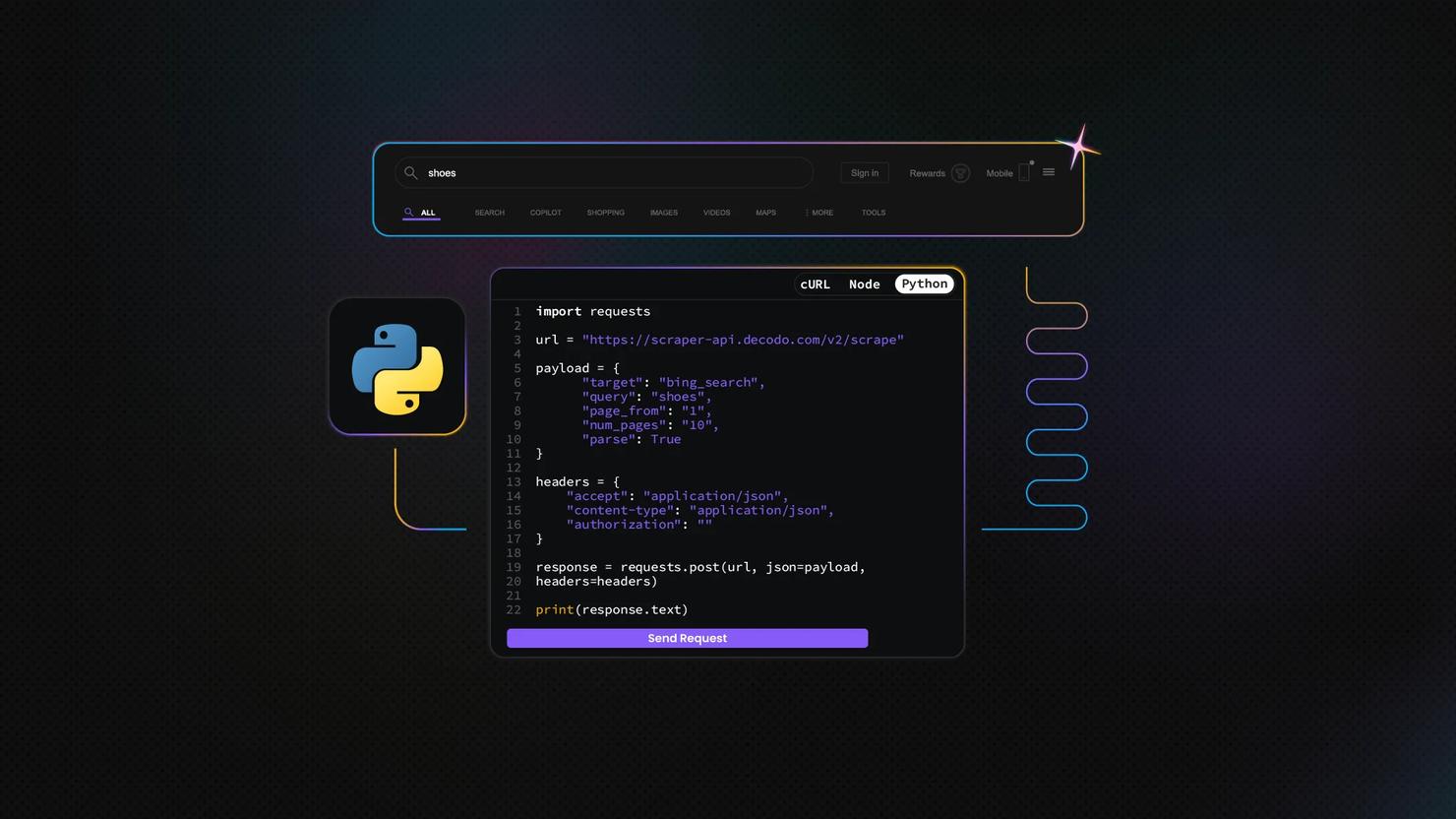
Bing scraping is the automated extraction of rankings, ads, snippets, and search features from Bing's SERPs. Since Microsoft retired all official Bing Search APIs in 2025, scraping and third-party SERP APIs are the main ways to access this data programmatically. This guide covers Python-based approaches using Requests, Beautiful Soup, Playwright, and Decodo's Web Scraping API.

Zilvinas Tamulis
Last updated: Jul 13, 2026
12 min read
How To Scrape JSON Data in Python: Complete Tutorial
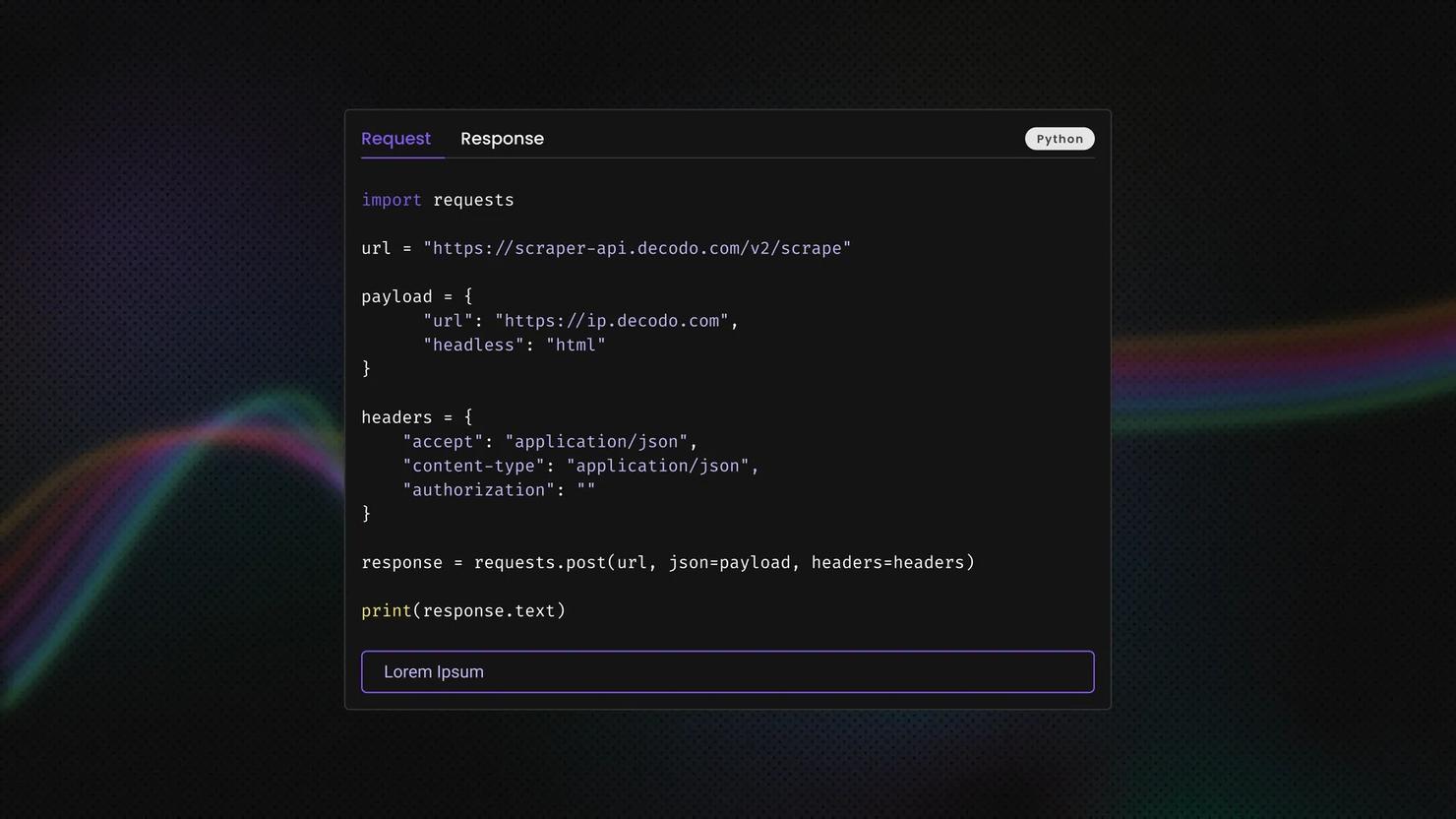
JSON is the format that most web APIs and modern websites use to send their data. This tutorial shows how to scrape JSON data in Python – fetching it, parsing it, modifying it, and exporting clean files. You'll also learn about the tools for messy or oversized responses, and how to get data when sites block you with fingerprinting.
Justinas Tamasevicius
Last updated: Jul 03, 2026
19 min read

Scrapy With JavaScript: How To Scrape Dynamic Sites Without Losing Your Pipeline
Scrapy is an asynchronous Python framework for crawling and extracting data at scale, but it doesn't execute JavaScript on its own. A spider can get a clean 200 response and still return empty selectors on a modern site. This guide covers the rendering options (Splash, Selenium, Playwright, managed APIs) and the cache and concurrency settings that matter once browser rendering comes into play.

Vilius Sakutis
Last updated: Jul 01, 2026
14 min read

MechanicalSoup Python: A Complete Guide to Scraping, Forms, and Proxies
When you need to scrape 50 pages of search results behind a login wall, raw Requests + Beautiful Soup force you to track cookies and assemble form payloads by hand, while Selenium launches a full browser for pages that don't even use JavaScript. MechanicalSoup sits between those extremes. It wraps Requests and Beautiful Soup into a stateful browser that handles web scraping sessions, forms, and navigation automatically. This guide covers everything from installation to proxy-powered production scrapers.
Justinas Tamasevicius
Last updated: Jun 03, 2026
16 min read
How To Build a News Crawler in Python: Step-by-Step Guide
A news crawler is a tool that automatically pulls content from news websites. A web news crawler helps with tracking competitors, feeding LLM pipelines, or watching topic coverage across publishers. This guide walks you through building a configurable proxy-integrated Python news crawler that’ll target multiple news sources, handles proxy rotation, and saves structured results on a schedule.

Kipras Kalzanauskas
Last updated: Jun 03, 2026
12 min read

Python Extract Text From HTML: A Step-by-Step Guide With Code Examples
Extracting text from HTML in Python is one of the most common tasks in web scraping, NLP pipelines, search indexing, and data preparation. The goal is to keep the visible content from a webpage while removing all the HTML markup, scripts, and styles that surround it. This guide walks you through the popular Python libraries for HTML text extraction and a full step-by-step workflow to go from raw HTML to clean, production-ready text.

Lukas Mikelionis
Last updated: May 28, 2026
14 min read
How To Build a Rank Tracker: Manual Checks, Python Automation, and Modern SERP Tracking
On a recent run, wired.com ranked no. 1 on US desktop and no. 2 on UK desktop computers for "best laptop 2026". Same query, same hour, different country. That gap is what a single-number rank tracker misses, especially now that modern SERPs add AI Overview citations, featured snippets, and "People also ask" blocks that most older tracking tools ignore. This post walks through building a tracker that captures all of it, starting with a manual baseline for ground truth, then moving to a Python implementation against a SERP API, and finally setting up a scaling path for more keywords and locations.
Kipras Kalzanauskas
Last updated: May 28, 2026
20 min read
Python Try and Except: How to Handle Errors Without Crashing Your Script
An unhandled runtime error crashes a Python program immediately. The try/except is the standard mechanism for handling those failures and keeping the script under control. This guide covers all the exception-handling clauses: try, except, else, finally, and raise, alongside practical guidelines for keeping exception handlers narrow, explicit, and maintainable.
Vilius Sakutis
Last updated: May 26, 2026
5 min read
urllib3 vs. Requests: Which Python HTTP Library to Use?
Choosing between urllib3 and Requests is like choosing between a manual and an automatic transmission, except one (Requests) is built into the other (urllib3). The automatic gets you moving in seconds, but the manual gives you control over every shift. Both libraries power web scraping, API calls, and automation, and this article will tell you which belongs in your project.
Vilius Sakutis
Last updated: May 22, 2026
10 min read
What is Charles Proxy: Traffic Inspection, Debugging, And Web Scraping Guide
Charles Proxy (or simply Charles) is an HTTP debugging proxy that acts as a man-in-the-middle between the computer and the internet, which developers and QA teams use to monitor, inspect, and modify data flow. In web scraping, it allows users to intercept, decrypt, and manipulate network traffic to extract data. This guide covers setup, core features, SSL handling, practical use cases, scraping workflows, troubleshooting, and notable alternatives of Charles Proxy.
Mykolas Juodis
Last updated: May 20, 2026
8 min read
Elixir Web Scraping: A Practical Step-by-Step Guide
Elixir web scraping solves one of the hardest problems in high-volume data collection: concurrency without thread overhead. The BEAM virtual machine (Erlang's runtime) runs each HTTP request as a lightweight process, not an OS thread, so you can fetch thousands of pages concurrently. If a process crashes, the supervisor restarts it automatically. This guide builds a complete Elixir scraper from scratch, covering static pages, paginated targets, JavaScript-heavy sites, and anti-bot countermeasures.
Justinas Tamasevicius
Last updated: May 19, 2026
25 min read
Playwright XPath: How to Locate and Interact With Elements
If you're building a Playwright scraper and not using Xpath, you're probably leaving your most precise location strategy on the table. Think of the DOM as a tree of nodes, and an XPath expression as the specific zip code to reach any node. In this article, we'll explain XPath fundamentals, how to construct XPath expressions, and how to interact with elements, including real-world examples.
Vilius Sakutis
Last updated: May 13, 2026
20 min read

Top Python Scraping Libraries: Overview, Comparison, and How to Choose the Right One
Python has the richest scraping ecosystem of any language. That breadth is exactly why making a choice is harder than it should be. This article continues from our Python web scraping guide, focusing on the selection problem: 8 libraries across 4 categories, what each one does best, where it breaks down, and how to choose the right one for the job.
Vilius Sakutis
Last updated: Apr 30, 2026
20 min read