
Welcome to Decodo Blog!
Build knowledge on our solutions and streamline your workflows with step-by-step guides and expert tips.

How To Build a Rank Tracker: Manual Checks, Python Automation, and Modern SERP Tracking
On a recent run, wired.com ranked no. 1 on US desktop and no. 2 on UK desktop computers for "best laptop 2026". Same query, same hour, different country. That gap is what a single-number rank tracker misses, especially now that modern SERPs add AI Overview citations, featured snippets, and "People also ask" blocks that most older tracking tools ignore. This post walks through building a tracker that captures all of it, starting with a manual baseline for ground truth, then moving to a Python implementation against a SERP API, and finally setting up a scaling path for more keywords and locations.

Kipras Kalzanauskas
Last updated: May 28, 2026
20 min read

Open WebUI tools: how to give your local LLM real-time internet access with a scraping API
Local LLMs are powerful, but their knowledge ends at the training cutoff. Without internet access, a model running on your own hardware can’t check current prices, read recent news, or retrieve updated documentation. Open WebUI’s Tools system solves this by letting models call custom Python functions during a conversation. In this tutorial, you’ll connect the Decodo Web Data API to a custom Open WebUI tool, so your model can fetch live web content on demand.

Justinas Tamasevicius
Last updated: May 28, 2026
12 min read

API vs. Web Scraping: How to Choose the Right Data Collection Method
Web data extraction typically follows two main paths: requesting through an API or directly scraping target pages. If you're building distributed data pipelines, your choice can impact scalability, reliability, and overall cost. In this guide, we'll explore what each path entails, provide a detailed comparison between them, and explain when to use APIs, web scraping, or both.
Justinas Tamasevicius
Last updated: May 27, 2026
12 min read
Web Scraping in Dify: A No-Code Guide
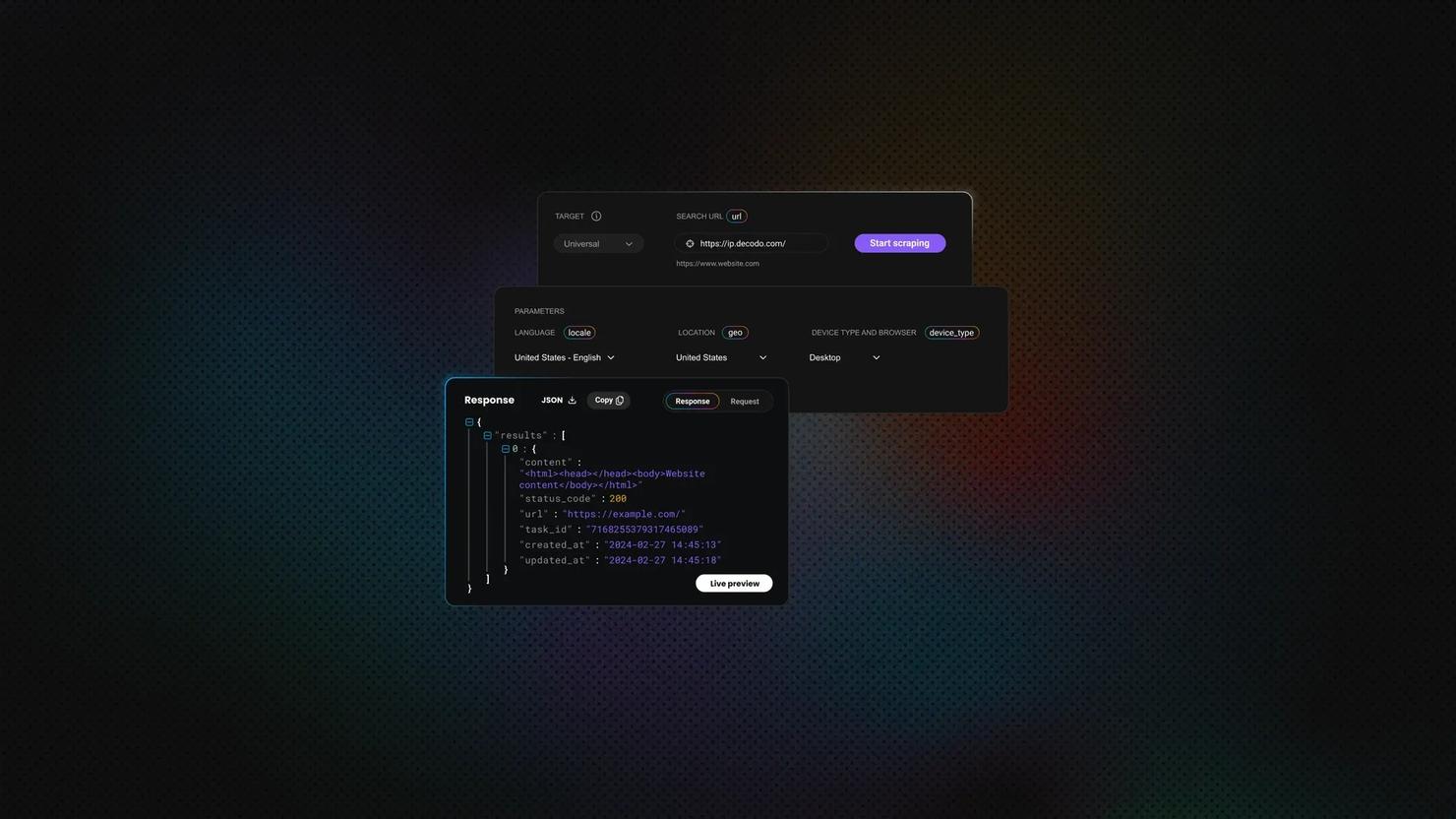
Dify is an open-source platform for building LLM apps and AI workflows visually. It gives teams a drag-and-drop canvas for chaining LLMs, tools, and APIs into complete AI workflows. Modern AI apps need fresh, structured web data, but most teams don't want to write and maintain Python scrapers. In this article, you'll learn how to build a no‑code Dify workflow and switch to a managed Web Data API when basic plugins aren't enough.

Lukas Mikelionis
Last updated: May 27, 2026
12 min read
Python Try and Except: How to Handle Errors Without Crashing Your Script
An unhandled runtime error crashes a Python program immediately. The try/except is the standard mechanism for handling those failures and keeping the script under control. This guide covers all the exception-handling clauses: try, except, else, finally, and raise, alongside practical guidelines for keeping exception handlers narrow, explicit, and maintainable.

Vilius Sakutis
Last updated: May 26, 2026
5 min read

How to Use a Proxy With node-fetch: Setup, Rotation, and Troubleshooting Guide
A node-fetch proxy routes your fetch requests through an intermediary server, so the target site sees the proxy's IP instead of yours. It's the standard fix for IP blocks, geo-restrictions, and rate limiting in Node.js scraping. The catch: neither node-fetch nor Node's native fetch supports proxies natively, so you need an external agent library to bridge the gap.
Justinas Tamasevicius
Last updated: May 26, 2026
9 min read

How to Scrape IMDb Data: Step-by-Step Guide with Python
To scrape IMDb data with Python at scale, you work with the 6 data layers IMDb sends to the browser instead of parsing the rendered HTML. IMDb is a Next.js application sitting behind AWS Web Application Firewall (AWS WAF) Bot Control, and the data lives in JSON-LD blocks, hydration payloads, and an internal GraphQL endpoint. To reach any of them past IMDb's WAF, you need more than plain requests and a real User-Agent, and the rest of this guide builds the setup that holds up.
Justinas Tamasevicius
Last updated: May 26, 2026
25 min read

Using Cursor AI To Build a Web Scraper: From Setup to Production With Decodo
Cursor AI is a code-aware IDE that generates, debugs, and refines scraper code through natural language, advancing AI-assisted scraping from concept to production. Building scrapers by hand means dealing with selector breakage, anti-bot walls, and proxy rotation logic that compounds every time a target site changes. This article covers setup, Cursor rules, scraper types, Decodo MCP integration, and project maintenance.
Lukas Mikelionis
Last updated: May 25, 2026
7 min read
Selecting Elements by Class in XPath: Syntax, Examples, and Pitfalls
Class names are often the quickest way to target elements when you scrape a page. But in XPath, they are not as simple as they look. Because HTML stores multiple classes inside a single space-separated attribute value, a selector that seems correct can still match the wrong element or miss the right one entirely. In this blog post, you’ll learn how to select elements by class in XPath, when to use exact or partial matching, and how to avoid common class matching pitfalls.

Mykolas Juodis
Last updated: May 25, 2026
5 min read
urllib3 vs. Requests: Which Python HTTP Library to Use?
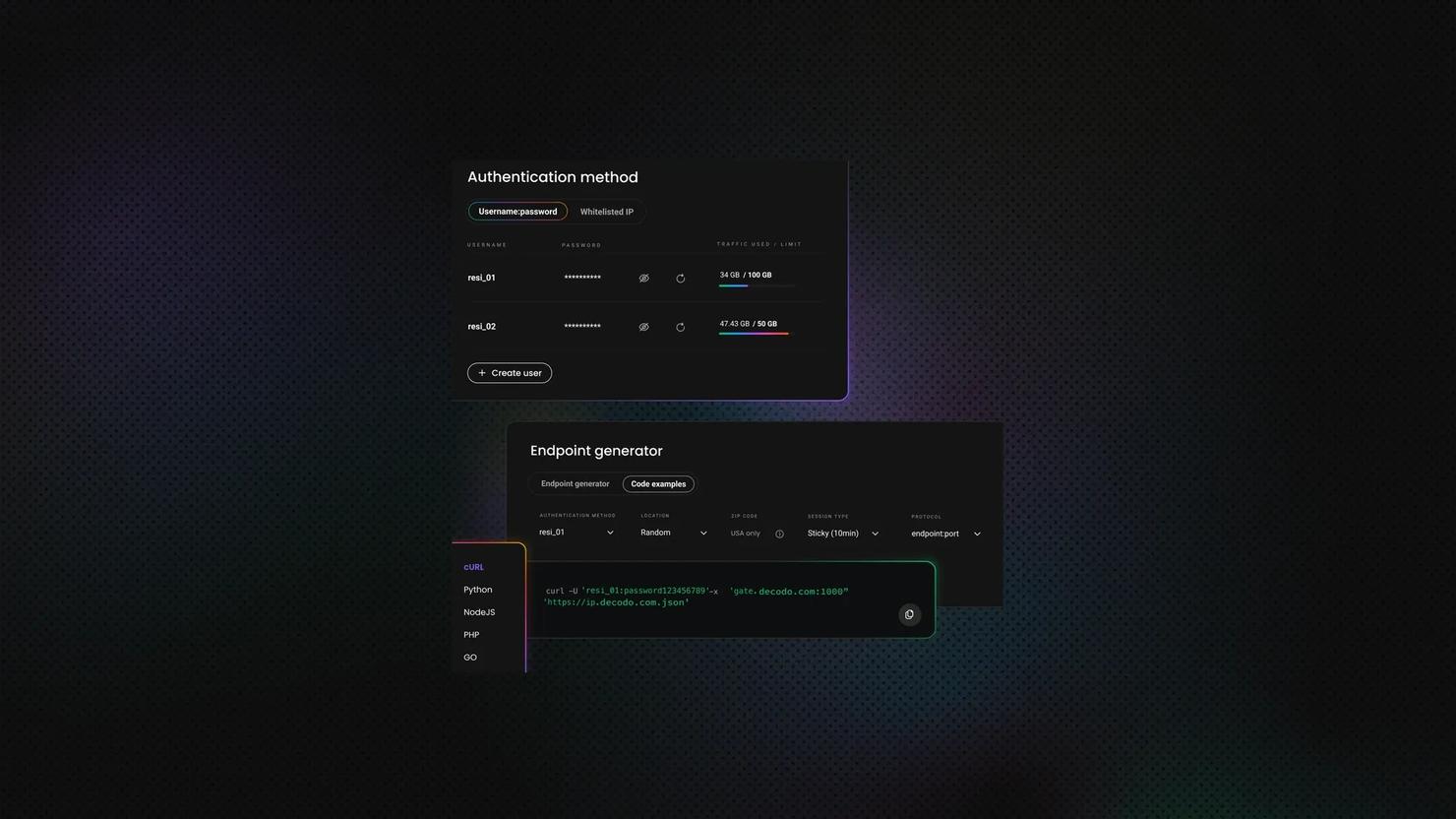
Choosing between urllib3 and Requests is like choosing between a manual and an automatic transmission, except one (Requests) is built into the other (urllib3). The automatic gets you moving in seconds, but the manual gives you control over every shift. Both libraries power web scraping, API calls, and automation, and this article will tell you which belongs in your project.
Vilius Sakutis
Last updated: May 22, 2026
10 min read

Smartproxy.org Impersonates Our Brand And Routes Users Into IPs Tied To IPIDEA
Smartproxy.org has nothing to do with us. The website impersonates the former name of our company, Smartproxy, which we dropped back in April 2025. Independent research from Proxyway now shows something worse than name confusion. Roughly 38% of Smartproxy.org’s IPs overlap with IPIDEA, the proxy network Google disrupted in January 2026.

Benediktas Kazlauskas
Last updated: May 22, 2026
4 min read
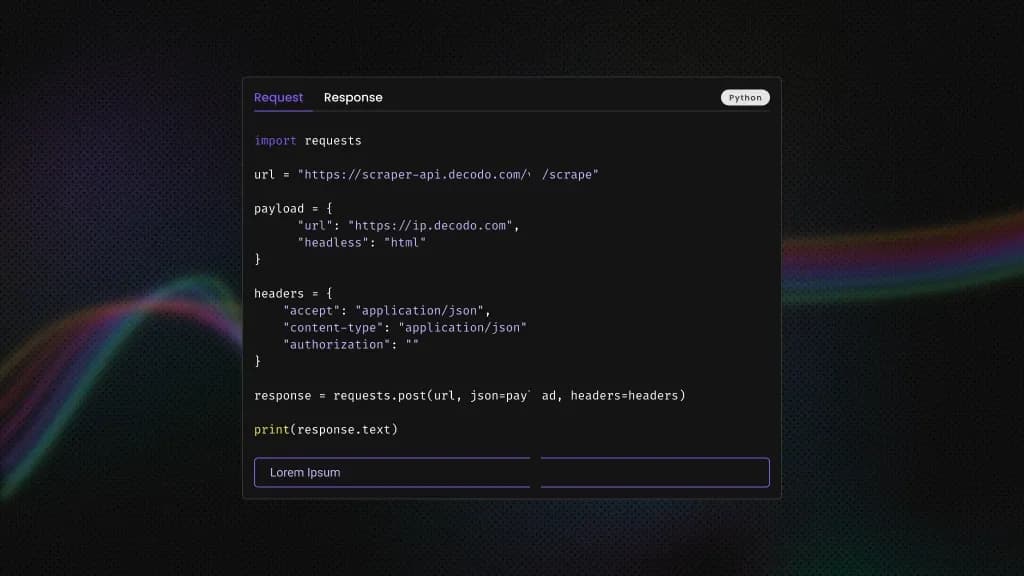
What is Charles Proxy: Traffic Inspection, Debugging, And Web Scraping Guide
Charles Proxy (or simply Charles) is an HTTP debugging proxy that acts as a man-in-the-middle between the computer and the internet, which developers and QA teams use to monitor, inspect, and modify data flow. In web scraping, it allows users to intercept, decrypt, and manipulate network traffic to extract data. This guide covers setup, core features, SSL handling, practical use cases, scraping workflows, troubleshooting, and notable alternatives of Charles Proxy.
Mykolas Juodis
Last updated: May 20, 2026
8 min read

How to Send JSON With cURL: Syntax, Flags, and Practical Examples
If you work with APIs, webhooks, automation scripts, or web scraping, chances are you've needed to send JSON with cURL. cURL is one of the most widely used command line tools for making HTTP requests, and modern APIs almost always rely on JSON payloads. In this guide, you’ll learn how to send JSON with cURL, work with files and authentication, debug requests, and route traffic through proxies when needed.
Mykolas Juodis
Last updated: May 20, 2026
29 min read
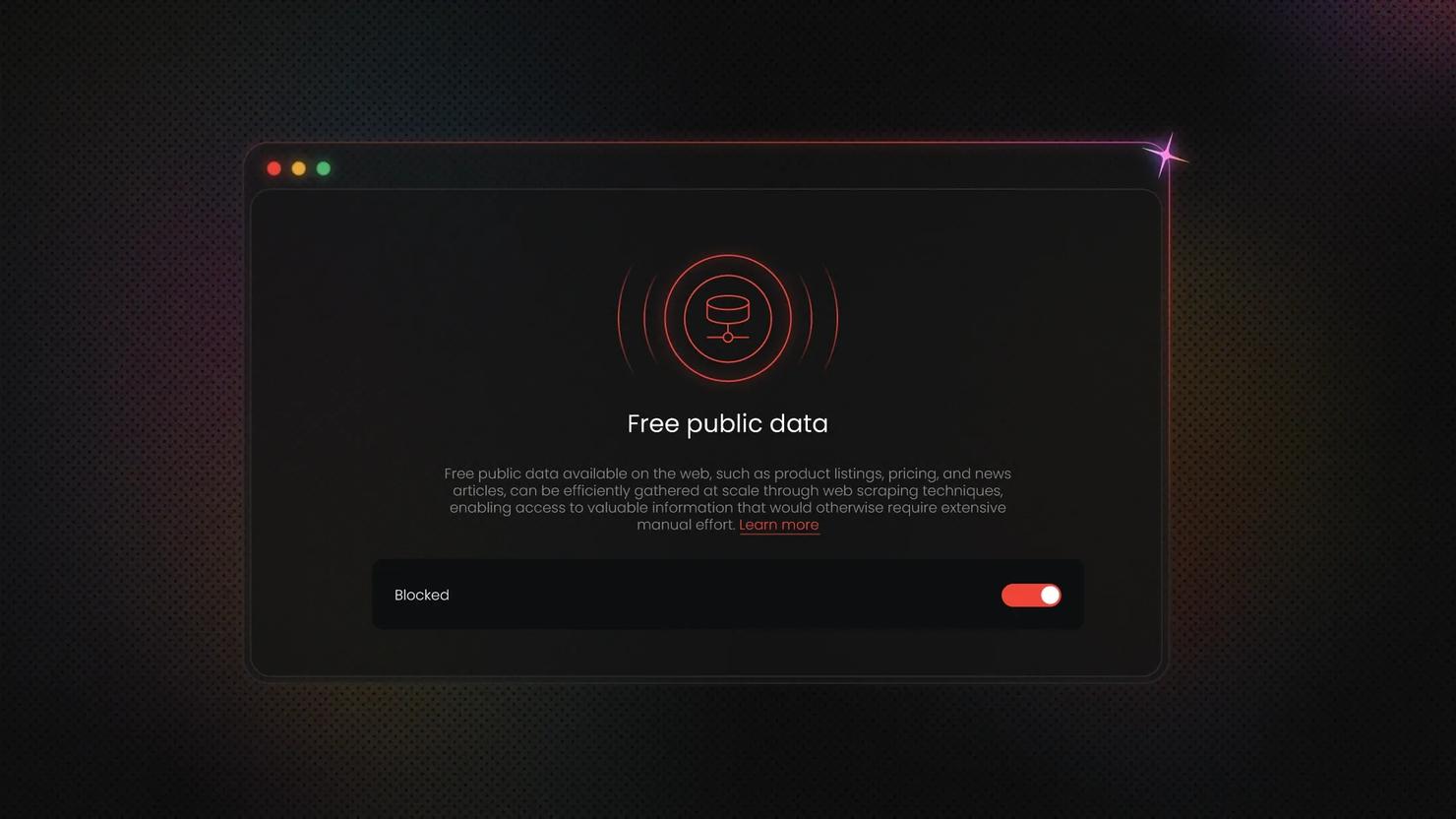
The End of "Free" Public Data? How AI Is Challenging the Industry
Cloudflare customers now send more than one billion HTTP 402 "Payment Required" responses on an average day. That figure, mentioned in passing in a recent Cloudflare blog post, signals a real shift. A 20-year convention around free public data is being repriced through pay-per-crawl and AI bot management. And businesses that depend on fresh public data now need to figure out how to react and how to do it fast.

Vaidotas Juknys
Last updated: May 19, 2026
3 min read
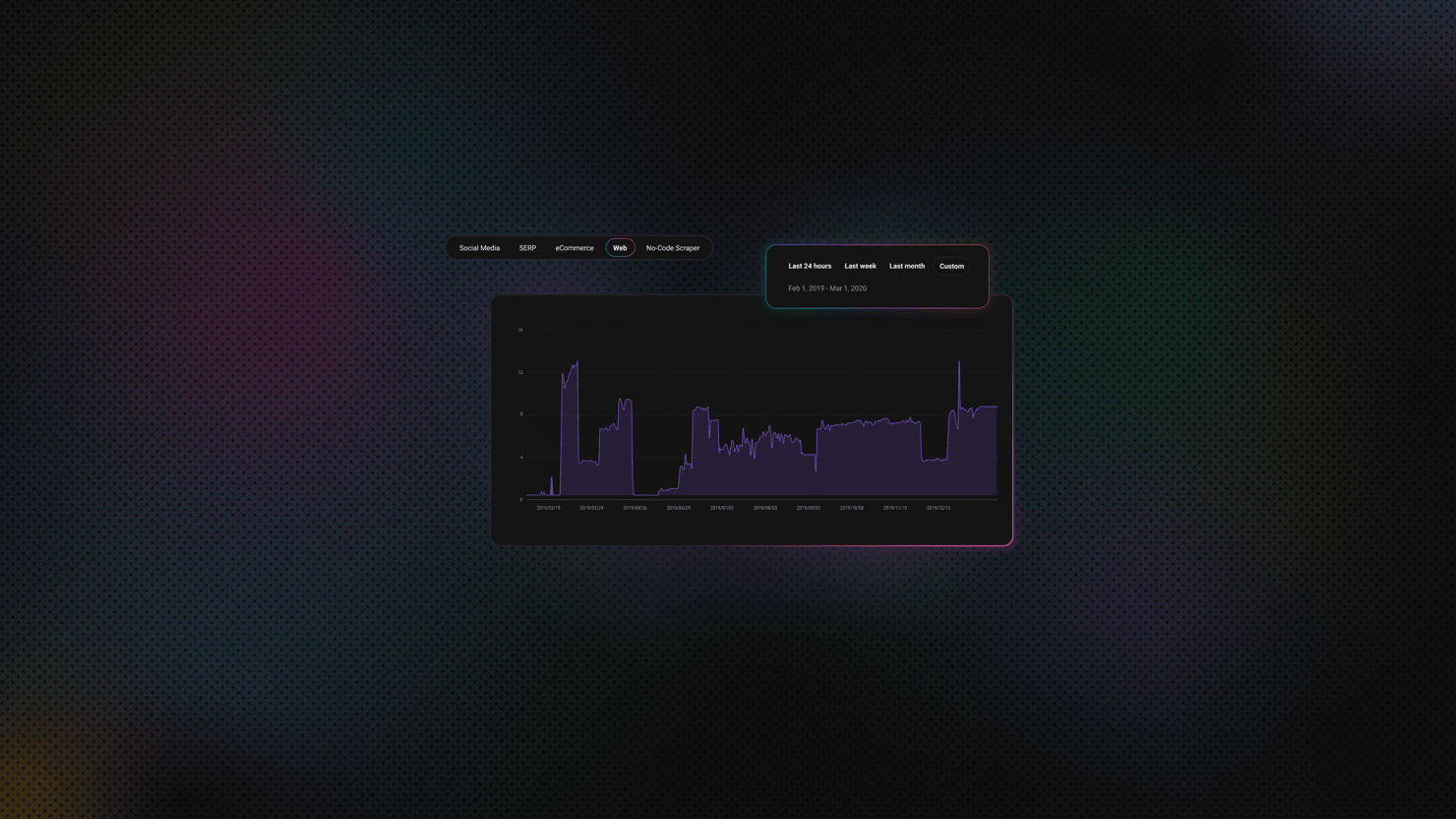
Elixir Web Scraping: A Practical Step-by-Step Guide
Elixir web scraping solves one of the hardest problems in high-volume data collection: concurrency without thread overhead. The BEAM virtual machine (Erlang's runtime) runs each HTTP request as a lightweight process, not an OS thread, so you can fetch thousands of pages concurrently. If a process crashes, the supervisor restarts it automatically. This guide builds a complete Elixir scraper from scratch, covering static pages, paginated targets, JavaScript-heavy sites, and anti-bot countermeasures.
Justinas Tamasevicius
Last updated: May 19, 2026
25 min read
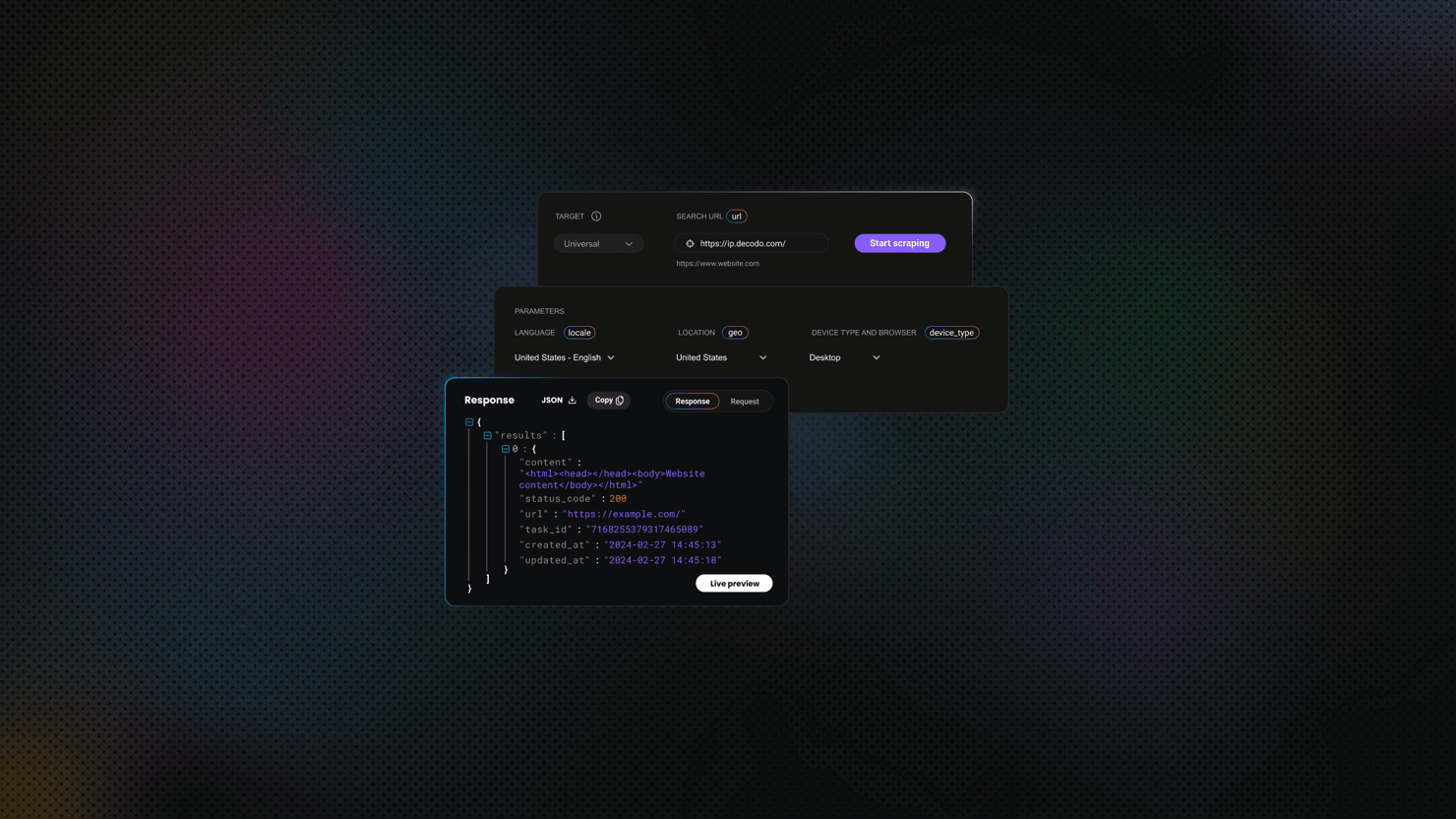
Asynchronous Web Scraping in Python: Build Faster Scrapers With asyncio and aiohttp
A scraper that fetches pages one at a time spends most of its time waiting on the network. Asynchronous web scraping in Python (built on asyncio and aiohttp) fixes that by handling many requests at once on a single event loop. This guide walks through building a working async scraper, then covers the proxy, retry, and anti-bot escalation patterns you'll need at scale.
Justinas Tamasevicius
Last updated: May 18, 2026
25 min read
XPath Using Text: How to Select Elements by Text Value
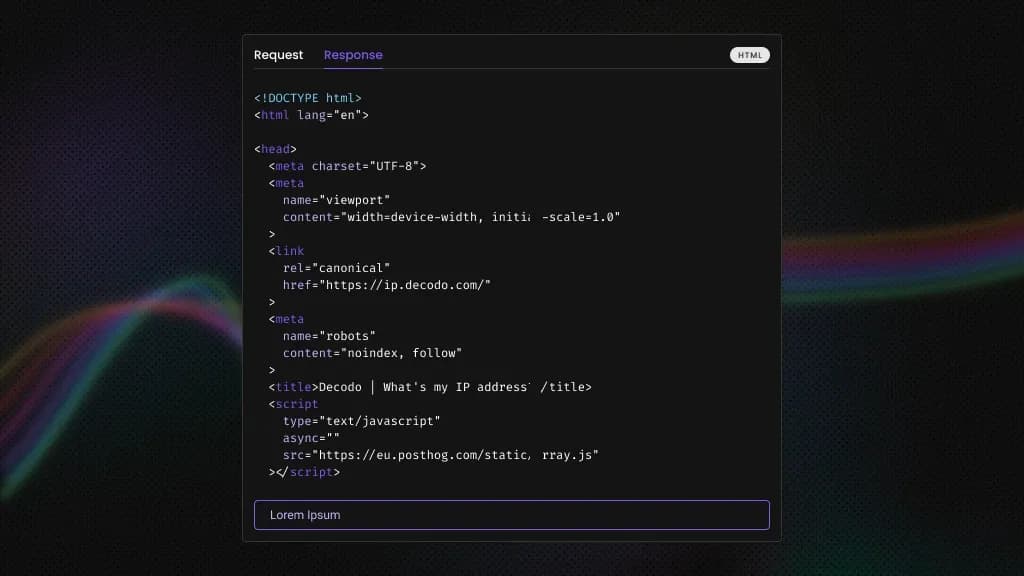
HTML structure shifts constantly, but the visible text on a page tends to remain more stable. That stability is what makes text-based selectors useful in web scraping. This guide covers the core functions you need to work with text in XPath: text(), contains(), starts-with(), normalize-space(), and translate(), including where each one breaks and how to combine them to build selectors that survive page updates.
Lukas Mikelionis
Last updated: May 15, 2026
10 min read
Memorial Day Sales 2026: Best Days and Deals to Shop
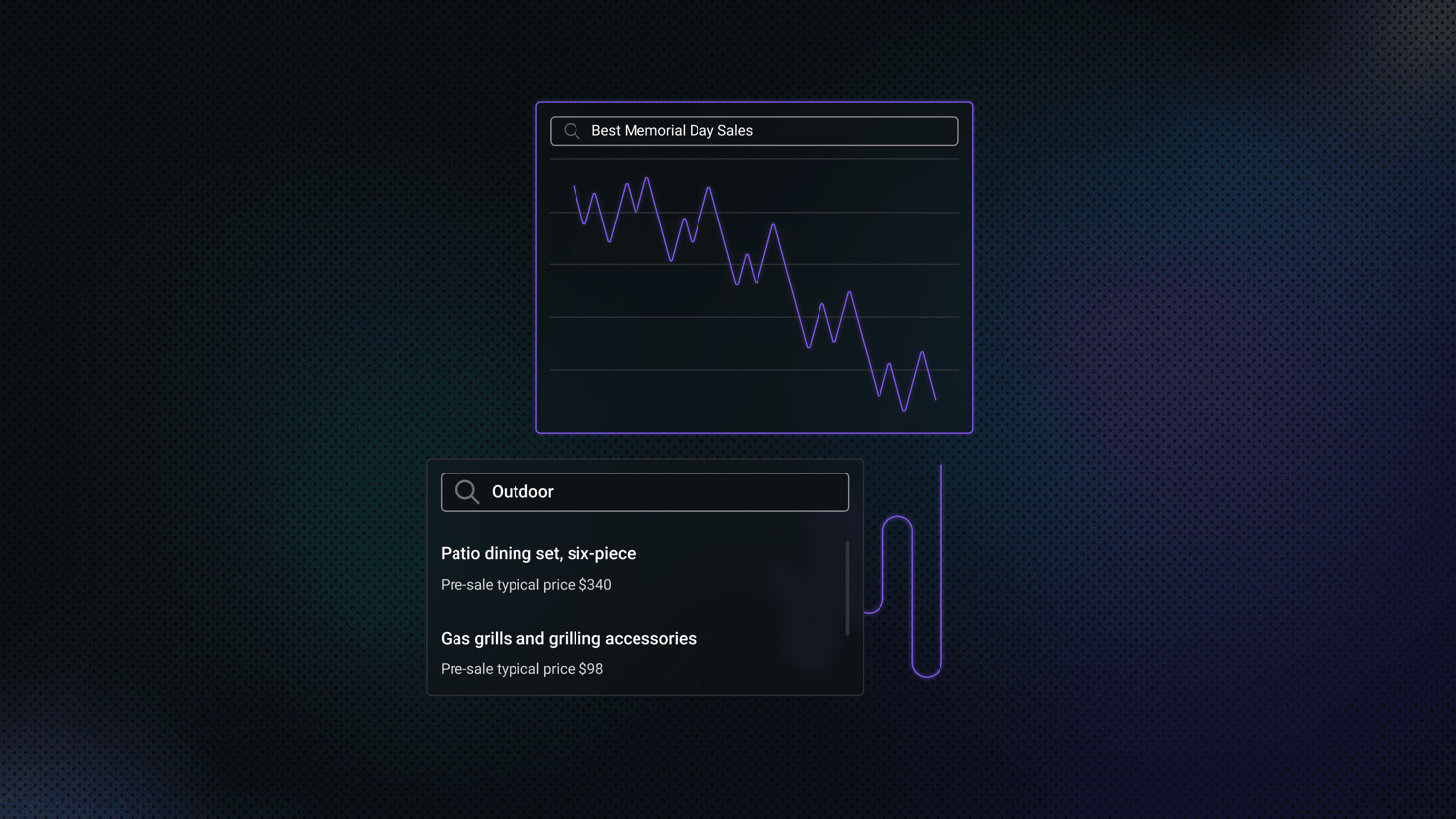
Memorial Day weekend lands on Monday, May 25, 2026, opening one of the most aggressive sales events on the U.S. retail calendar. With more shoppers planning to participate but spending less per trip, the next two weeks will reveal which retailers, categories, and days deliver real savings, and which discounts simply look loud.
Benediktas Kazlauskas
Last updated: May 13, 2026
10 min read