Residential Proxies: 115M+ Ethically-Sourced IPs in 195+ Locations
Residential proxies route your web requests through IPs coming from real household devices connected to local networks, making your traffic appear as genuine user activity. Equip proxies with 99.92% success rate and complete your tasks without a single restriction.
14-day money-back option
115M+
ethically-sourced IPs
<0.5s
response time
99.99%
uptime
99.92%
success rate
Free
advanced geo-targeting
Trusted by:






What are residential proxies and how do they work?

A residential proxy is an intermediary that routes your internet traffic through IPs that originate from real household devices. Unlike datacenter proxies that use server-hosted IPs, residential proxies provide genuine user-level anonymity because websites see traffic originating from devices connected to local networks.

How do residential proxies work?
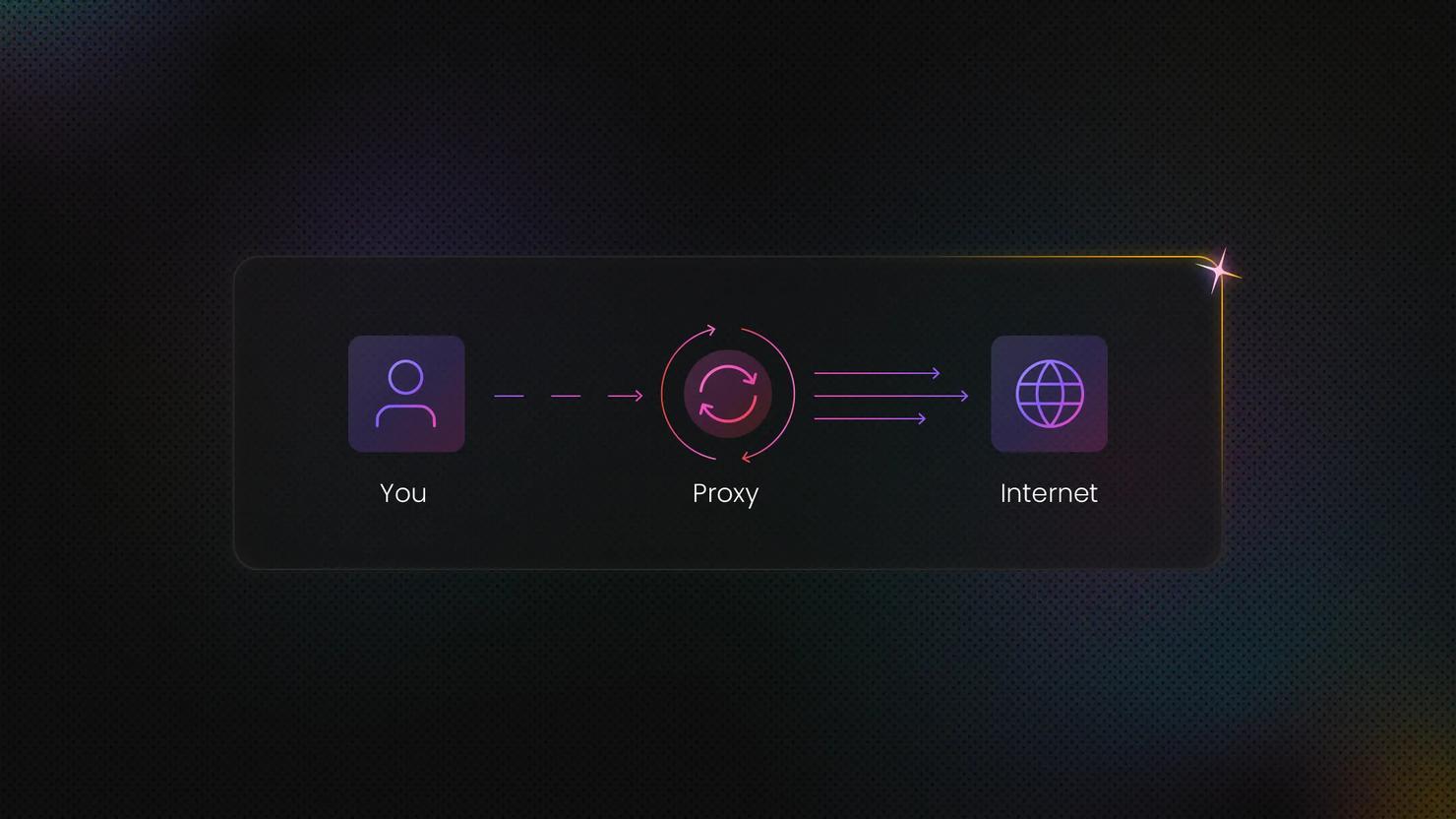
Your request travels to Decodo's proxy server, which forwards it to the target website using a residential IP from our 115M+ pool. The website sees the residential IP address, not yours. Depending on the task, you can use rotating IPs that change per request or sticky sessions that maintain the same IP for longer periods.
How much do residential proxies cost?
Residential proxy pricing is bandwidth-based. Monthly subscriptions run from $3.75/GB (3GB) to $2.75/GB (100GB), Enterprise plans start from $2.50/GB (250GB) to $2/GB (1TB), and Pay As You Go is $4/GB. Every plan includes the full access to 115M+ IP pool and free advanced targeting.
With each residential proxy plan, you access:

115M+ ethically-sourced IPs in 195+ locations
HTTP(S) & SOCKS5 support
Continent, country, state, city, ZIP code, and ASN-level targeting
Rotating and sticky session options
<0.5s avg. response time
99.92% success rate
99.99% uptime
Seamless integration with scraping tools and bots
24/7 tech support
14-day money-back
SSL Secure Payment
Your information is protected by 256-bit SSL

How do residential proxies compare to other proxy types?
Choose the right proxy type for your use case. Residential proxies offer the highest authenticity, while datacenter proxies prioritize speed. ISP proxies combine residential credibility with datacenter performance.
Feature
Residential proxies
Datacenter proxies
ISP proxies
Mobile proxies
IP source
Real household devices
Cloud servers
Premium ASNs
Mobile carriers
Authenticity
Highest
Detectable
High
Highest
Speed
Fast
Fastest
Fastest
Variable
Pool size
115M+ IPs
500K+ IPs
Global IPs
10M+ IPs
Best for
Complex web scraping, AI data, and ad verification
Speed-priority tasks, bulk requests
Account management, stable sessions
Mobile app testing, carrier verification

The price dropped, the quality didn't
Residential proxies from just $2/GB, no coupon needed.

Trusted by teams who can’t afford to get blocked
Decodo's proxy and scraping infrastructure is built for teams where failure isn't an option, whether you're gathering competitive intelligence, monitoring prices at scale, or running mission-critical AI data pipelines. With one of the largest ethically-sourced residential proxy networks in the world and ISO/IEC 27001:2022 certification for proxies and Scraping API, Decodo delivers the reliability, speed, and geo-coverage that enterprises and developers depend on.
From eCommerce to advanced AI use cases, Decodo adapts to the demands of any use case without compromise. And you can trust us with your use case – Decodo has been recognized by G2 as one of the best security products in 2026.
Where are residential proxy IPs located?
Access premium residential IPs across 195+ locations worldwide with precise geo-targeting. Target specific continents, countries, states, cities, ZIP codes, or ASN/ISPs at no additional cost, all included in your subscription.


Monitor your proxy usage with detailed statistics
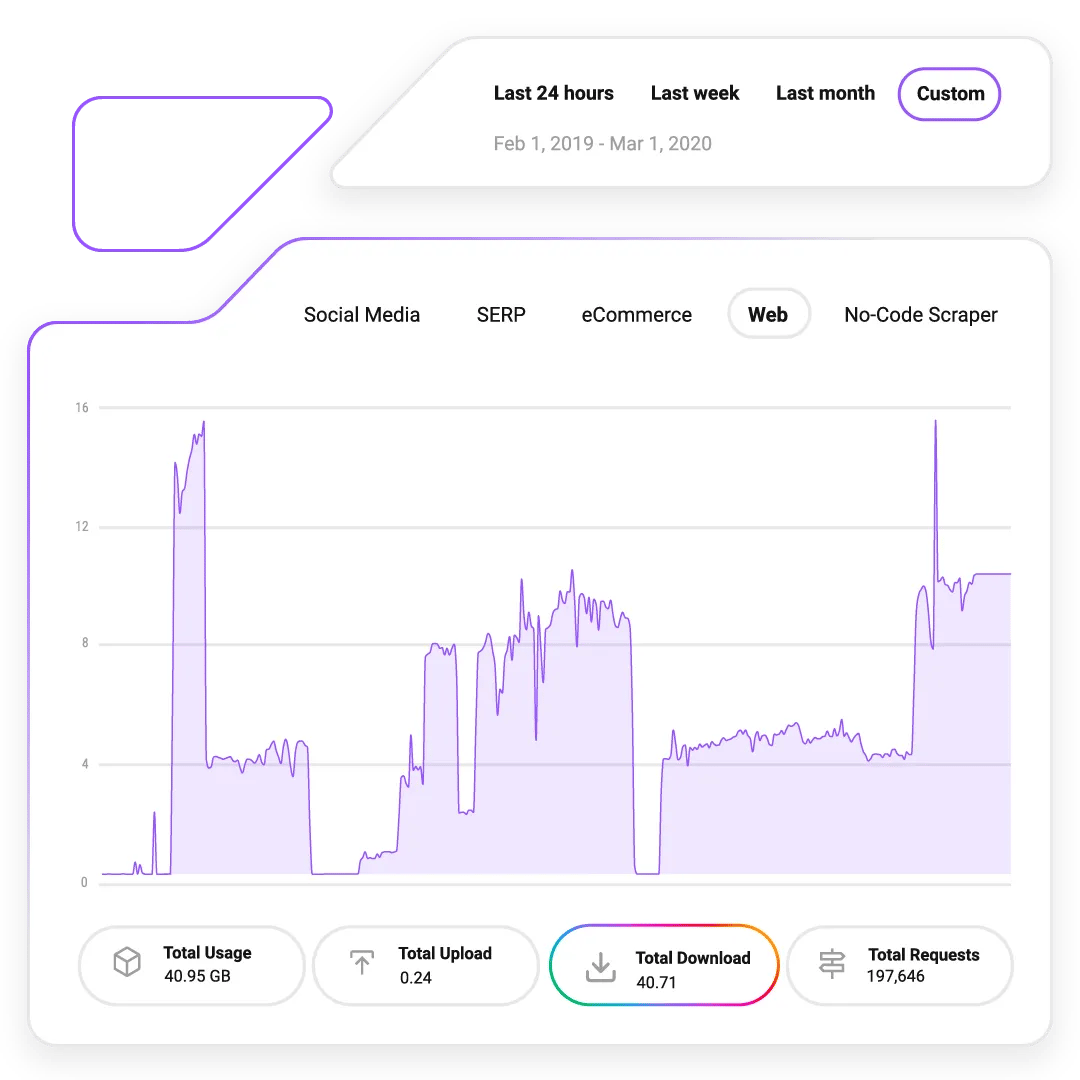
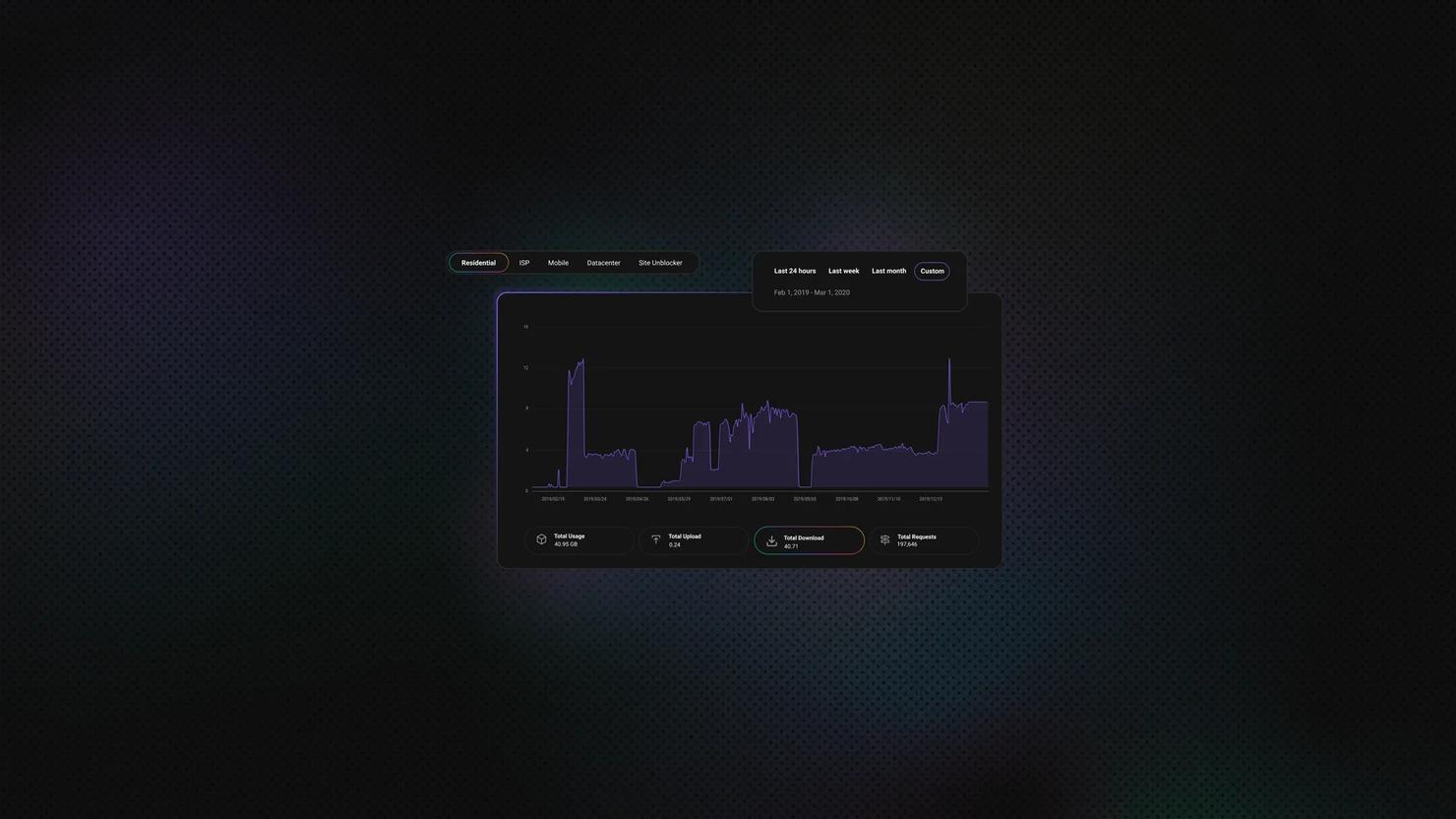
Our comprehensive dashboard gives you full control over IP parameters, live usage statistics, spending analytics, subscription management, team collaboration, and whitelisting. All while helping you make informed decisions and optimize performance.
Build better AI with rotating residential proxies
AI models need massive, diverse, and constantly updated datasets. Decodo’s rotating residential proxies help you collect geo-diverse content to reduce training bias, maintain high success rates, and connect directly with other tools, including Decodo’s Web Scraping API, AI Parser, MCP Server, OpenClaw, Langchain, or n8n for automated workflows.
Single sign-on
Request Single Sign-On (SSO) for your organization and log in to the Decodo dashboard with a single click.
Bundle & save
Pair residential proxies with mobile proxies to unlock an exclusive discount and enhance your web scraping toolstack with premium solutions.
What can you do with residential proxies?
Residential proxies provide stable, undetectable connections for accessing public web data. Here's what makes them effective.

Automated challenge handling
Navigate through automated checks and restrictions to maintain stable connections to public web data without interruption.

Global content access
Collect data from region-specific websites by accessing localized content from any of 195+ locations.

AI training data at scale
Gather high volumes of public web data for AI and LLM training, building unbiased datasets efficiently.

Advanced geo-targeting
Select IPs from specific countries, states, cities, or ZIP codes for precise, location-specific data collection.

Enterprise infrastructure
Scale your business without a single headache – Decodo's proxies are ISO/IEC 27001:2022 certified, and security is built into every layer.

Rotating & sticky sessions
Rotate IPs per request for large-scale collection, or maintain the same IP for multi-step workflows and account flows.
Commitment to security and compliance

Decodo's proxies and Scraping API are backed by ISO/IEC 27001:2022 certification and aligned with leading data protection regulations. All residential IPs are ethically-sourced through transparent opt-in programs, ensuring strong security controls and responsible data handling.
Decodo has been recognized by G2 as one of the best security products in 2026.
How do you set up a residential proxy?
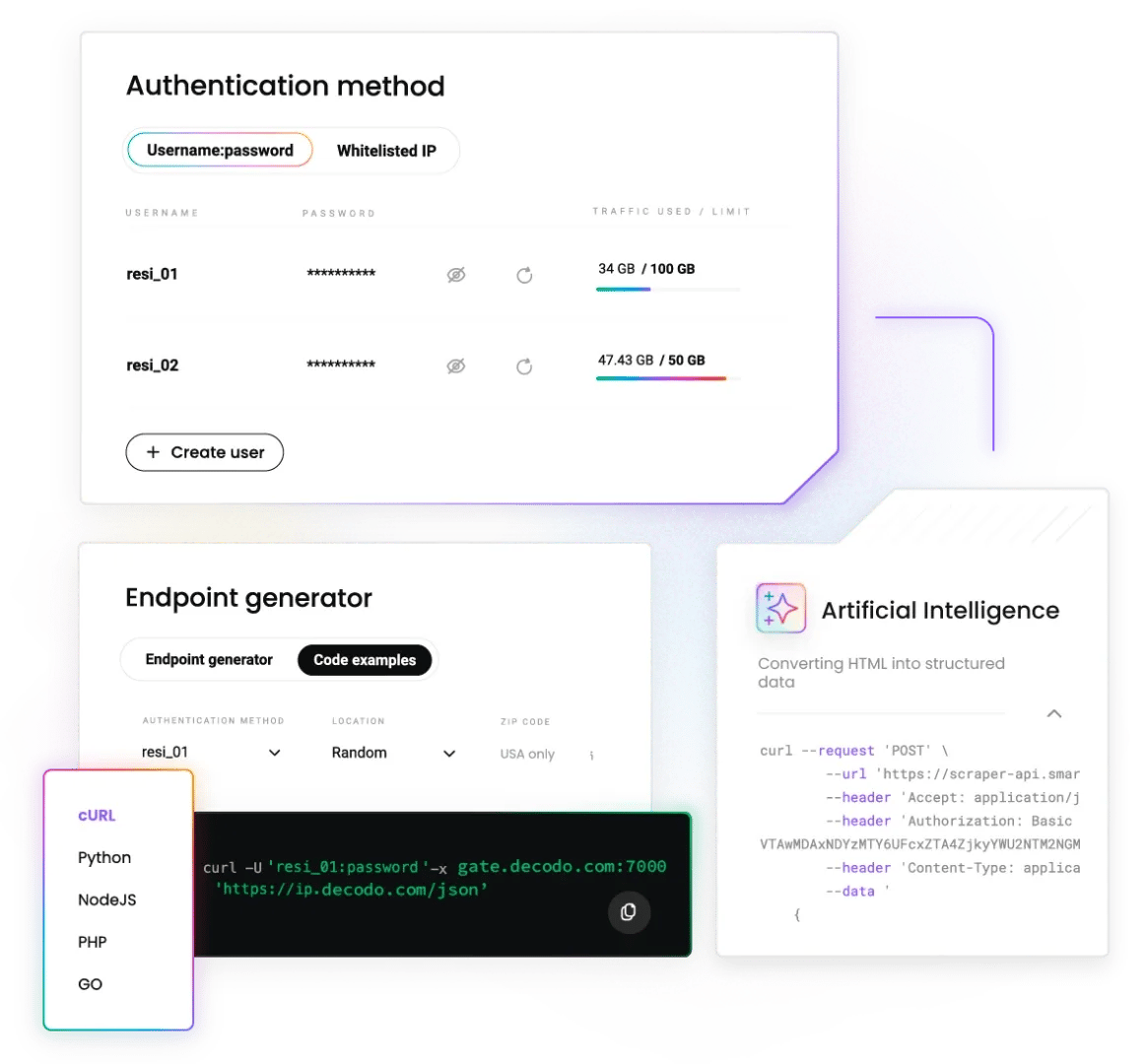
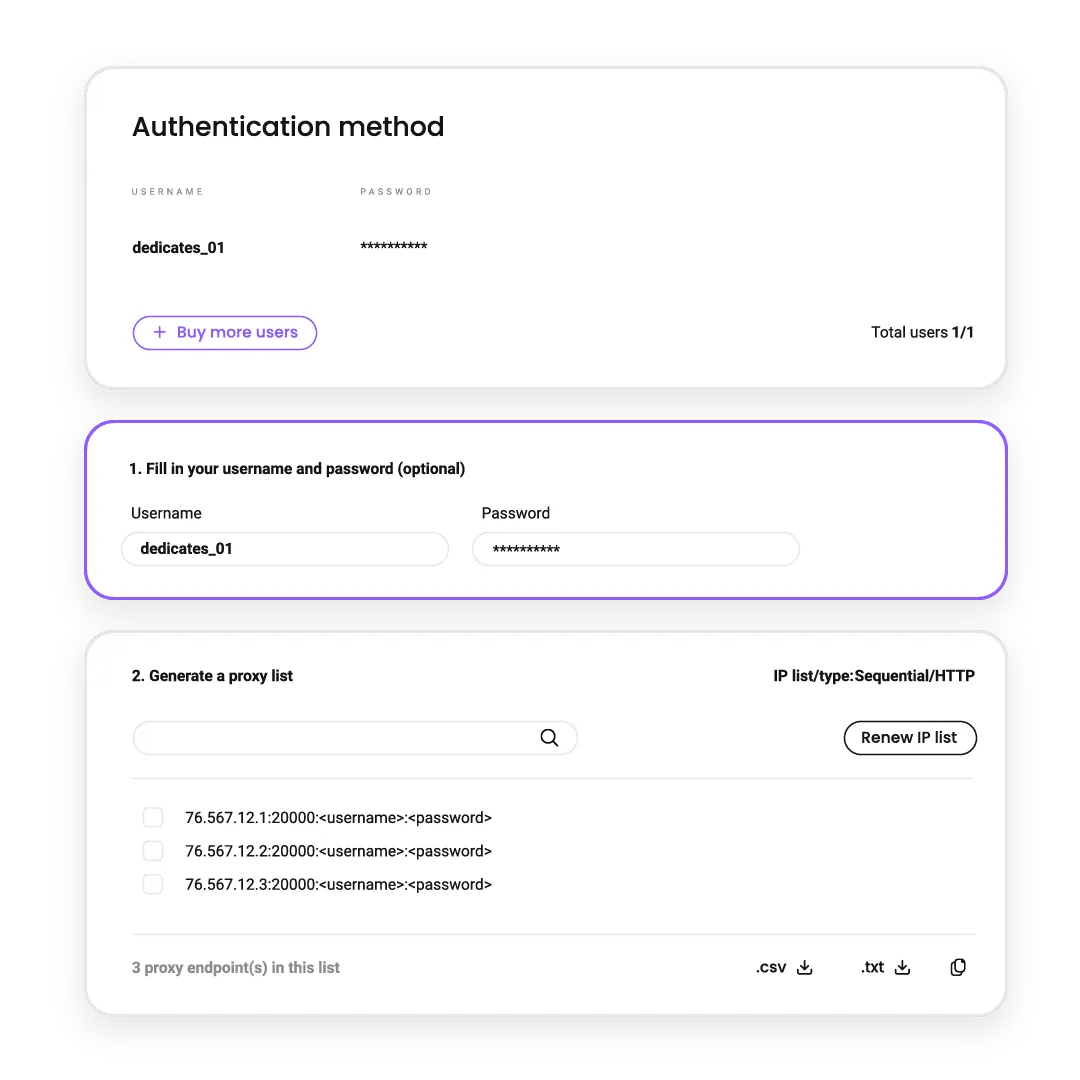
Get started in minutes with a developer-built proxy network. Configure and manage via API or endpoint generator, supported by extensive documentation and quick start guides. Drop-in code for Python, Node.js, Go, PHP, Java, and cURL, ideal for AI researchers and data engineers building production pipelines.
Watch the setup guide
Watch step-by-step tutorials to integrate residential proxies into your favorite third-party tools within minutes. Learn how to configure targeting options, manage sessions, and track usage through the dashboard.
Explore proxy integration guides
Set up residential proxies with popular web scrapers, browsers, automation tools, and third-party software using our integration guides.













What are the most common use cases for residential proxies?
Residential proxies help you to collect real-time data and scale your online operations, no matter your industry or company size.


How do I protect my brand from counterfeiters?
Automatically scan marketplaces like Amazon, Alibaba, and eBay across 195+ locations to detect cloaking and counterfeit products.


What do 135K+ customers say about Decodo?
We're thrilled to have the support of our 135K+ clients and the industry's best

Attentive service
The professional expertise of the Decodo solution has significantly boosted our business growth while enhancing overall efficiency and effectiveness.
N
Novabeyond
Easy to get things done
Decodo provides great service with a simple setup and friendly support team.
R
RoiDynamic
A key to our work
Decodo enables us to develop and test applications in varied environments while supporting precise data collection for research and audience profiling.
C
Cybereg





Awarded web-data collection solutions provider
Users choose Decodo for exceptional performance, advanced targeting options, and reliable access to public data. Our global pool of ethically-sourced residential IPs handles CAPTCHAs, geo-restrictions, and IP blocks across 195+ locations.
Frequently asked questions
What's your refund policy if residential proxies don't work for my use case?
We offer a 14-day money-back for all eligible subscriptions. If our proxies don't meet your requirements, contact support within 14 days for a full refund. Keep in mind that the money-back doesn't apply to free trial usage. See our refund terms for details.
What is a rotating residential proxy?
A rotating residential proxy routes your requests through real IPs coming from household devices connected to local networks. To websites, your traffic mirrors authentic user behavior, ensuring smooth access and high success rates for workflows like market research, SEO monitoring, AI training, and ad verification.
Learn more in our how residential proxy networks work guide.
How do residential proxies work?
Your request goes to the proxy, which forwards it to the target site using a residential IP from our 115M+ pool. The site sees the residential IP, not yours. Use rotating IPs (change per request or interval) or sticky sessions (keep the same IP for minutes to days), depending on your task.
How much does a residential proxy cost per month?
Monthly plans start at $11.25 for 3 GB ($3.75/GB) and scale to $275 for 100 GB ($2.75/GB). Enterprise plans are $625 for 250 GB ($2.50/GB) and $2,000 for 1 TB ($2/GB). Pay As You Go is $4/GB with no monthly commitment. All prices exclude VAT.
How can residential proxies help with AI and LLM training data collection?
Rotating residential proxies are essential for AI projects requiring high-volume web data. Routing requests through real devices lets you access public text and images to collect large-scale training data. AI teams pull data from multiple sources simultaneously, handle regional requirements, and navigate complex sites to build diverse, bias-free models.
What's the difference between a residential proxy and a VPN?
A VPN secures all your devices' traffic through an encrypted tunnel using a single exit IP, ideal for personal privacy and general browsing.
A residential proxy routes selected apps/requests through real ISP-assigned IPs with rotation, sticky sessions, granular geo-targeting, and per-request control, better for data collection, quality assurance, and automation. However, it’s important to remember that proxies don't encrypt traffic on their own, so it’s best to use HTTP(S) for secure connections.
Learn more about residential proxies
Most recent

Agentic Web Scraping: How AI Agents Collect Web Data
Agentic web scraping is web scraping where an AI agent decides what to do, rather than following a fixed sequence of steps. It identifies the information it needs and chooses its own actions, such as following a link, opening another page, or extracting specific content. This guide explains how agentic web scraping works and when to use it, along with the best agentic scraping tools in 2026.

Kipras Kalzanauskas
Last updated: Sep 18, 2026
8 min read
Most popular

How Residential Proxies Work: A Technical Guide to Types, Networks & IP Sourcing
A residential proxy network routes your traffic through real ISP-assigned home IPs. But how routing actually happens, which proxy types you end up using, and how IPs are sourced have a much bigger impact on success rates. This guide breaks down how residential proxy networks work, including ASN-level routing, the different types of IPs, and the protocols they support.
Robertas Lisickis
Last updated: Jun 11, 2026
11 min read
What Is a Proxy Server? How It Works, Types, and Use Cases
TL;DR: A proxy server acts as an intermediary between your device and the internet, masking your IP address and routing your requests through alternative IPs. Businesses use proxies to bypass geo-restrictions, avoid blocks and CAPTCHAs, scrape web data at scale, verify ads, monitor prices, and maintain online anonymity. With the proxy market projected to reach USD 3.12 billion by 2032, understanding which proxy type fits your needs can make the difference between seamless data collection and constant roadblocks.
Mykolas Juodis
Last updated: Feb 12, 2026
8 min read
Residential vs. Datacenter Proxies: Which Should You Choose?
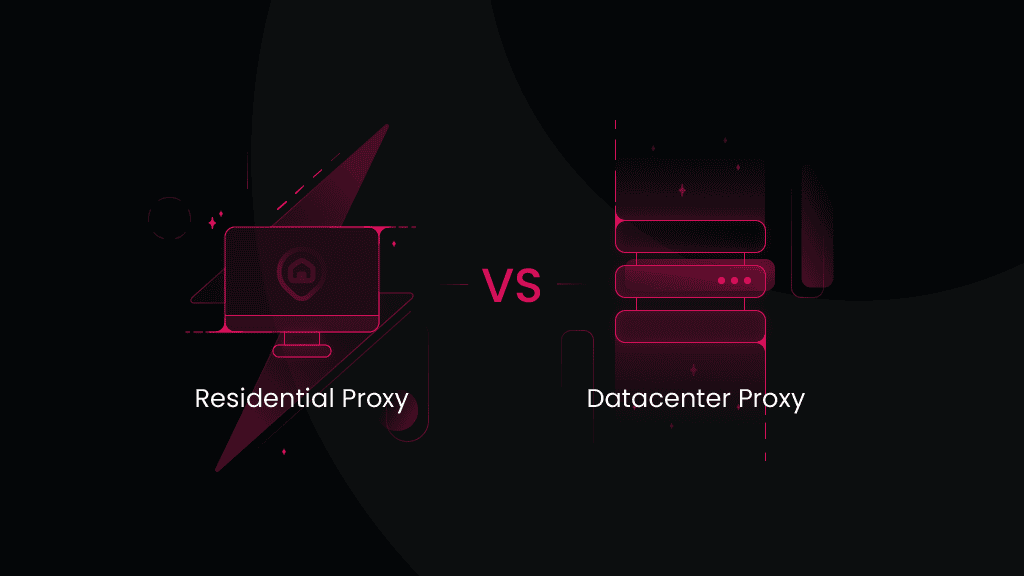
Residential and datacenter proxies both act as intermediaries that hide your real IP address, allowing you to access restricted websites and geo-blocked content. However, they differ in IP origin, stability, speed, and how websites perceive them. This residential vs. datacenter proxies guide breaks down their key differences.
Vilius Sakutis
Last updated: Sep 11, 2026
8 min read
What Are Rotating Proxies? Types, Benefits & Use Cases
A rotating proxy is a proxy server that automatically assigns a new IP address at regular intervals or after each connection. In this guide, we'll delve into how rotating proxies work, the different types available, and the most common use cases where they offer a clear advantage.
Dominykas Niaura
Last updated: Apr 30, 2025
7 min read
Start Your Residential Proxy Free Trial
Test drive our award-winning rotation, sticky sessions, and region-specific targeting in minutes.