Data Collection
The process of data collection is vital in all kinds of industries. It helps businesses learn about the market, know their customers better and adapt to their needs. Data collection can be automated by scraping a set target. It’s extra useful for analyzing business competition, records, trends, and other data.
14-day money-back option


How To Build a Rank Tracker: Manual Checks, Python Automation, and Modern SERP Tracking
On a recent run, wired.com ranked no. 1 on US desktop and no. 2 on UK desktop computers for "best laptop 2026". Same query, same hour, different country. That gap is what a single-number rank tracker misses, especially now that modern SERPs add AI Overview citations, featured snippets, and "People also ask" blocks that most older tracking tools ignore. This post walks through building a tracker that captures all of it, starting with a manual baseline for ground truth, then moving to a Python implementation against a SERP API, and finally setting up a scaling path for more keywords and locations.

Kipras Kalzanauskas
Last updated: May 28, 2026
20 min read

API vs. Web Scraping: How to Choose the Right Data Collection Method
Web data extraction typically follows two main paths: requesting through an API or directly scraping target pages. If you're building distributed data pipelines, your choice can impact scalability, reliability, and overall cost. In this guide, we'll explore what each path entails, provide a detailed comparison between them, and explain when to use APIs, web scraping, or both.

Justinas Tamasevicius
Last updated: May 27, 2026
12 min read
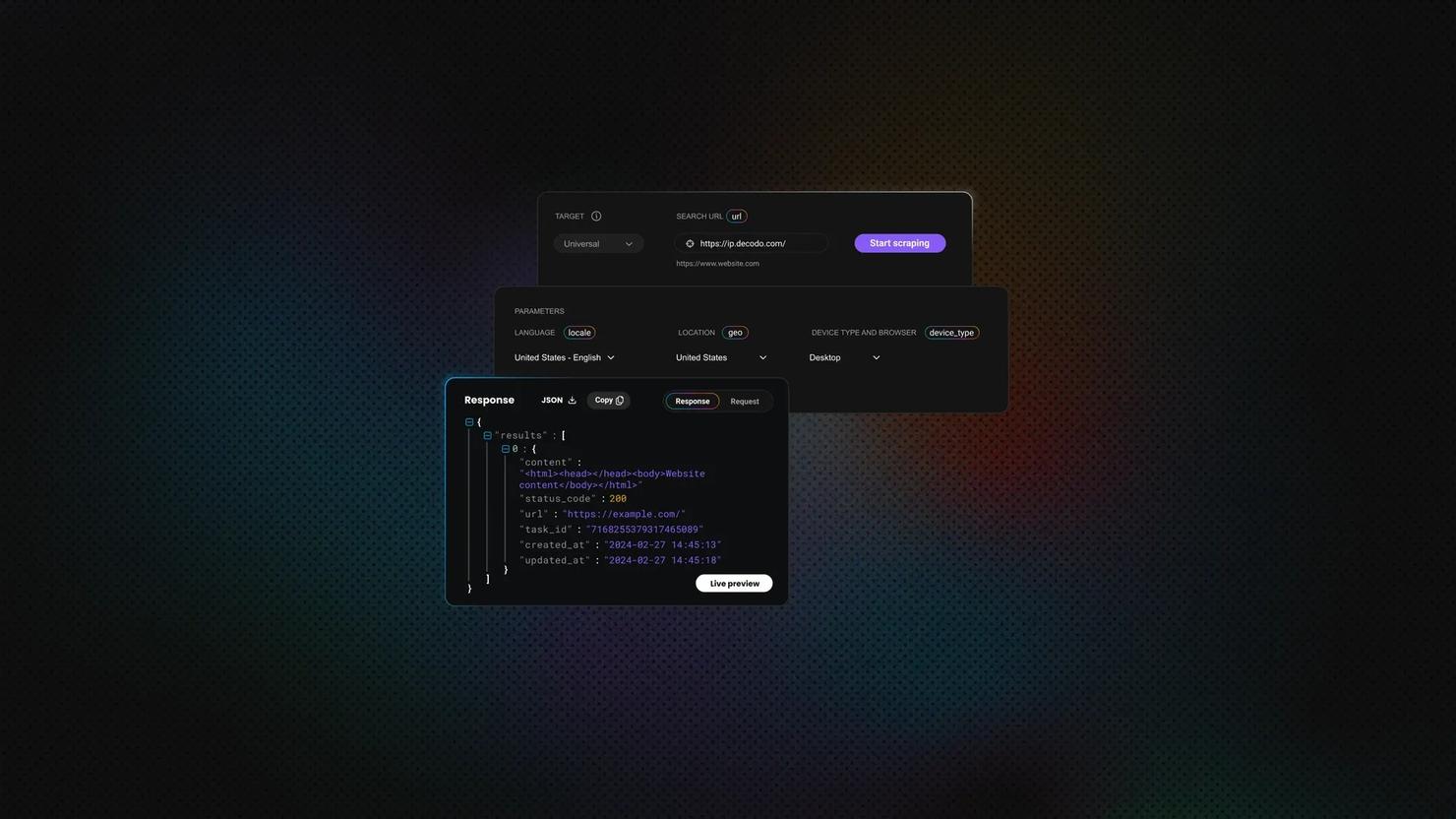
Web Scraping in Dify: A No-Code Guide
Dify is an open-source platform for building LLM apps and AI workflows visually. It gives teams a drag-and-drop canvas for chaining LLMs, tools, and APIs into complete AI workflows. Modern AI apps need fresh, structured web data, but most teams don't want to write and maintain Python scrapers. In this article, you'll learn how to build a no‑code Dify workflow and switch to a managed Web Scraping API when basic plugins aren't enough.

Lukas Mikelionis
Last updated: May 27, 2026
12 min read

How to Scrape IMDb Data: Step-by-Step Guide with Python
To scrape IMDb data with Python at scale, you work with the 6 data layers IMDb sends to the browser instead of parsing the rendered HTML. IMDb is a Next.js application sitting behind AWS Web Application Firewall (AWS WAF) Bot Control, and the data lives in JSON-LD blocks, hydration payloads, and an internal GraphQL endpoint. To reach any of them past IMDb's WAF, you need more than plain requests and a real User-Agent, and the rest of this guide builds the setup that holds up.
Justinas Tamasevicius
Last updated: May 26, 2026
25 min read

Using Cursor AI To Build a Web Scraper: From Setup to Production With Decodo
Cursor AI is a code-aware IDE that generates, debugs, and refines scraper code through natural language, advancing AI-assisted scraping from concept to production. Building scrapers by hand means dealing with selector breakage, anti-bot walls, and proxy rotation logic that compounds every time a target site changes. This article covers setup, Cursor rules, scraper types, Decodo MCP integration, and project maintenance.
Lukas Mikelionis
Last updated: May 25, 2026
7 min read
Selecting Elements by Class in XPath: Syntax, Examples, and Pitfalls
Class names are often the quickest way to target elements when you scrape a page. But in XPath, they are not as simple as they look. Because HTML stores multiple classes inside a single space-separated attribute value, a selector that seems correct can still match the wrong element or miss the right one entirely. In this blog post, you’ll learn how to select elements by class in XPath, when to use exact or partial matching, and how to avoid common class matching pitfalls.

Mykolas Juodis
Last updated: May 25, 2026
5 min read
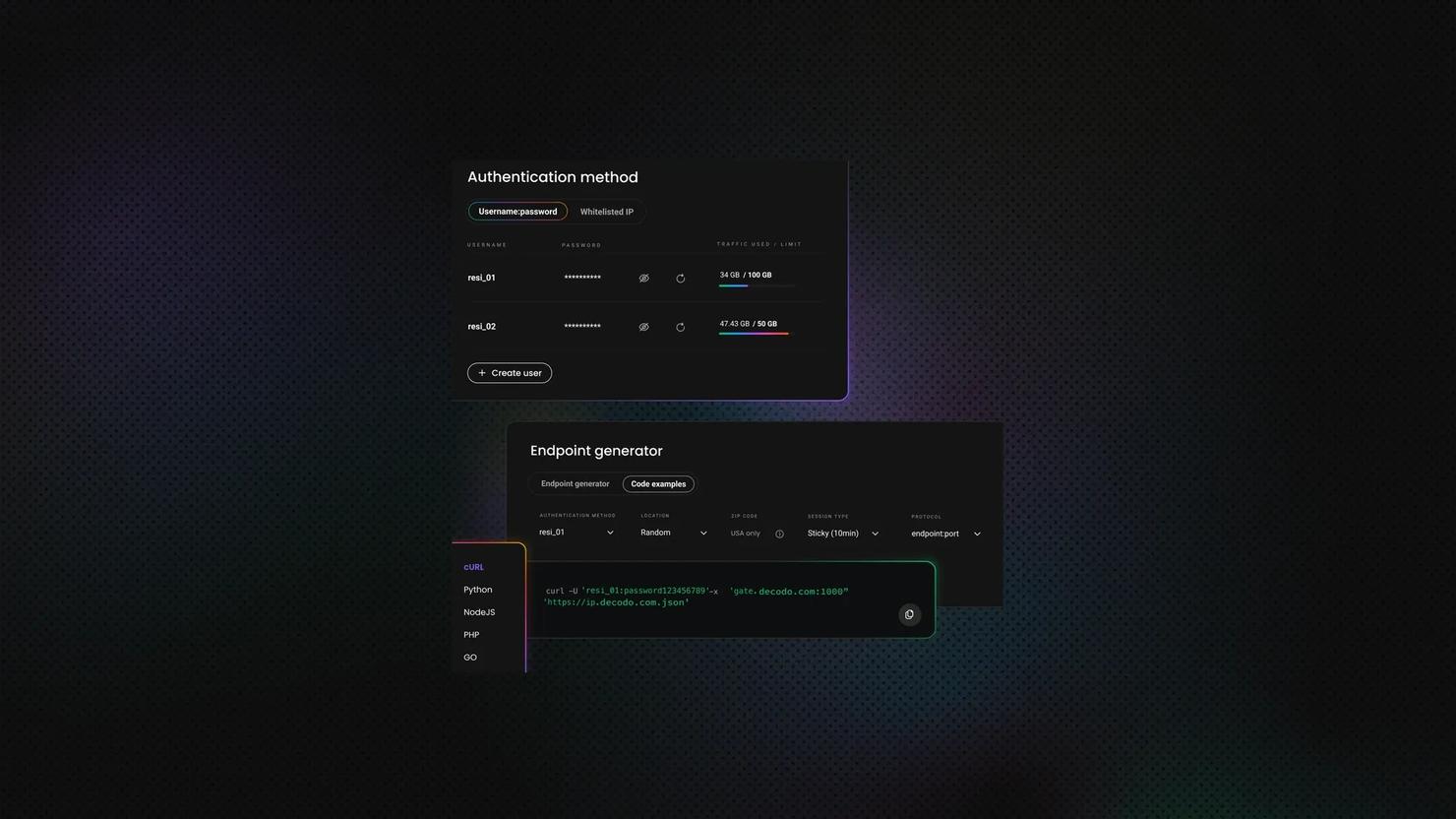
urllib3 vs. Requests: Which Python HTTP Library to Use?
Choosing between urllib3 and Requests is like choosing between a manual and an automatic transmission, except one (Requests) is built into the other (urllib3). The automatic gets you moving in seconds, but the manual gives you control over every shift. Both libraries power web scraping, API calls, and automation, and this article will tell you which belongs in your project.

Vilius Sakutis
Last updated: May 22, 2026
10 min read
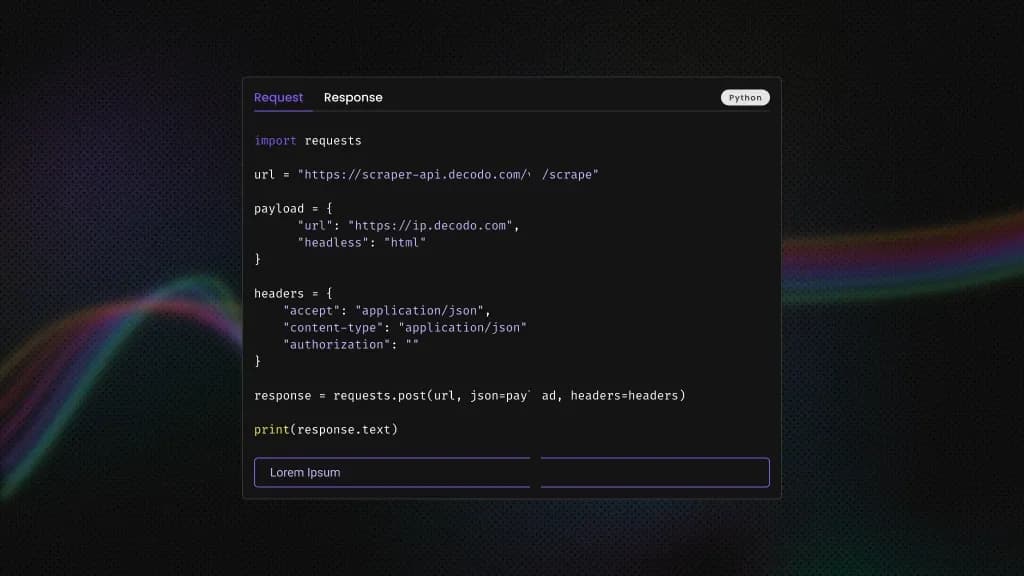
What is Charles Proxy: Traffic Inspection, Debugging, And Web Scraping Guide
Charles Proxy (or simply Charles) is an HTTP debugging proxy that acts as a man-in-the-middle between the computer and the internet, which developers and QA teams use to monitor, inspect, and modify data flow. In web scraping, it allows users to intercept, decrypt, and manipulate network traffic to extract data. This guide covers setup, core features, SSL handling, practical use cases, scraping workflows, troubleshooting, and notable alternatives of Charles Proxy.
Mykolas Juodis
Last updated: May 20, 2026
8 min read
How to Send JSON With cURL: Syntax, Flags, and Practical Examples
If you work with APIs, webhooks, automation scripts, or web scraping, chances are you've needed to send JSON with cURL. cURL is one of the most widely used command line tools for making HTTP requests, and modern APIs almost always rely on JSON payloads. In this guide, you’ll learn how to send JSON with cURL, work with files and authentication, debug requests, and route traffic through proxies when needed.
Mykolas Juodis
Last updated: May 20, 2026
29 min read
Elixir Web Scraping: A Practical Step-by-Step Guide
Elixir web scraping solves one of the hardest problems in high-volume data collection: concurrency without thread overhead. The BEAM virtual machine (Erlang's runtime) runs each HTTP request as a lightweight process, not an OS thread, so you can fetch thousands of pages concurrently. If a process crashes, the supervisor restarts it automatically. This guide builds a complete Elixir scraper from scratch, covering static pages, paginated targets, JavaScript-heavy sites, and anti-bot countermeasures.
Justinas Tamasevicius
Last updated: May 19, 2026
25 min read
Asynchronous Web Scraping in Python: Build Faster Scrapers With asyncio and aiohttp
A scraper that fetches pages one at a time spends most of its time waiting on the network. Asynchronous web scraping in Python (built on asyncio and aiohttp) fixes that by handling many requests at once on a single event loop. This guide walks through building a working async scraper, then covers the proxy, retry, and anti-bot escalation patterns you'll need at scale.
Justinas Tamasevicius
Last updated: May 18, 2026
25 min read
XPath Using Text: How to Select Elements by Text Value
HTML structure shifts constantly, but the visible text on a page tends to remain more stable. That stability is what makes text-based selectors useful in web scraping. This guide covers the core functions you need to work with text in XPath: text(), contains(), starts-with(), normalize-space(), and translate(), including where each one breaks and how to combine them to build selectors that survive page updates.
Lukas Mikelionis
Last updated: May 15, 2026
10 min read
Playwright XPath: How to Locate and Interact With Elements
If you're building a Playwright scraper and not using XPath, you're probably leaving your most precise location strategy on the table. Think of the DOM as a tree of nodes, and an XPath expression as the specific zip code to reach any node. In this article, we'll explain Playwright XPath fundamentals, how to construct expressions, and how to interact with elements, including real-world examples.
Vilius Sakutis
Last updated: May 13, 2026
20 min read
JSON.parse() in JavaScript: A Complete Guide
Every JSON payload a JavaScript app receives passes through JSON.parse(). The method has to handle malformed payloads, lossy type round-trips, files that exceed Node's default heap, and APIs that change shape without warning. Each of those failures surfaces at parse time. This guide covers them all, including practical patterns for web scraping.
Mykolas Juodis
Last updated: May 12, 2026
8 min read
Puppeteer vs. Selenium: Which Tool Should You Use for Web Scraping?
Puppeteer and Selenium are the 2 most-used browser automation tools for scraping JavaScript-heavy pages. Comparing puppeteer vs selenium for web scraping isn't just about speed. Browser support, language support, and anti-bot handling all play a role. This guide covers what each tool does well, what it doesn't, and how to pick the right one.
Mykolas Juodis
Last updated: May 07, 2026
12 min read

What Is a Mobile Proxy? How It Works, Uses, and When to Use One
A mobile proxy is an intermediary that routes your traffic through a cellular network. This alone sets them apart from other proxy types in terms of anti-detection, geo-targeting granularity, and content exclusivity. This guide will cover how mobile proxies work under the hood, how they stack up against residential, ISP, and datacenter alternatives, and how you can configure one for yourself.

Robertas Lisickis
Last updated: May 07, 2026
10 min read

jQuery Web Scraping: How To Extract Data From Web Pages
Most developers already know jQuery for DOM manipulation – it's been the default "make the page do things" library for over a decade. So when you need to scrape some data from a web page, reaching for $('.price').text() feels instinctive. The catch is that jQuery web scraping works differently depending on where you run it. In the browser, CORS will shut you down fast. In Node.js, you need a simulated DOM before jQuery even loads. This guide covers both paths – selectors, $.get(), pagination, server-side setup with jsdom, and when to ditch jQuery for something built for the job.

Zilvinas Tamulis
Last updated: May 07, 2026
12 min read
How to Send Basic Auth Credentials Using cURL
cURL Basic Auth takes 30 seconds until the password has a $ in it, or a colon, or the server keeps returning 401. This guide covers every syntax variation, how to build the Authorization header manually, handling special characters, keeping credentials out of shell history and CI/CD scripts, and when Basic Auth is the wrong tool entirely.
Vilius Sakutis
Last updated: May 05, 2026
11 min read